

Best AI Video to Text Converter & Transcript Generator (2026 Guide)
Looking for the best way to generate transcript from video in 2026? This guide compares top AI tools, key criteria, and pro tips to turn any video into accurate, searchable text fast.

Marcus Lee
Product Lead · August 19, 2026
By Marcus Lee
Most video is recorded once and forgotten. The tutorial, the call, the keynote sit on a drive while the insights inside them go unused — because finding one line means scrubbing through the whole thing. In 2026 that changes: AI turns the playback into words you can search, quote, and reuse. The right Video to Transcript turns hours of playback into searchable, organized, reusable text in minutes.
Why You Need to Turn Video Into Searchable Text
Most video is watched once and then forgotten. The moment it becomes text, everything changes — you can find the exact quote, paste it into a doc, and let search do the work your memory never could.
SEO and Discoverability
Search engines index text, not speech. A transcript on your page or in your show notes is fuel for rankings and for the answer boxes people actually click. Creators who publish transcripts consistently see older videos keep pulling traffic long after upload day.
Accessibility and Reusability
Around 85% of social video is watched muted. Captions and transcripts are not a nice-to-have; they are how a large slice of your audience consumes anything. And once the words exist as text, you can spin them into blog posts, newsletters, and clips without re-watching a frame.
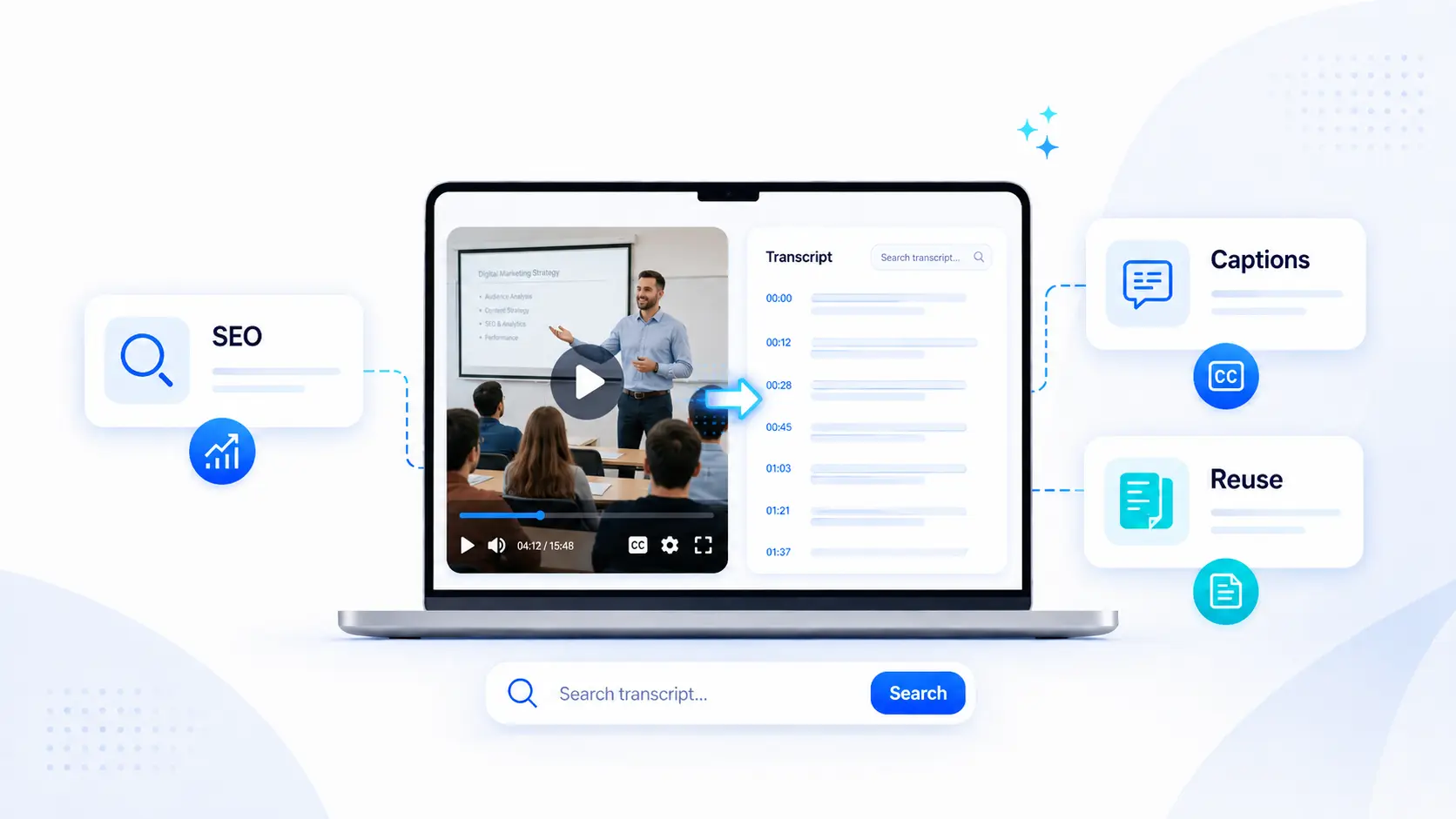
What Makes a Great video to text converter
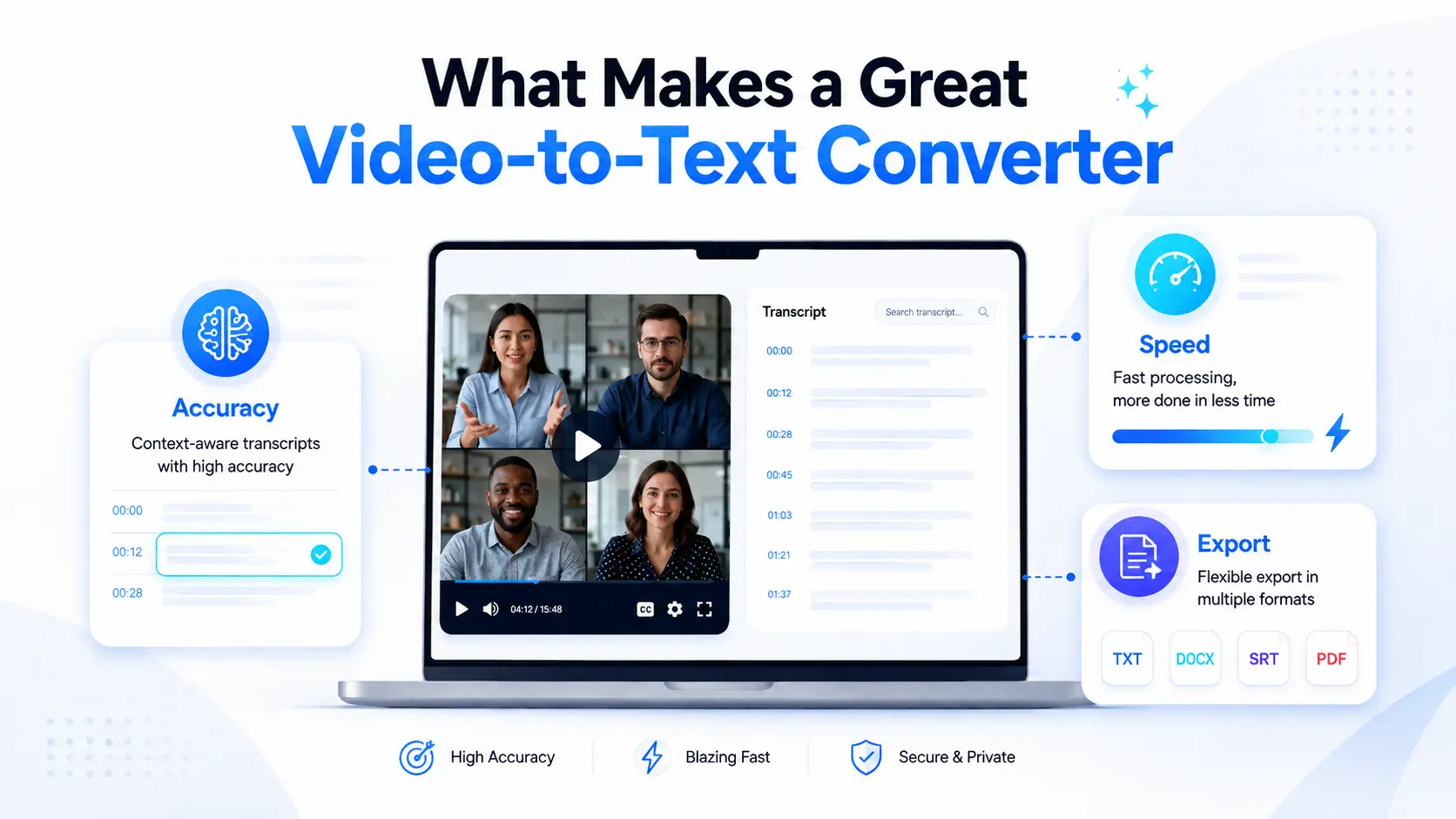
Not all transcribers are built the same. Before comparing tools, anchor on the three traits that decide whether a transcribe video to text actually saves you time or just moves the busywork around.
Accuracy and Context Awareness
Raw word accuracy is table stakes. The real test is context: does it catch your niche terms, separate speakers correctly, and punctuate so the text reads like prose instead of a phone transcript from 2009? The best models in 2026 handle domain jargon and messy audio far better than last year's did.
Speed and Batch Processing
If a 10-minute video takes longer to transcribe than to watch, the tool is costing you time. Look for sub-real-time processing and, if you deal in volume, batch upload. Processing a folder of recordings overnight beats babysitting them one at a time.
Export and Editing Flexibility
A transcript you cannot move is a transcript you will not use. TXT, SRT, VTT, and
DOCX export, plus inline editing and speaker labels, turn raw output into
something you can ship. The closer the export matches where the text goes next,
the less reformatting you do.
Top 5 AI Tools to generate transcript from video (2026)
Here are five tools that earn their place this year. The first is our own — we are upfront about that — but each is picked for a real job it does well. If you want the fastest option, start at the top.
1. videototranscript.com – Built for Creators
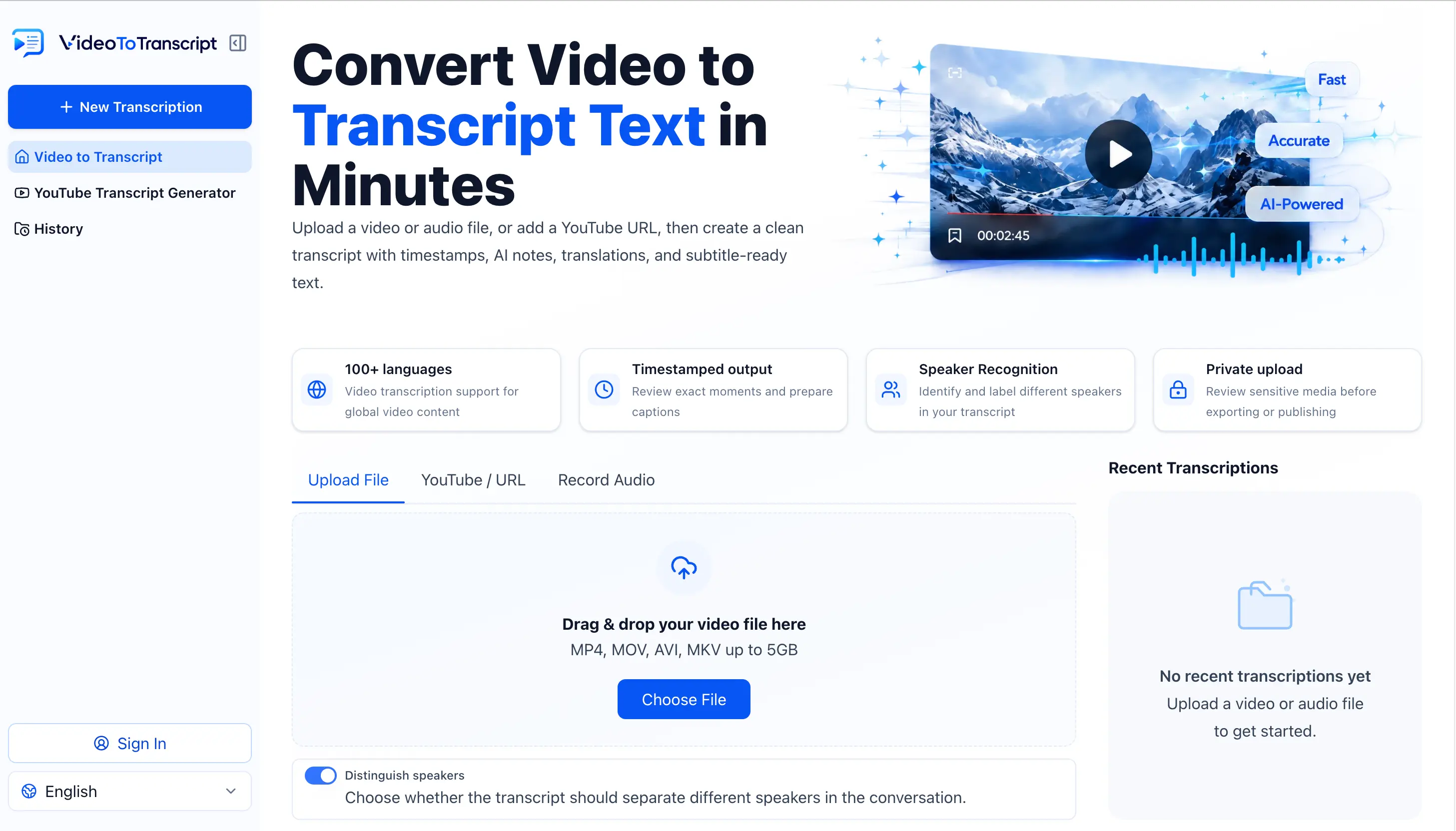
The default pick for most people. Paste a YouTube link or drop in an MP4 and get a clean, speaker-separated transcript in seconds — free, no account required. It is tuned for the workflow creators actually have: link in, text out, copy or export, done. As a reliable video to text converter, it handles the whole job without a setup.
- Overview: Browser-based, no install, no signup wall.
- Strengths: Fast, free tier is genuinely usable, clean exports (TXT/SRT/VTT).
- Limitations: May be less suited to exceptionally large audio and video files due to upload size considerations.
- Best for: Creators, students, and anyone who wants text now without a setup.
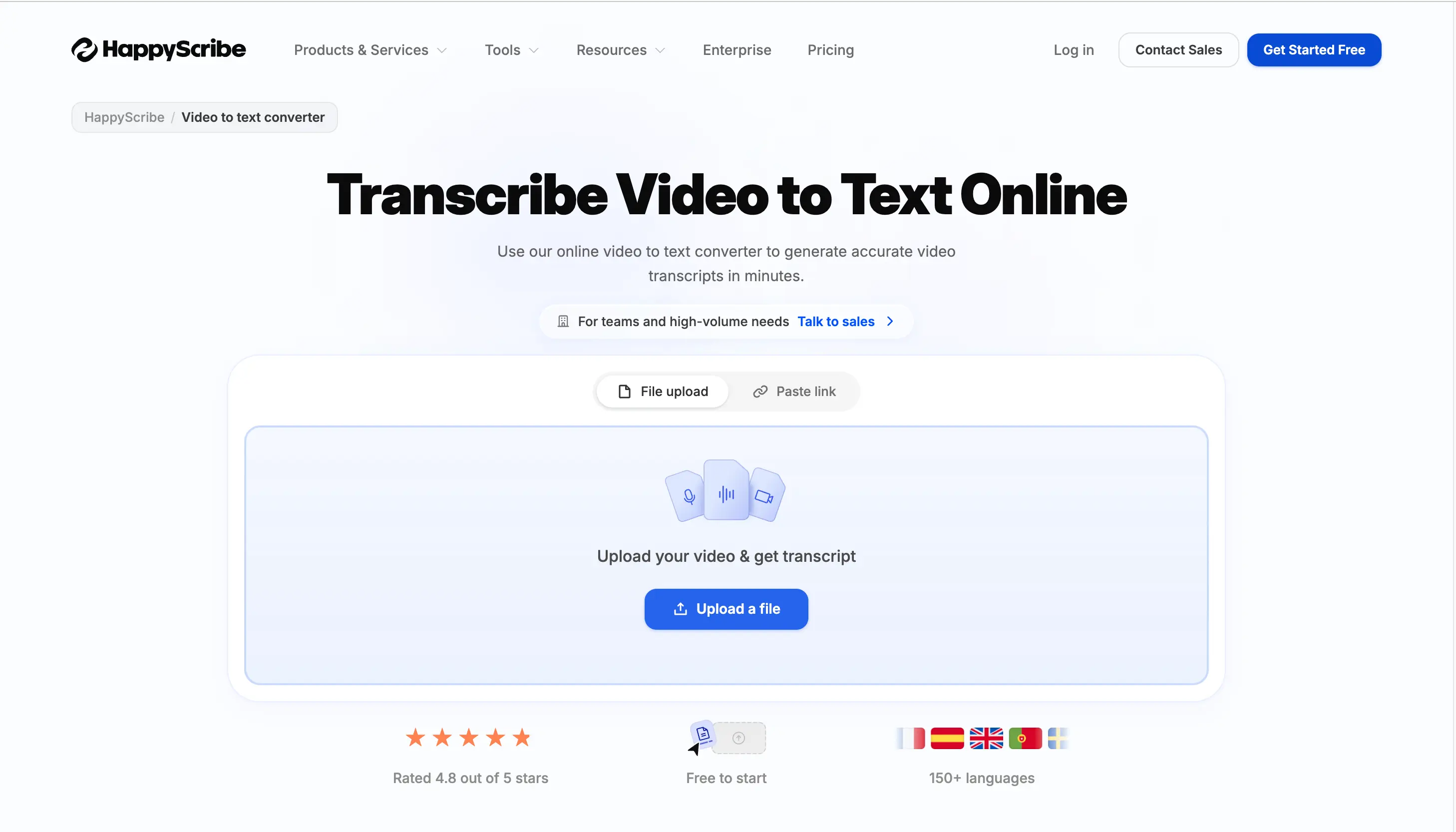
2. Happy Scribe
A strong choice when subtitles and polished formatting matter more than raw speed. Happy Scribe shines on multilingual projects and gives you precise timing controls for caption work.
- Overview: Human-in-the-loop and AI transcription with rich export.
- Strengths: Excellent SRT/VTT formatting, 120+ languages.
- Limitations: Per-minute pricing adds up on long content.
- Best for: Publishers and agencies shipping subtitled video.
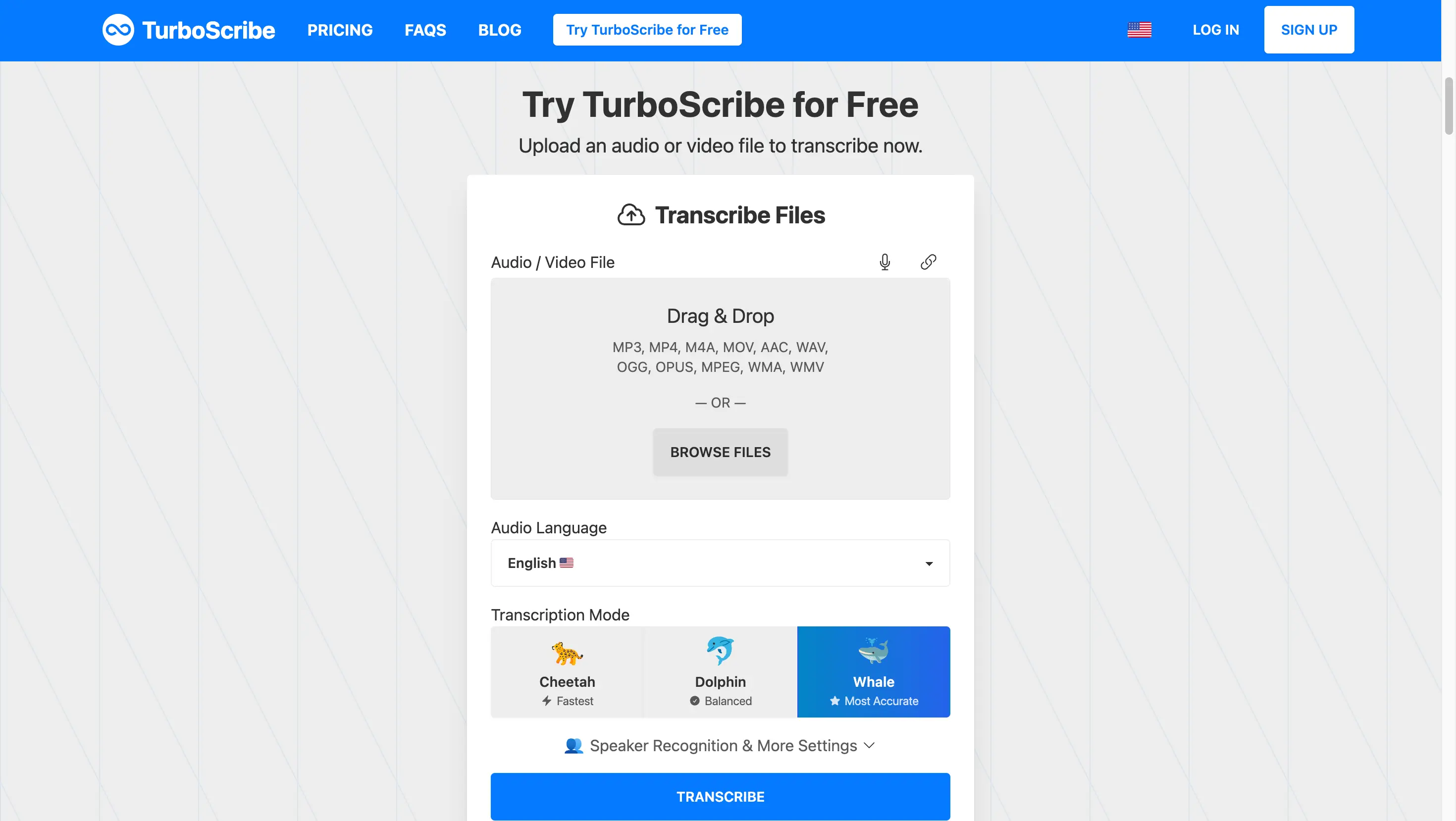
3. TurboScribe
Built on Whisper, TurboScribe is the long-form workhorse. Podcasts, multi-hour webinars, and lecture recordings stay accurate where shorter-context tools drift.
- Overview: Whisper-powered, built for length.
- Strengths: Holds accuracy over very long audio; unlimited plan available.
- Limitations: Interface is plainer; less focus on captions.
- Best for: Podcasters and educators with long recordings.
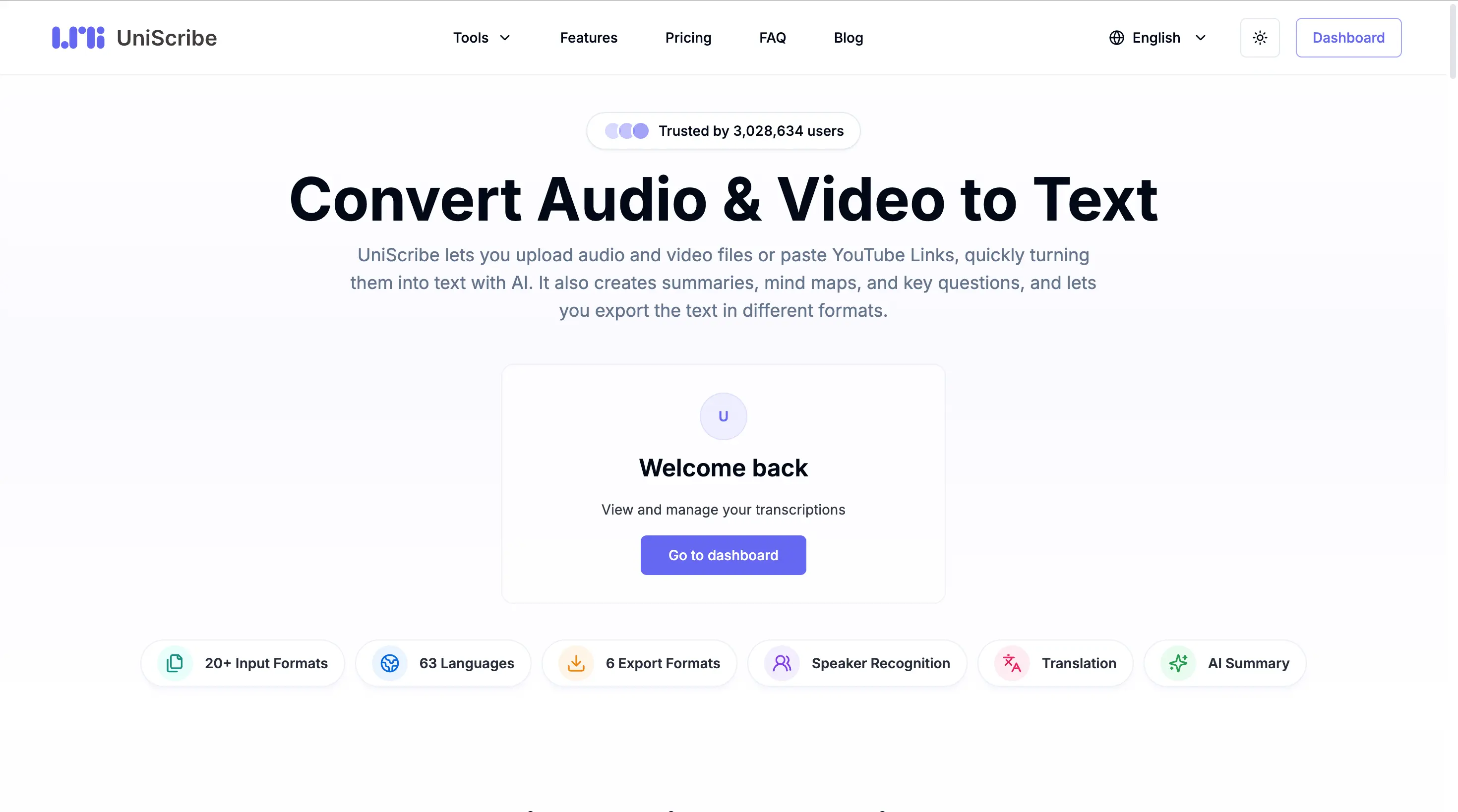
4. Uniscribe
Uniscribe pairs transcription with a real editing and collaboration suite. If your transcript is a team asset — reviewed, commented, translated — it fits.
- Overview: Transcription plus inline editing, sharing, and translation.
- Strengths: Strong collaboration, translation to many languages.
- Limitations: Steeper learning curve; priced per hour.
- Best for: Teams and enterprises managing transcripts together.
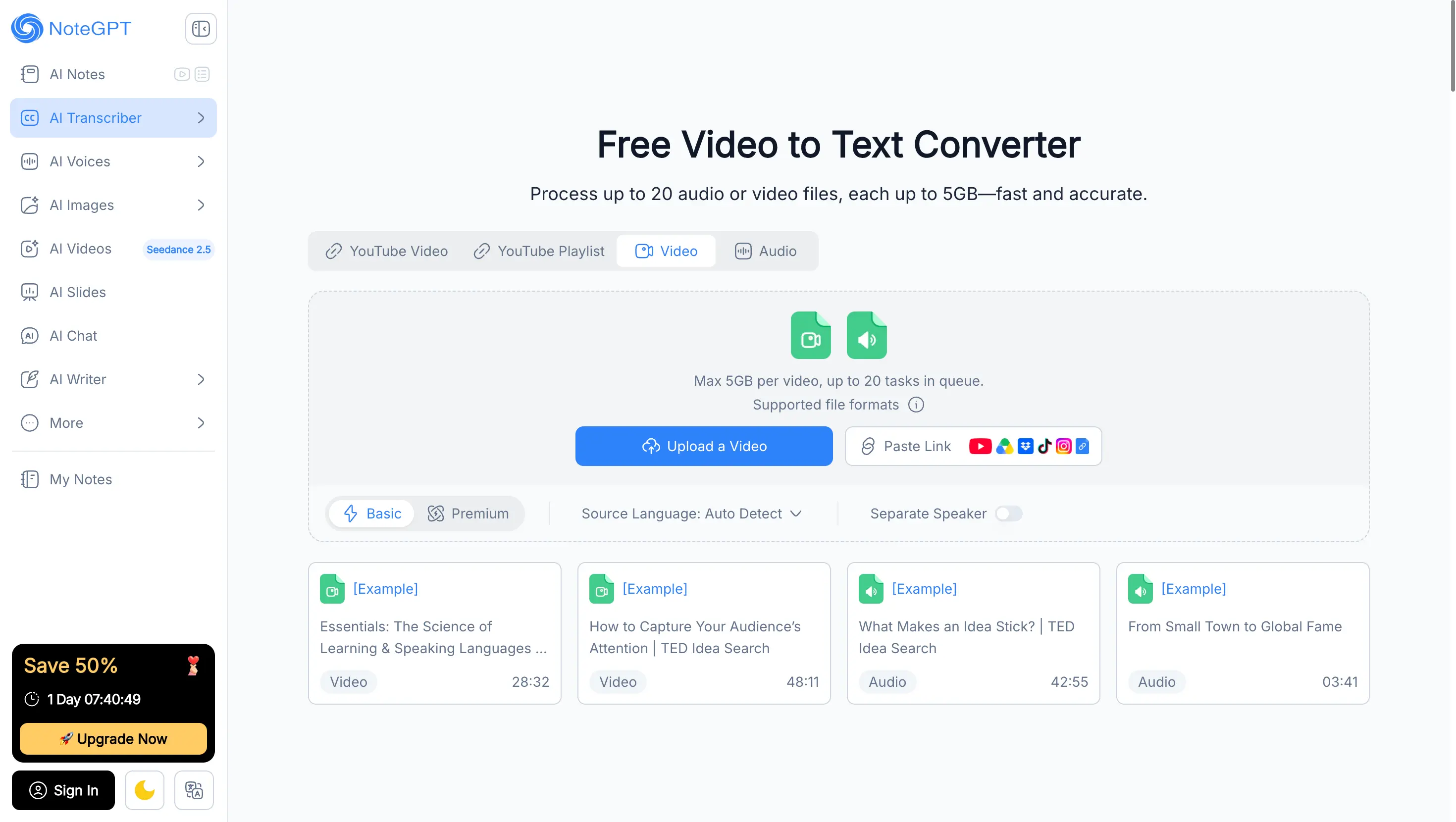
5. NoteGPT
NoteGPT leans into summarization and note-taking on top of transcription, so the output is not just text but structured takeaways.
- Overview: Transcript plus AI notes and summaries.
- Strengths: Turns speech into actionable notes; free tier for light use.
- Limitations: Free allowance is limited (roughly 10 minutes/day).
- Best for: Students and researchers who want notes, not just words.
Comparable Table
| Tool | Best for | Free tier | Standout feature |
|---|---|---|---|
| videototranscript.com | Quick creator transcripts | Yes, no signup | Speed + zero setup |
| Happy Scribe | Subtitled video | Limited | Caption formatting |
| TurboScribe | Long-form audio | Paid | Length accuracy |
| Uniscribe | Team collaboration | No | Editing + translation |
| NoteGPT | Notes & summaries | Light | AI takeaways |
Step-by-Step: How to generate transcript from video
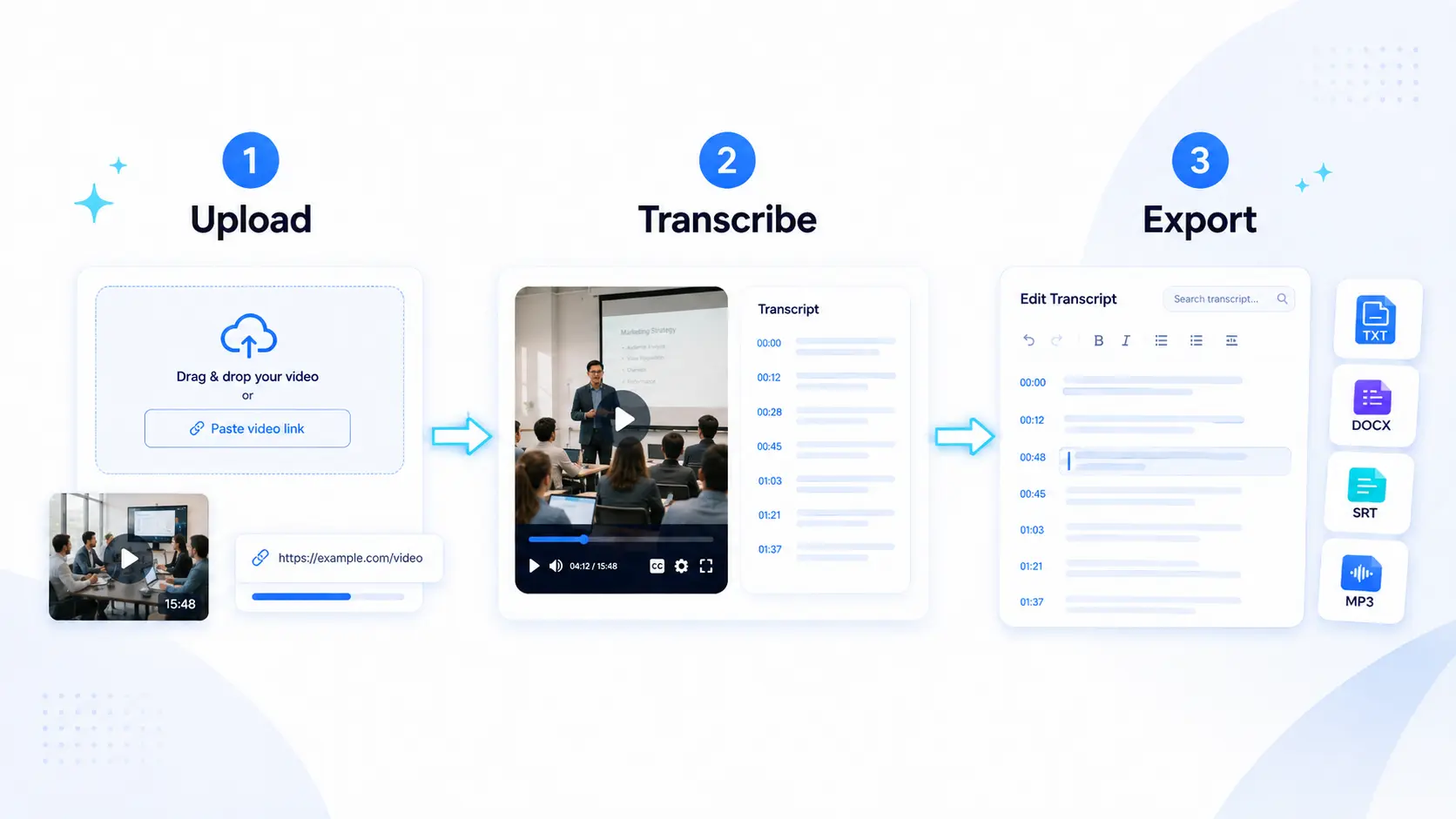
The workflow is the same across every modern tool. Here it is, end to end.
Step 1 – Prepare Your Video
Use the cleanest audio you have. Close background noise, prefer a wired mic, and trim dead air. A minute spent here saves ten minutes of editing later. Export or locate the file (MP4, MOV, WebM) or copy the YouTube link.
Step 2 – Upload and Transcribe
Paste the link or upload the file. The speech model runs and returns punctuated text with speaker labels. This is the moment a generate transcript from video tool earns its keep — what used to take an afternoon is now a coffee break.
Step 3 – Edit and Export
Read the transcript once. Fix names and numbers, then export to where it goes next: TXT for notes, SRT/VTT for captions, DOCX for a deliverable. Done.
Pro Tips to Boost Transcription Accuracy
The model does most of the work; these habits push the result over the line.
Optimize Audio Quality
Transcription is only as good as the source. Reduce echo, cut background music, and get the mic closer. Clean input is the single biggest accuracy lever.
Use Custom Vocabulary
If you use brand names, technical terms, or proper nouns often, add them to the tool's vocabulary or glossary. It stops the model from guessing "specific" when you said "Speechelo" — small fixes that add up across a long file.
Always Proofread the Output
AI in 2026 is good, not perfect. A single read-through catches the few errors that matter — a swapped number, a misheard name. Five minutes of proofing makes the difference between "draft" and "publishable."
Frequently Asked Questions
Is AI video transcription accurate enough?
For most real work, yes. Modern models hit high word accuracy on clean audio and handle context far better than older systems. For publishable content, a quick proofread closes the remaining gap.
Can I transcribe videos for free?
Yes. Several tools — including browser-based converters with no signup — offer a genuinely usable free tier. Limits vary, so match the free allowance to your typical video length.
Which format should I export?
It depends on the destination: TXT or DOCX for notes and docs, SRT or VTT for captions and players. Pick the export that feeds directly into what you do next to avoid reformatting.
Conclusion
Turning video into text is no longer a chore reserved for assistants and agencies. In 2026, a good AI tool does it in minutes — the only real decision is which one fits your workflow. If you want the fastest, no-setup way to generate a transcript from video, start with videototranscript.com. Need captions, long-form accuracy, or team editing? The tools above cover each job. Pick by the criteria here, run the three-step workflow, and your next video will do far more than play — it will be searchable, quotable, and reusable.