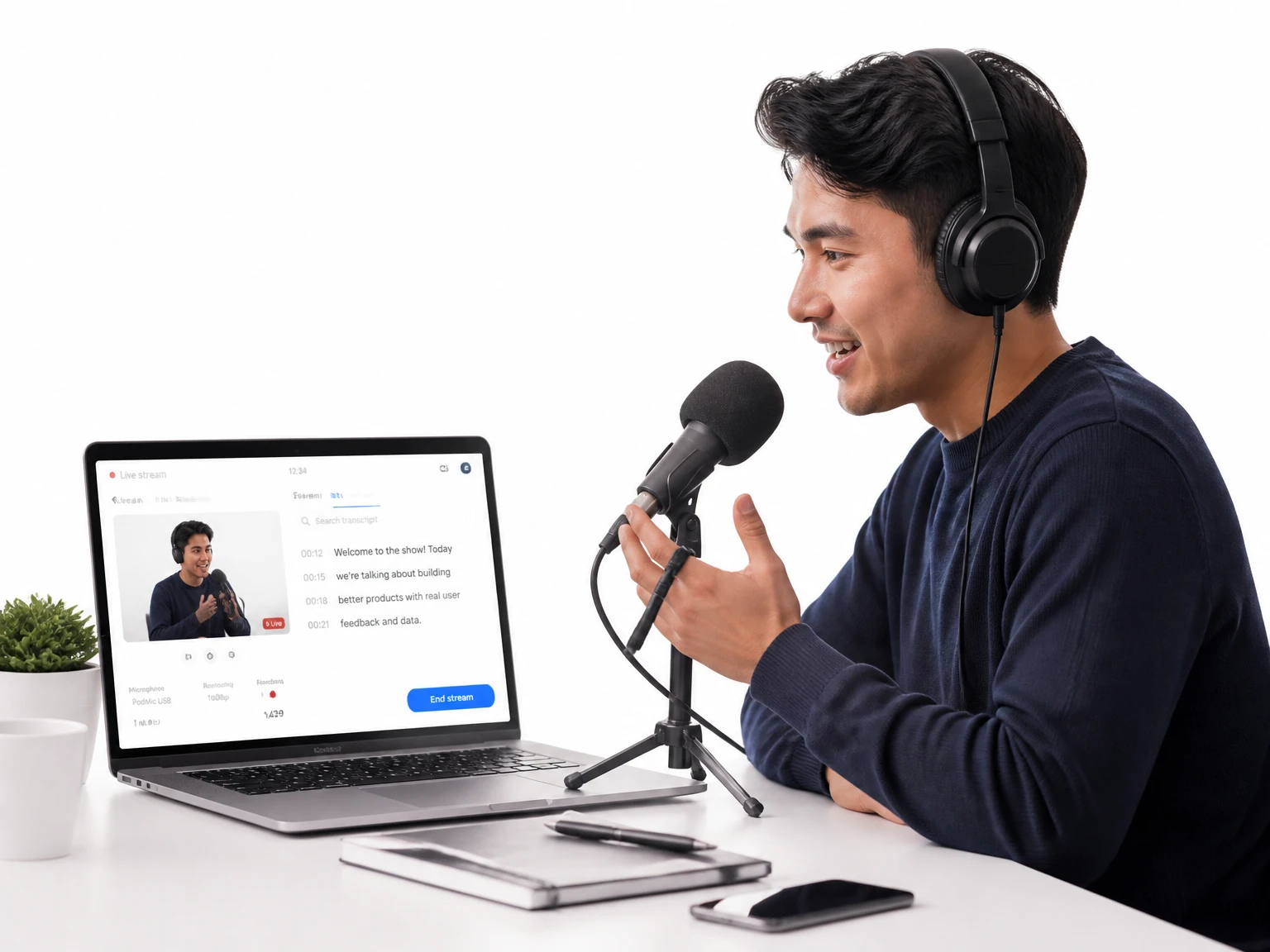
Paste a YouTube link to get readable text you can use outside the original player — for notes, captions, or research excerpts. For a dedicated workflow, use the YouTube Transcript Generator.
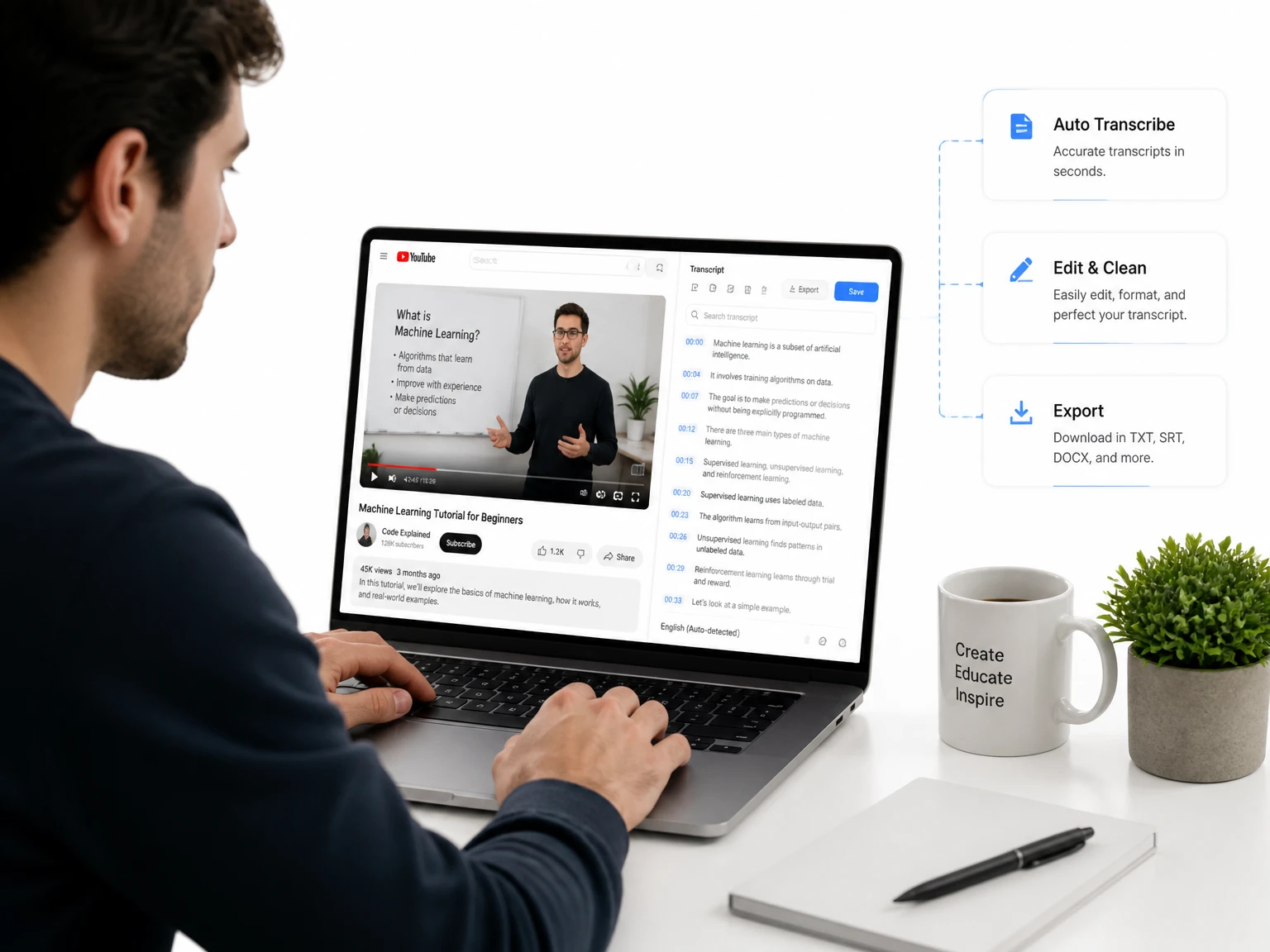

Convert any video to text instantly with AI. Free, accurate video transcript generator for YouTube, Zoom, MP4 & more.
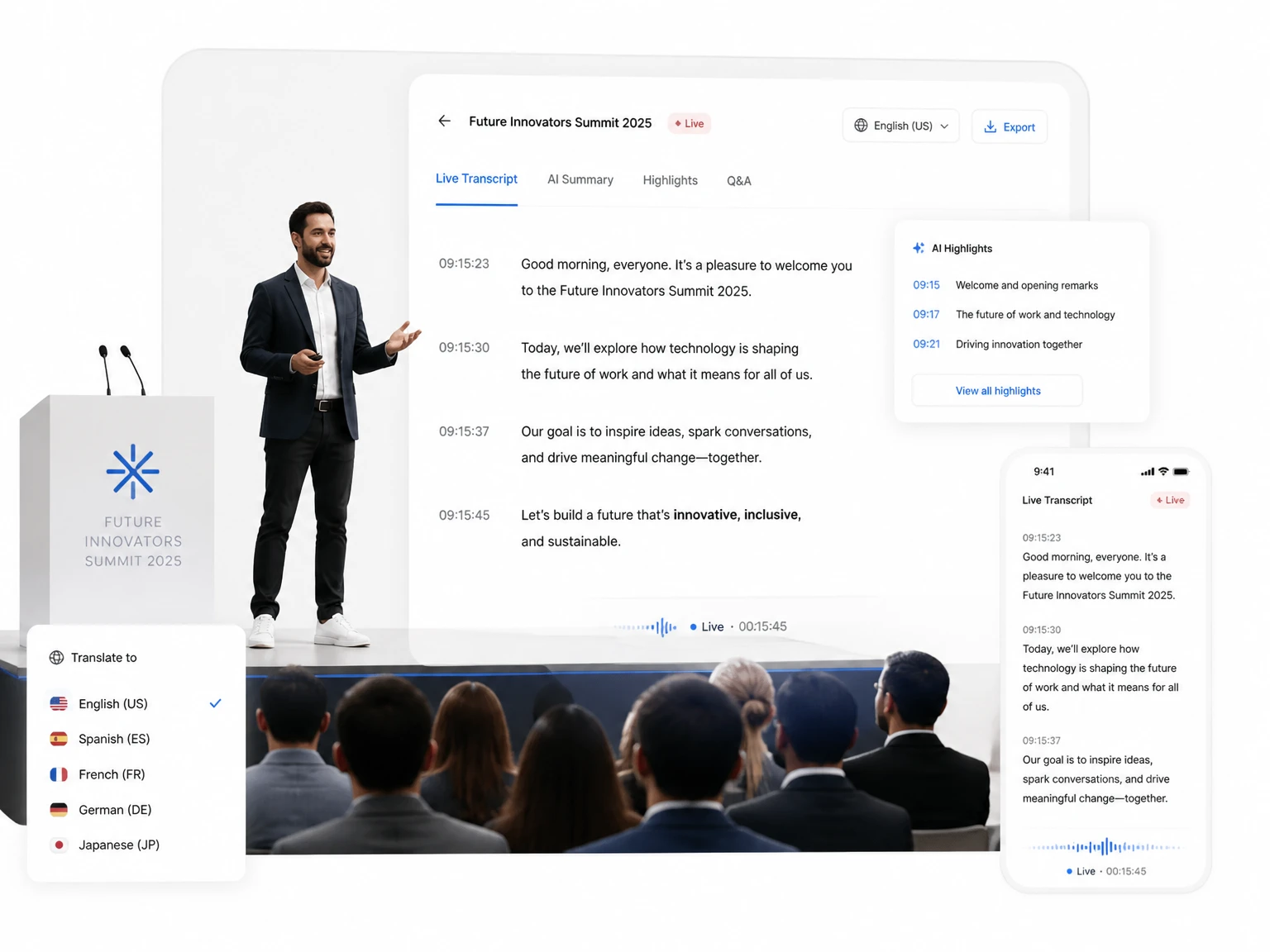
200+ languages
200+ languages
Video transcription support for global video content
Timestamped output
Timestamped output
Review exact moments and prepare captions
Speaker Recognition
Speaker Recognition
Identify and label different speakers in your transcript
Private upload
Private upload
Review sensitive media before exporting or publishing
Supported formats: MP4, MOV, AVI, MKV
Choose whether the transcript should separate different speakers in the conversation.
Use AI to refine and improve the transcript readability after extraction.
Video to transcript is a tool for turning the speech in any video into readable text. A transcript, a summary, or captions are ready results from one recording. If you only have audio, use Speech to Text instead. Searchable text is useful for notes, quotes, and reuse without replaying the video.
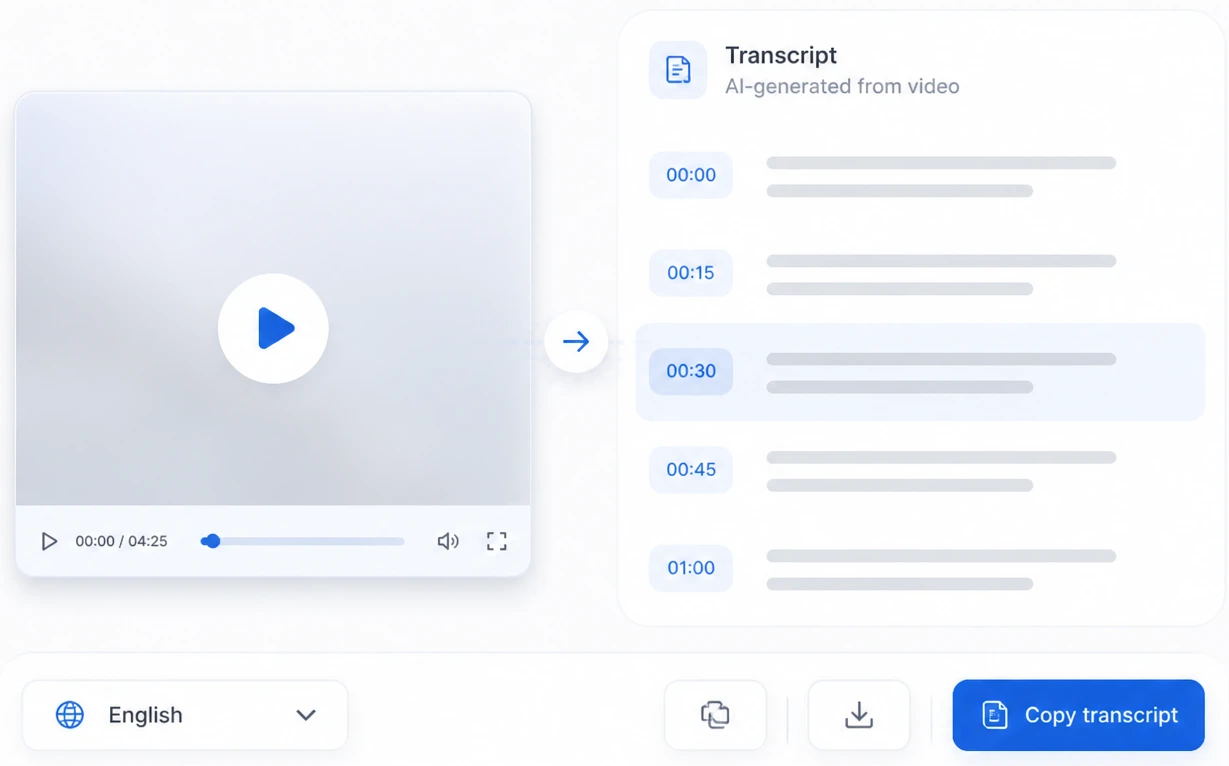
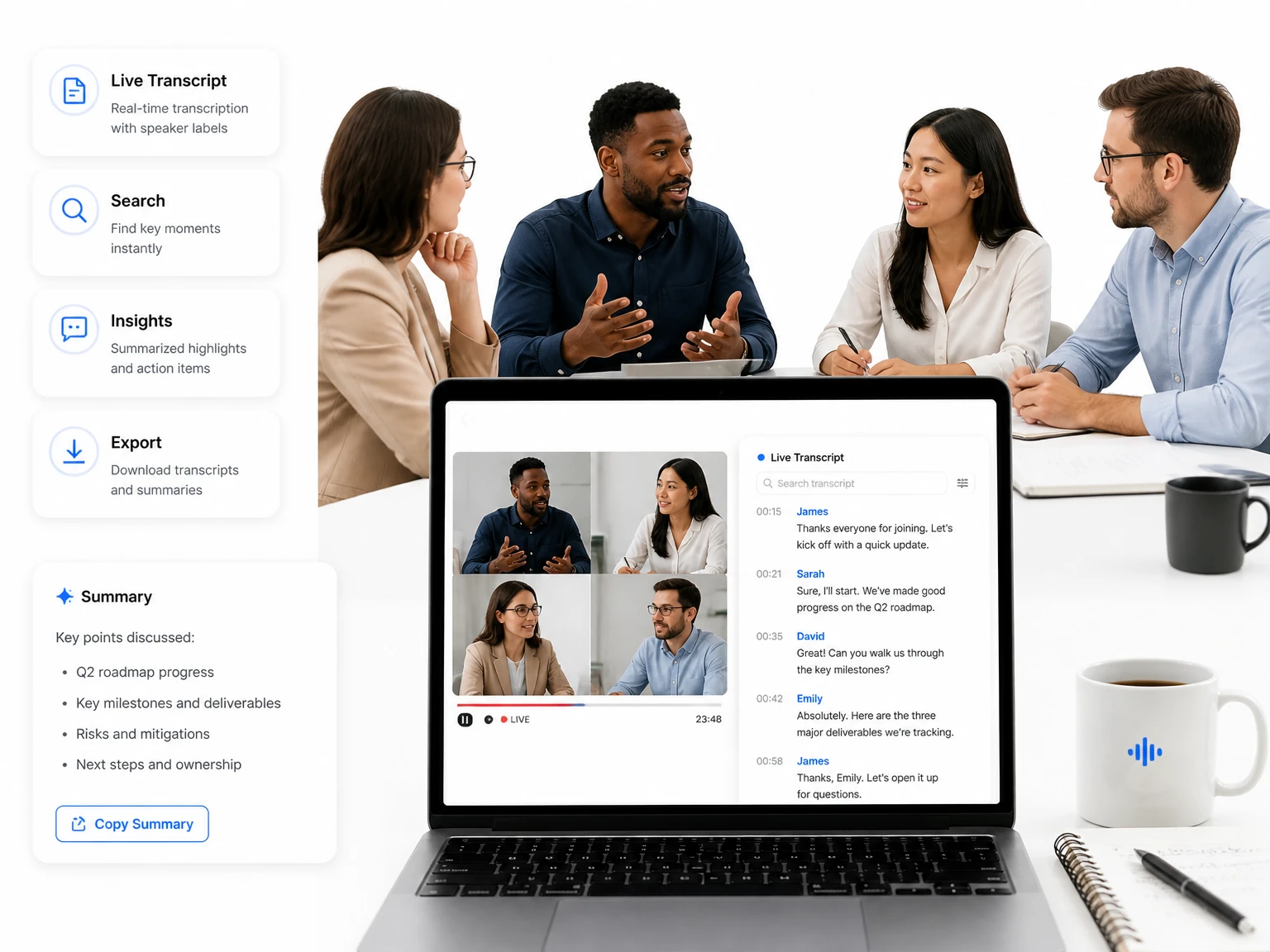
The tool processes the audio track of a video, recognizes speech with AI, and produces timestamped text. Speaker detection marks who said what, and the result page lets you edit, summarize, translate, and export the transcript.
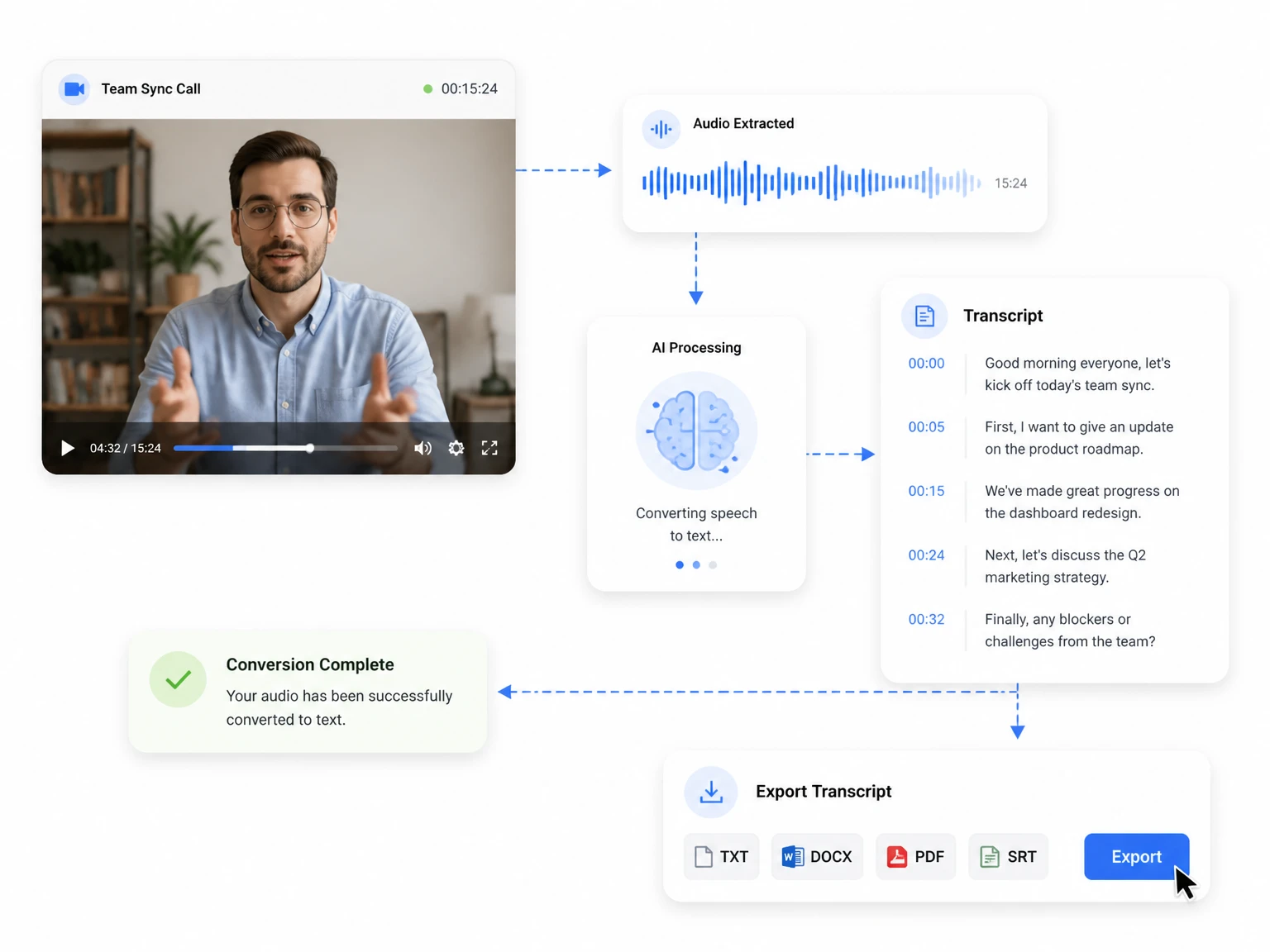
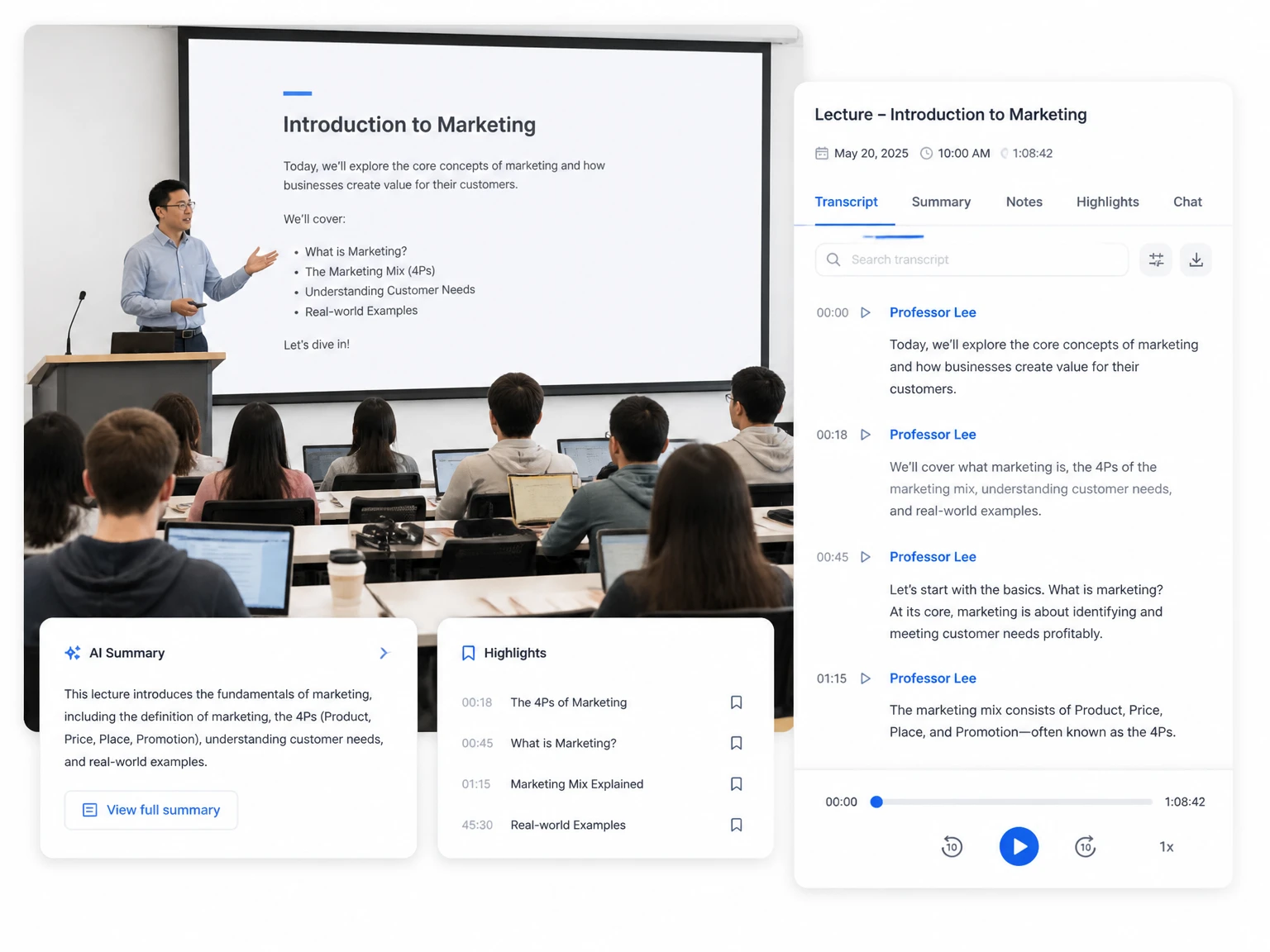
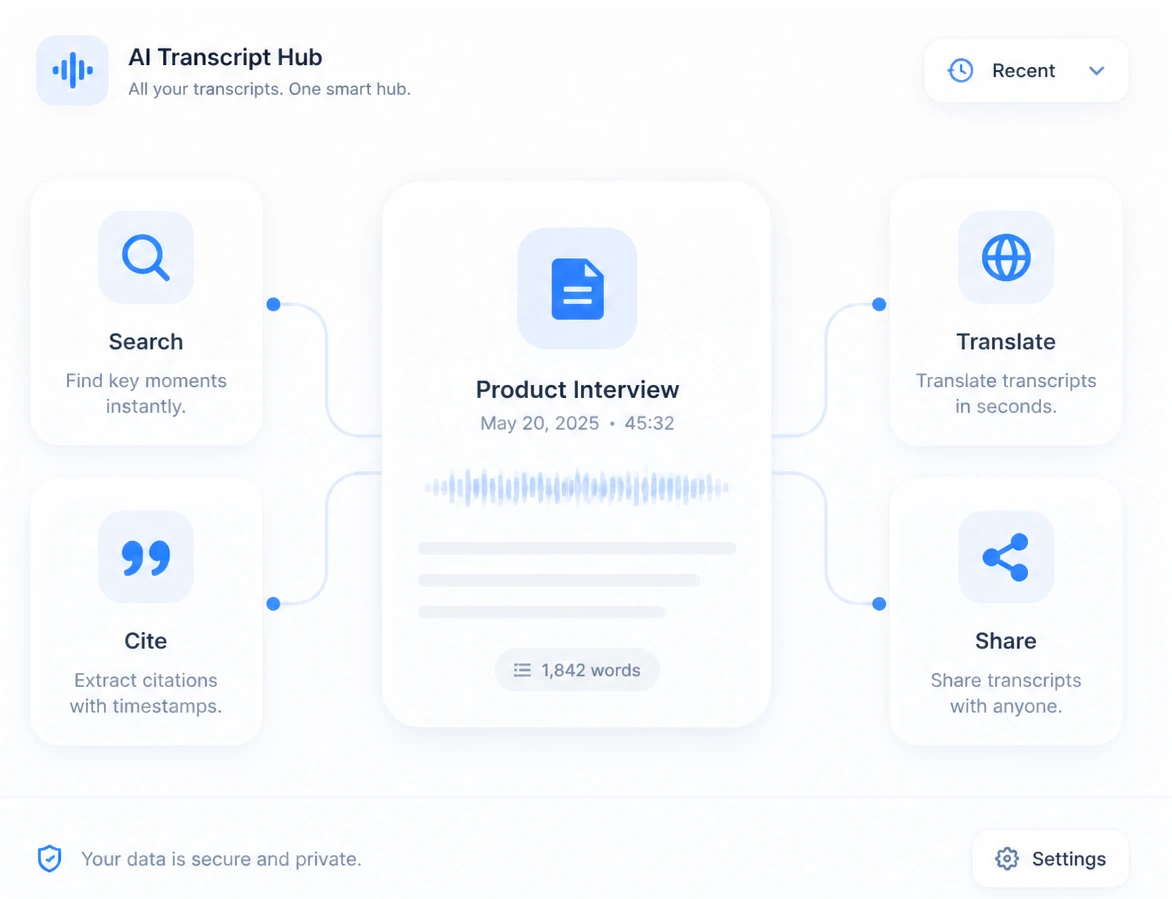
Written text is easier to search, quote, translate, and repurpose than a video file. Transcripts help students study, teams document meetings, and creators turn one recording into many pieces of content.
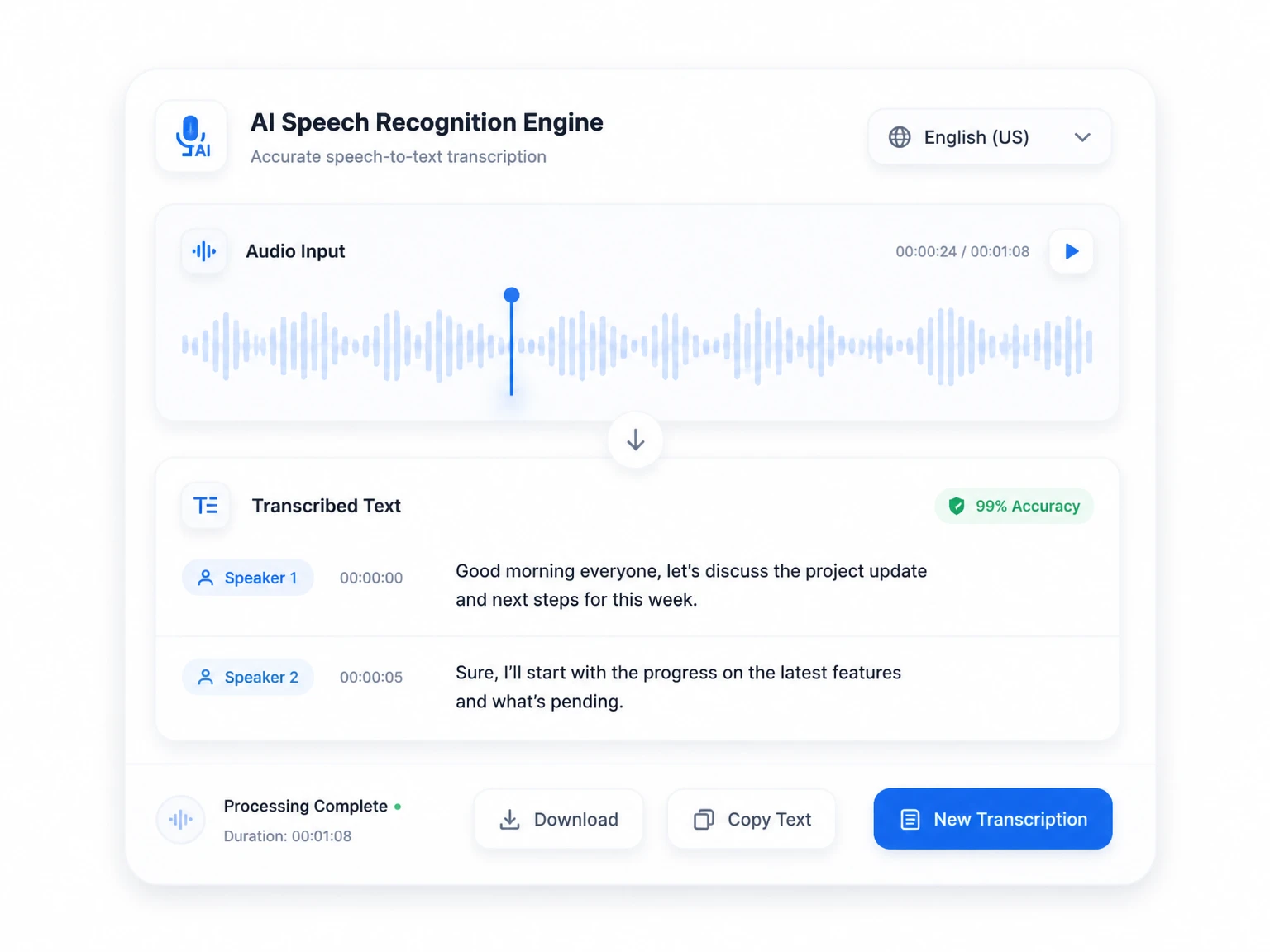
AI speech recognition produces a clean first draft. Review names, numbers, and technical terms, then use the transcript for captions, notes, or documentation.
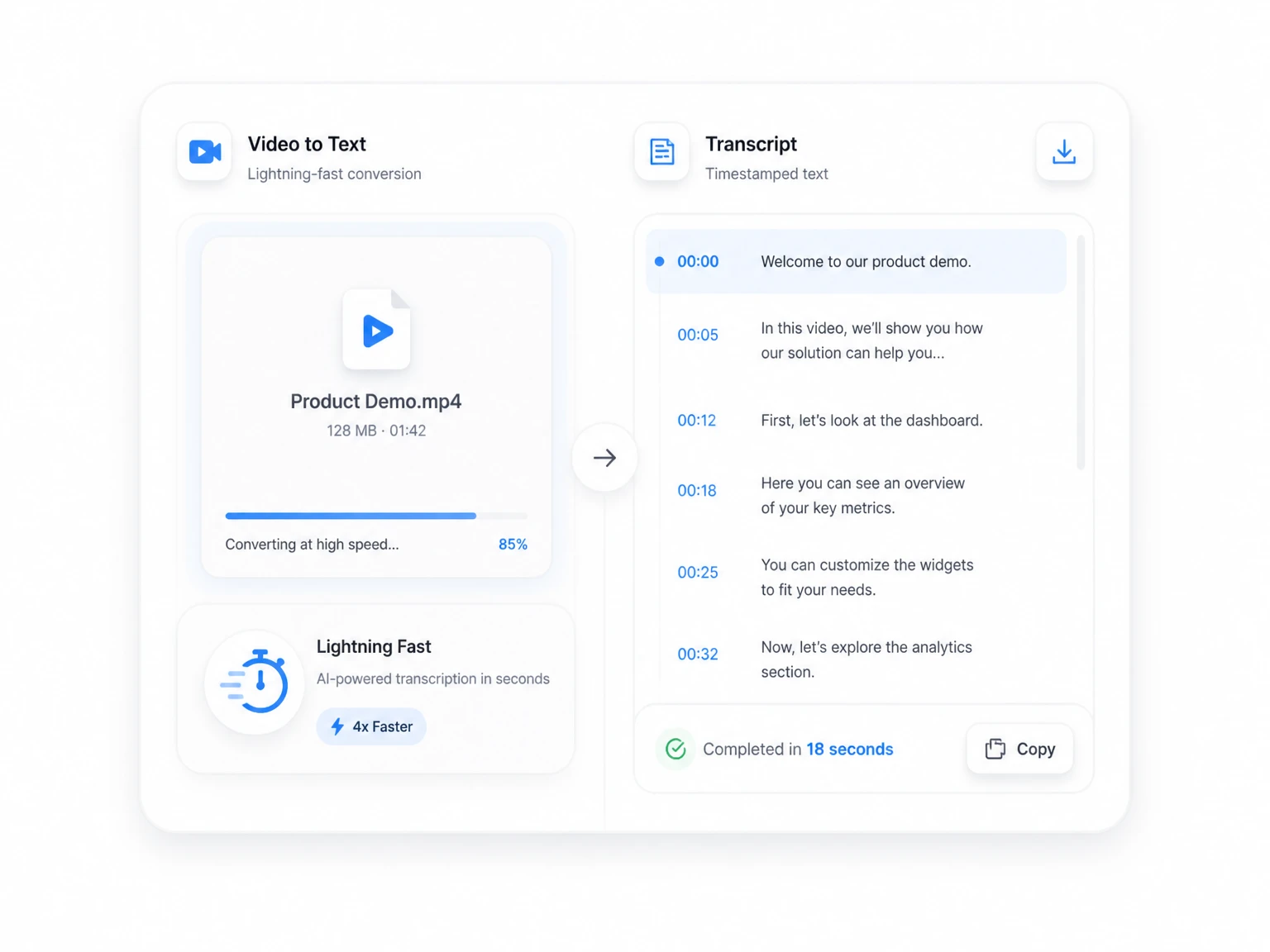
Upload a file or paste a link and get a timestamped transcript without manual typing. Long recordings become reviewable in minutes instead of hours.
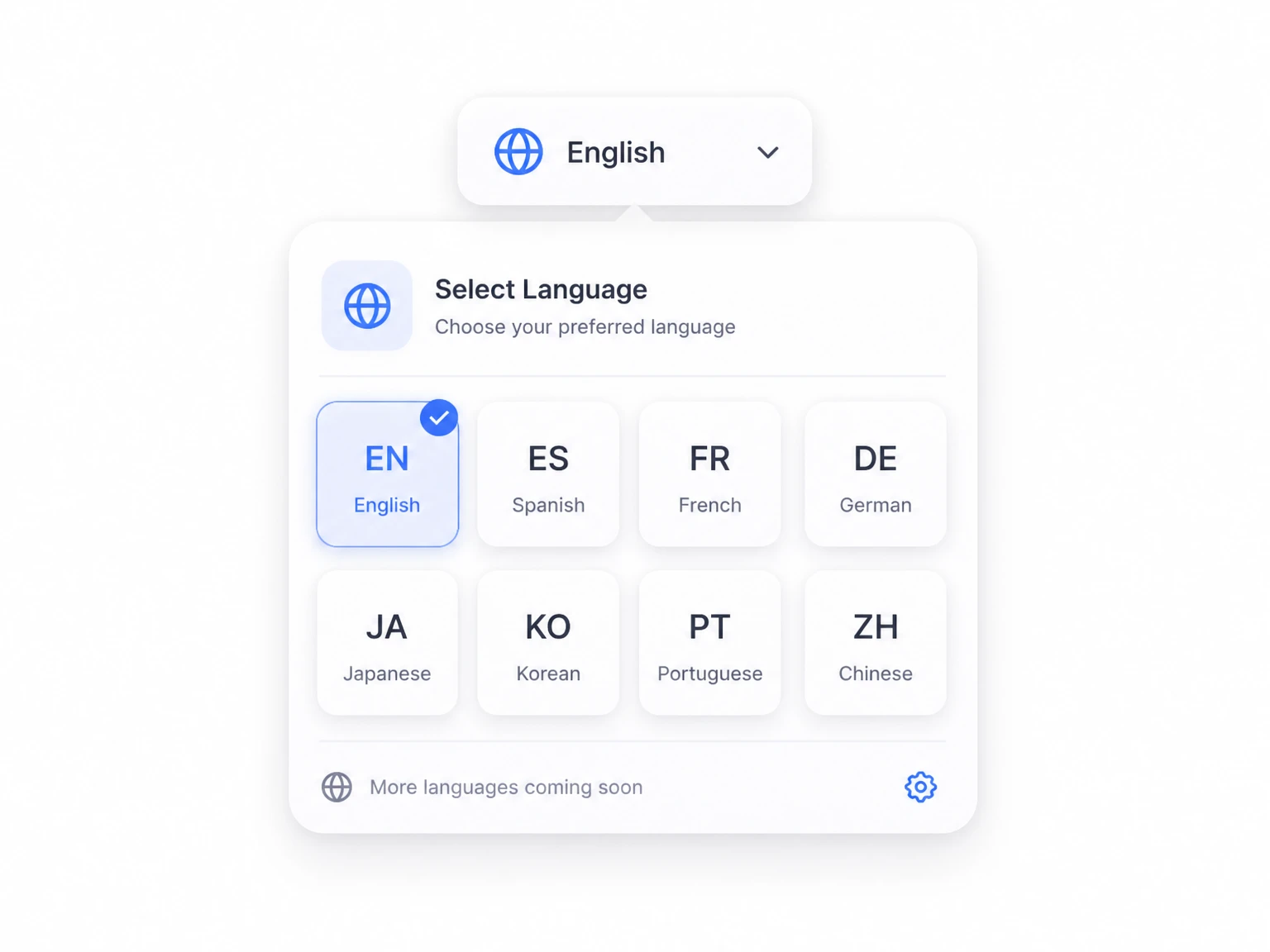
Transcribe video to text in more than 200 languages, including English, Spanish, French, German, Japanese, Korean, Portuguese, and Simplified Chinese.
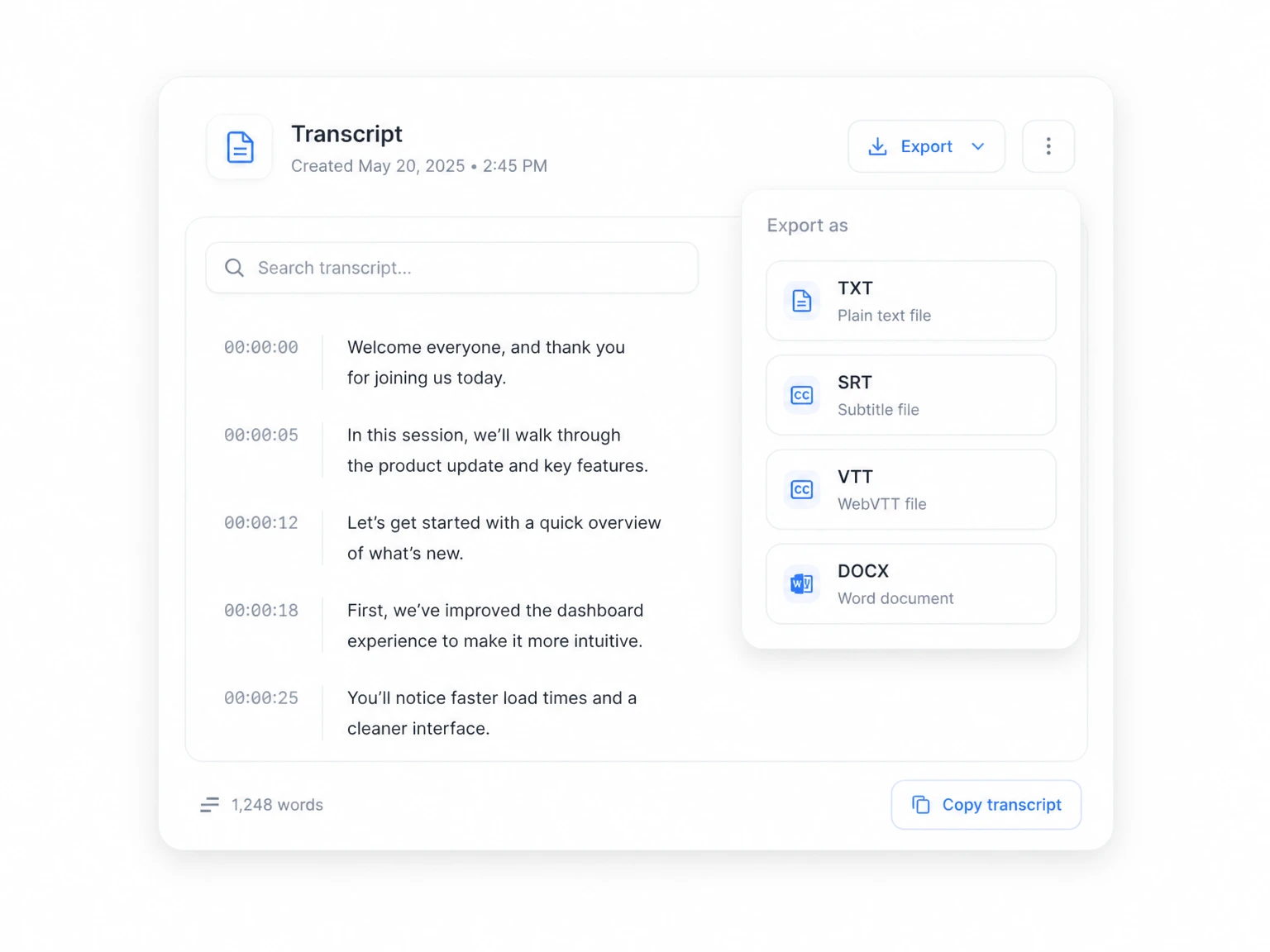
Copy the text, download a plain transcript, or prepare subtitle-ready files. A good video to text converter should not trap the result inside the product.
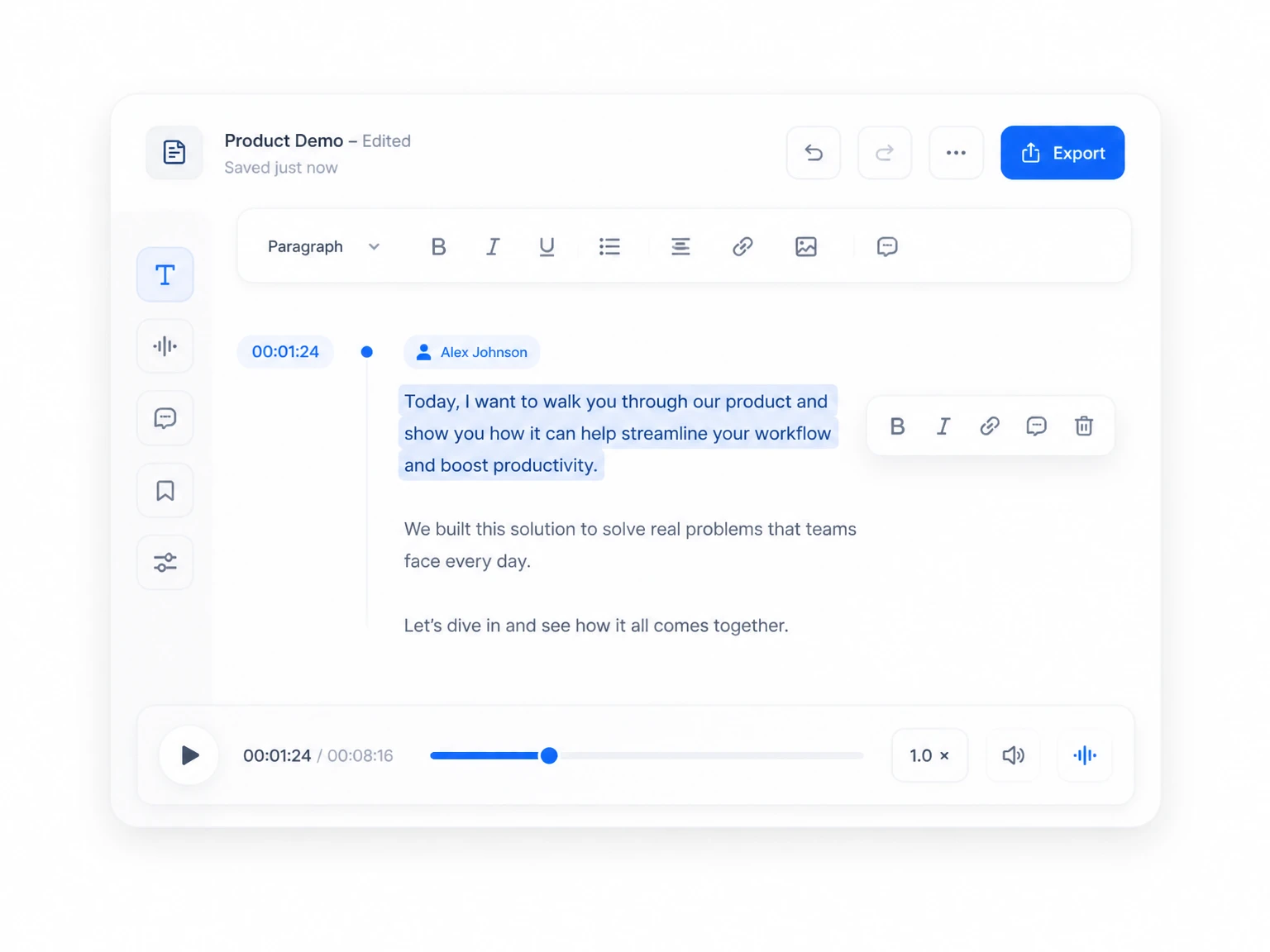
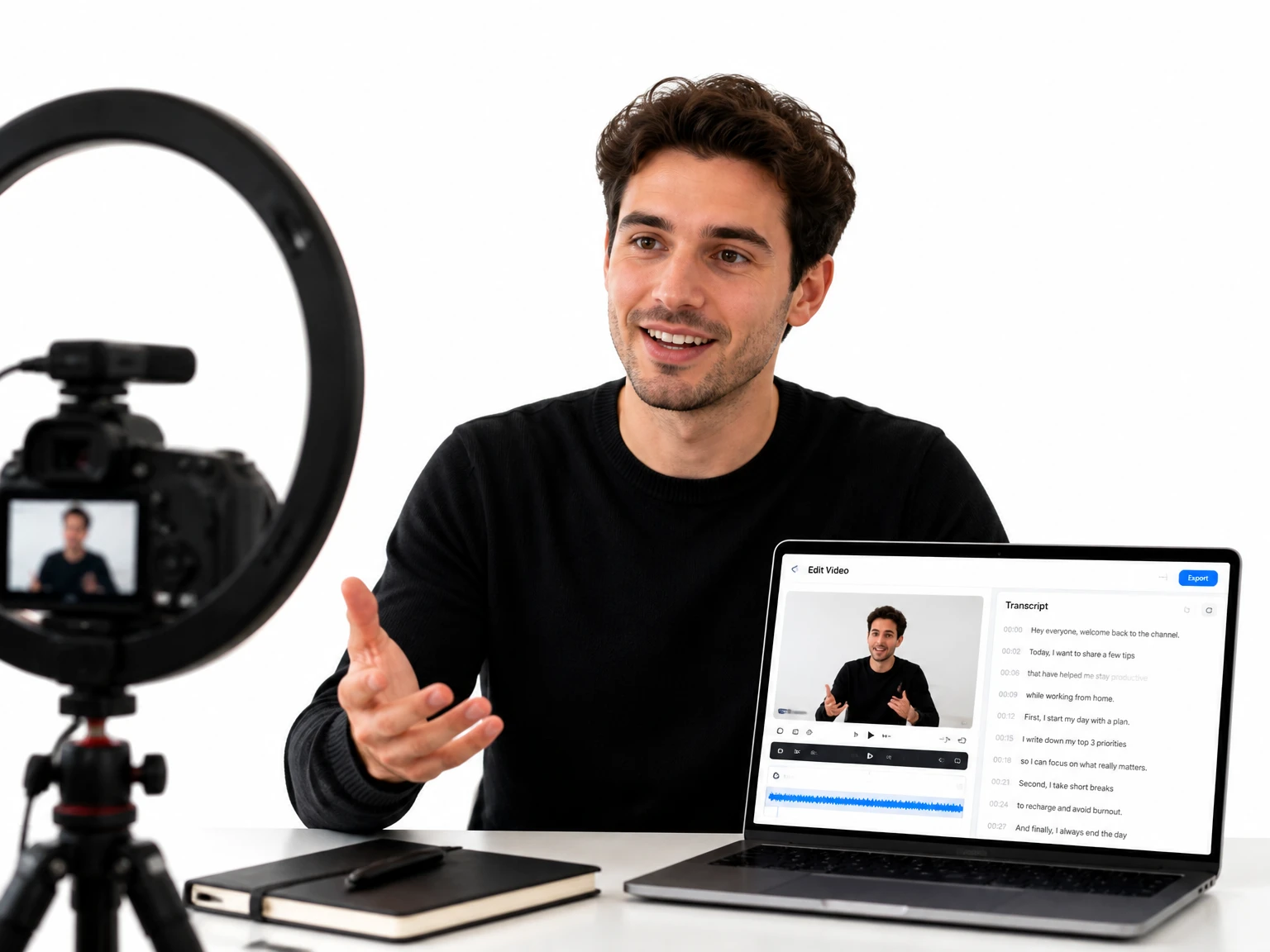
Fix speaker names, correct tricky terms, and clean up lines before publishing. Editing keeps the final transcript tied to the source video through timestamps.
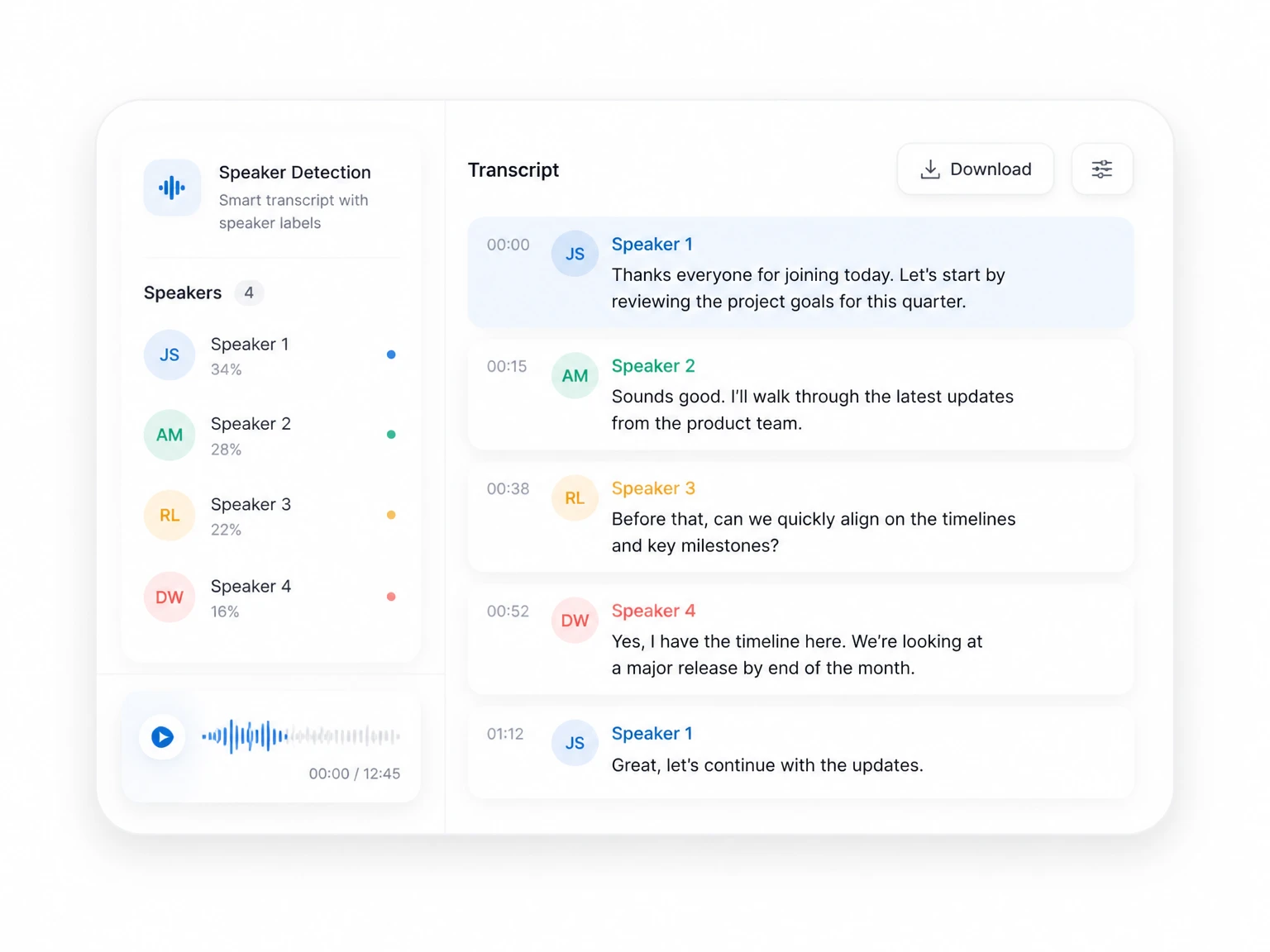
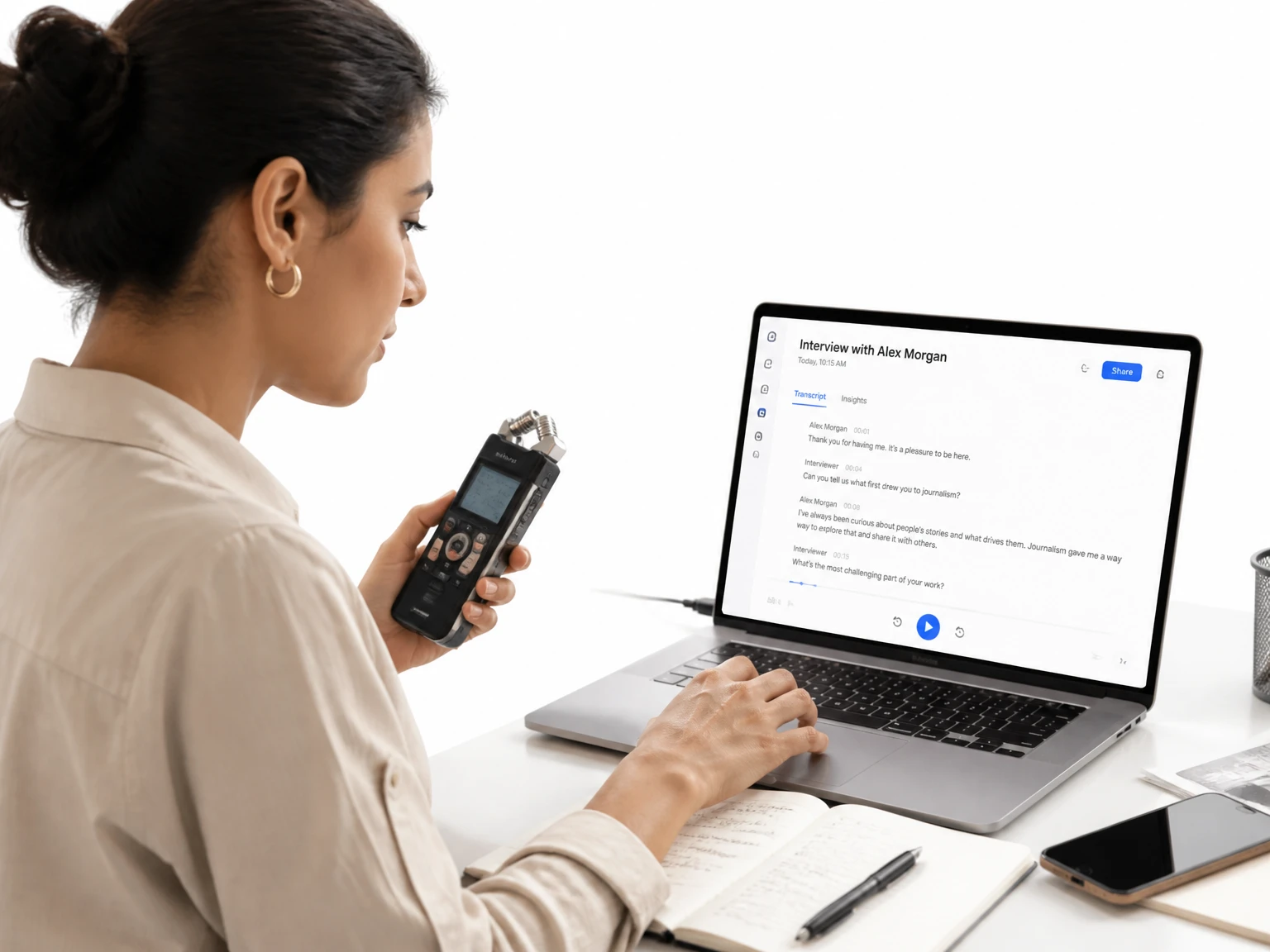
Label different speakers in interviews, meetings, and panels. Speaker recognition makes multi-person recordings far easier to read and reuse.
Upload, let AI transcribe, then edit and export your transcript.
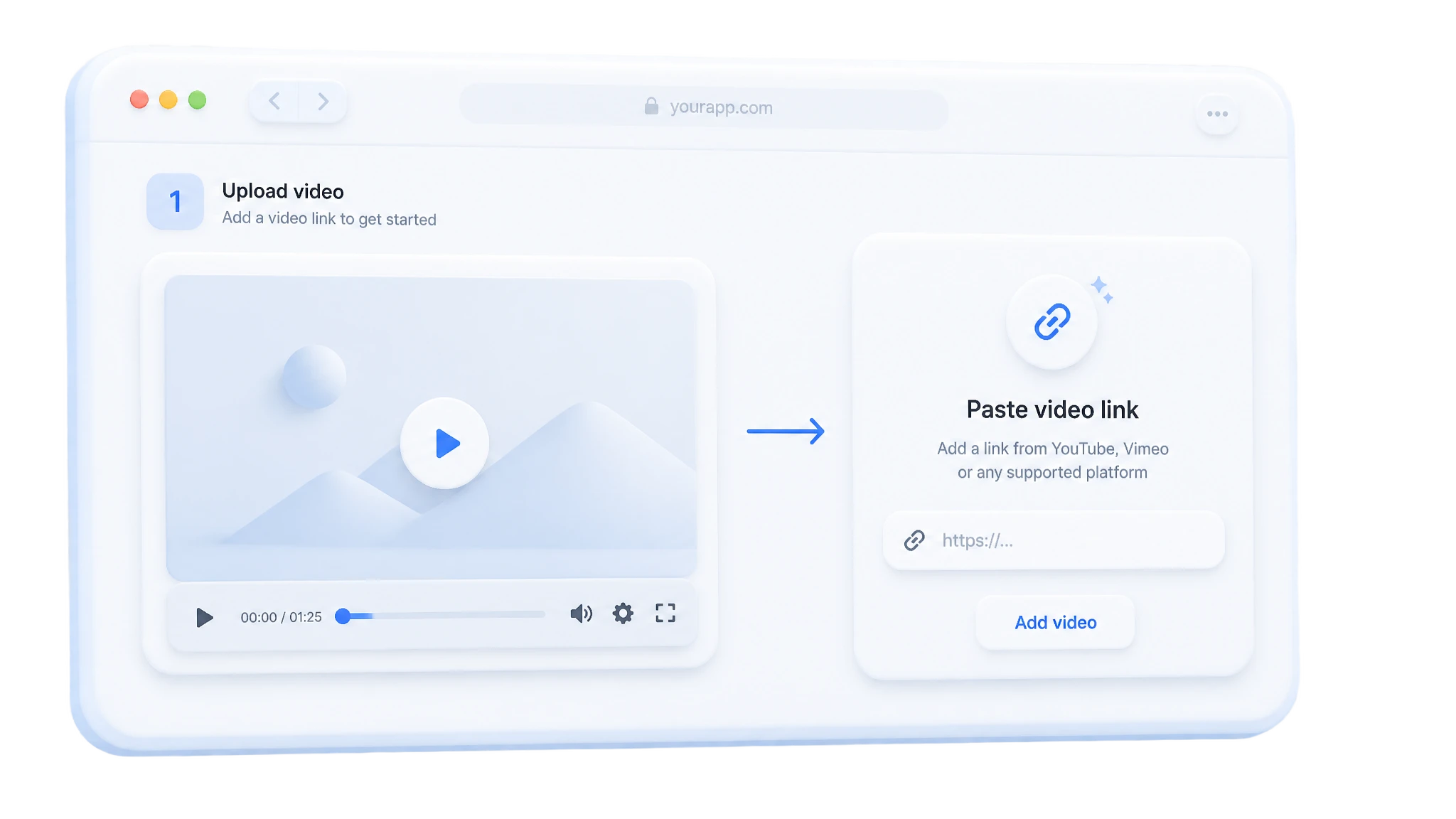
Start with the source you have — a local video file, a YouTube URL, or a demo video. Supported formats include MP4, MOV, AVI, and MKV.
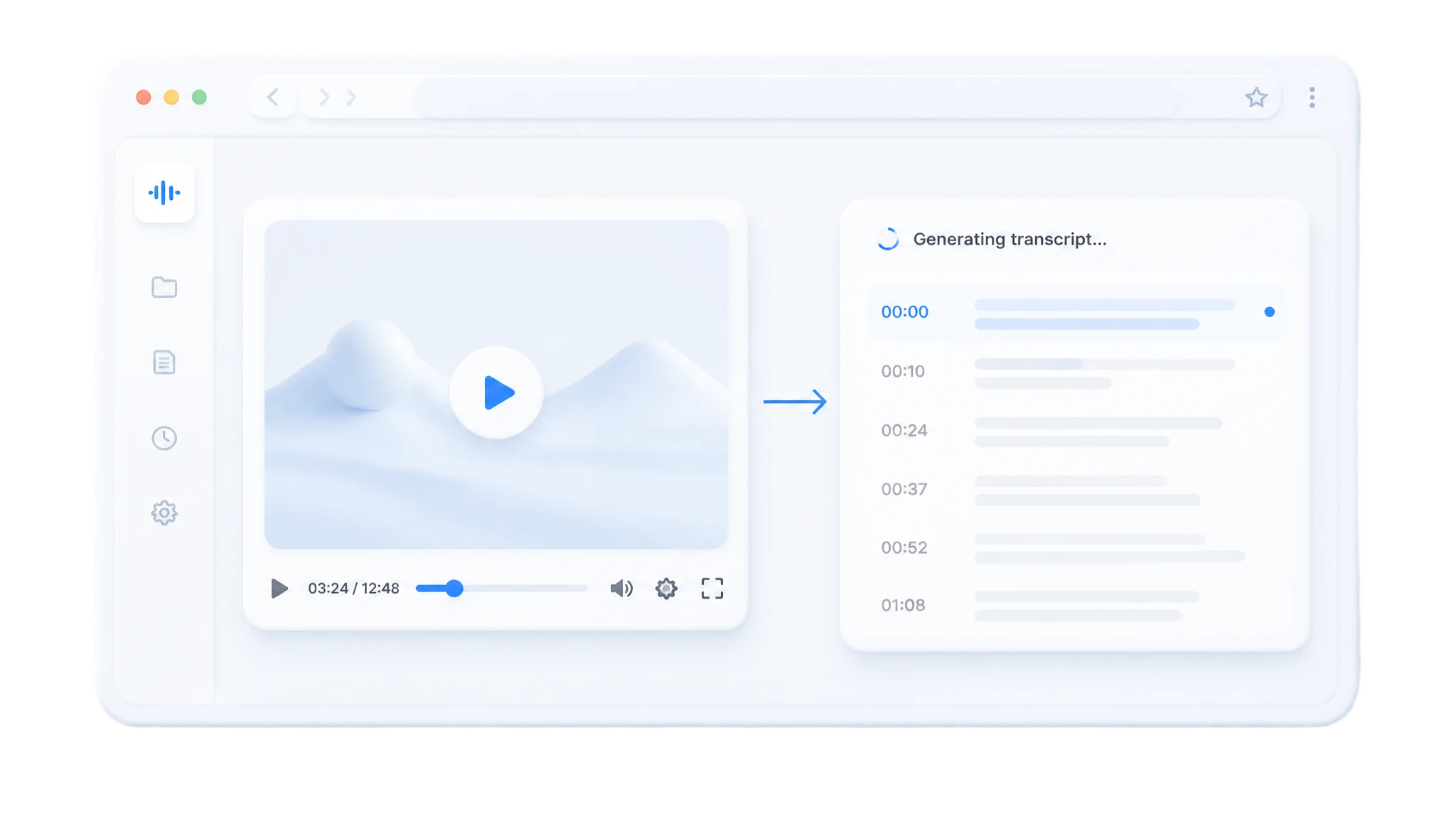
The tool processes the audio and creates a timestamped transcript. When speaker detection is on, it also marks who spoke and when.
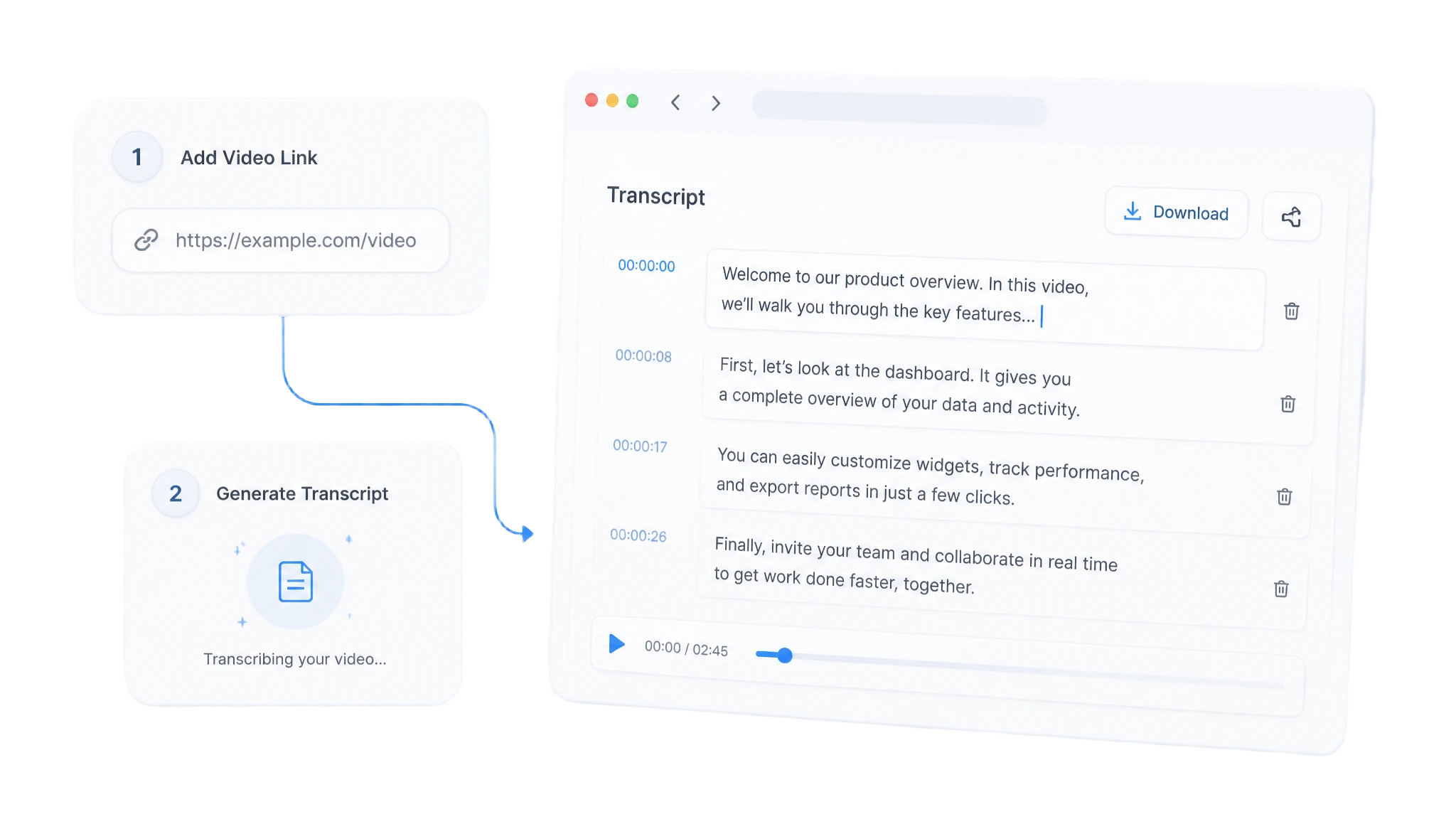
Review the text, adjust speaker names, then copy, download, or export it as captions, notes, or a document.
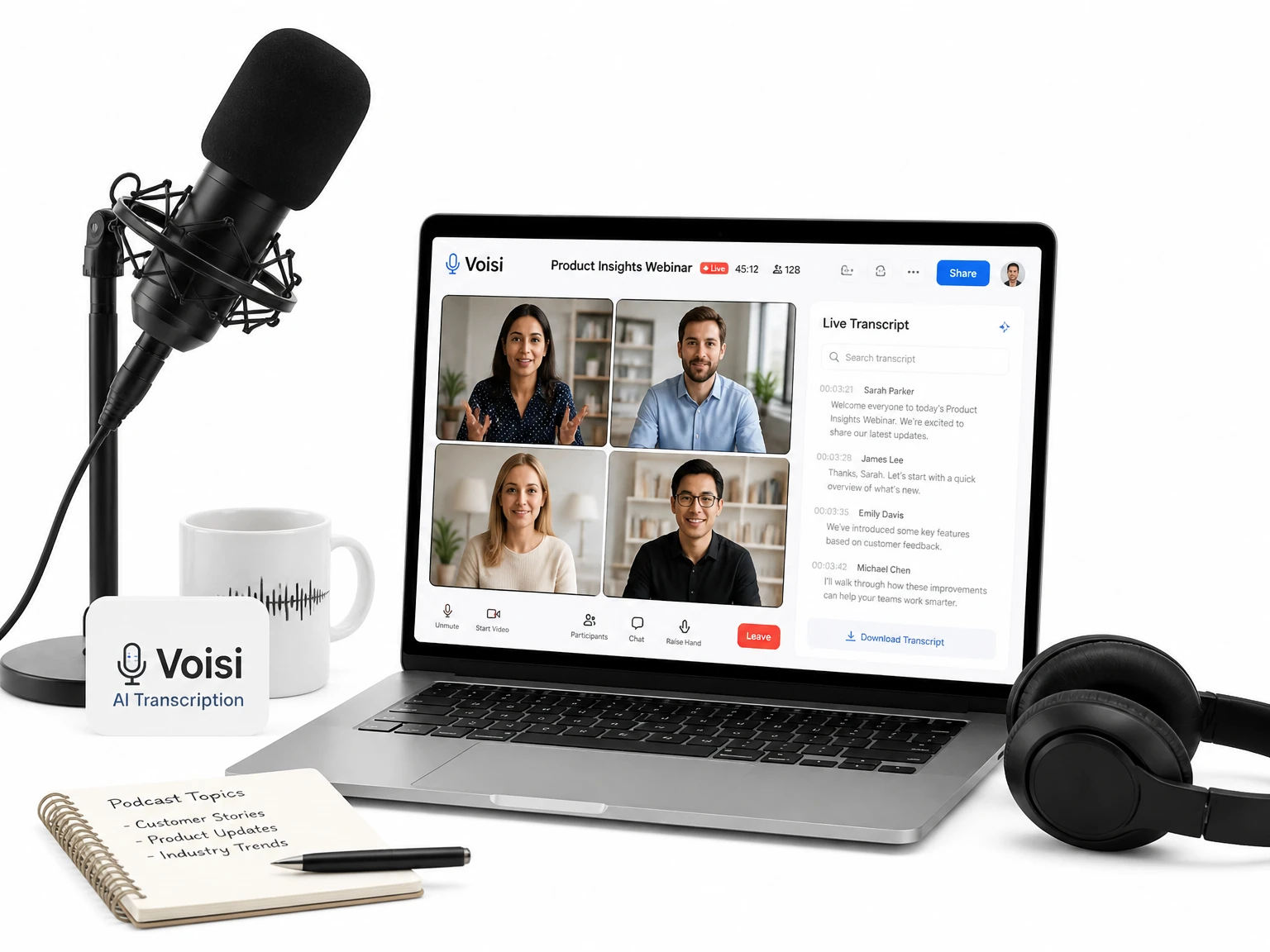
Paste a YouTube link to get readable text you can use outside the original player — for notes, captions, or research excerpts. For a dedicated workflow, use the YouTube Transcript Generator.
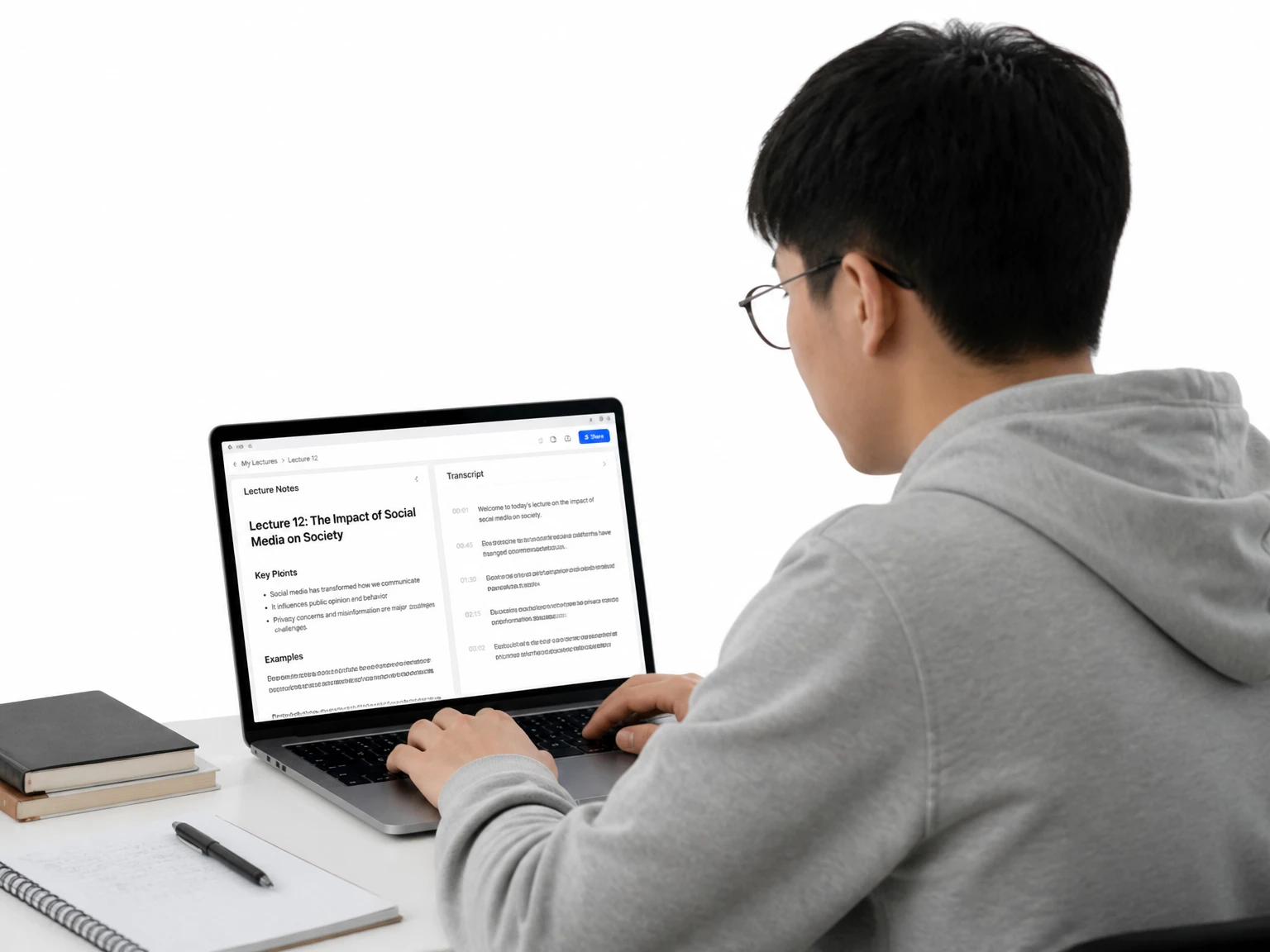
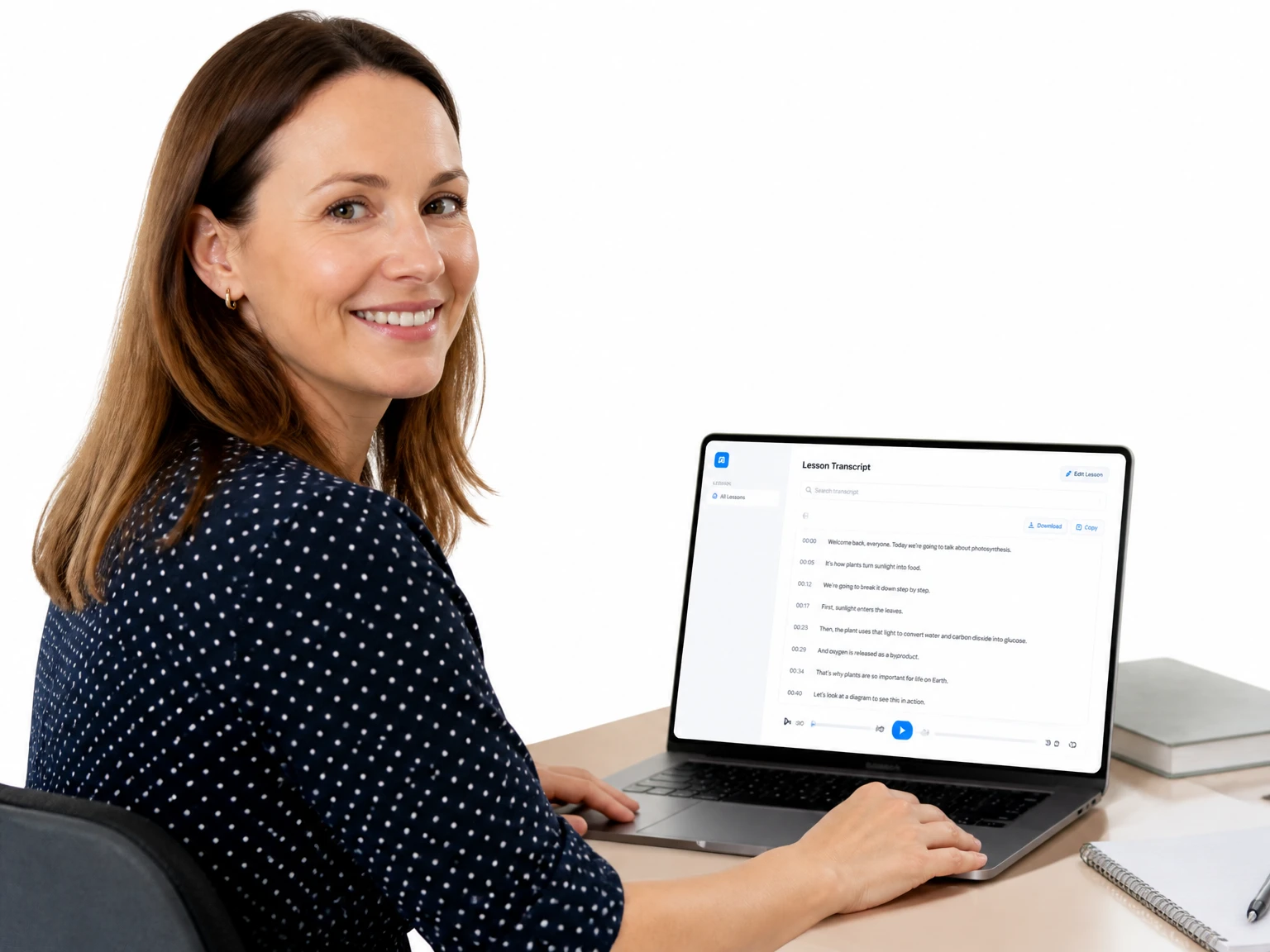
Scan lecture transcripts, tag sources, and build study notes without rewatching recordings.
Start free without an account — upload, link, or demo, then review the transcript on the result page.
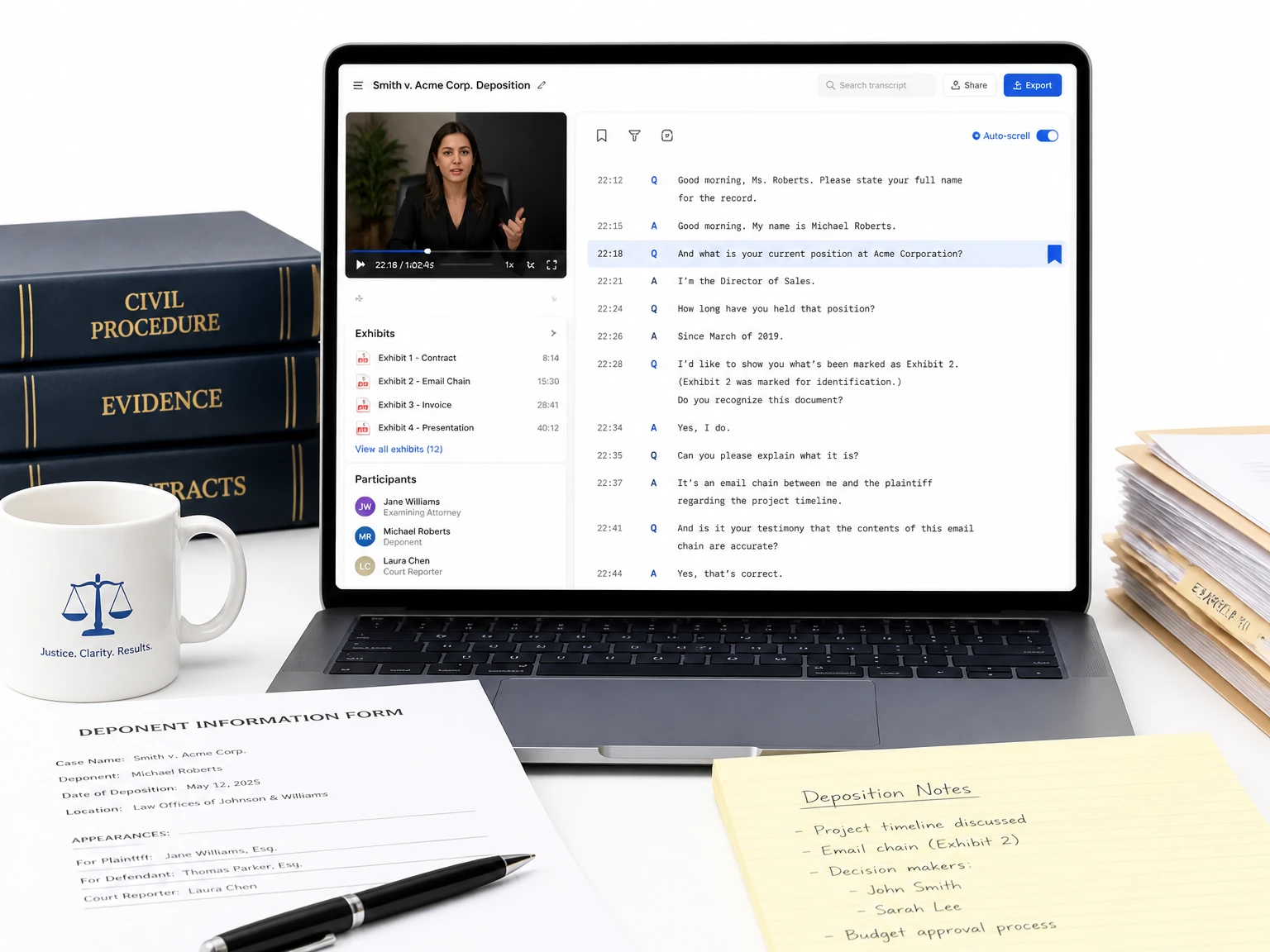
Review sensitive media before exporting so names, numbers, and details stay under your control.
No install needed; transcribe video to transcript from a laptop, tablet, or phone in the browser.
Process several recordings over time to build searchable archives and training libraries.
Turn any transcript into notes, mind maps, and action items, so the text becomes a ready-to-use deliverable rather than raw copy.
Every line points back to its moment in the video, letting you verify quotes and jump to context without scrubbing the timeline.
I use this video to transcript tool for recorded seminars and thesis interviews. The timestamps make it much easier to find a quote and add it to my research notes.
When a video lacks captions, the audio is read directly, so you still get a full transcript from the spoken track.
Yes. Each line is timestamped to its moment, so you can jump from the video to transcript back to the exact spot in the video to verify context.
Yes. Long recordings are handled in one job, and the video to transcript view lets you scan and search instead of replaying the whole video.
Yes. The browser-based experience runs anywhere, so you can upload or paste a link from a phone, tablet, or laptop with no install.
Yes. Transcript segments can be translated to supported languages, which helps with multilingual captions and cross-language review.
Export the timestamped video to transcript as SRT or VTT after review, then load it into your editor or player as captions.
Clarity drives accuracy for any video to transcript. Clean sources give the best draft; you can edit any line and review terms before publishing.
Yes. This tool can process supported public or uploaded videos with English speech. Review names and phrases before using the transcript.
Yes. After reviewing the result, you can copy the text or export an available subtitle format such as SRT or VTT.