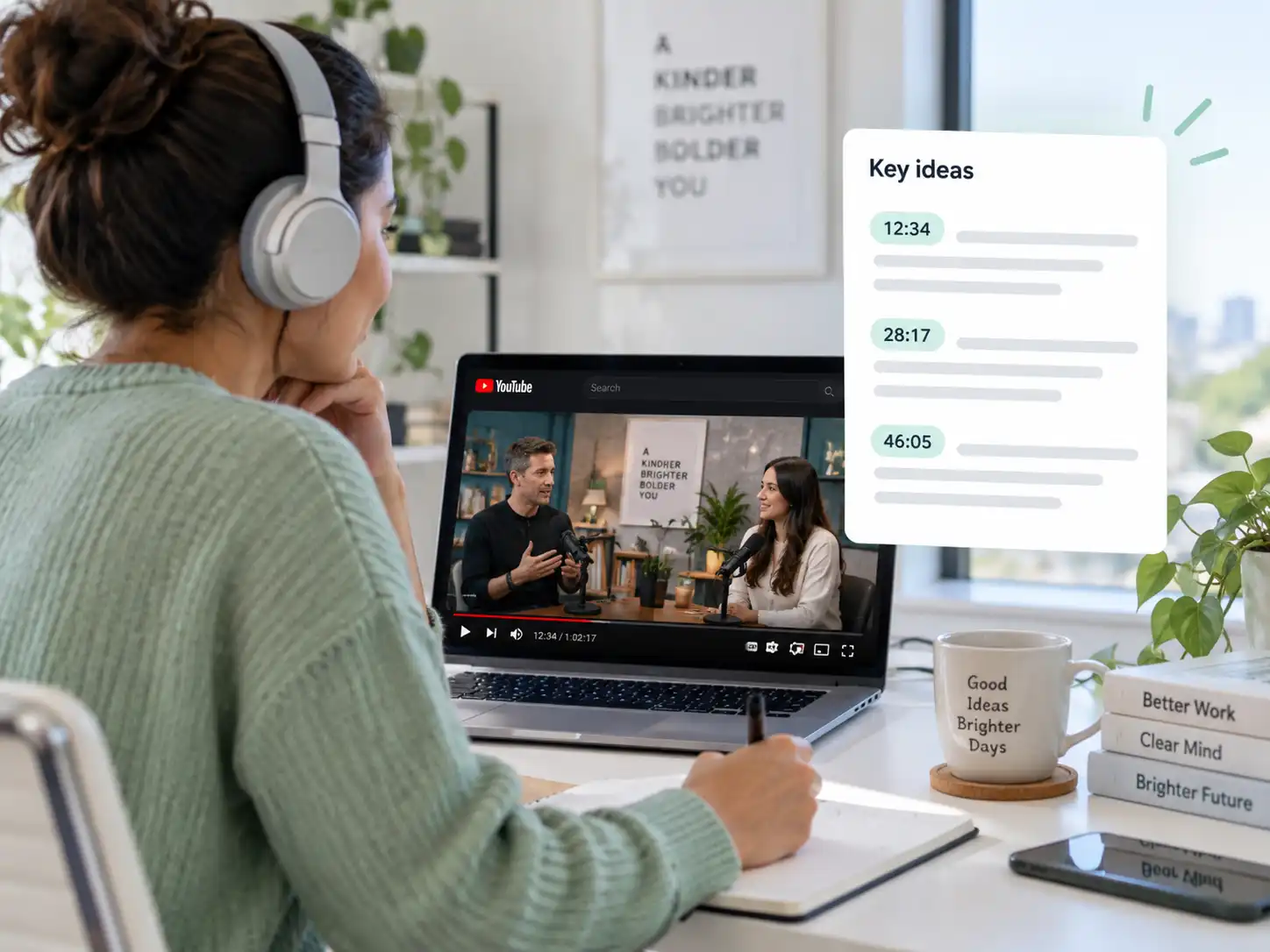
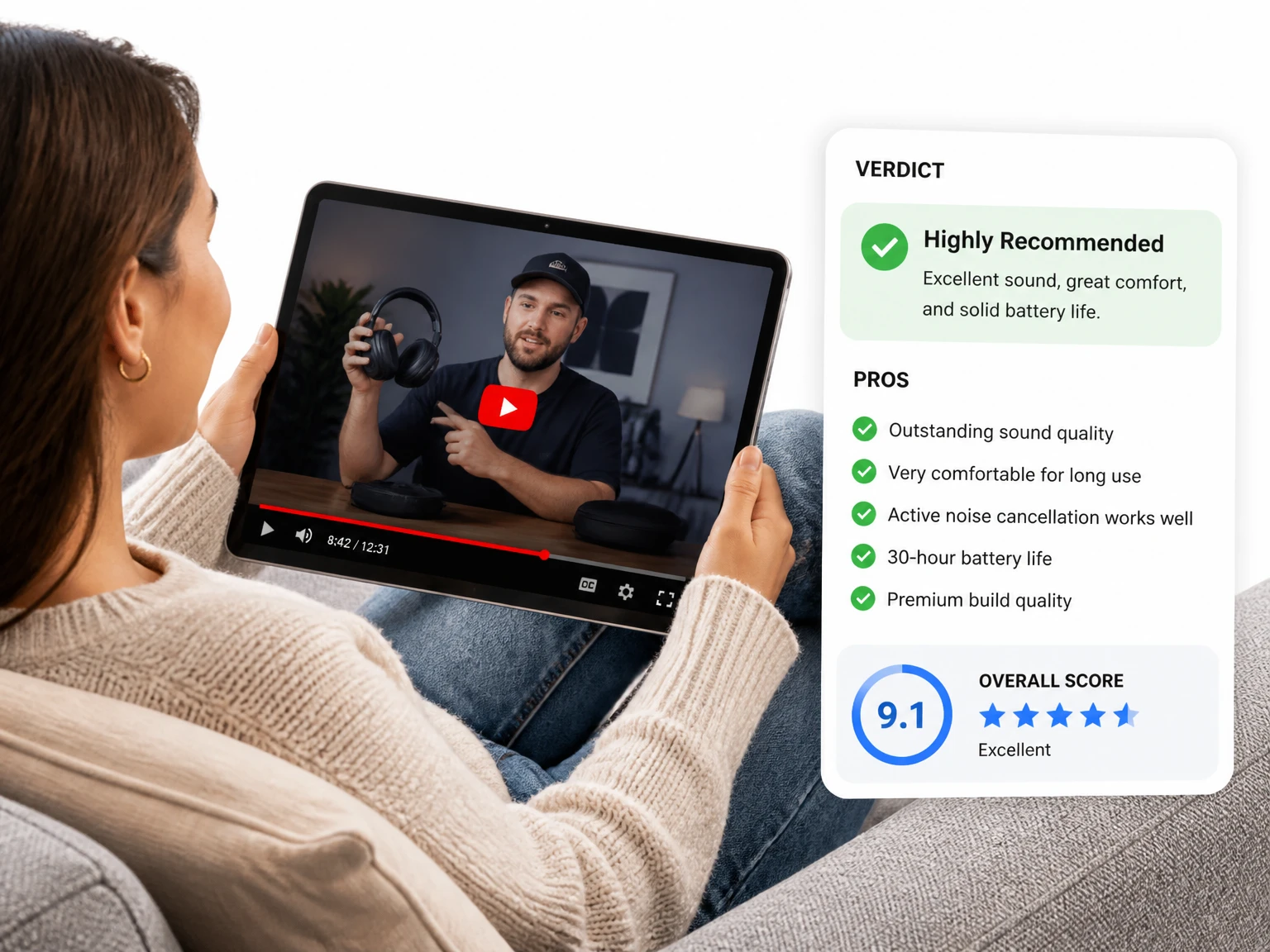
Summarize a long YouTube lecture or tutorial to find the concepts, steps, and chapters that matter before studying the full video.
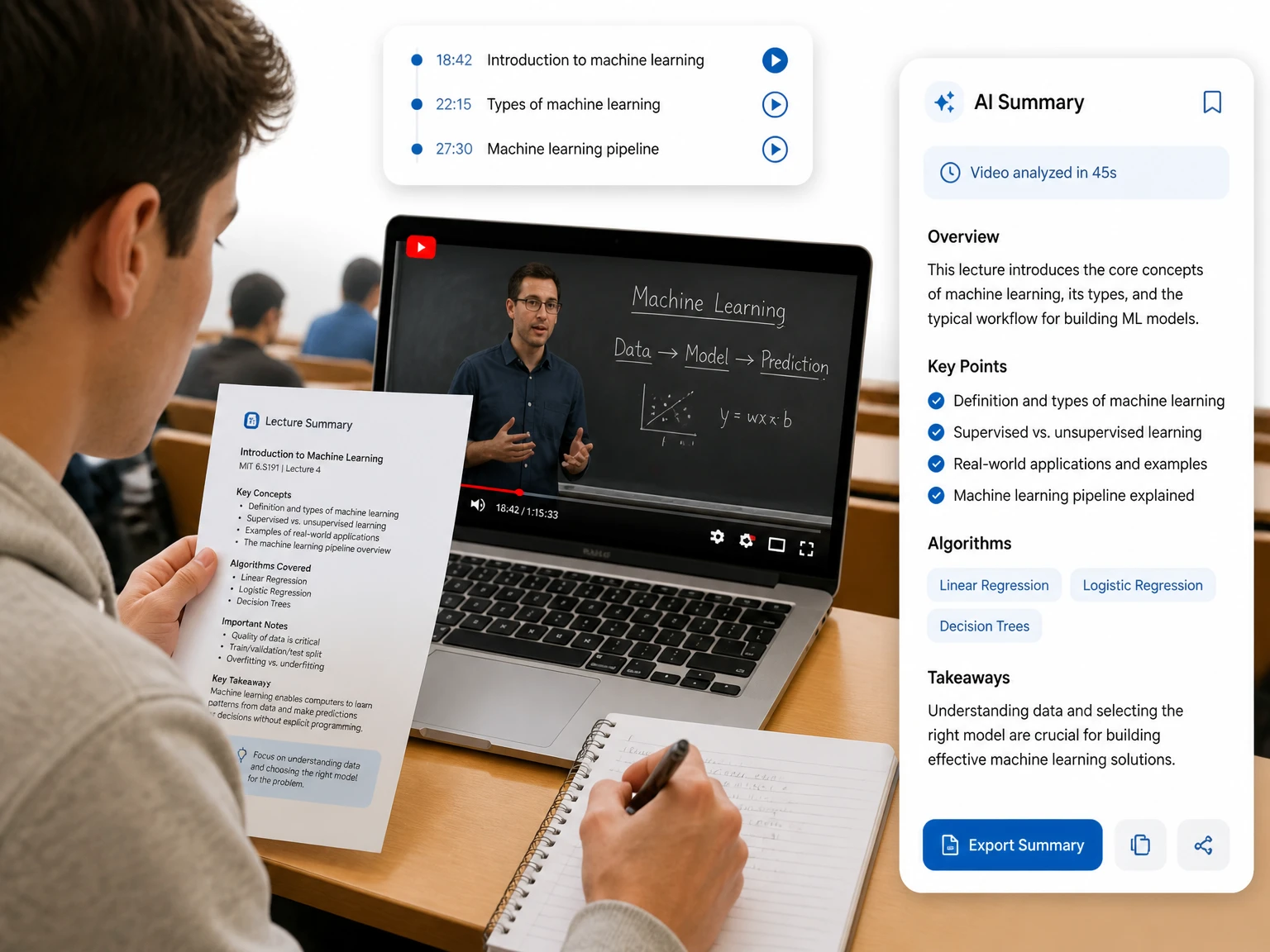

Paste a YouTube link, scan the main topics, and jump to the moments worth watching.
200+ languages
200+ languages
Video transcription support for global video content
Timestamped output
Timestamped output
Review exact moments and prepare captions
Speaker Recognition
Speaker Recognition
Identify and label different speakers in your transcript
Private upload
Private upload
Review sensitive media before exporting or publishing
A YouTube video summarizer turns a supported YouTube link into a concise summary of its main topics. Paste a video URL to preview the ideas, chapters, and moments it covers before spending time watching the full runtime. For a local recording, use the AI video summarizer instead.
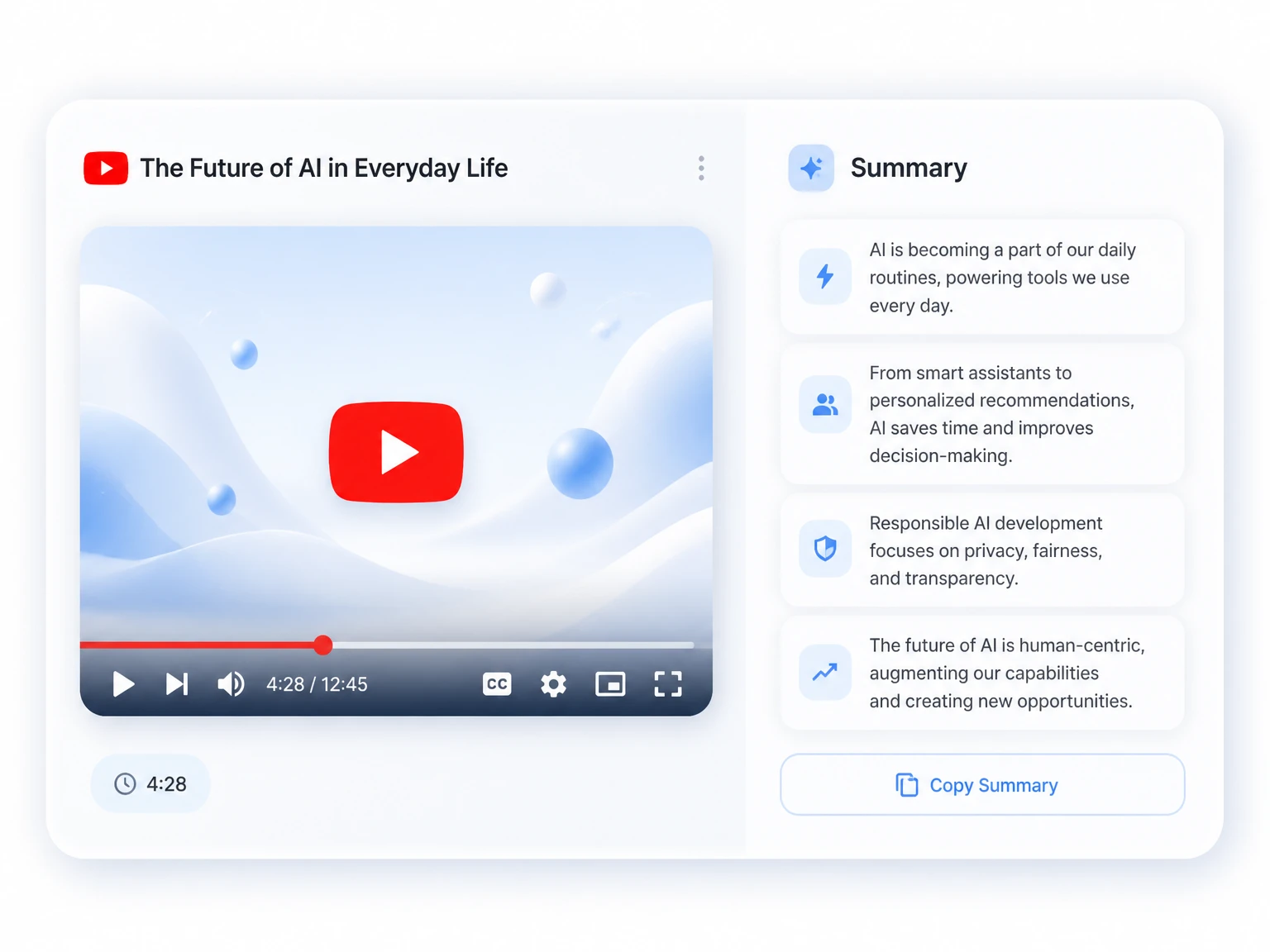
Choose a summary when you need the main ideas and a quick way to judge relevance. Choose the YouTube transcript generator when you need the complete spoken wording for search, detailed notes, or quotations. The two outputs serve different jobs: a summary helps you decide where to focus, while a transcript preserves the source text for closer analysis.
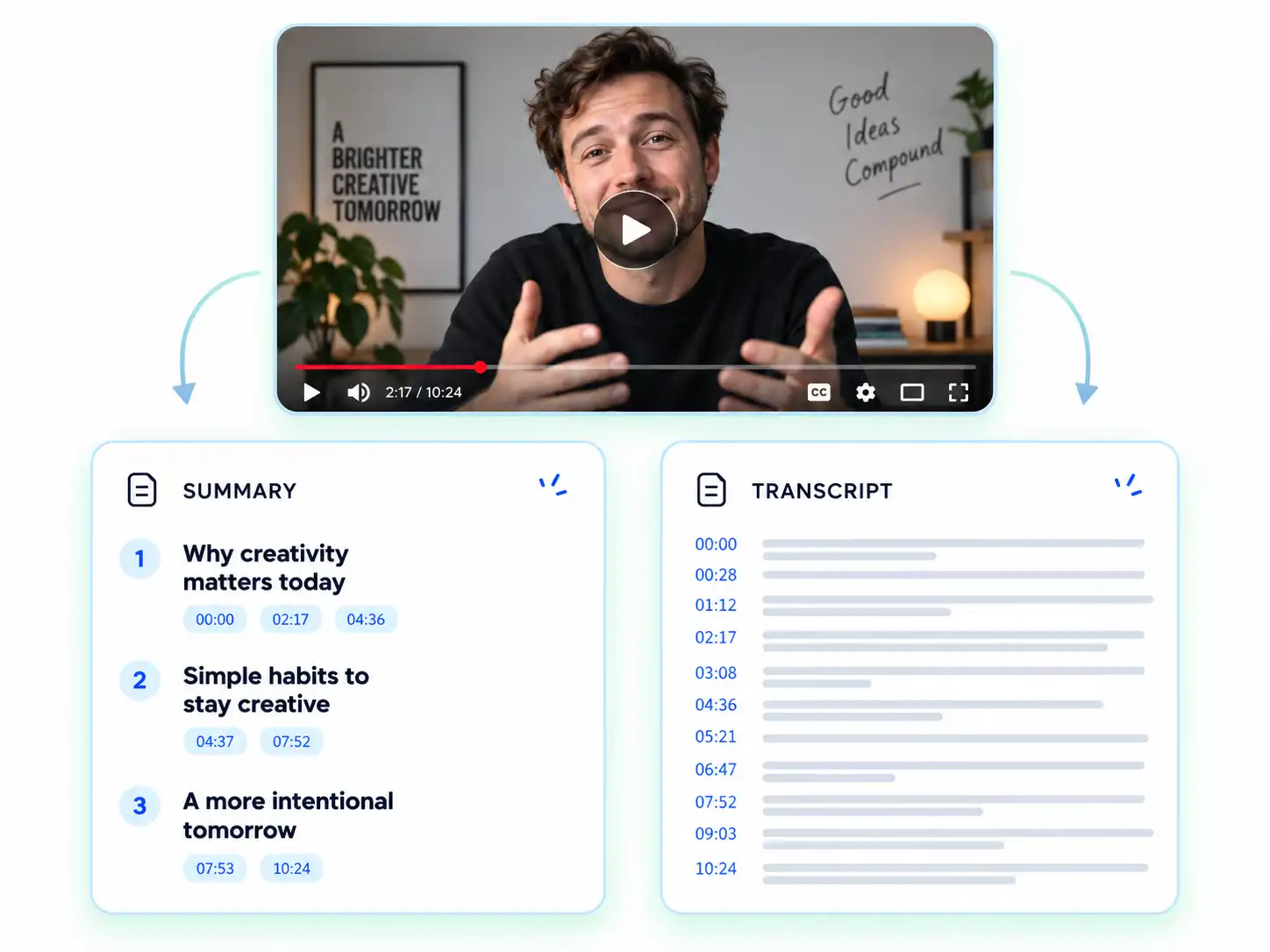
Get a structured YouTube summary and use the built-in tools to explore, customize, and reuse the result.
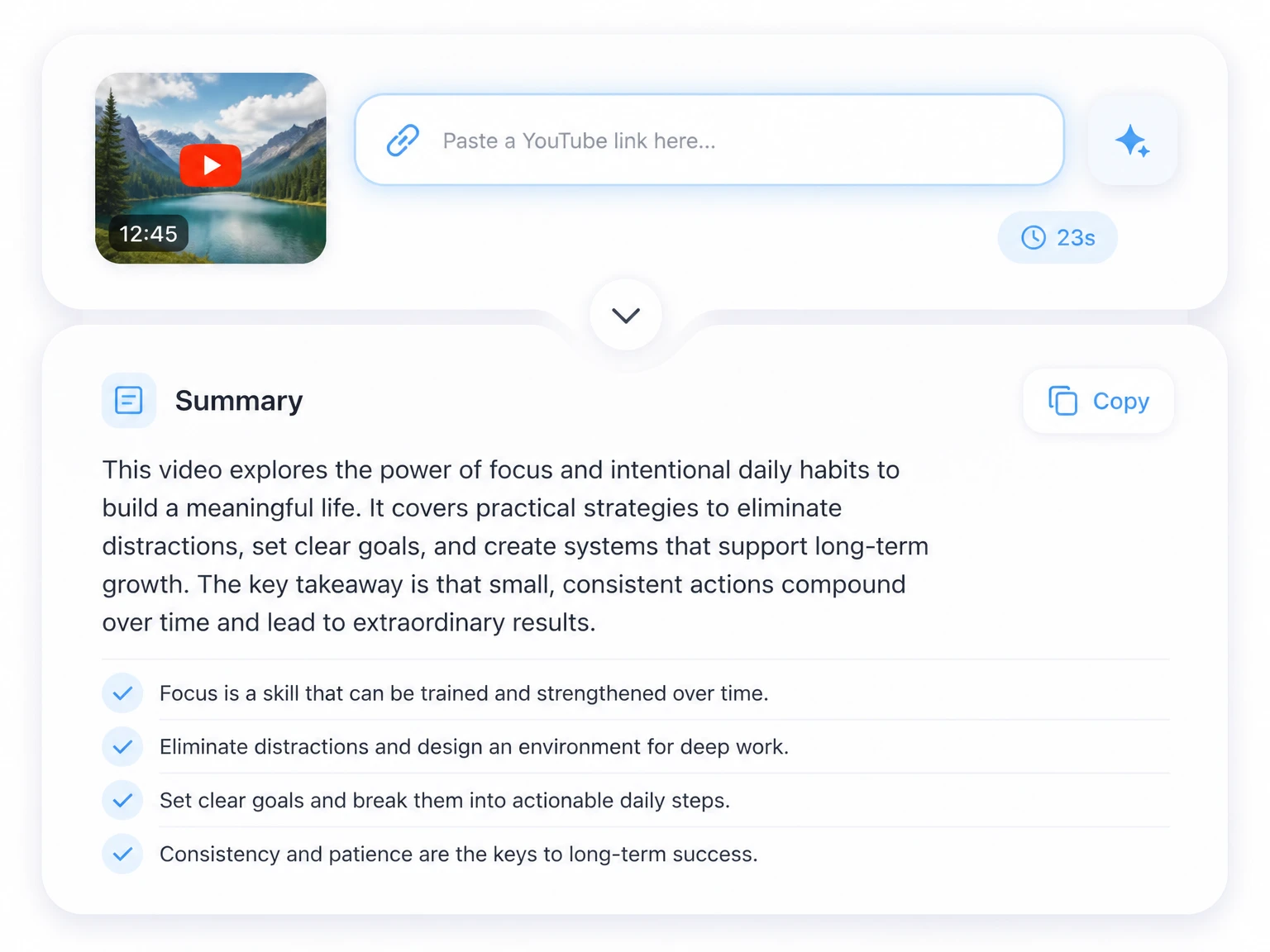
Turn a long YouTube video into a concise summary of its main ideas, topics, and important takeaways.
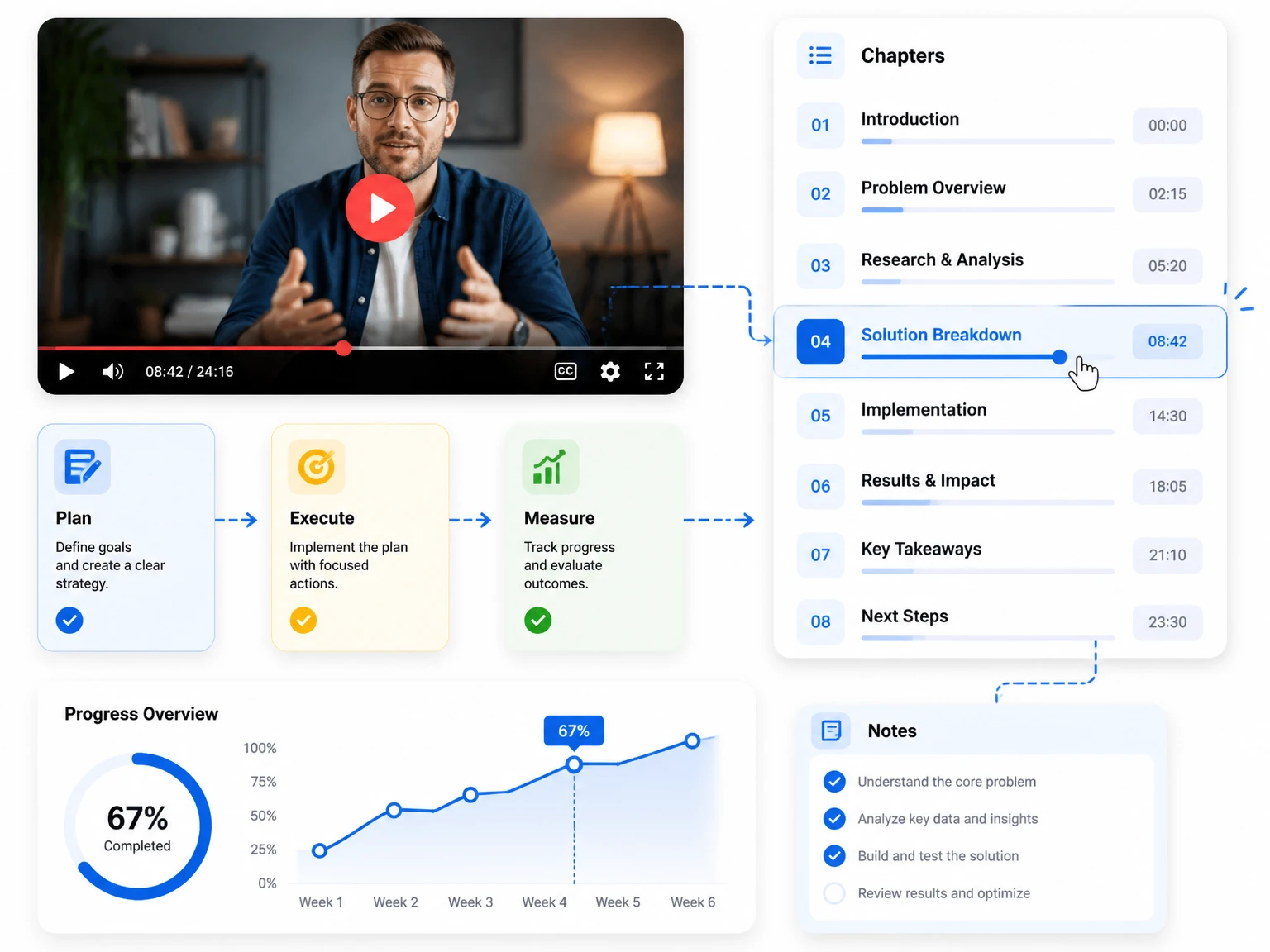
Move from a summary topic to the relevant moment in the YouTube video using chapters and timestamps.
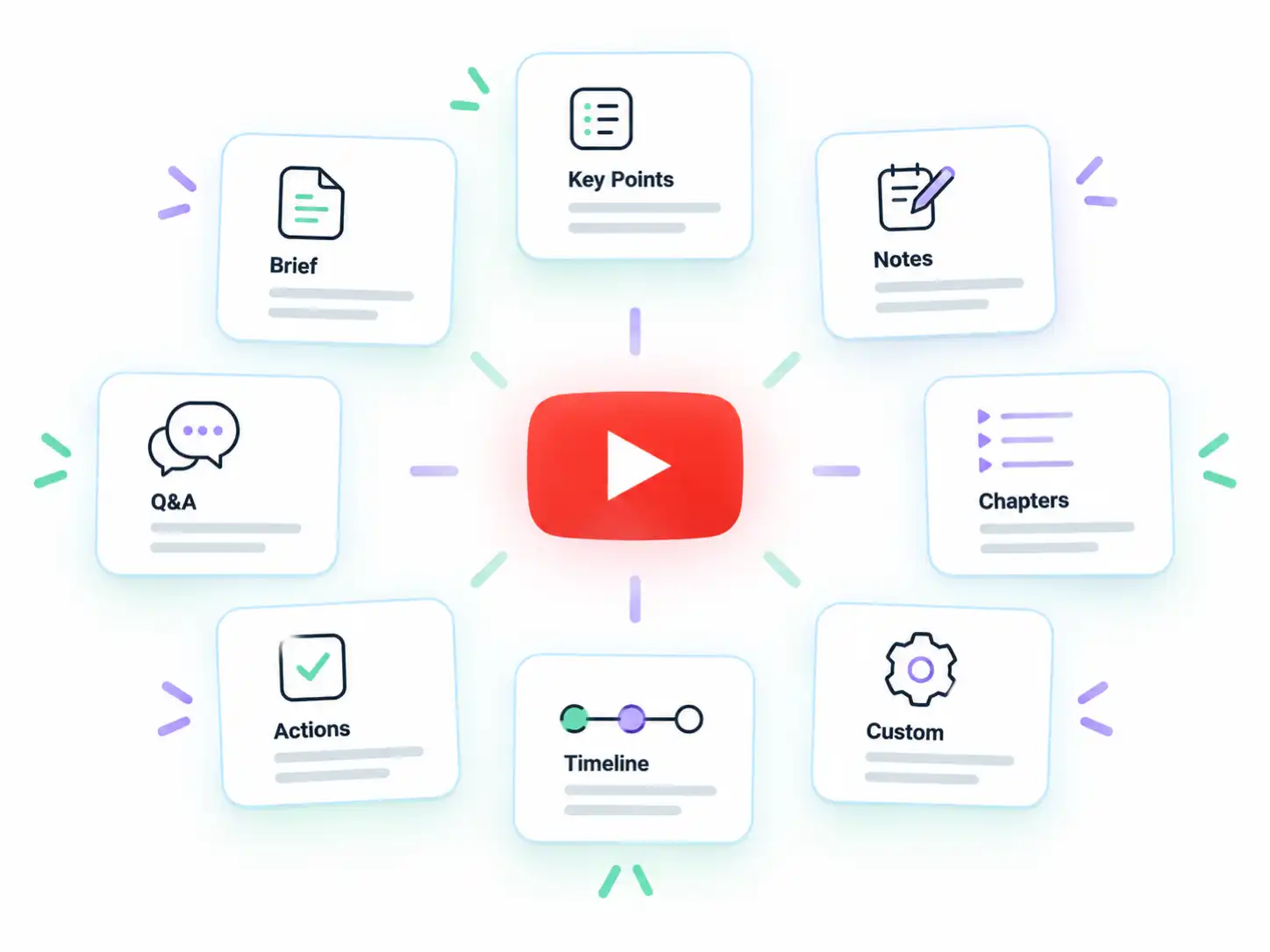
Choose a summary format that fits the video and your goal, such as key points, study notes, or a concise overview.
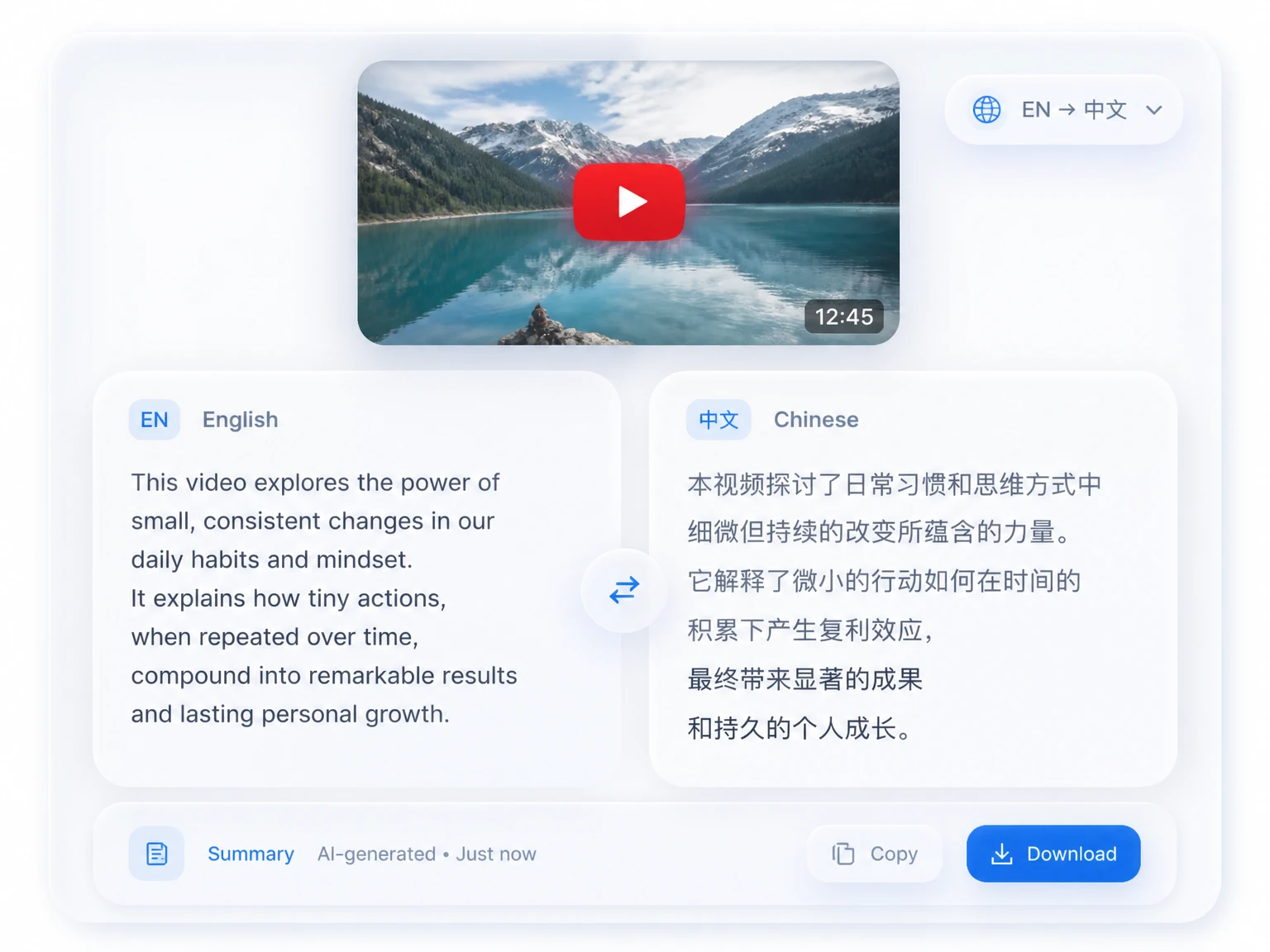
Generate the YouTube summary in the language you need for study, research, or sharing with an international audience.
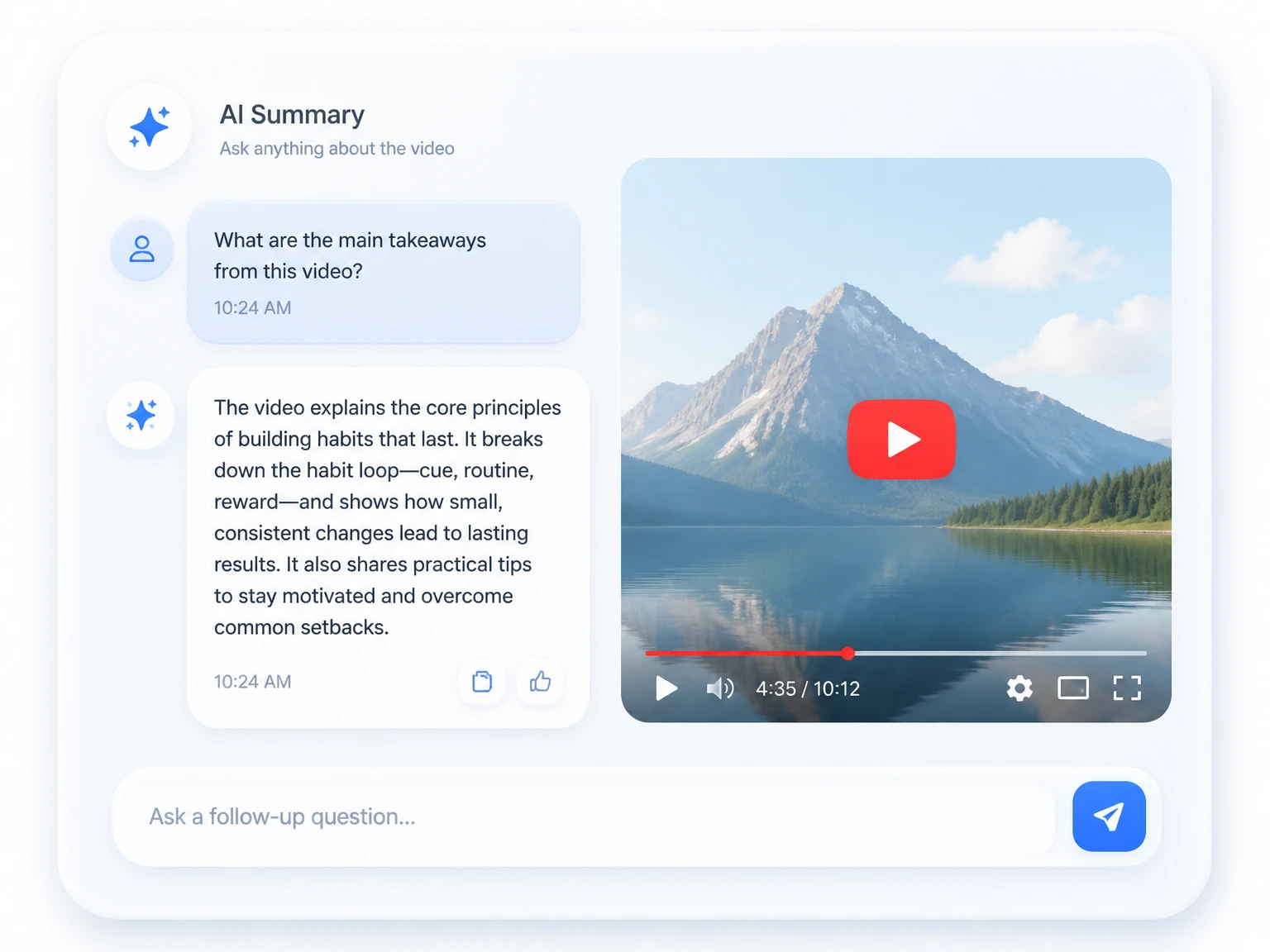
Ask follow-up questions about the YouTube video and get answers based on its processed content.
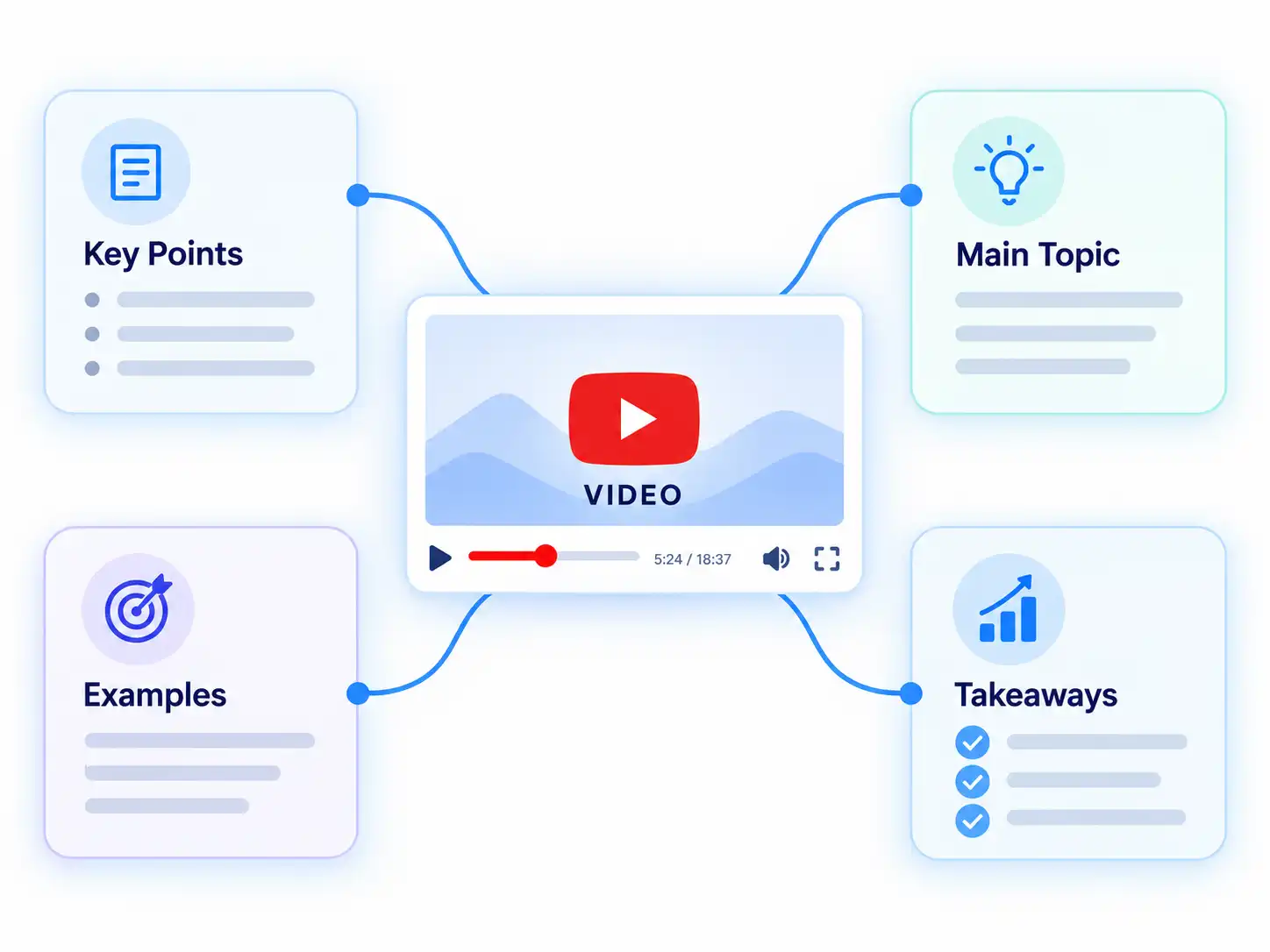
Turn the video's main topics into a connected visual structure that makes relationships between ideas easier to understand.
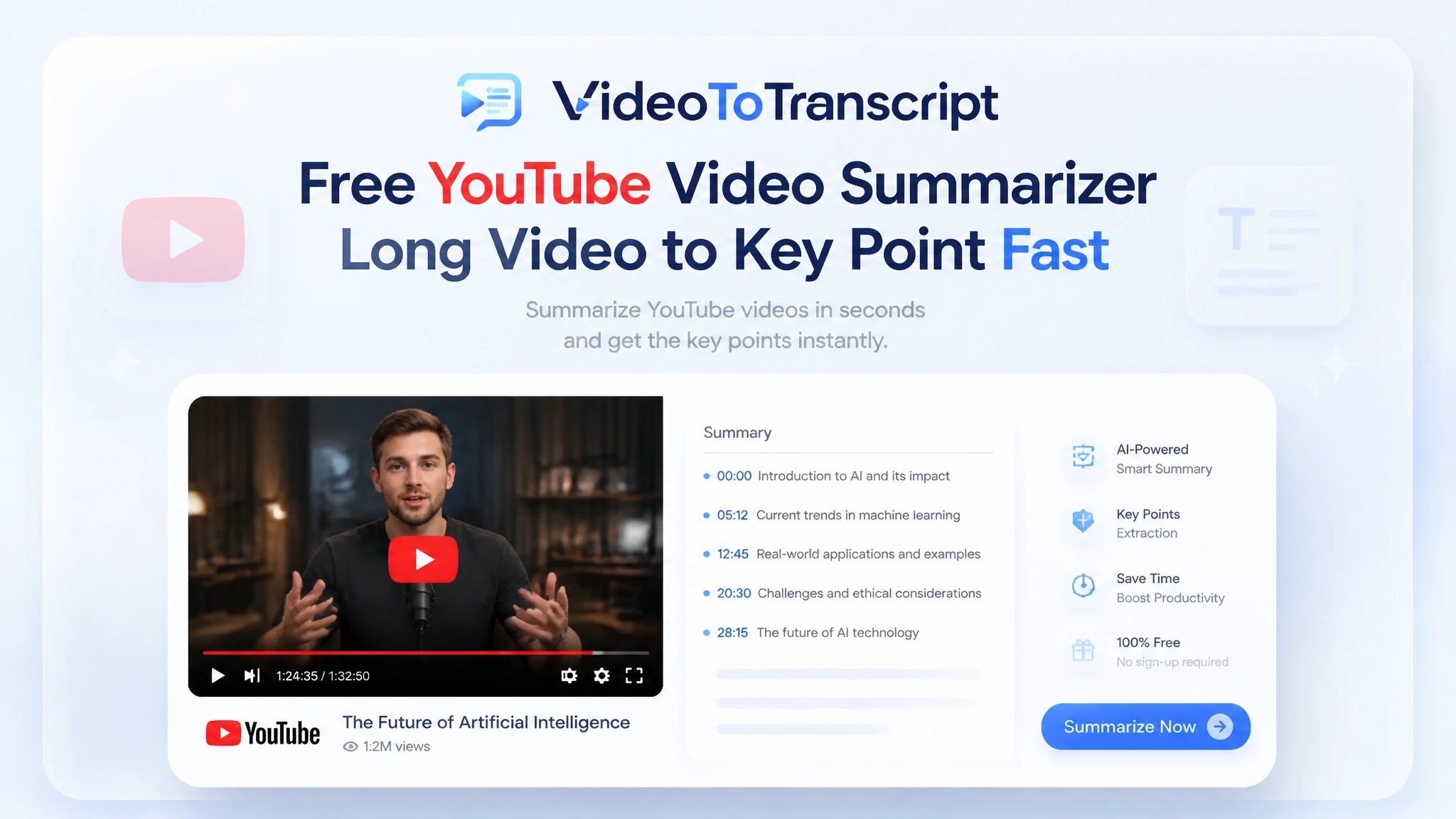
Paste a link, read the summary, and use the timestamps to choose what to watch next.
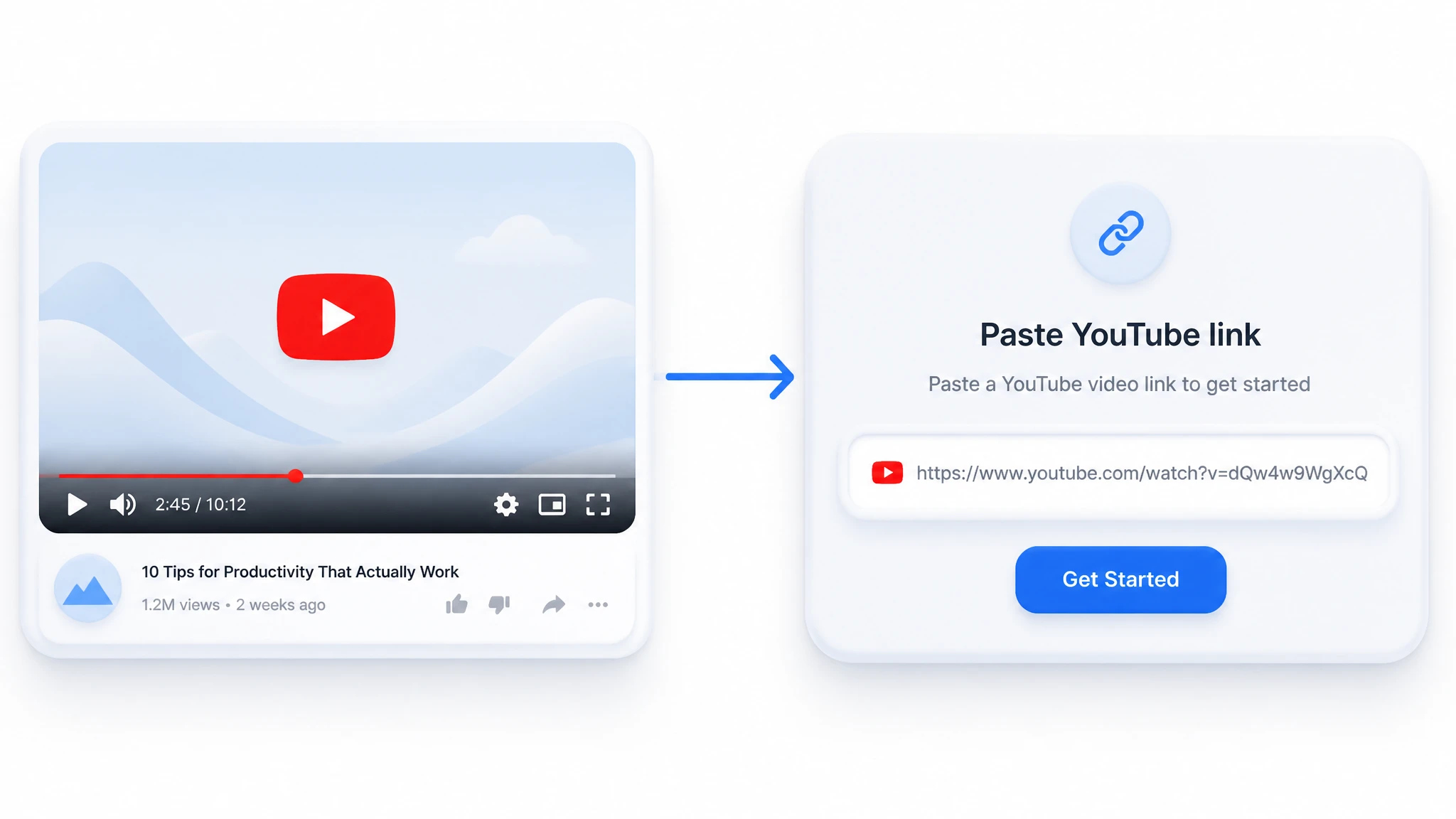
Copy the address of the YouTube video you want to review and paste it into the URL input. The video must be accessible for processing.
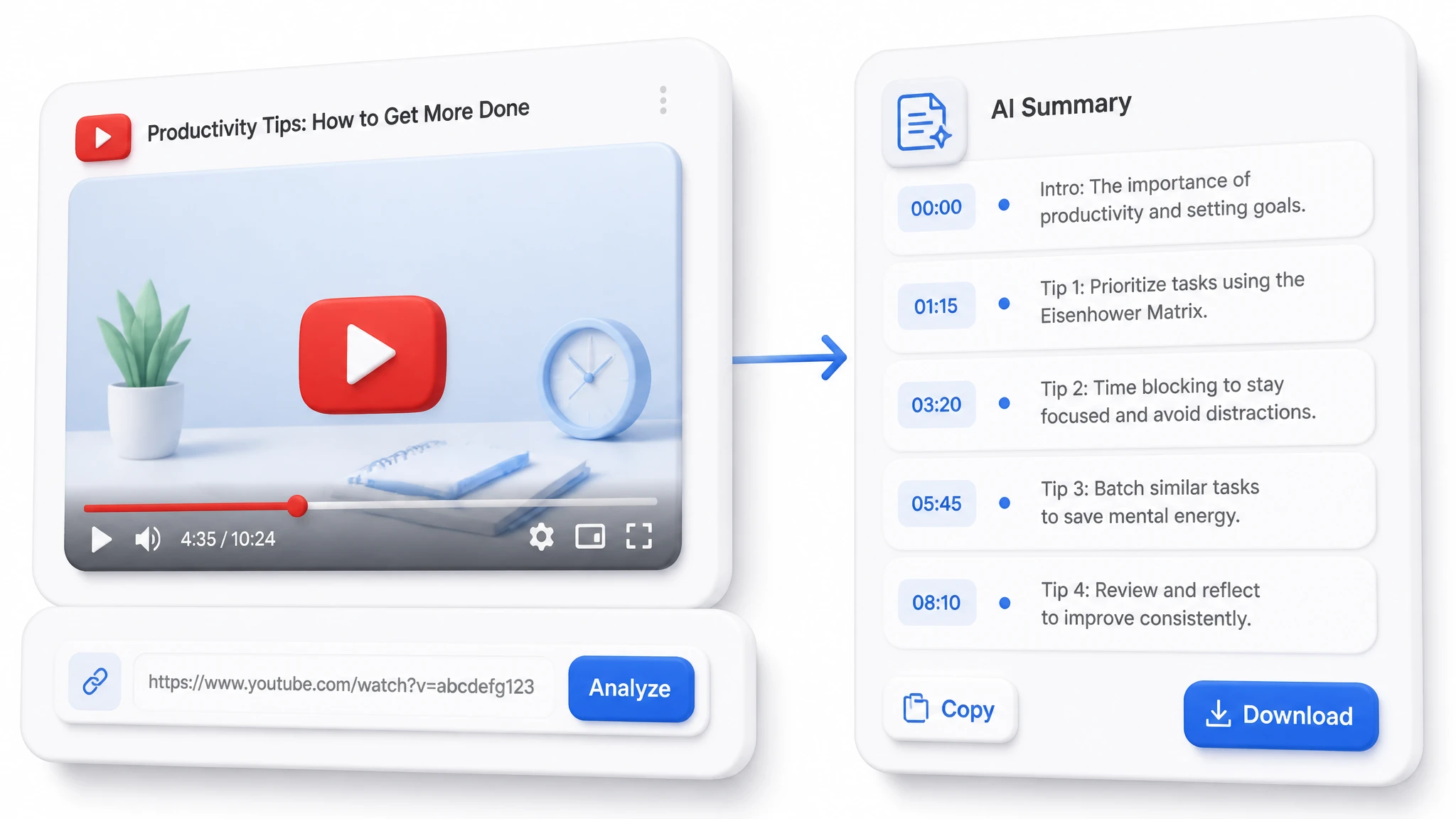
The tool uses available captions or supported audio processing to identify the video's main topics. Processing time depends on the video's length and source conditions.
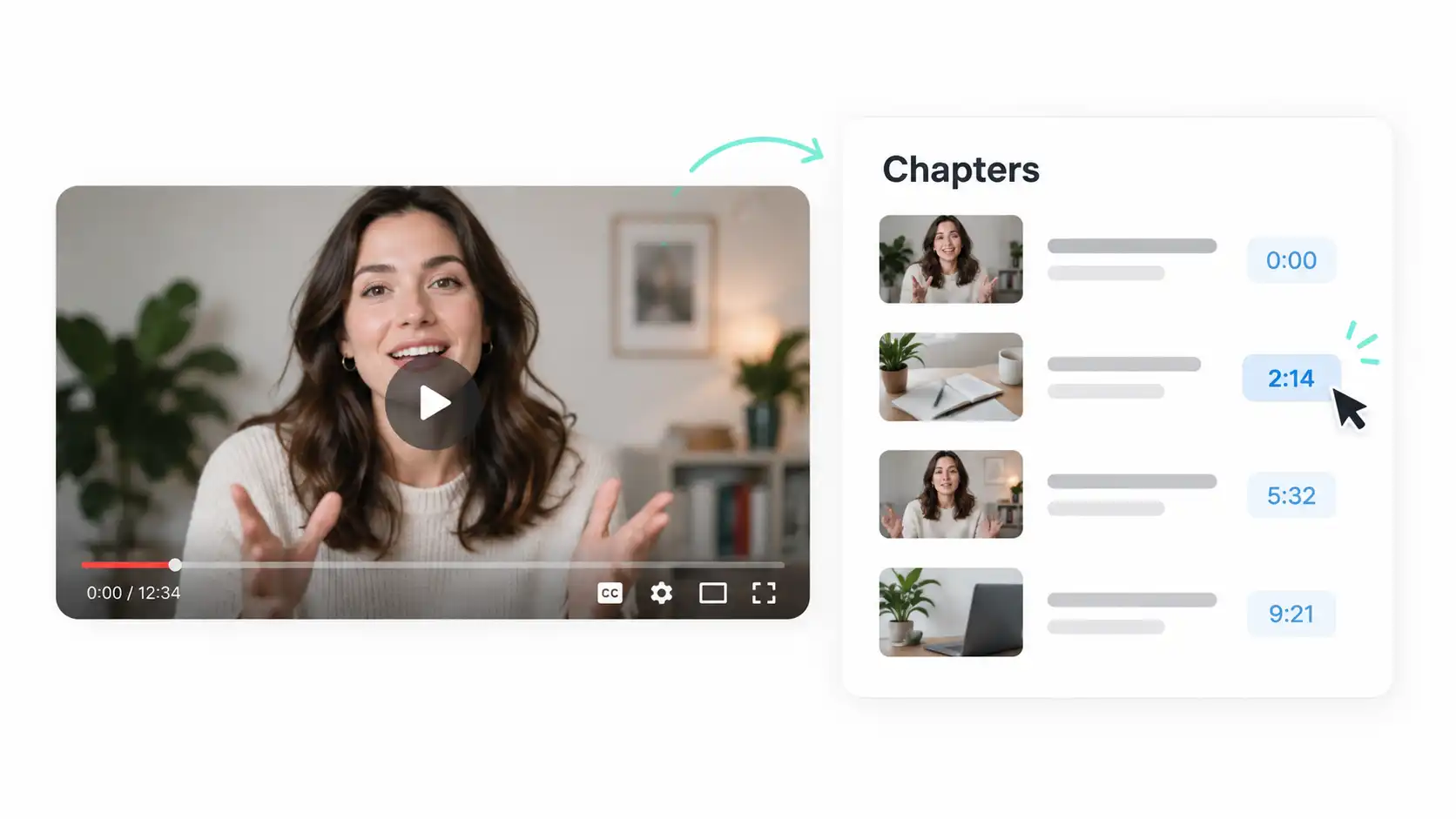
Scan the chapters and timestamps, then open the YouTube video at the sections that match your question, lesson, or research.
Caption availability, video length, and audio quality can affect processing time and summary detail.
Available captions provide the spoken content used to build the summary. Clear and accurate captions help produce more useful topics and timestamps.
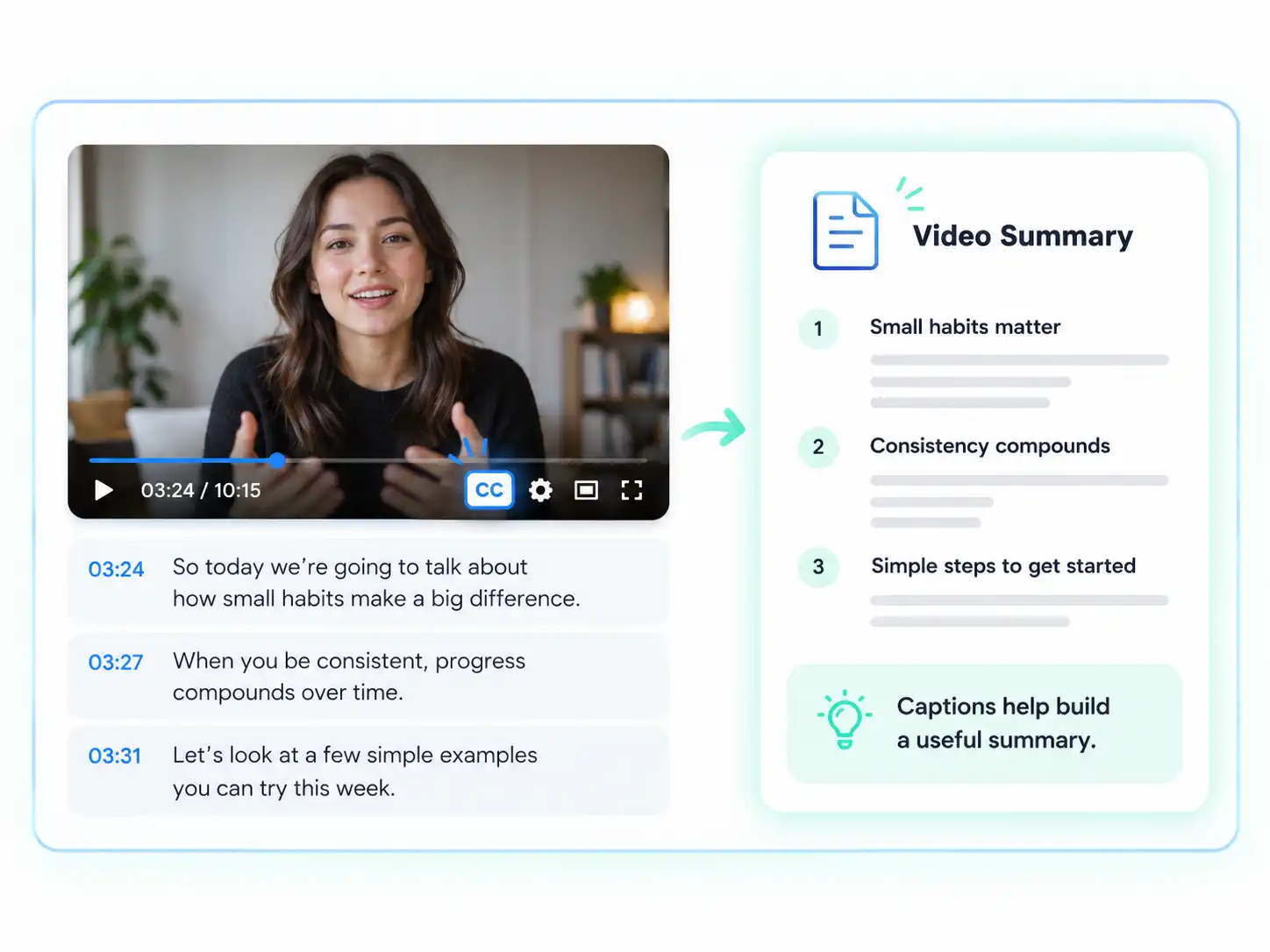
Videos without captions may require supported audio extraction. This option can have different availability and duration limits depending on the video.
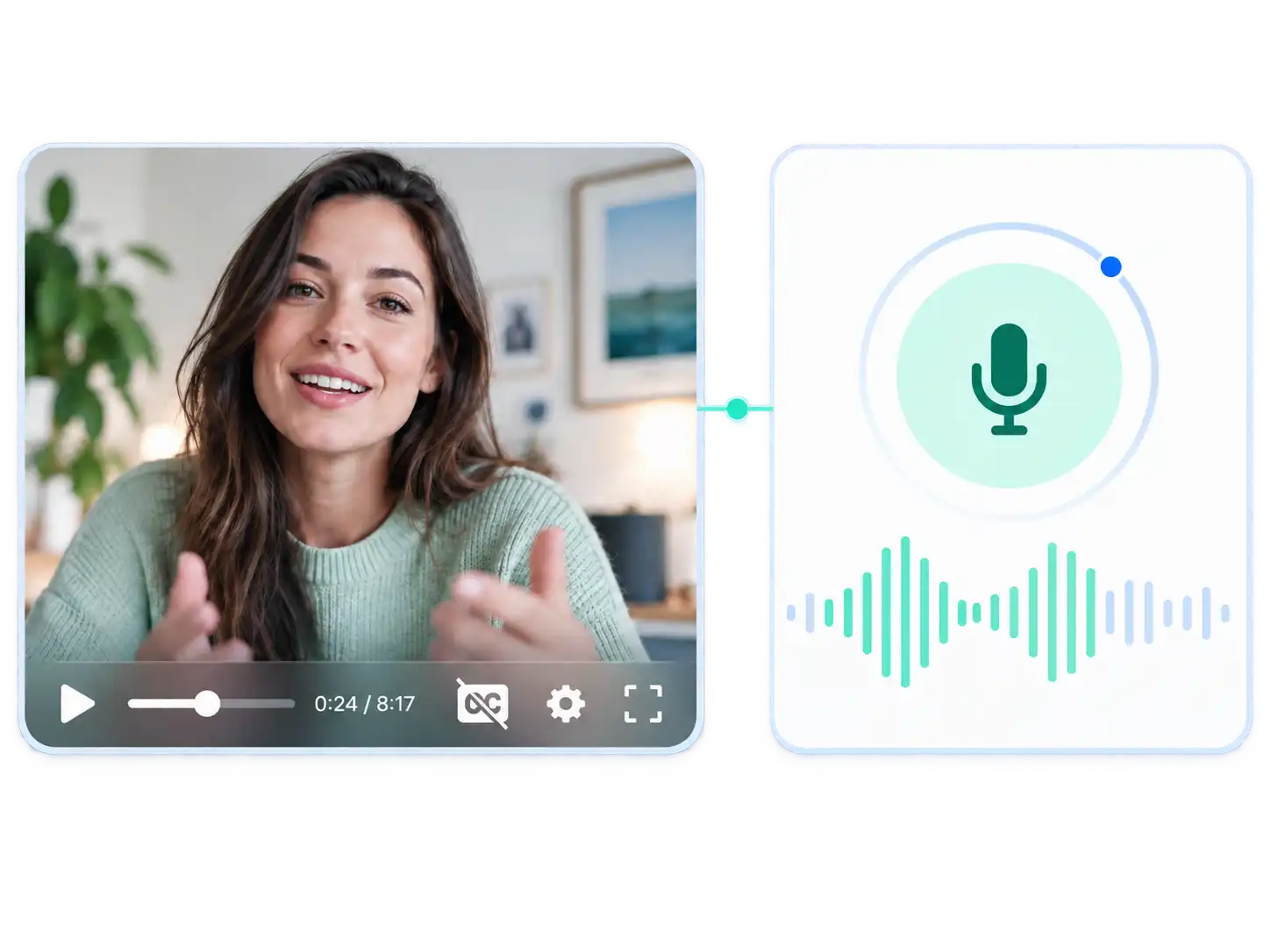
Longer videos generally take more time to process. The summary can help you decide whether a video is relevant before watching it from start to finish.
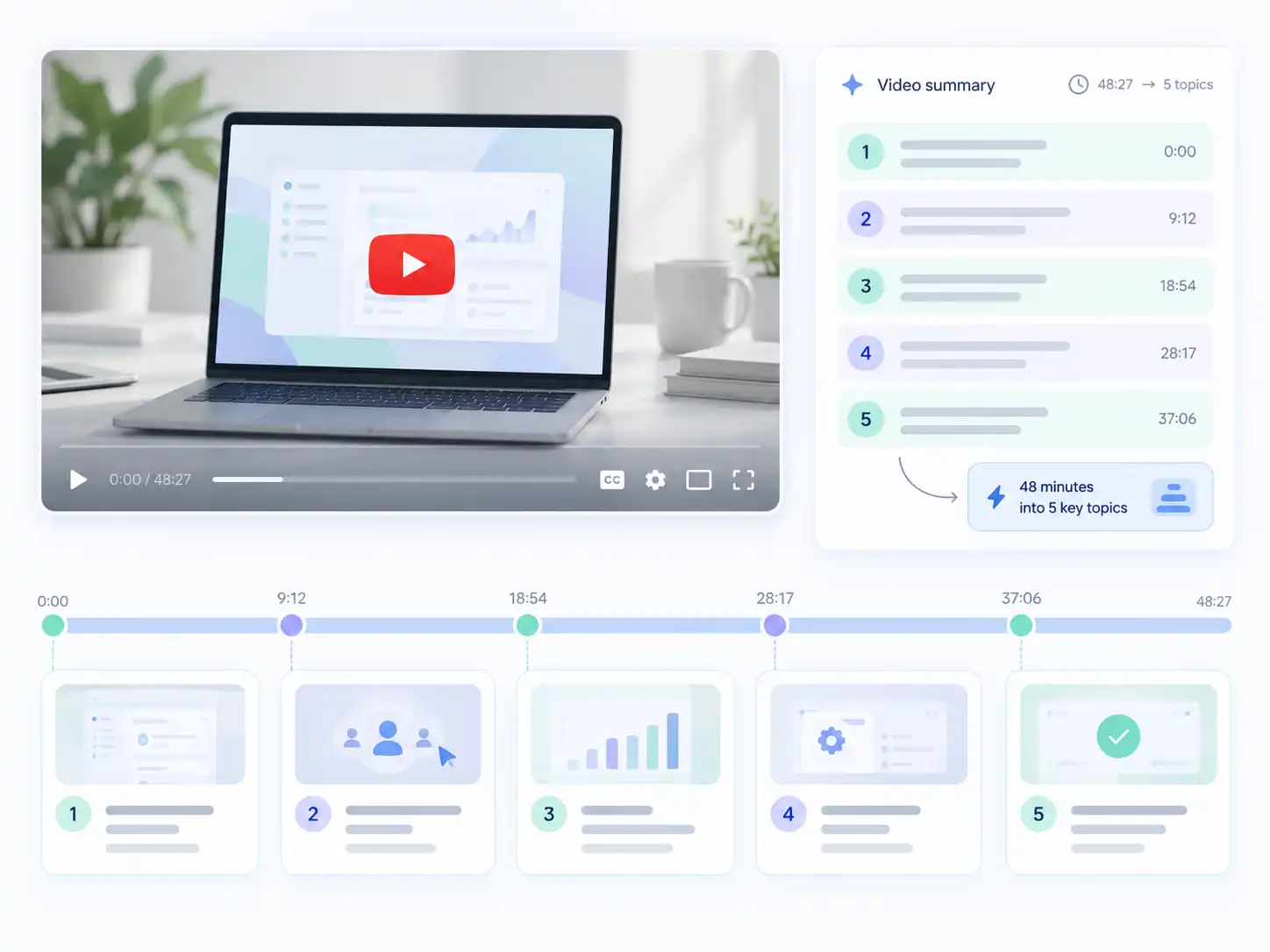
Background noise, accents, overlapping speakers, and specialized language can affect how clearly the video's content is summarized.
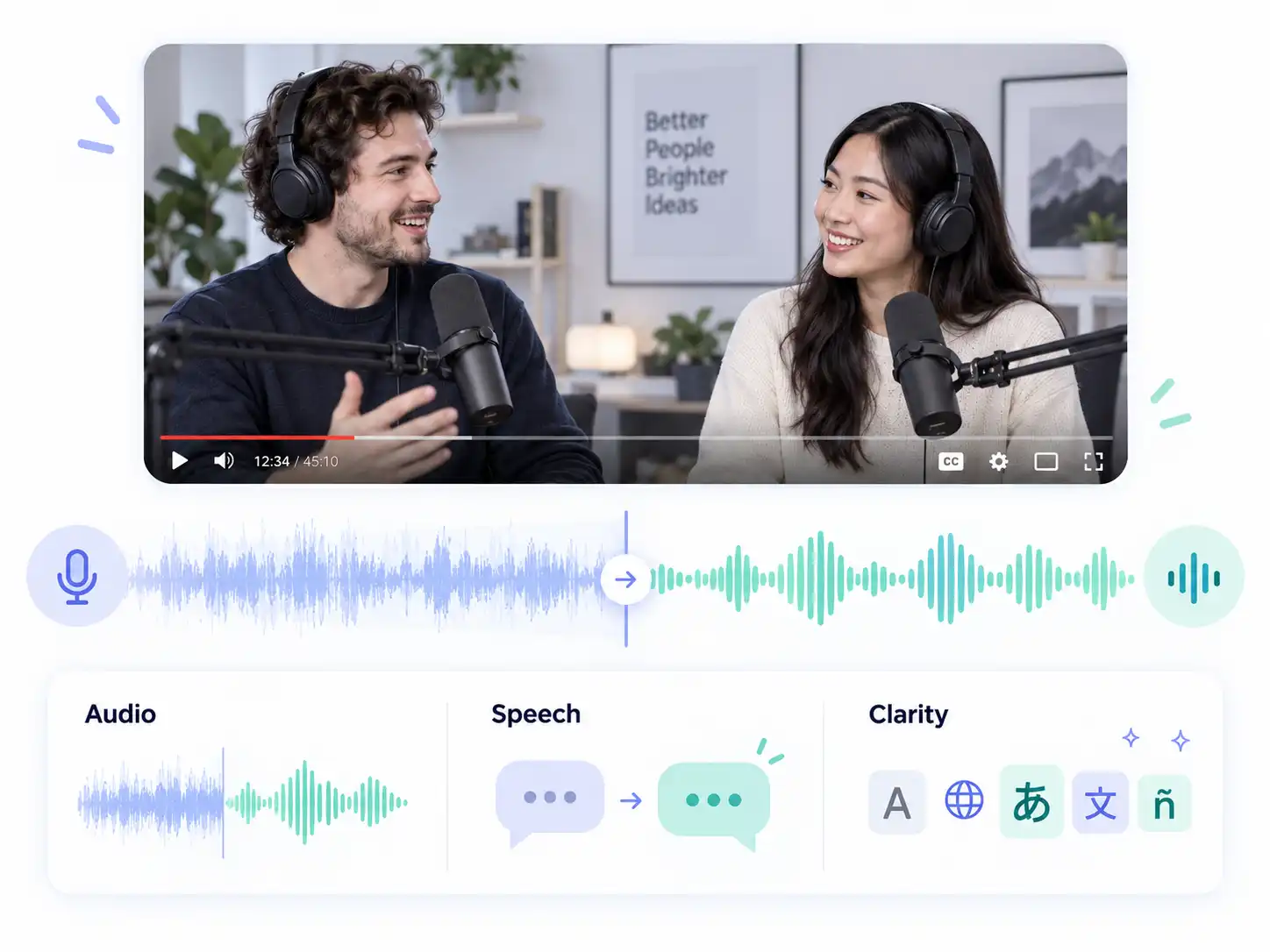
Find the YouTube videos, chapters, and answers that matter before committing to a long watch.
Summarize a long YouTube lecture or tutorial to find the concepts, steps, and chapters that matter before studying the full video.
A YouTube video summary may not preserve every qualification or speaker detail. Captions, audio quality, language, and source availability all affect the result. Videos without captions may rely on supported audio extraction and can have different duration limits. Open the relevant timestamp before publishing, citing, or acting on information from the summary.
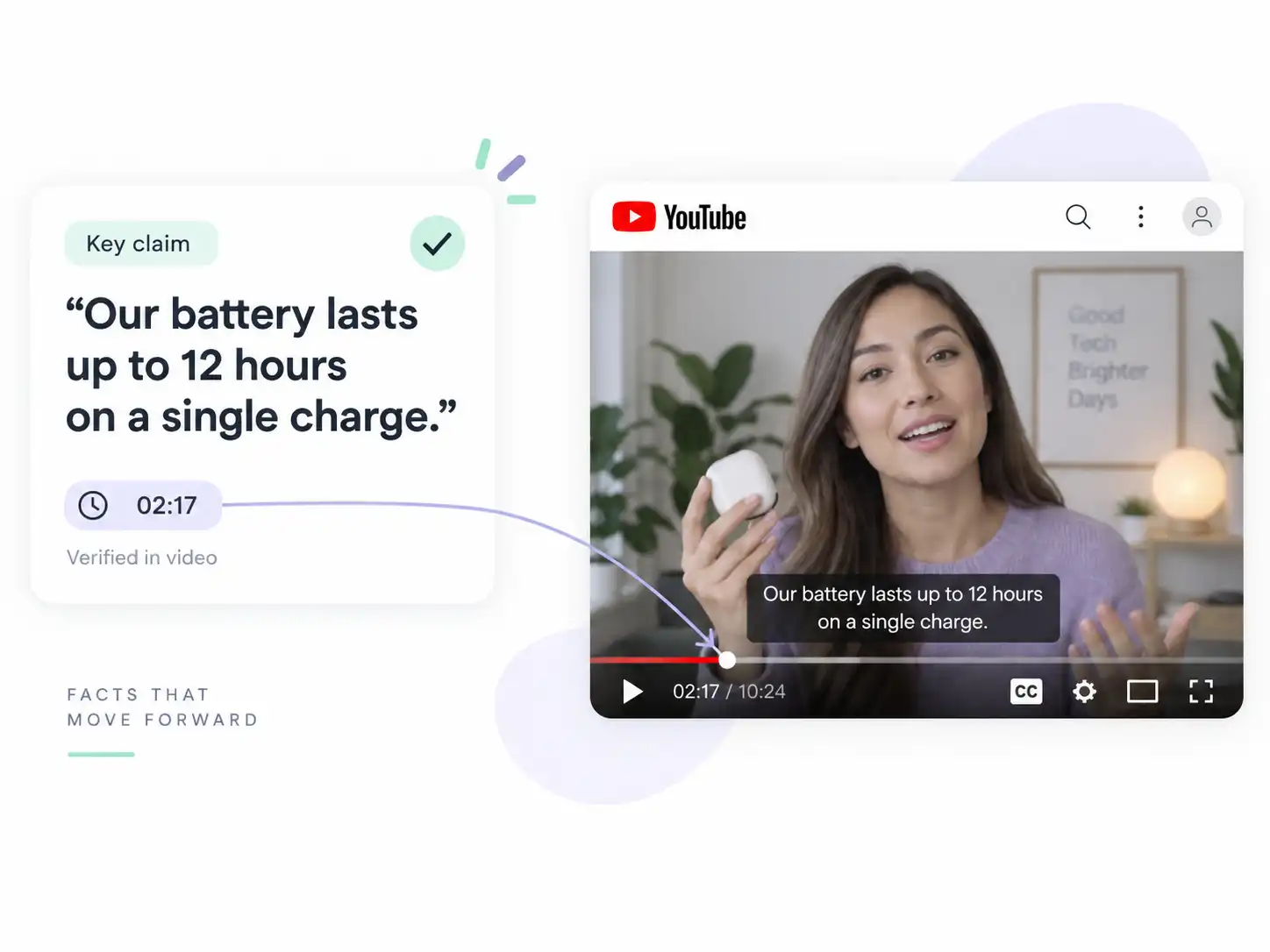
Examples of using a YouTube summary to decide what to watch and where to start.
I preview a long lecture first and open only the timestamps that match my research question.
Copy the YouTube URL, paste it into the tool, and start processing. When the overview is ready, use its topics and timestamps to choose the sections you want to watch.
No. Paste a supported YouTube link into the tool and request a summary without downloading the video first.
Yes. Longer videos may take more time to process, but the summary helps you find the chapters and moments worth watching first.
Some videos without captions may be processed through supported audio extraction. Availability and duration limits depend on the source and current processing conditions.
No. A summary gives you the main ideas and structure, while a transcript records the video's spoken words in full. Choose a summary for quick review and a transcript when you need detailed text.
Output quality depends on captions, audio quality, language, and speaker clarity. Verify important facts, figures, names, and quotations against the original video.
After reviewing the overview, you can use the available workspace actions to copy, download, or share it.