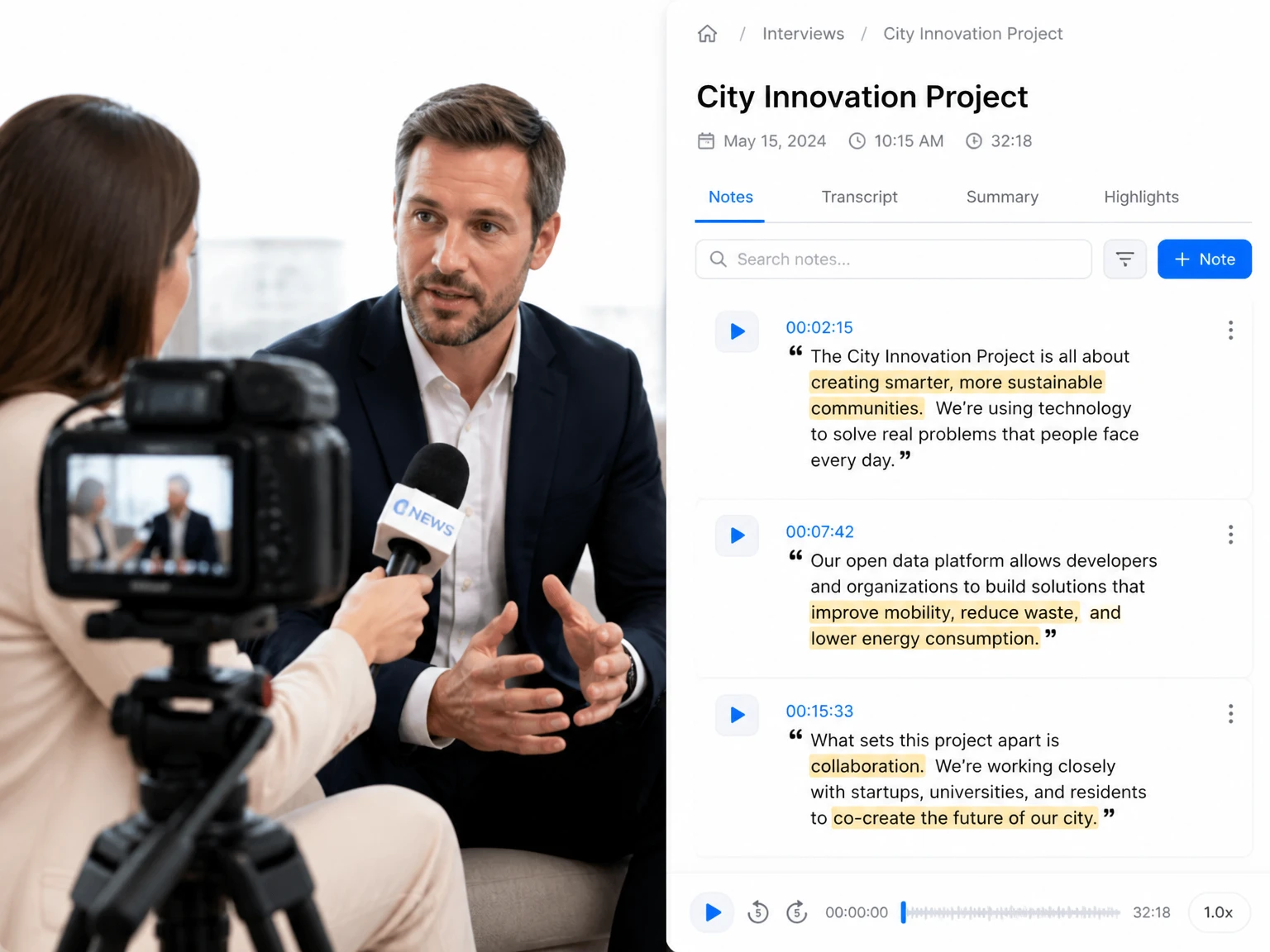
Find the relevant timestamp, check the wording against the source, and identify the speaker before using a quote in an article, roundup, or research note.

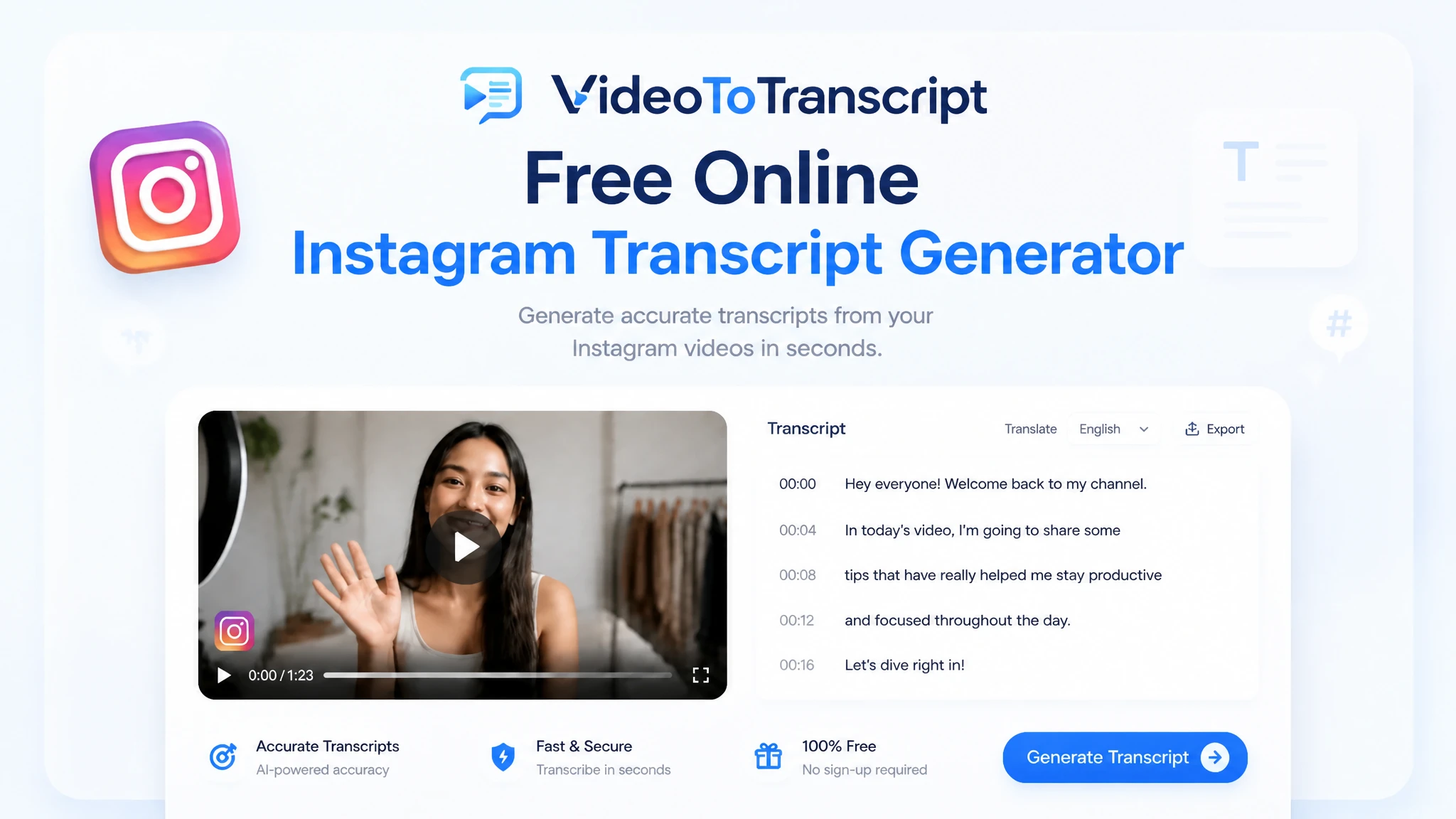
Use this Instagram transcript generator with a supported public Reel or video link to create editable text with timestamps. Review the result, copy what you need, or export it for captions and subtitles.
200+ languages
200+ languages
Video transcription support for global video content
Timestamped output
Timestamped output
Review exact moments and prepare captions
Speaker Recognition
Speaker Recognition
Identify and label different speakers in your transcript
Private upload
Private upload
Review sensitive media before exporting or publishing
An Instagram transcript generator converts the speech in a supported public Reel or video into selectable text. Paste the Instagram link to create a timestamped transcript that you can review, copy, and export for captions, notes, quotes, or subtitle editing.
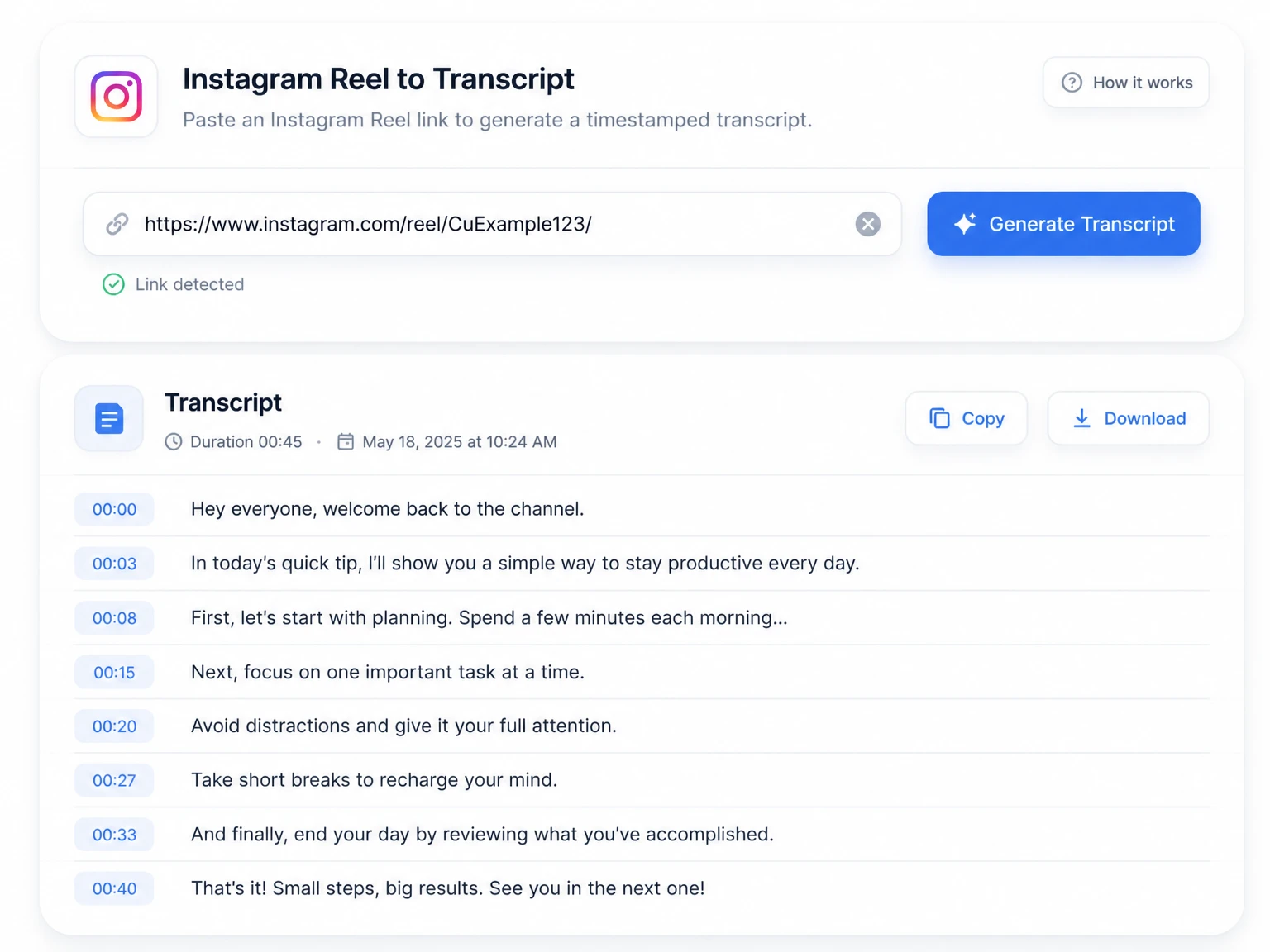
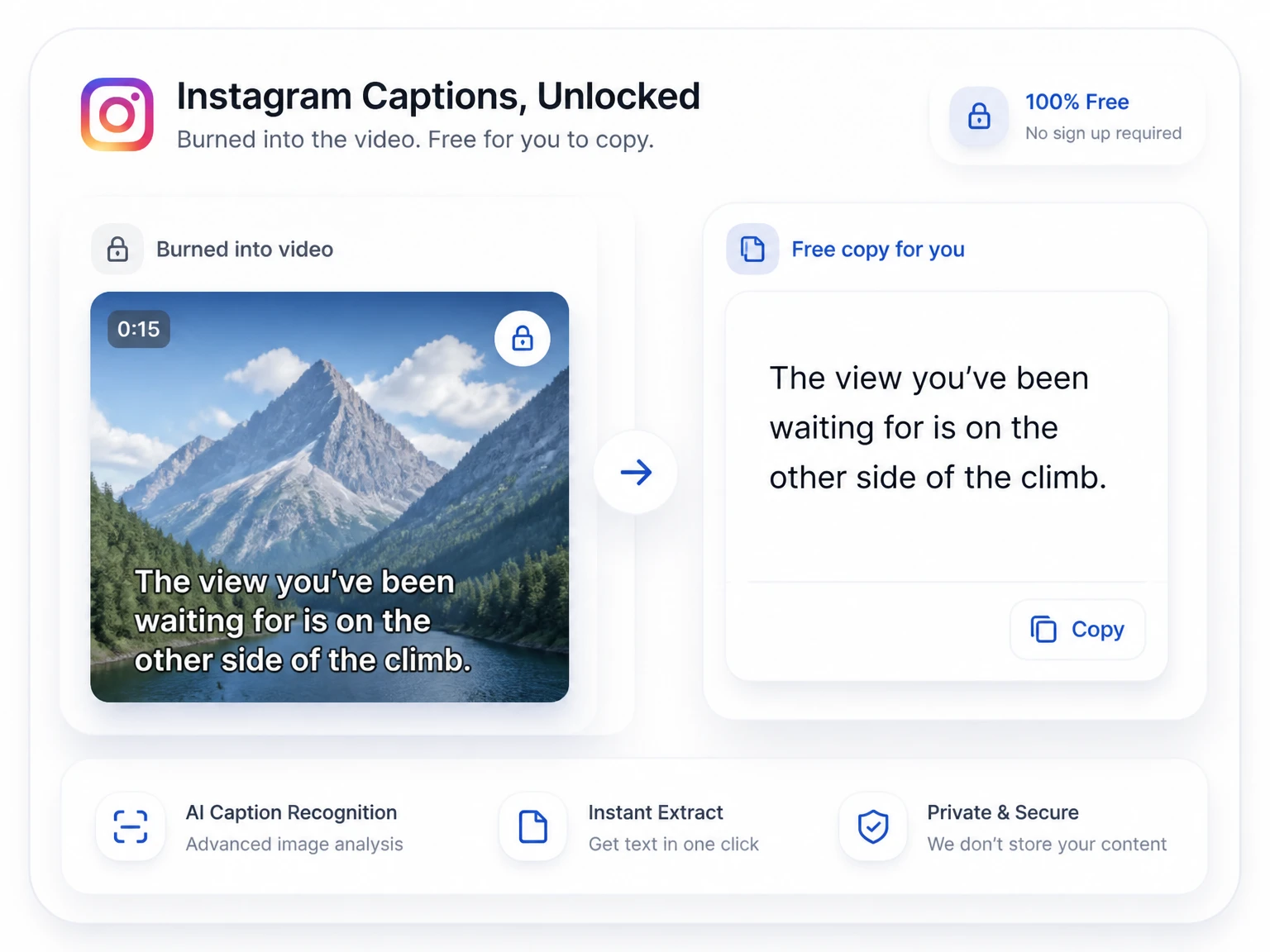
Captions shown while a Reel plays are useful for watching, but they are not a practical document for editing, searching, or exporting. An Instagram video transcript gives you a separate text version of the spoken content, making it easier to check a quote, revise caption copy, or prepare subtitle files without repeatedly scrubbing through the clip.
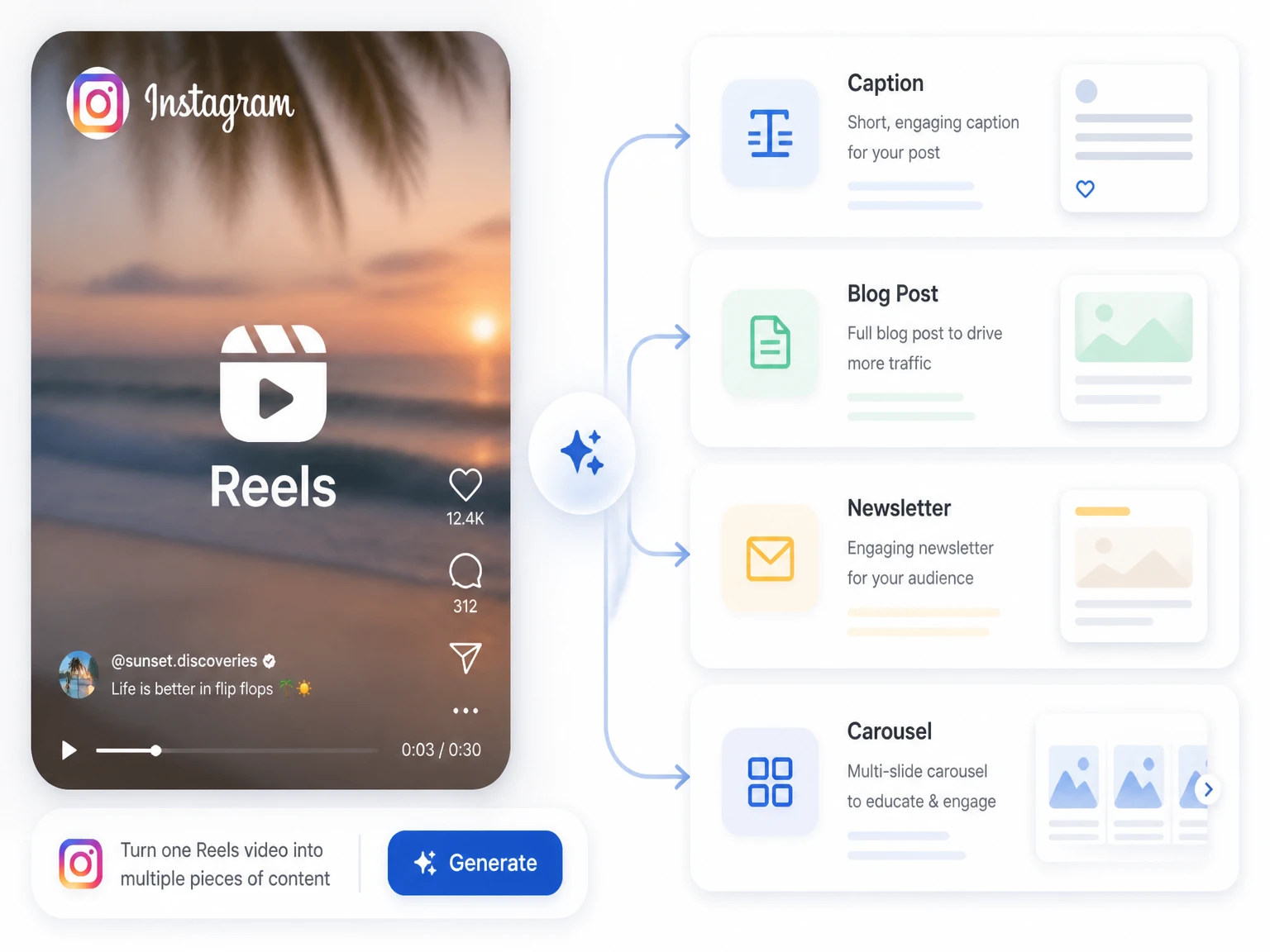
An Instagram transcript generator gives a Reel a life beyond the feed. Use the spoken outline to draft a longer caption, isolate a strong quotation, or adapt the main idea for a newsletter or article. TikTok creators can use the TikTok Transcript Generator for the same kind of short-form workflow.
For videos saved on your device rather than published on Instagram, use the video to text converter to follow the file-upload workflow.
The Instagram transcript generator moves an accessible source through review, translation, and export in one connected workflow.
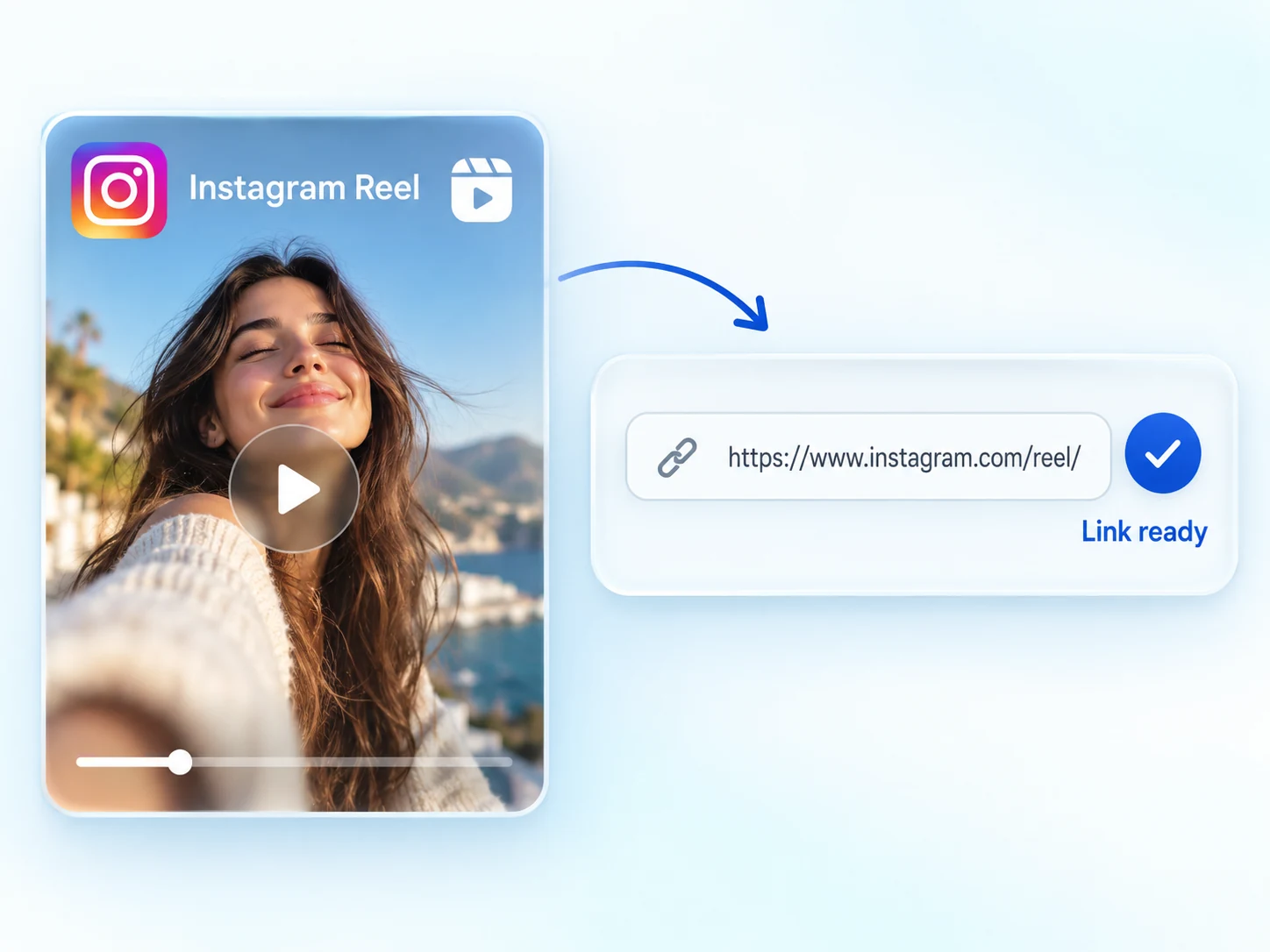
Paste the URL of a public Reel or video that the service can access. If the post is private, restricted, or unavailable, save a copy you are permitted to use and follow the MP4 to text upload workflow instead.
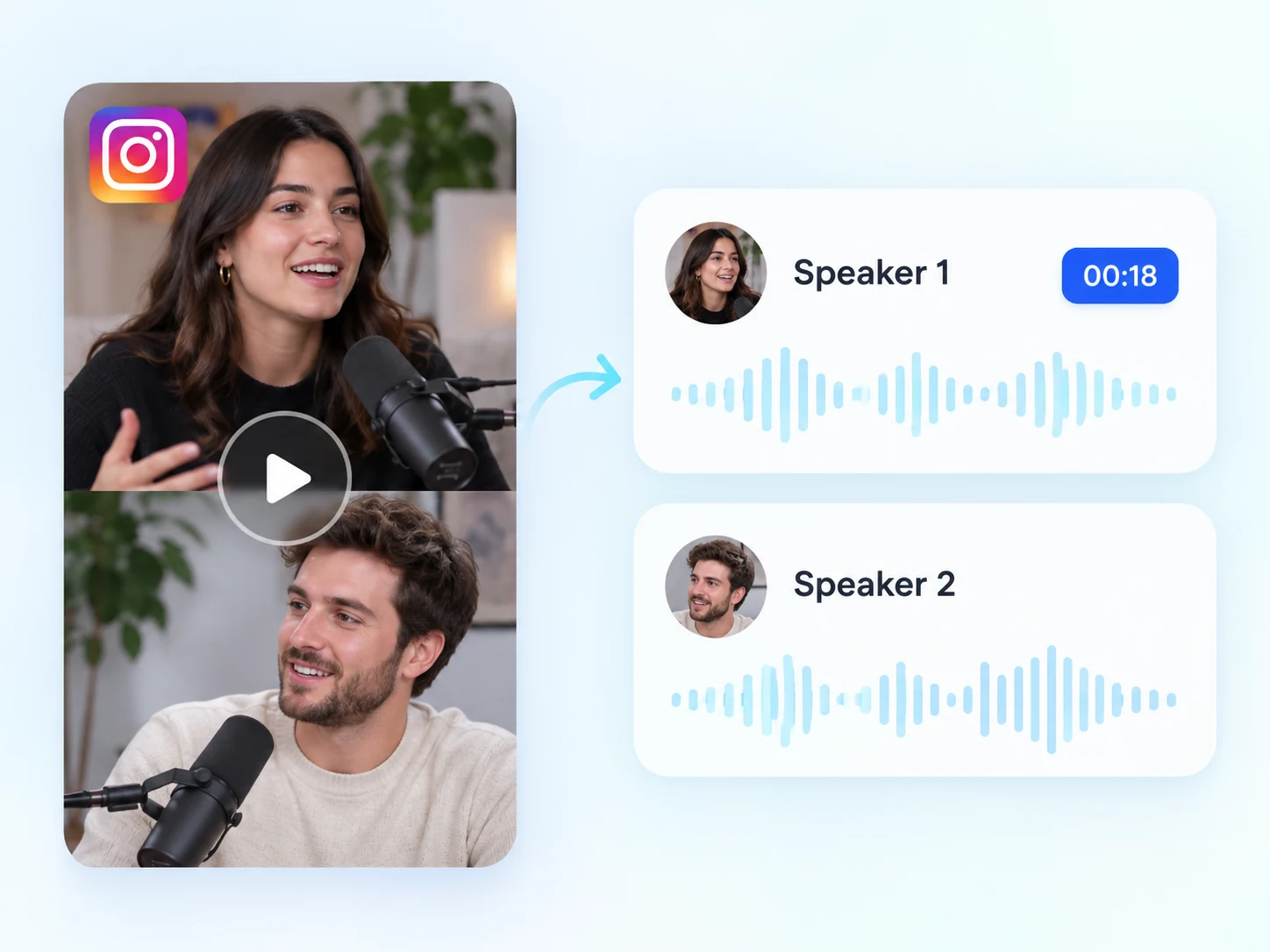
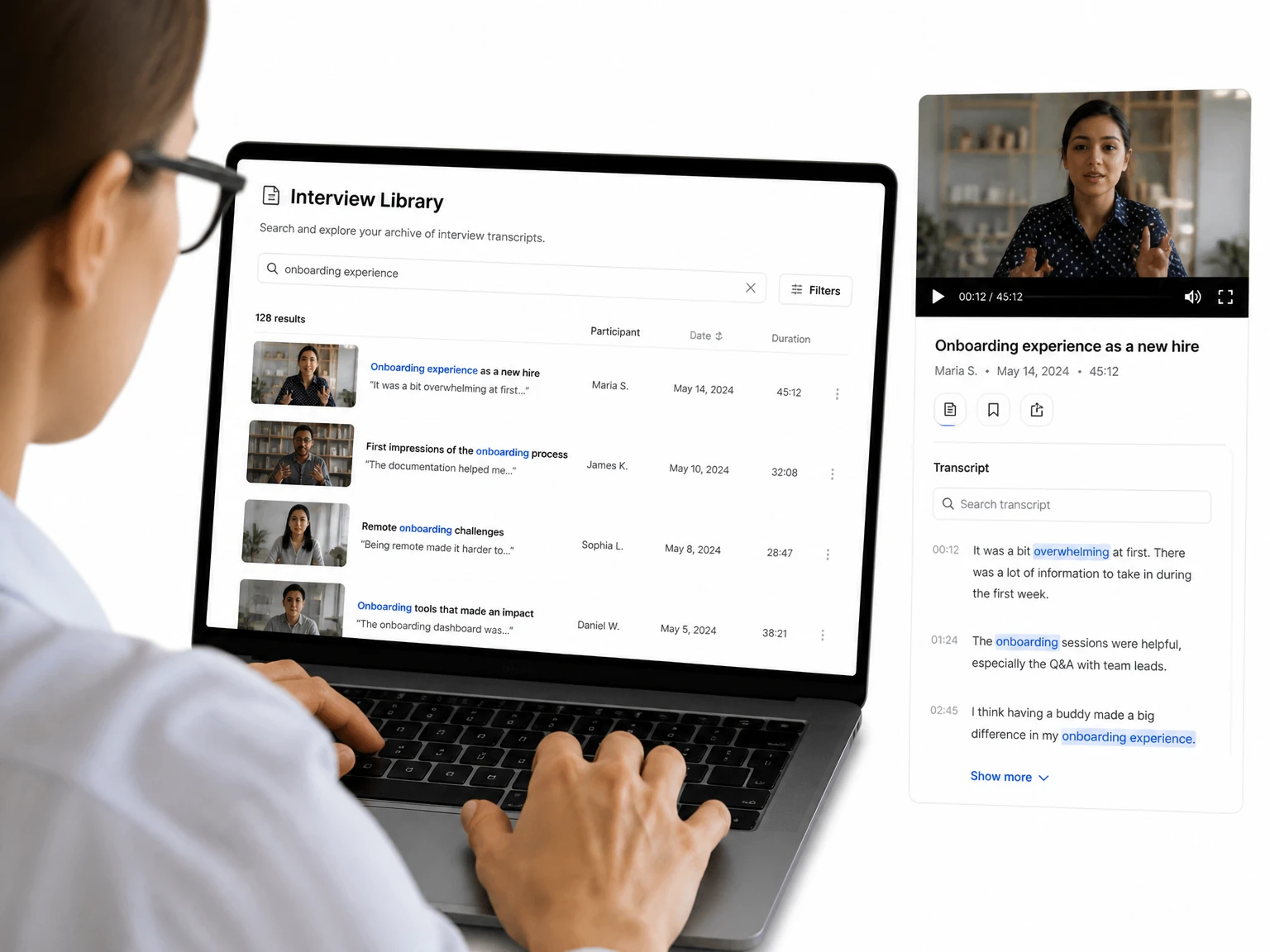
Follow each line back to its moment in the clip. Enable speaker detection to separate voices in interviews, collaborations, and other multi-person videos.
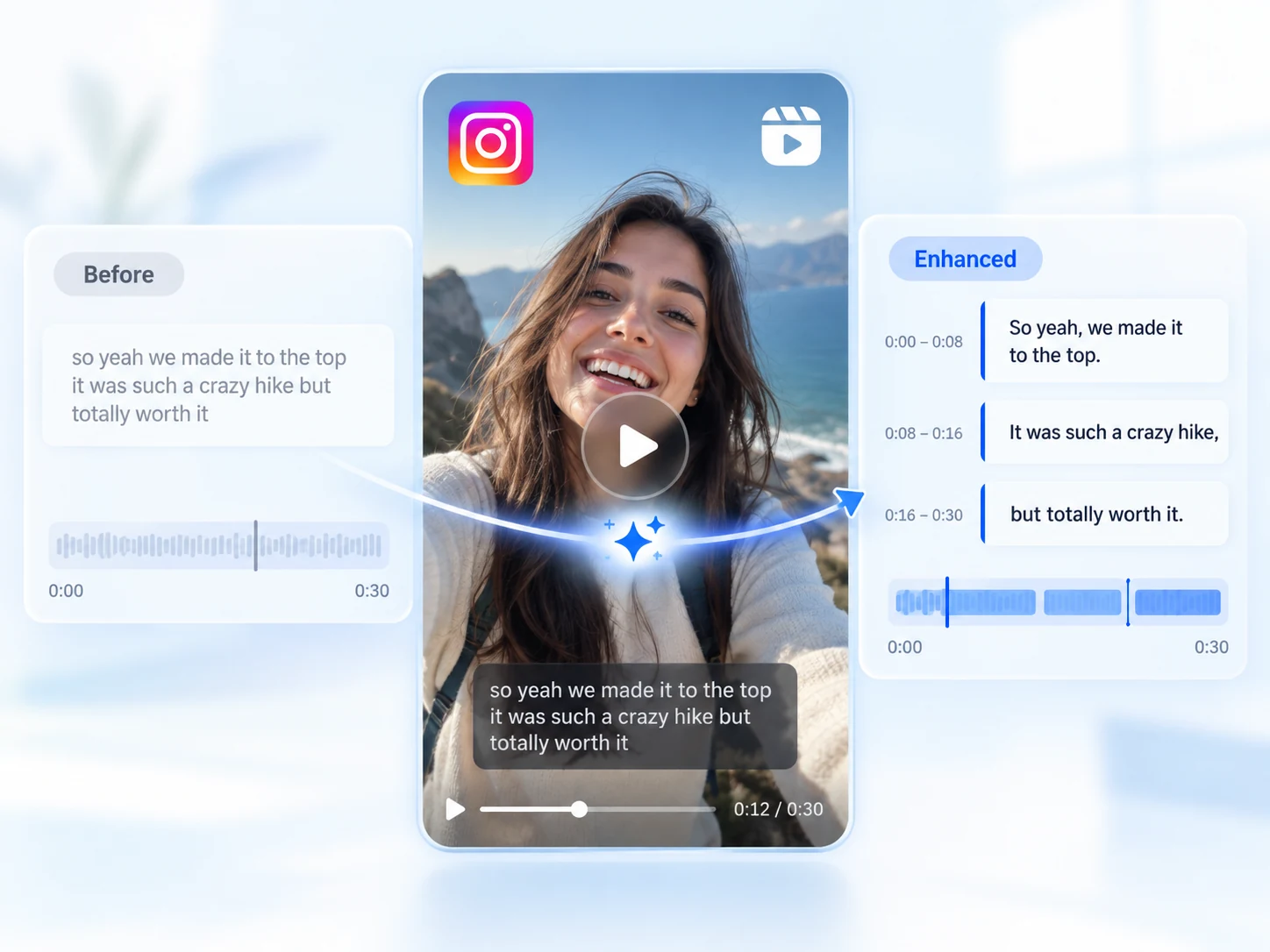
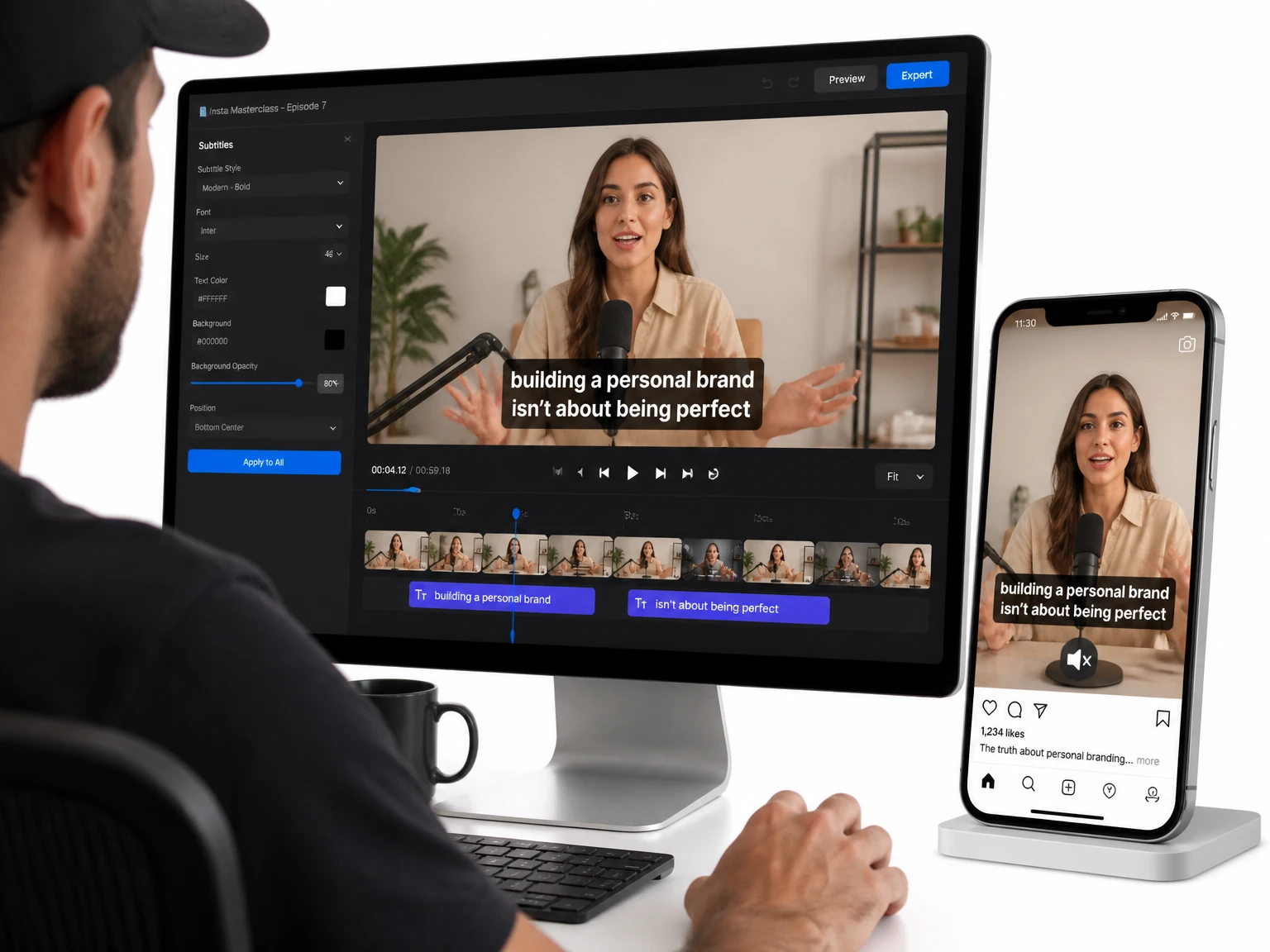
Refine the transcript into cleaner subtitle text for publishing. Review wording and timing before taking the finished captions into your video editor.
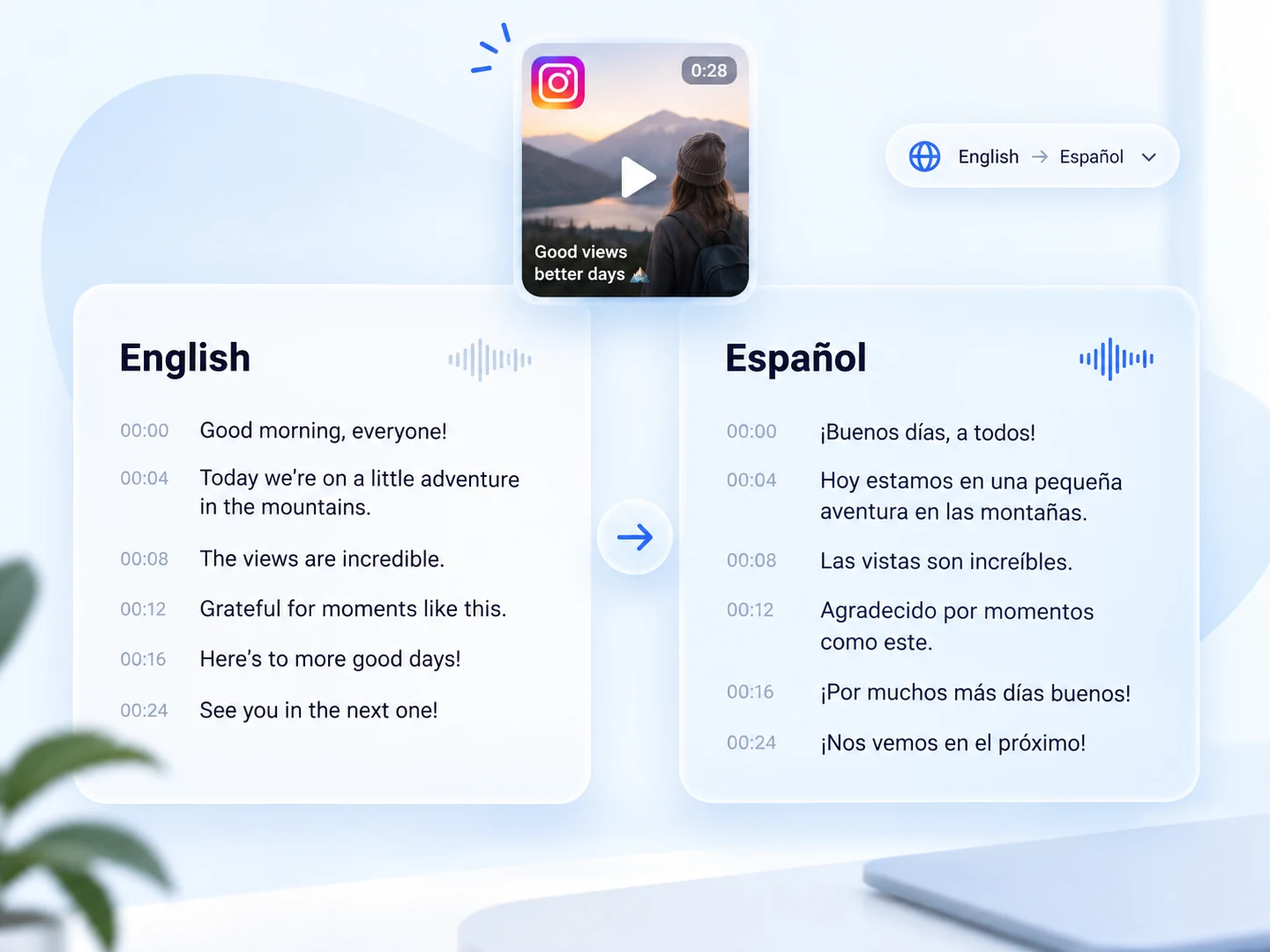
Translate the finished transcript into a supported language for localized captions, research, or content reuse, then review names and context-specific phrases.
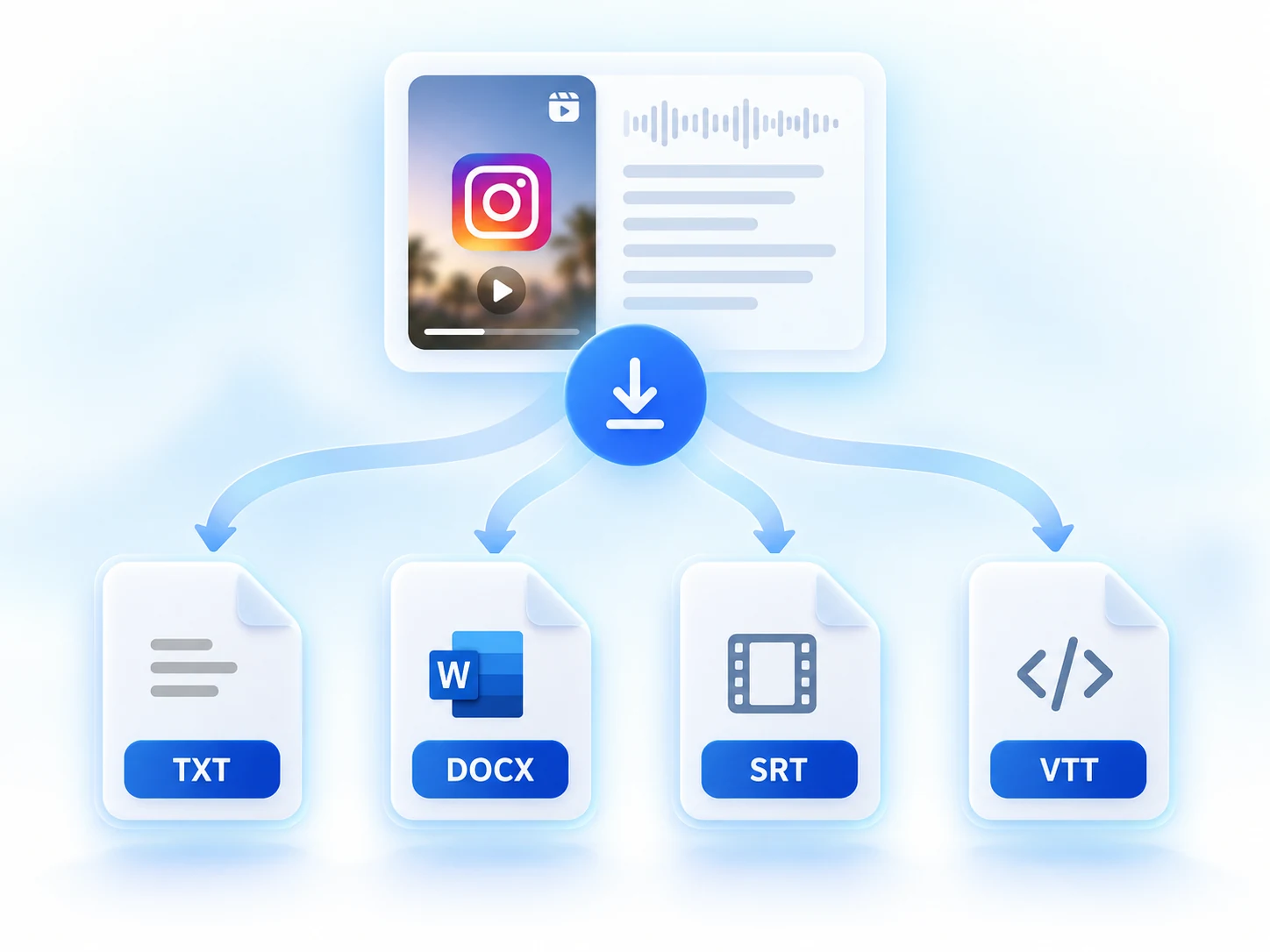
Copy the text or choose an available document or subtitle format such as TXT, DOCX, SRT, or VTT to match your writing or editing workflow.
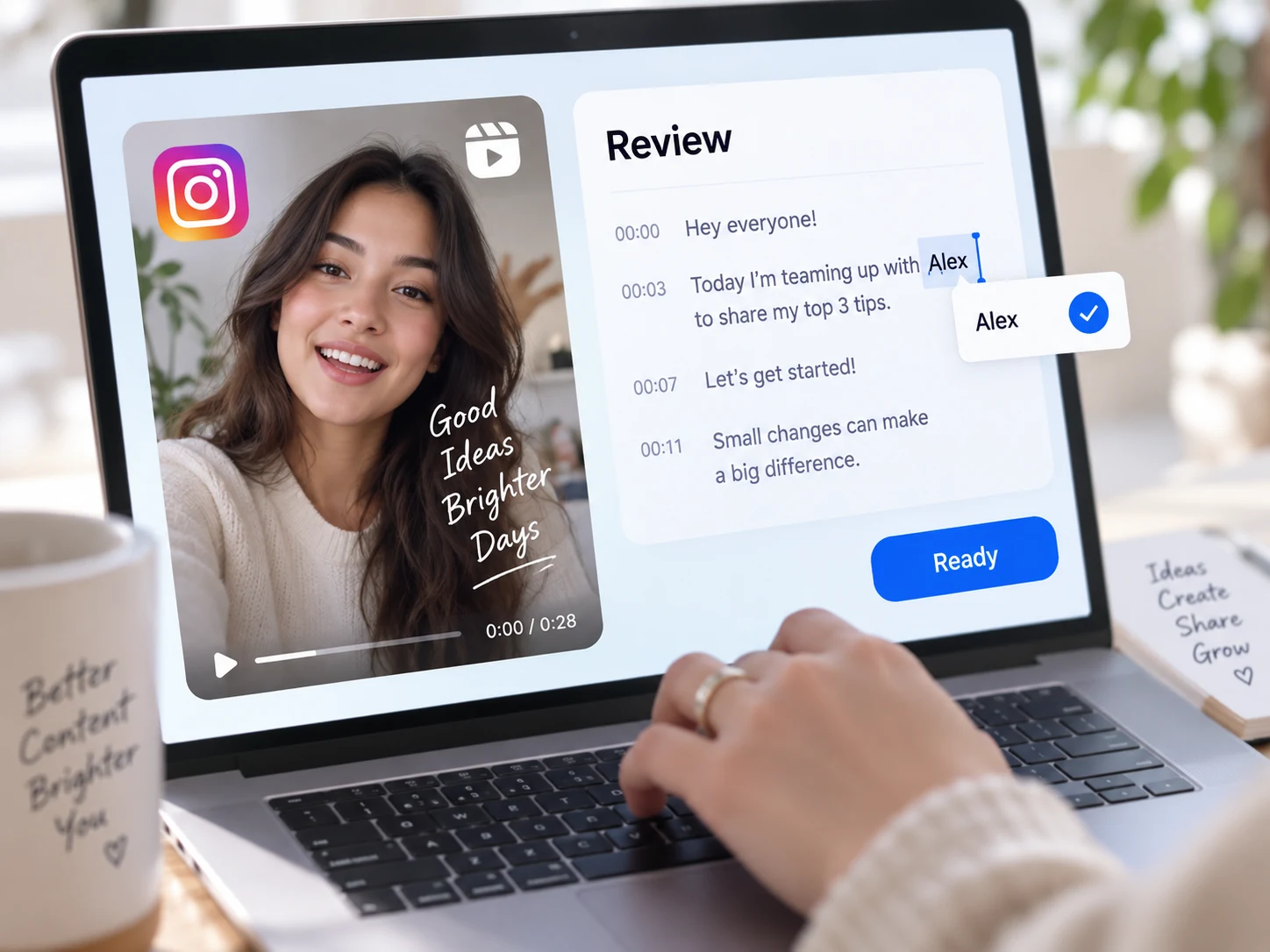
Correct names, specialist terms, or speech obscured by music in the editable workspace before using the result as a quote, caption, or subtitle track.
The Instagram transcript generator uses a simple link workflow for an accessible public post. Review is part of the process because audio quality, music, overlapping voices, and proper names can affect automated transcription.
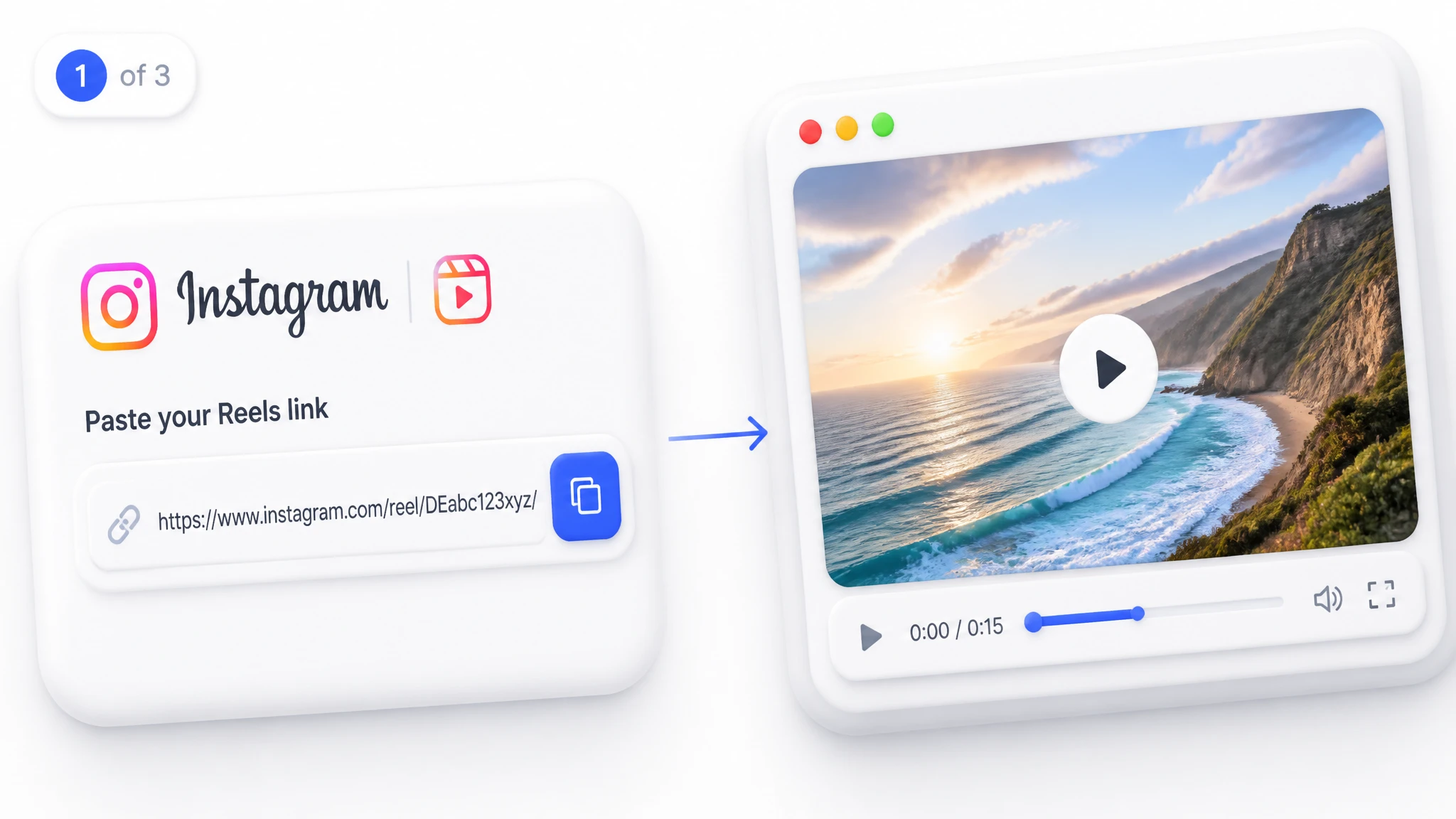
Copy the Instagram URL and paste it into the link field. Confirm that the post is public and still available before starting.
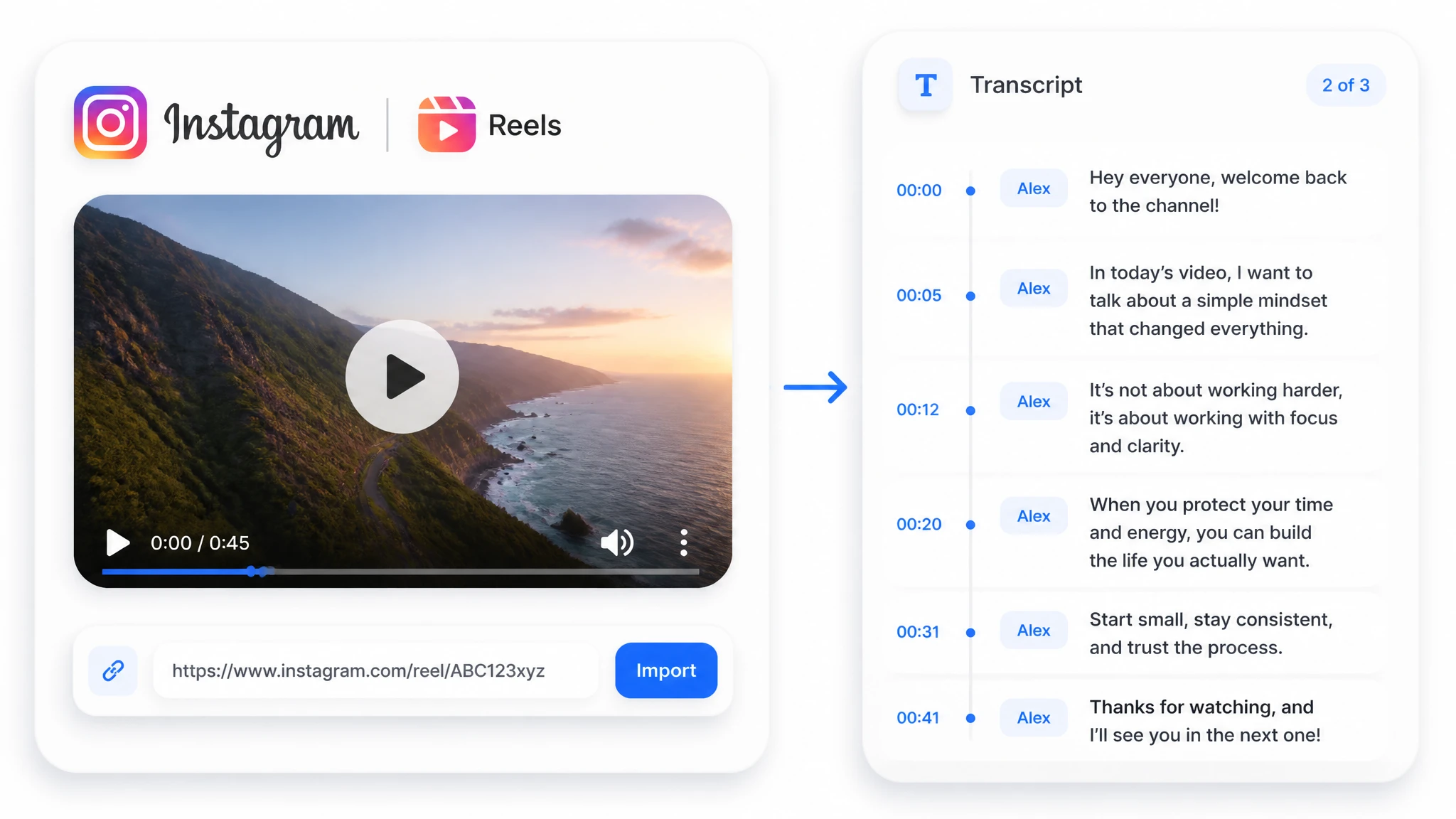
Start transcription and let the service analyze the spoken audio. Enable speaker detection when separating voices would make an interview or collaboration easier to read.
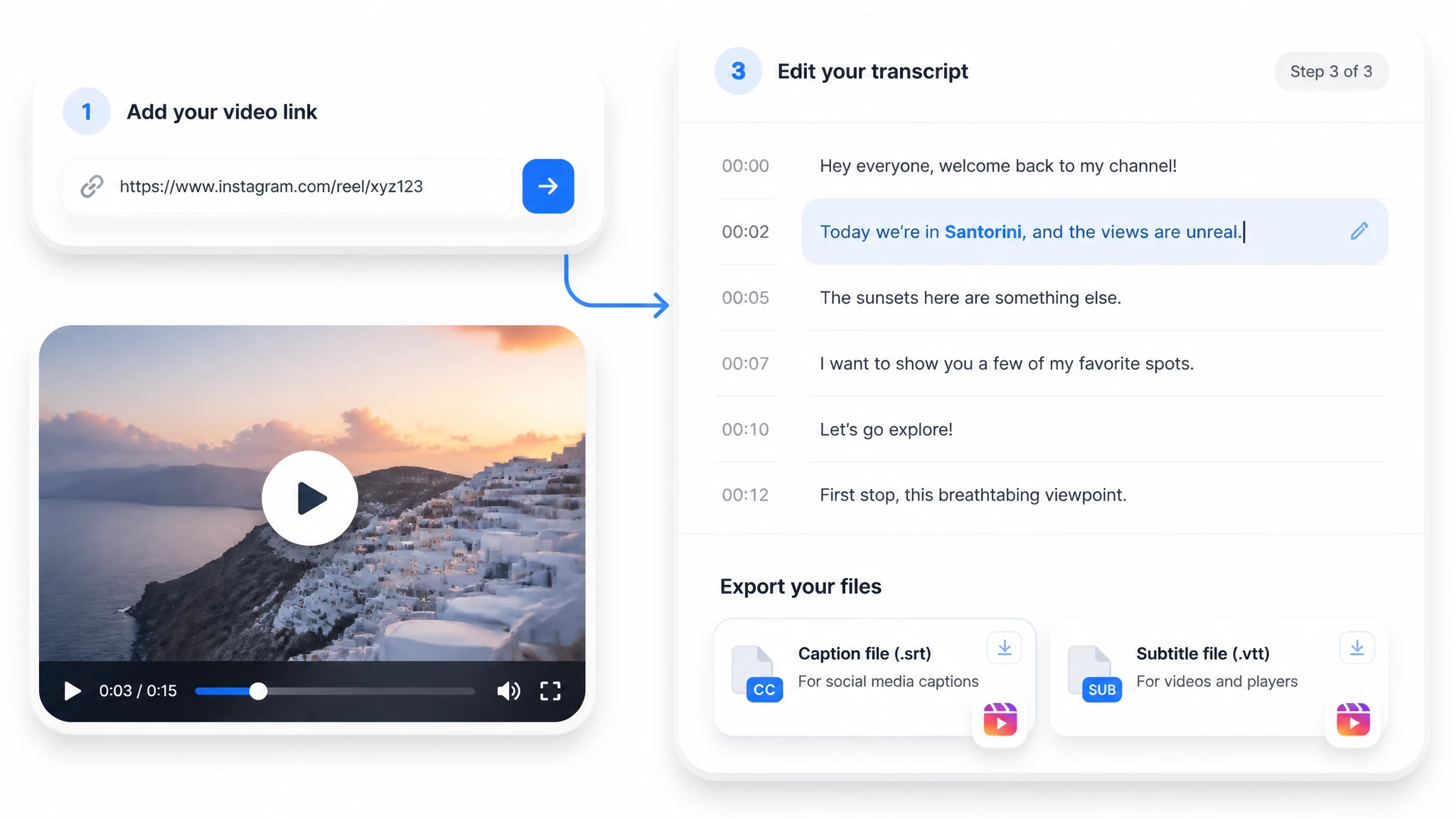
Check names and unclear passages, then copy the text or choose an available document or subtitle format for your next workflow.
Use the transcript for a defined job: checking source wording, preparing timed text, or keeping spoken information searchable.
Find the relevant timestamp, check the wording against the source, and identify the speaker before using a quote in an article, roundup, or research note.
For longer interviews, explainers, and product videos, use the transcript as the source for deeper analysis and visual organization.
Turn a longer transcript into a TL;DR, key points, highlights, or another available summary format instead of reviewing every line again.
Ask questions grounded in the transcript to locate a claim, compare ideas, or retrieve a detail from the spoken content.
Organize the transcript into a mind map, then export it in an available file type for planning, study, or collaboration.
I use Instagram Reels for competitor research and content planning, and this tool makes that process much faster. I can paste a video link, get a clean transcript, and quickly turn it into a summary instead of replaying the video several times. The speaker detection is also really useful for interviews and podcast clips with multiple people.
A restricted post cannot be fetched through a public link. If you own the clip or have permission to use it, save the video and upload the file through the supported file workflow instead.
Yes. Transcription analyzes the spoken audio rather than relying on the caption text displayed in Instagram. Review the generated result because the visible captions and audio-based transcript may not match exactly.
Accuracy depends on how clearly the speech stands out from the music. Loud tracks, overlapping voices, accents, and unusual names can require manual correction, so verify important wording against the original clip.
Speaker detection can label different voices when it is enabled. Treat the labels as a review aid and check interviews or collaborations before attributing a quotation.
Available exports include text, document, and subtitle options such as TXT, DOCX, SRT, and VTT. Pick a subtitle format for a video editor or a text/document format for writing and archiving.
Translation is available after transcription when the requested language is supported. Review names, brand terms, and context-specific phrases before publishing the translated version.
Yes. This tool can process supported public or uploaded videos with English speech. Review names and phrases before using the transcript.
Yes. After reviewing the result, you can copy the text or export an available subtitle format such as SRT or VTT.