

Convert MP4 to Text Online Free
Turn meetings, lectures, and screen recordings into clean, searchable text in minutes — no MP3 conversion, no sign-up, no installs.
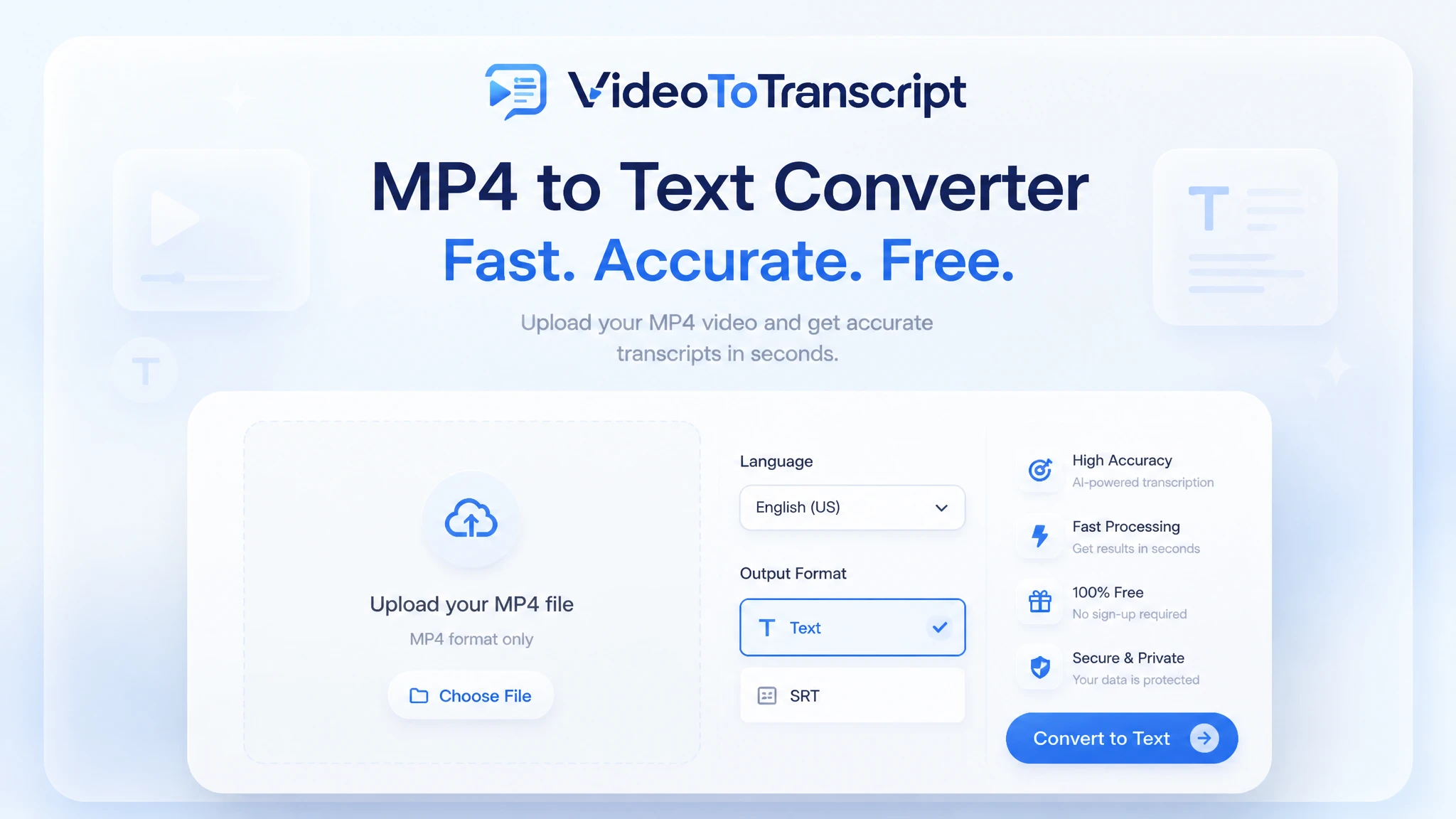
200+ languages
200+ languages
Video transcription support for global video content
Timestamped output
Timestamped output
Review exact moments and prepare captions
Speaker Recognition
Speaker Recognition
Identify and label different speakers in your transcript
Private upload
Private upload
Review sensitive media before exporting or publishing
Supported formats: MP4, MOV, AVI, MKV
Choose whether the transcript should separate different speakers in the conversation.
Use AI to refine and improve the transcript readability after extraction.
What Is MP4 to Text?
MP4 to text is the process of turning speech inside an MP4 video into written words. AI transcribes the spoken words and returns a timestamped transcript in minutes. MP4 to text is the fastest way to make a video searchable, quotable, and reusable. If your source is another video format or a supported link, use the broader video to text converter or start from the Video to Transcript tool.
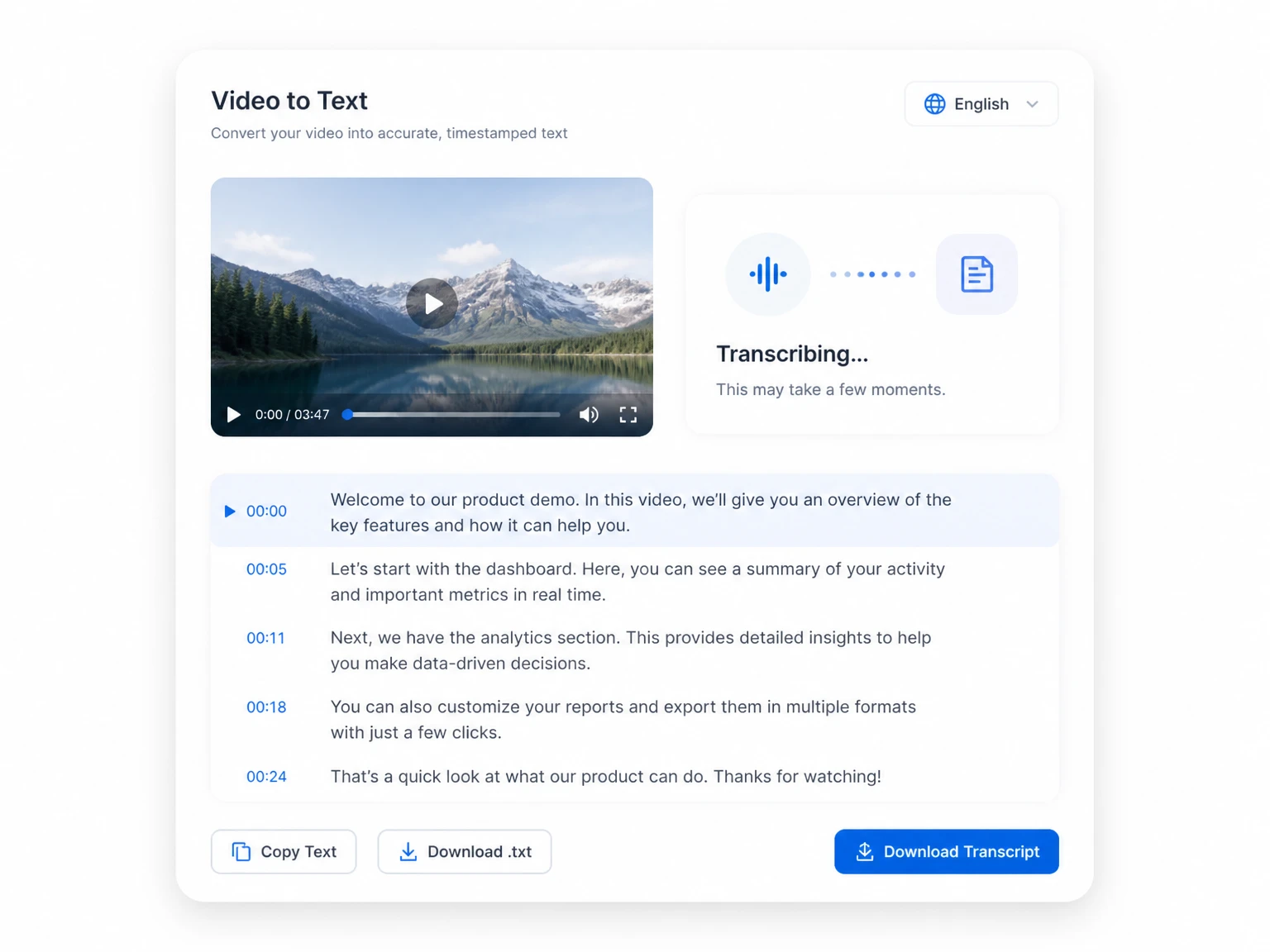
Core Features of an MP4 to Transcript Converter
A good MP4 to text converter covers the whole path from upload to export in one place. Every step along that path removes a hassle that used to slow the process down.
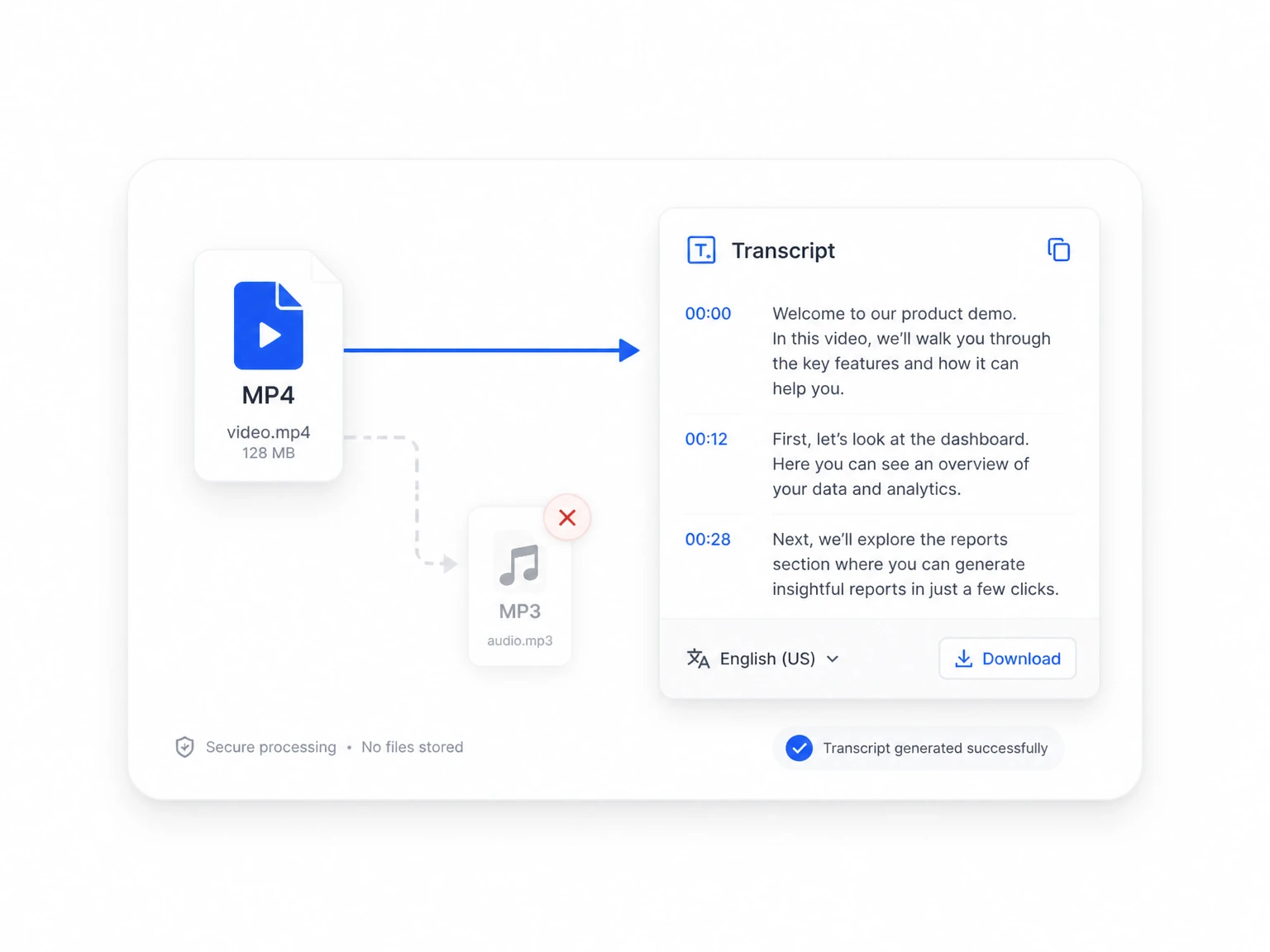
Fast Conversion Without MP3 Extraction
The sound is read straight from the MP4 container, so there is no detour through MP3 or a separate tool. Upload the video as it is and the engine finds the speech inside it.
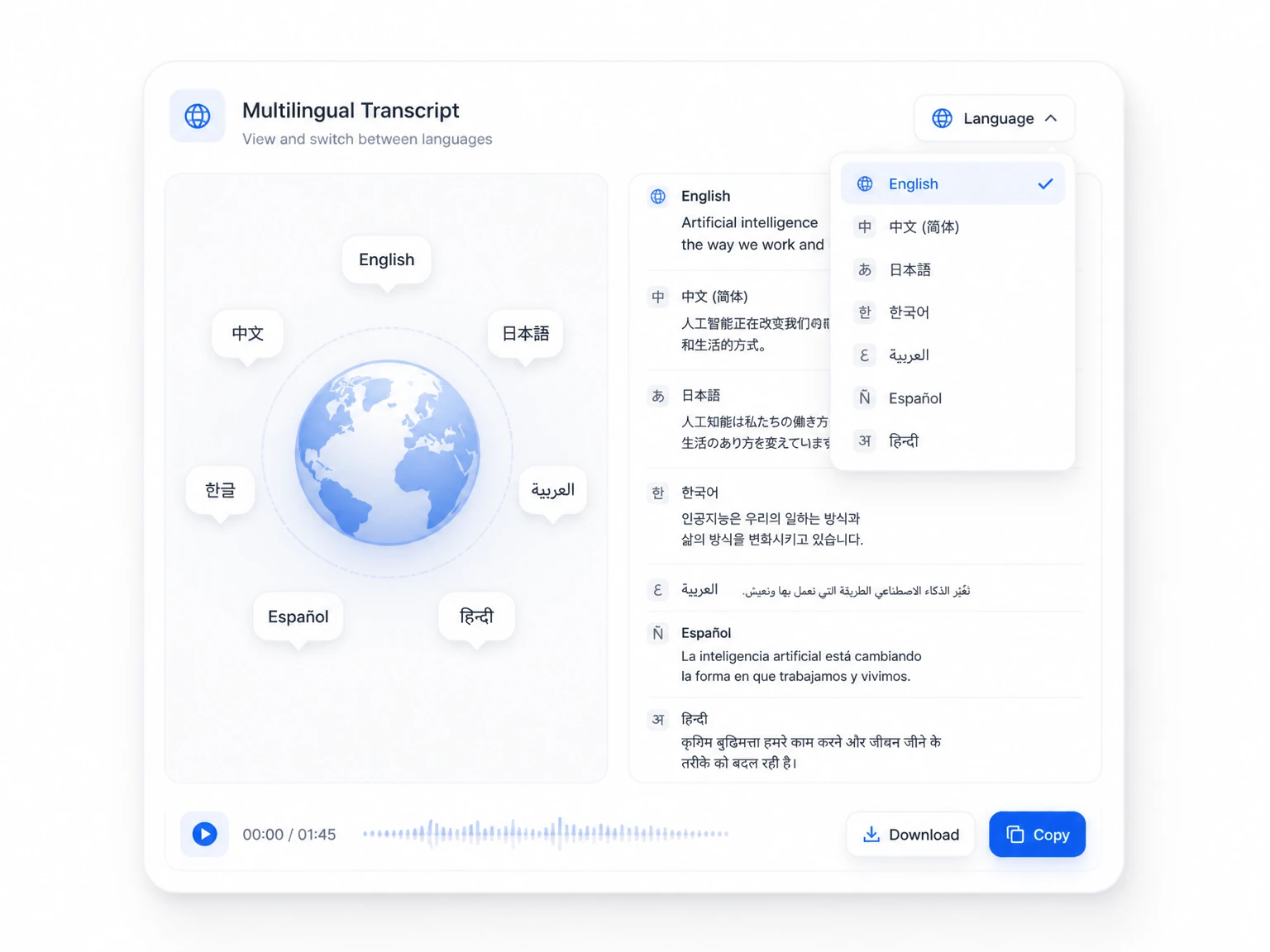
200+ Languages for MP4 Transcription
Transcribe in more than 200 languages, from major world tongues to less common regional ones. Accents and dialects are recognized, so meetings and interviews read clearly no matter who is speaking.
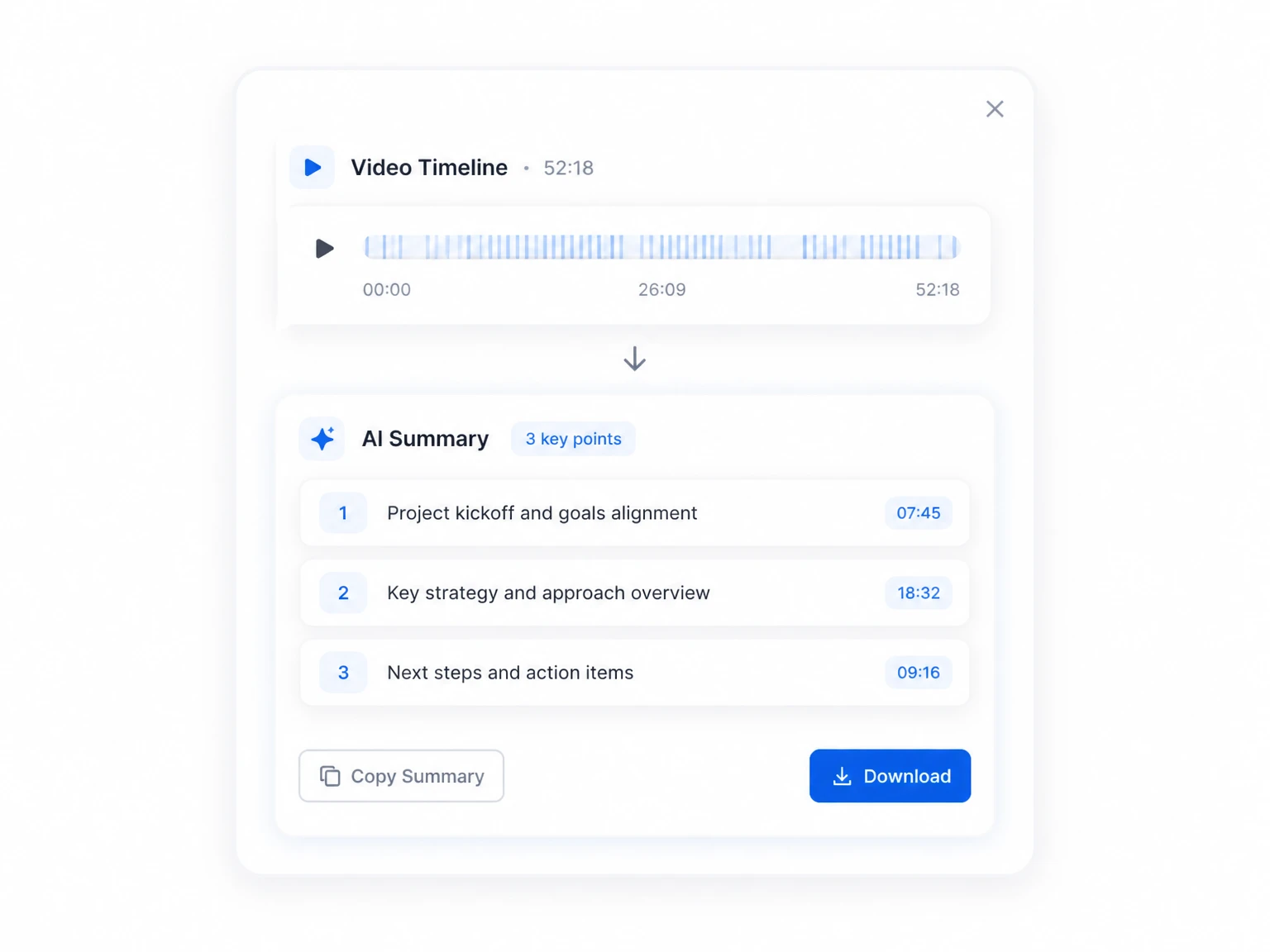
AI Summaries of Your MP4 Transcript
Long videos become bullet-point summaries with one click. Skim the key points first, then open the transcript only where you need more detail.
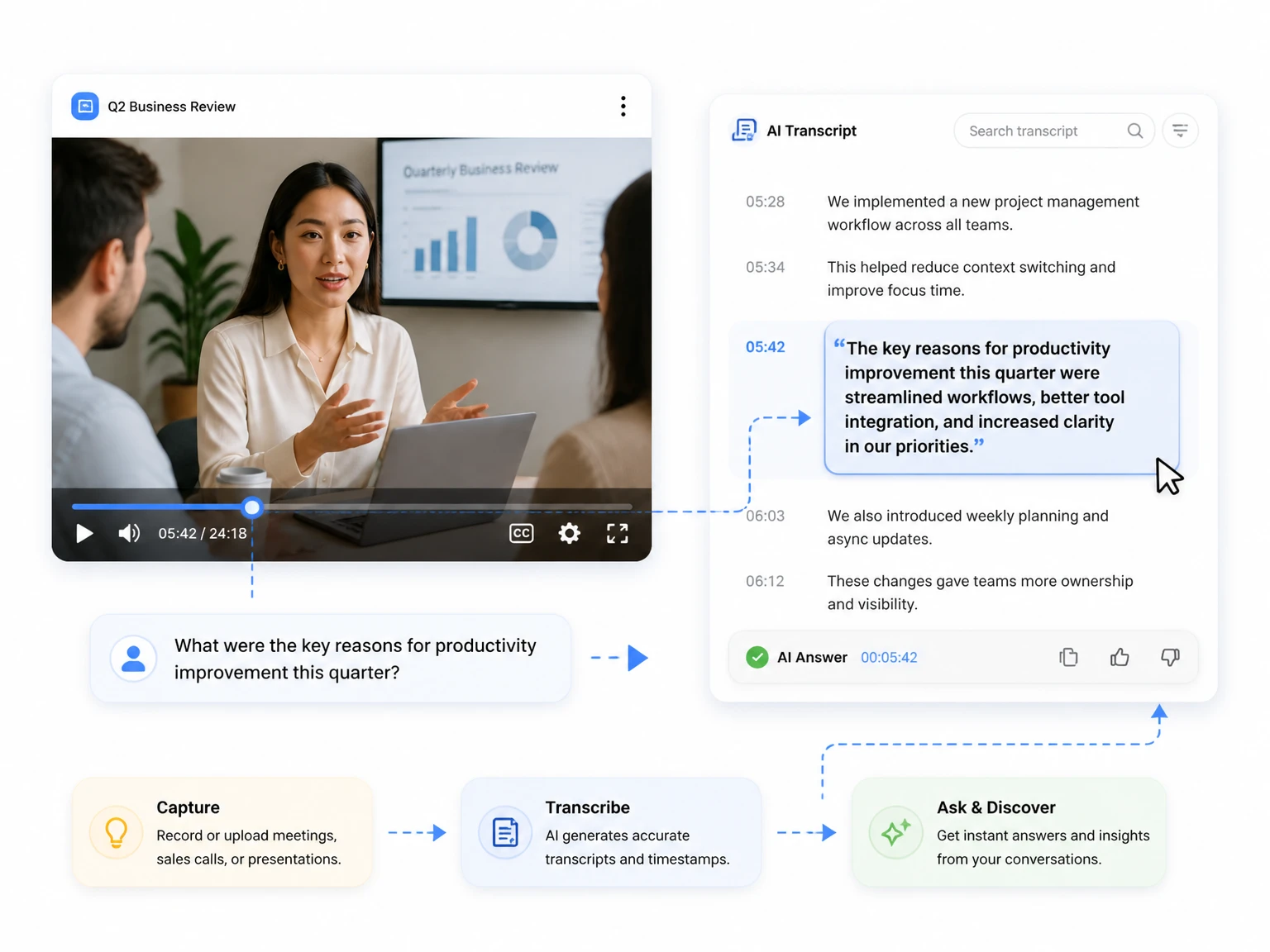
Ask AI Anything About Your MP4 Transcript
Chat with the transcript after your MP4 to text conversion is ready. Ask for decisions made in a meeting, key names, or a quick answer, and the AI replies with the exact passage as evidence.
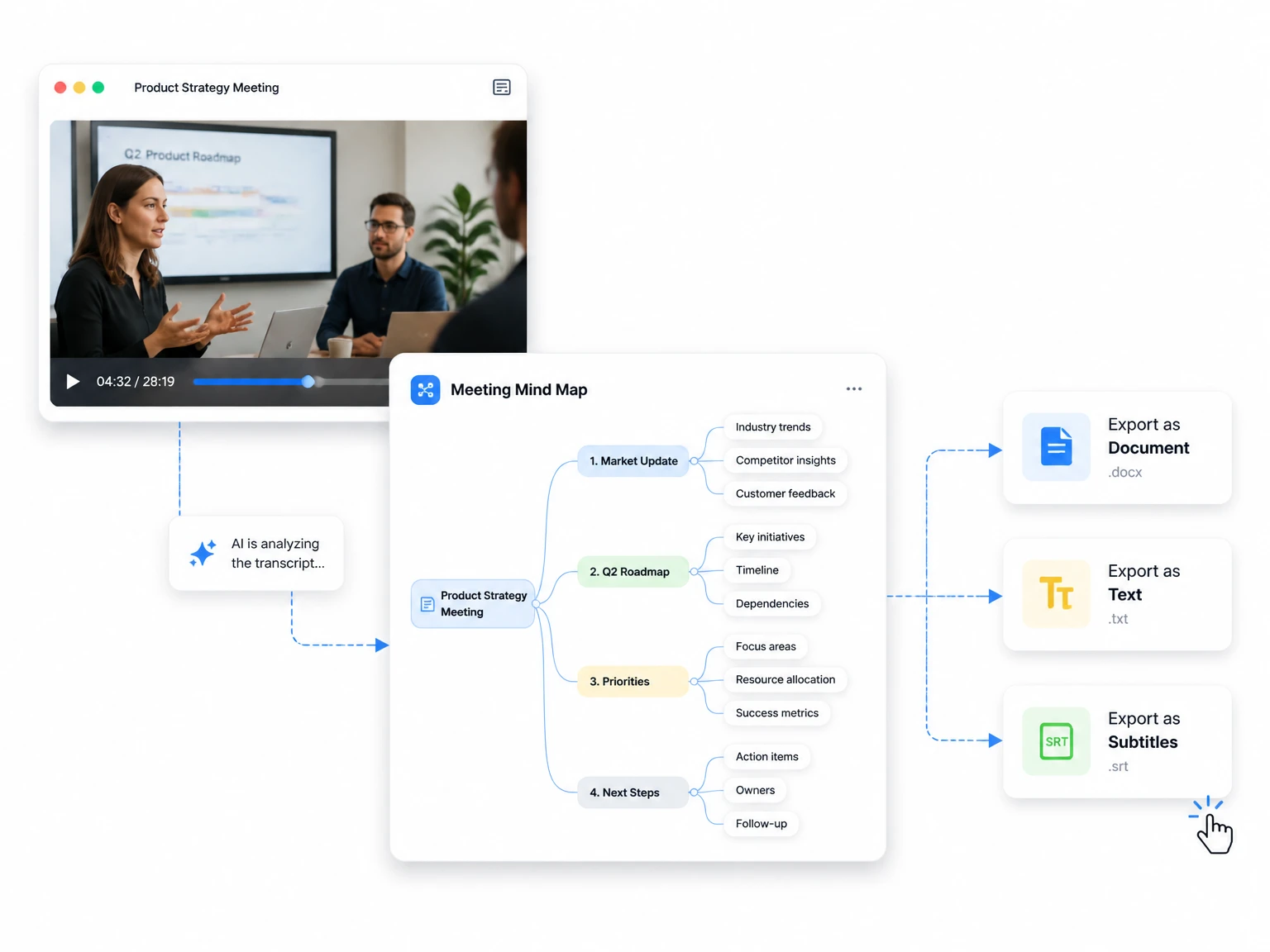
Mind Maps & Flexible Export Options
Turn the transcript into a visual mind map for instant structure, then export it as a document, plain text, or subtitle file. Every format keeps timestamps attached, so nothing is lost in transit.
How to Convert MP4 to Text in Three Steps
Three steps take you from a raw MP4 file to a clean, usable MP4 to text transcript. No account, no downloads, and nothing to convert first.
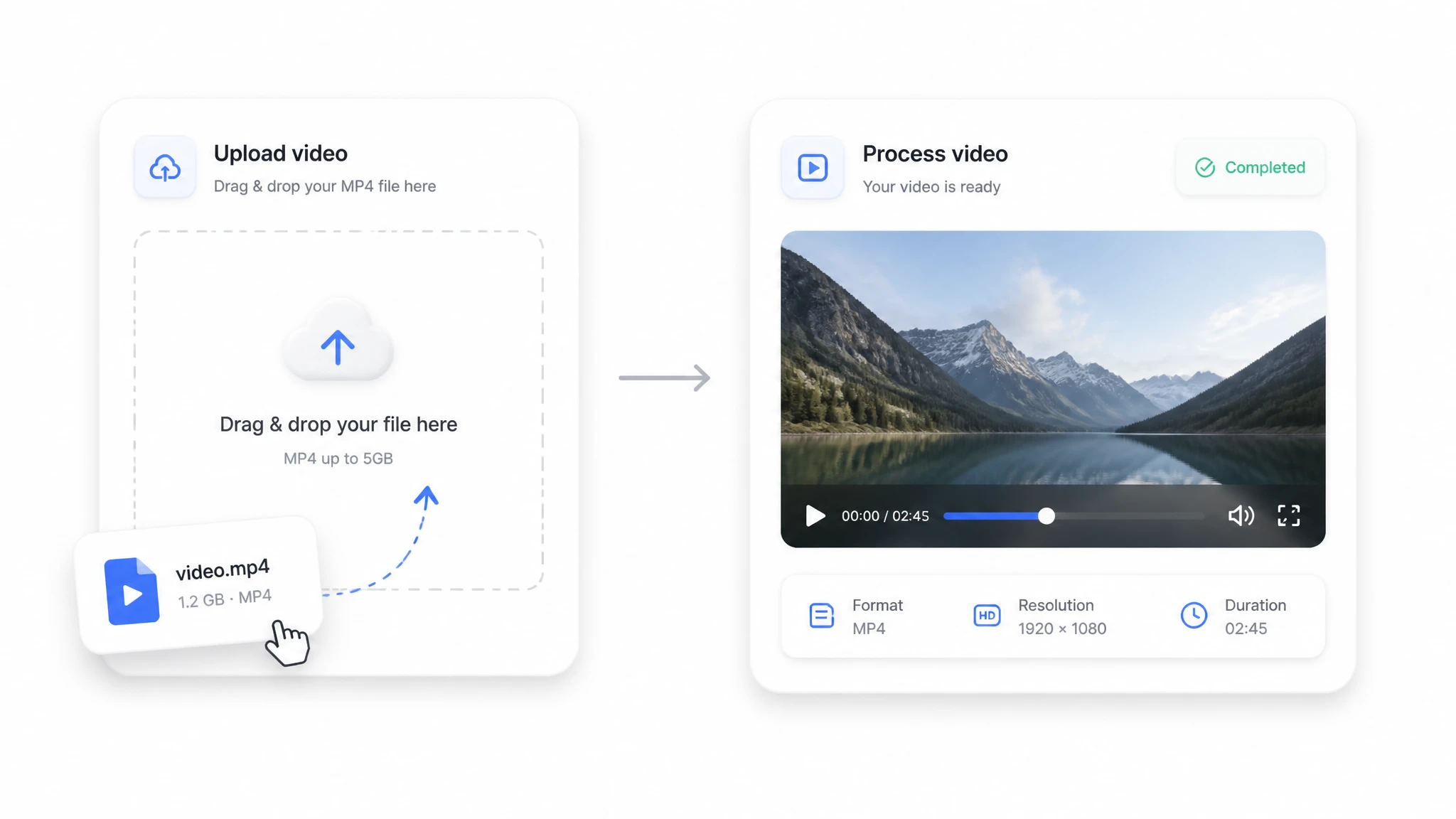
Upload Your MP4 File
Drag the file into the converter or pick it from your device. Large files are streamed in chunks, so even hour-long recordings upload without timing out.
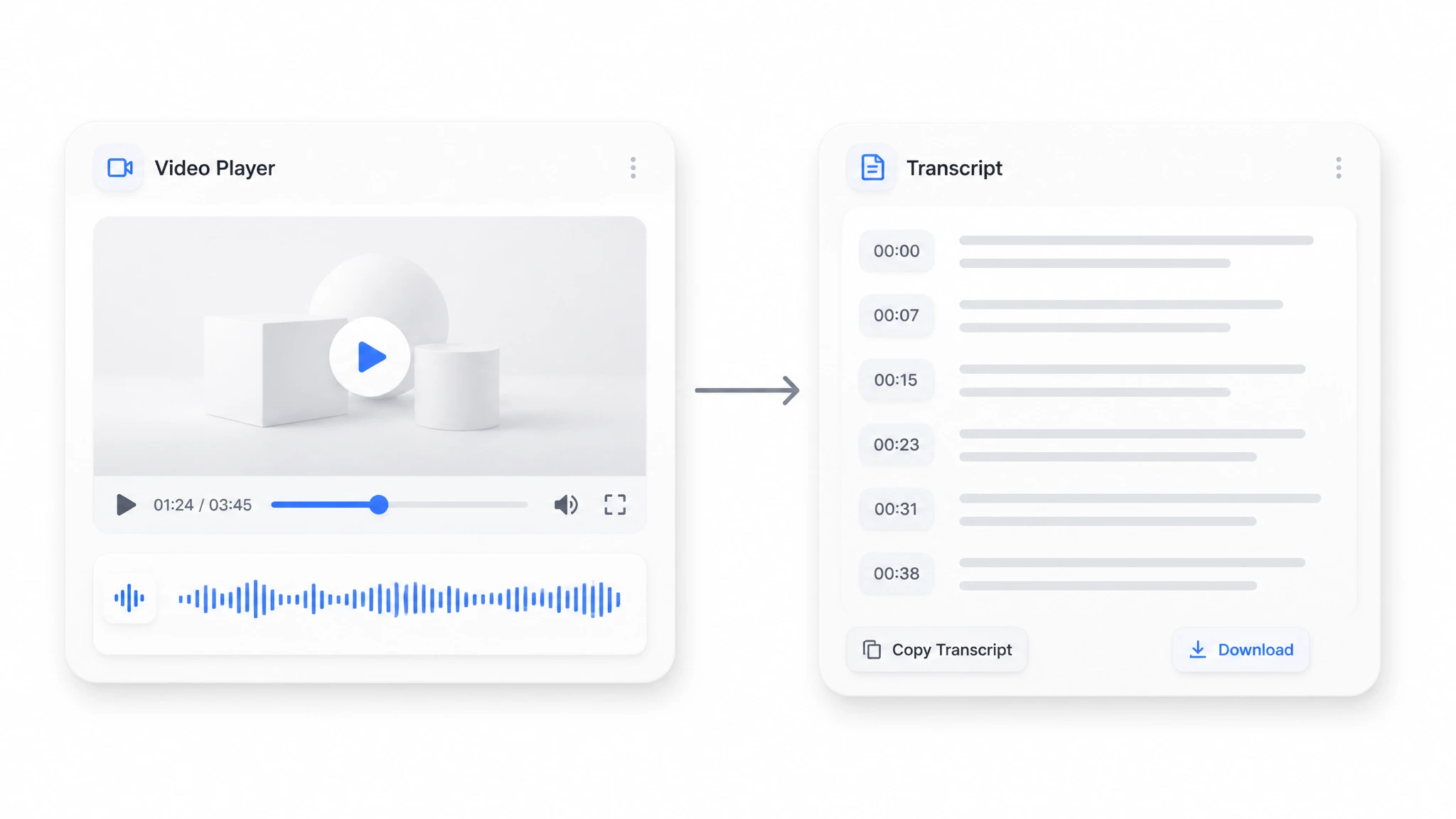
AI Transcribes the Audio
The engine pulls the spoken words out of the video, recognizes them, and writes every word with timestamps. Speaker labels separate voices in multi-person recordings, and each line links back to its exact moment in the source file.
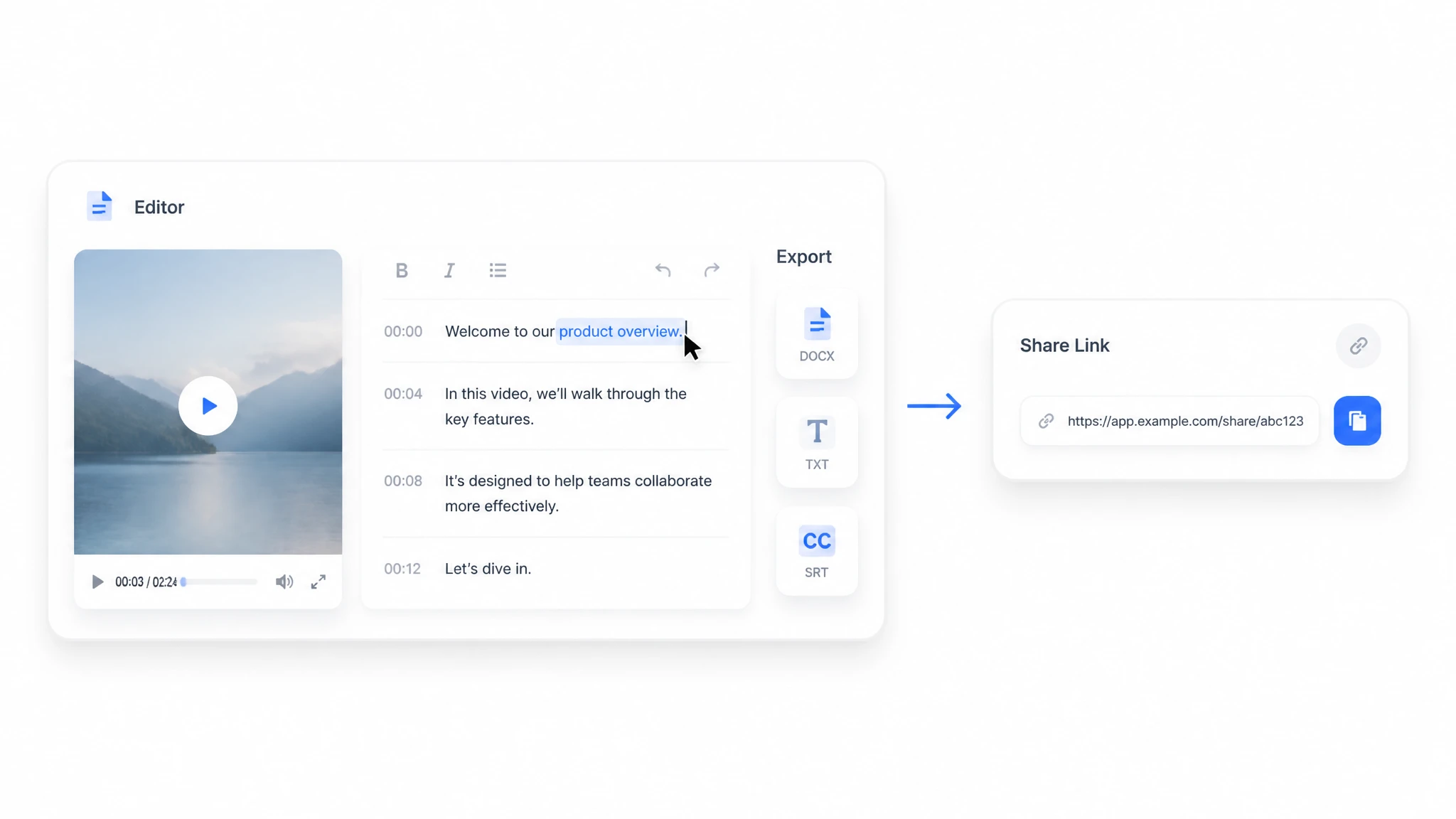
Edit and Export Your Transcript
Review the text in the built-in editor, fix a few words, then export it in your preferred format or share it with a link. Your finished MP4 to text transcript keeps timestamps attached wherever you use it.
MP4 to Text Use Cases
MP4 to text turns any recording with spoken content into working text. The six scenarios below are the ones people run most often, and each one saves hours of manual note-taking.
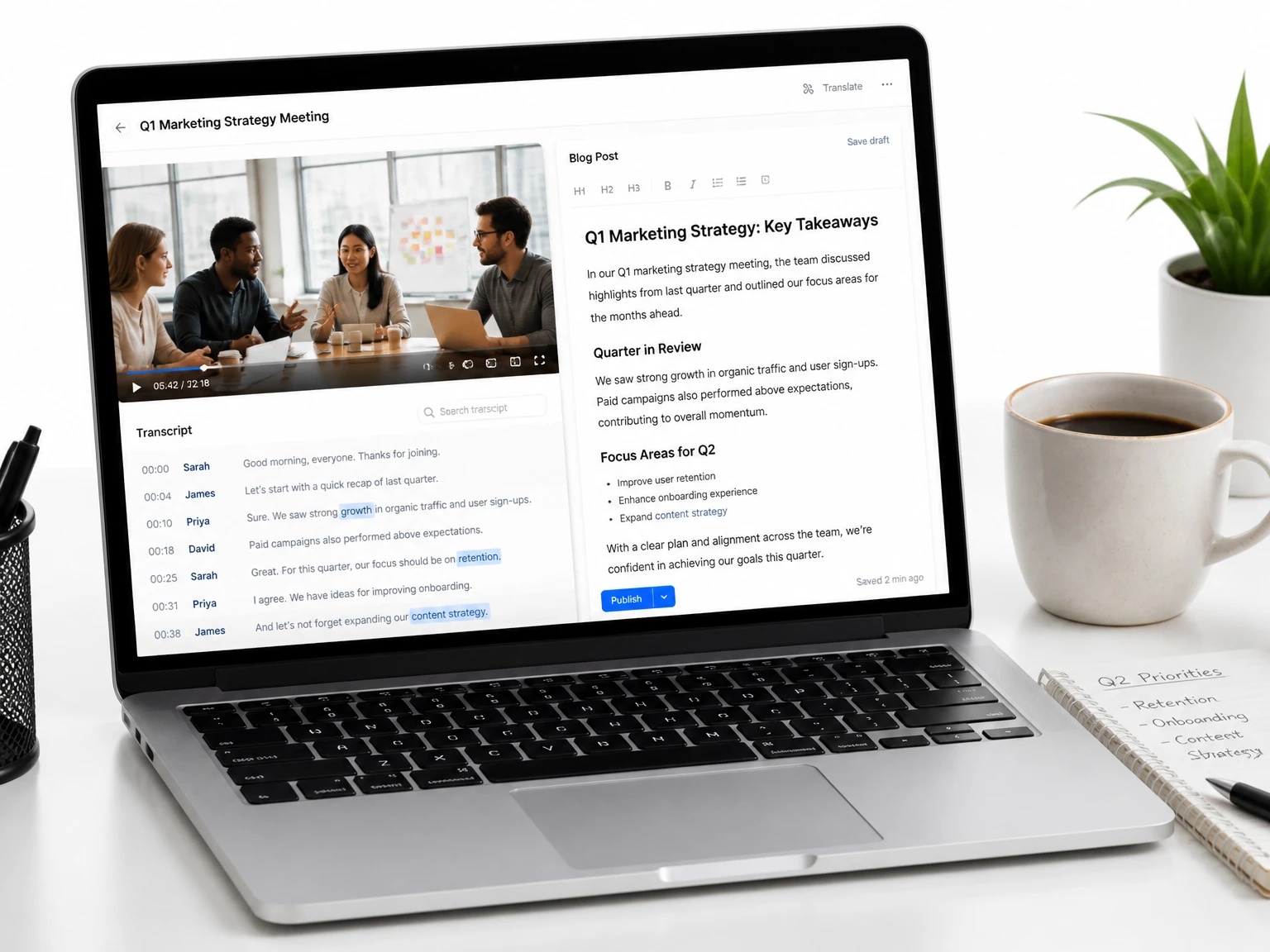
Turn YouTube videos into blog-ready scripts
Reuse published videos as the draft for a blog post. The transcript becomes an outline and quotes you can edit into fresh articles without watching the footage again.
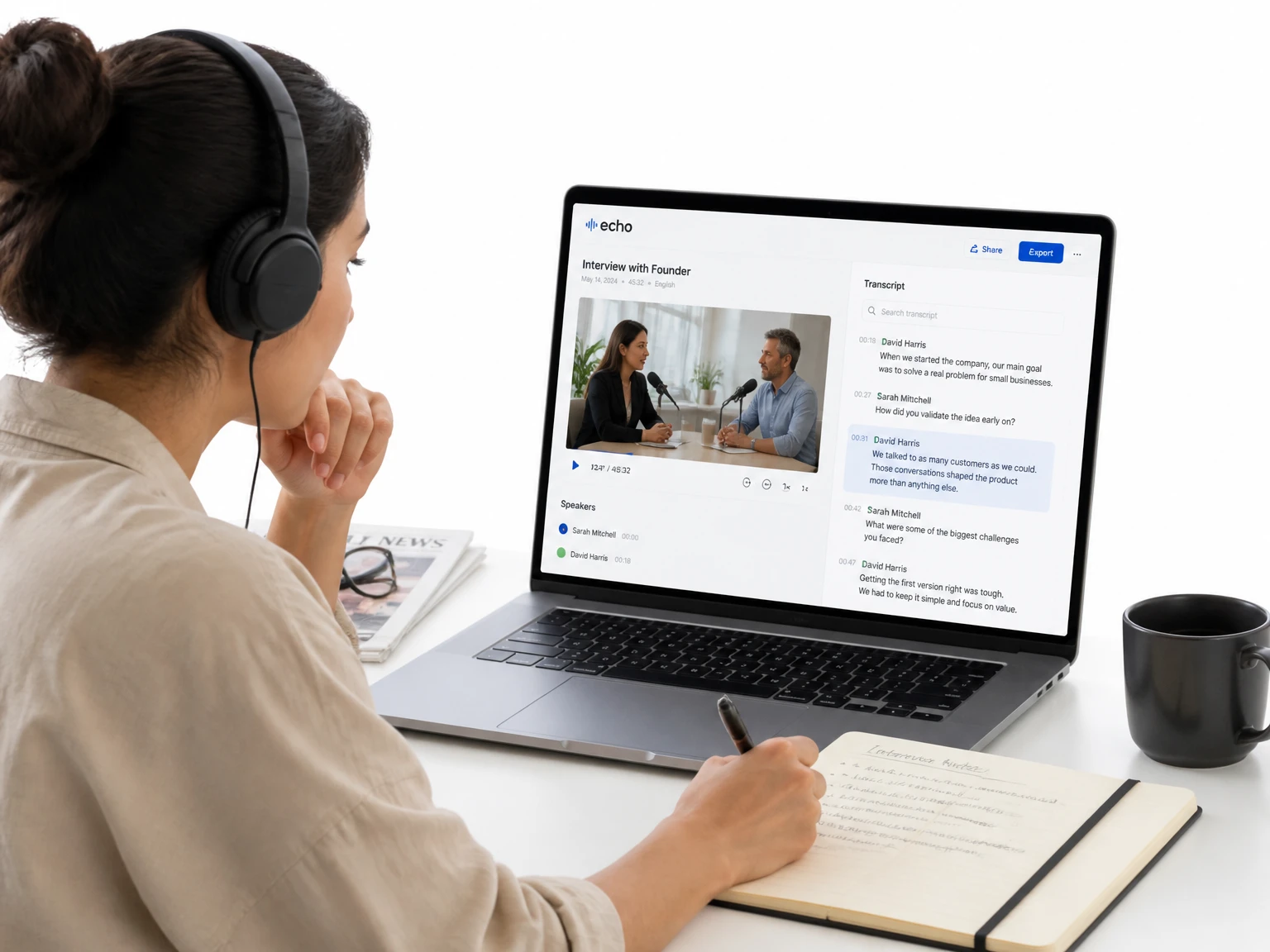
Transcribe interviews for articles and quotes
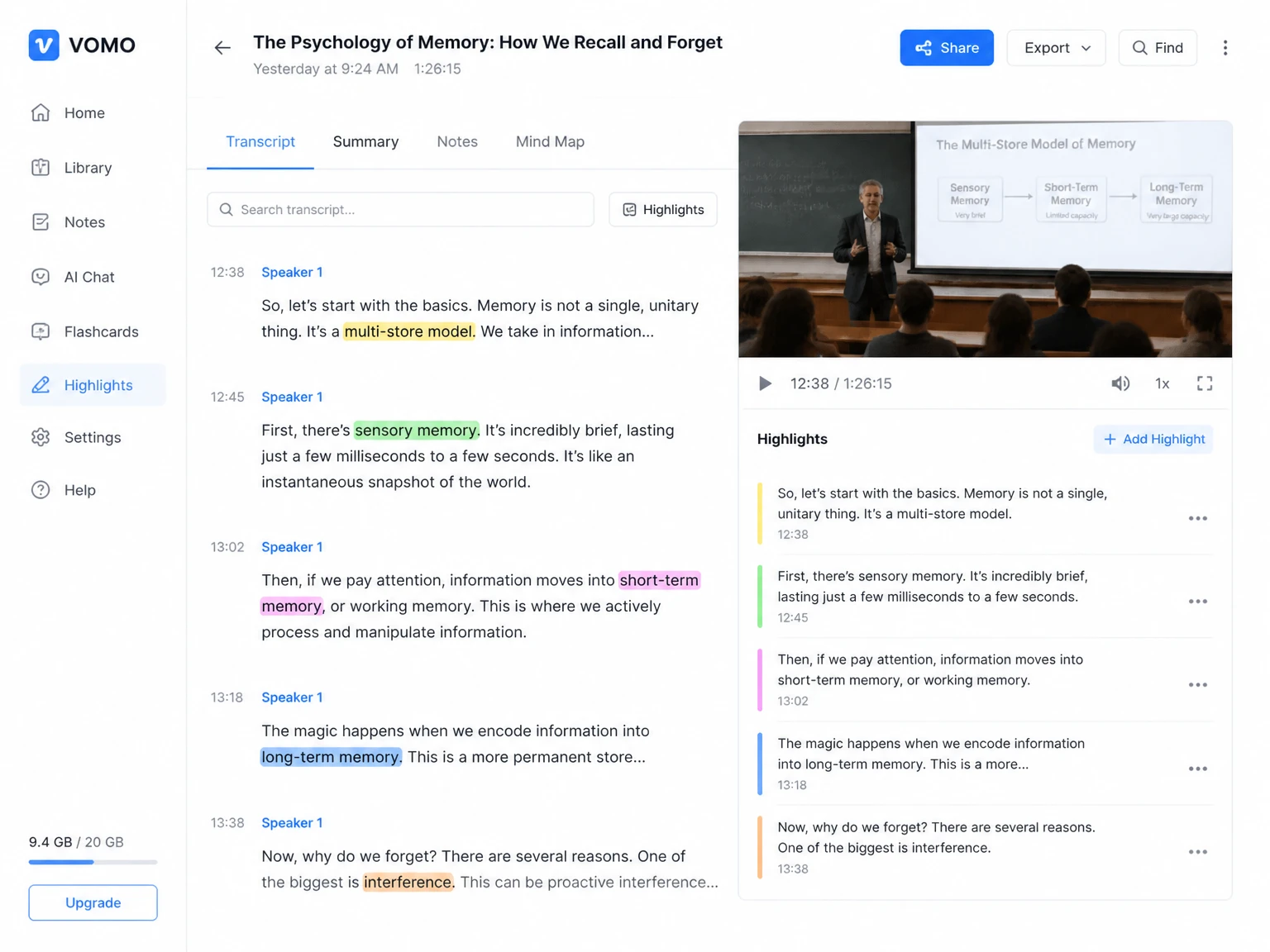
Lift exact quotes from interview footage fast. Speaker labels make it clear who said what, so reporters write with confidence.
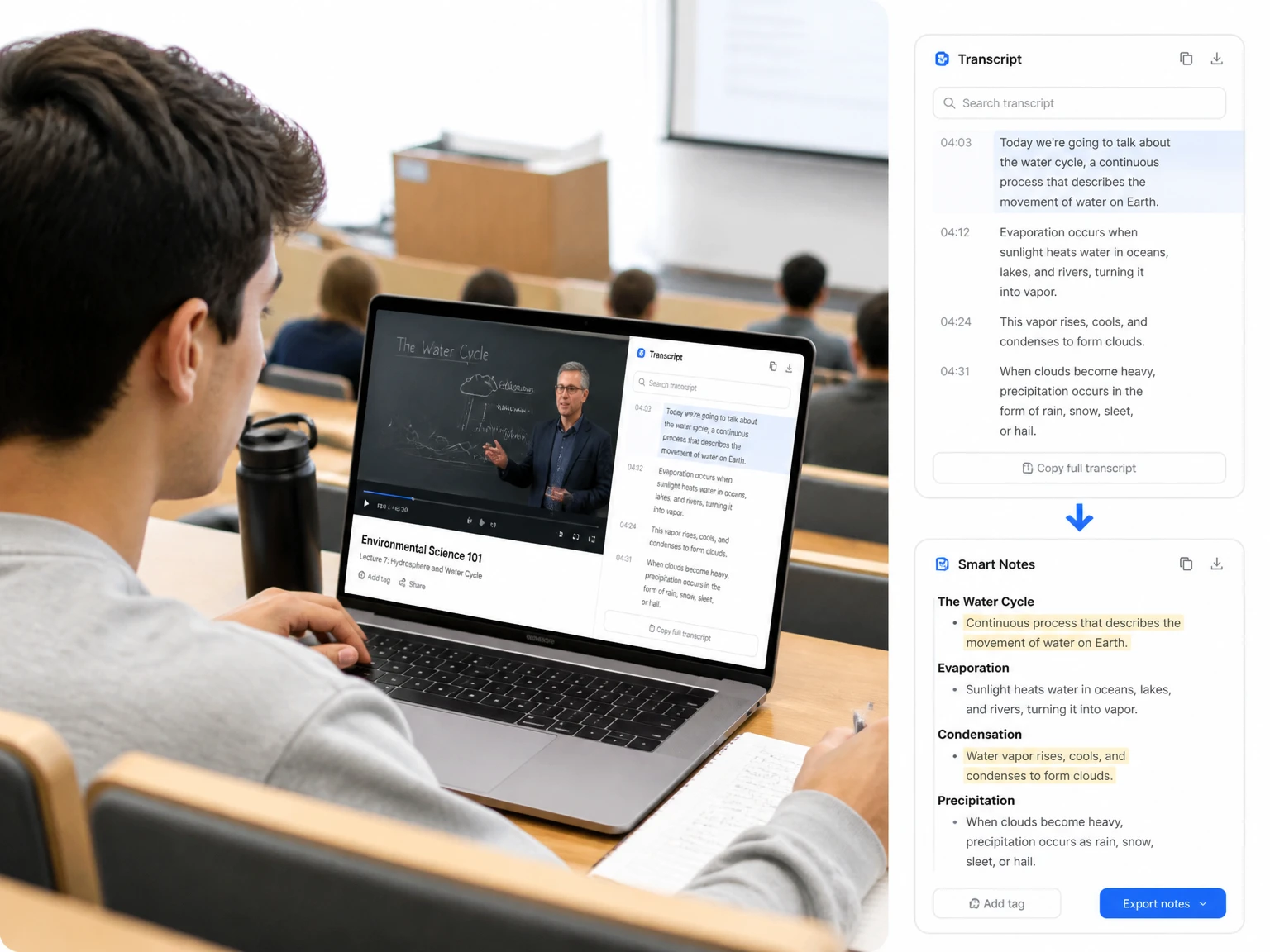
Convert lecture recordings into study notes
Turn class recordings into searchable notes and revision guides. Students find the exact moment a concept was taught instead of scrubbing the timeline.
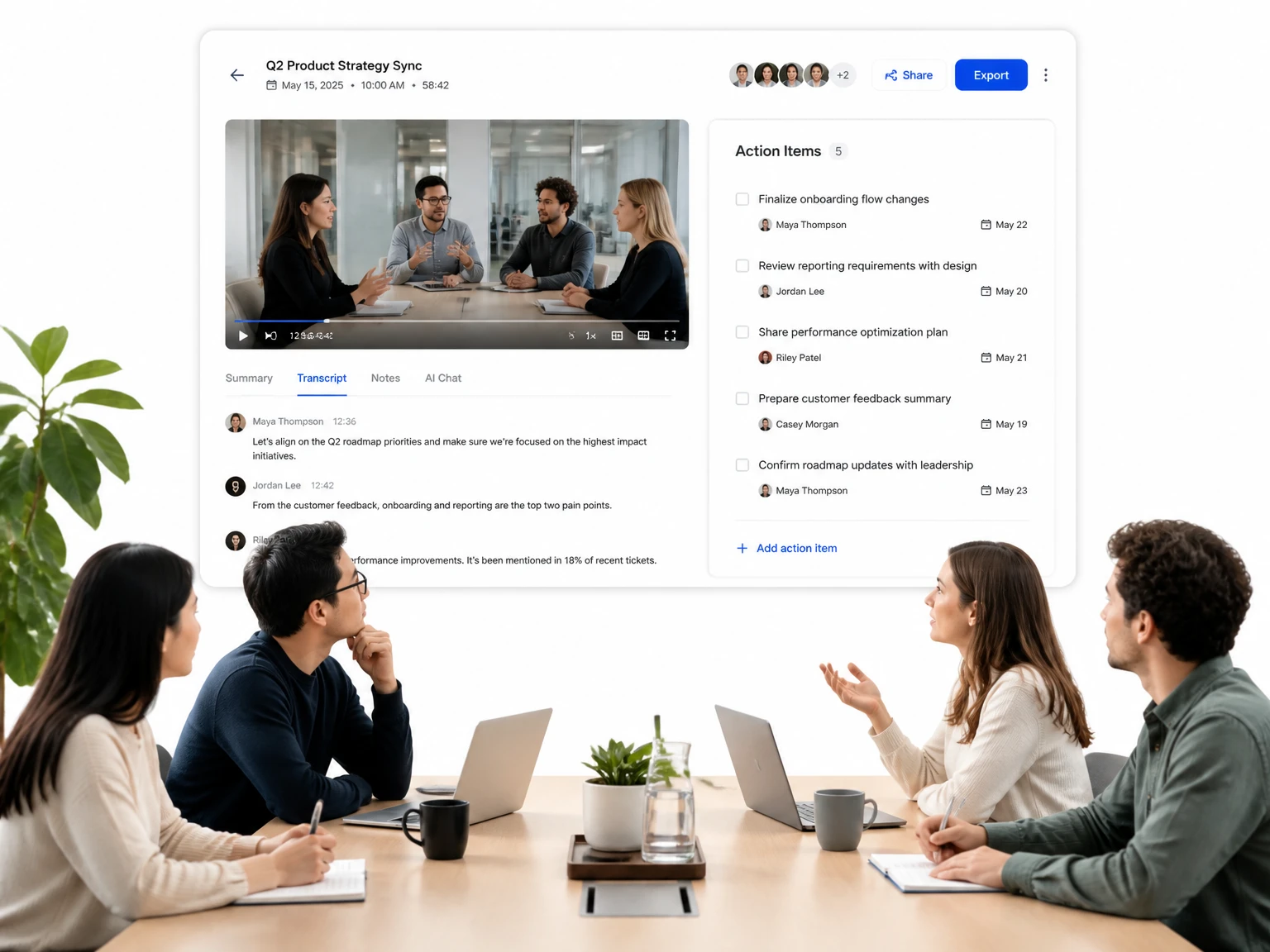
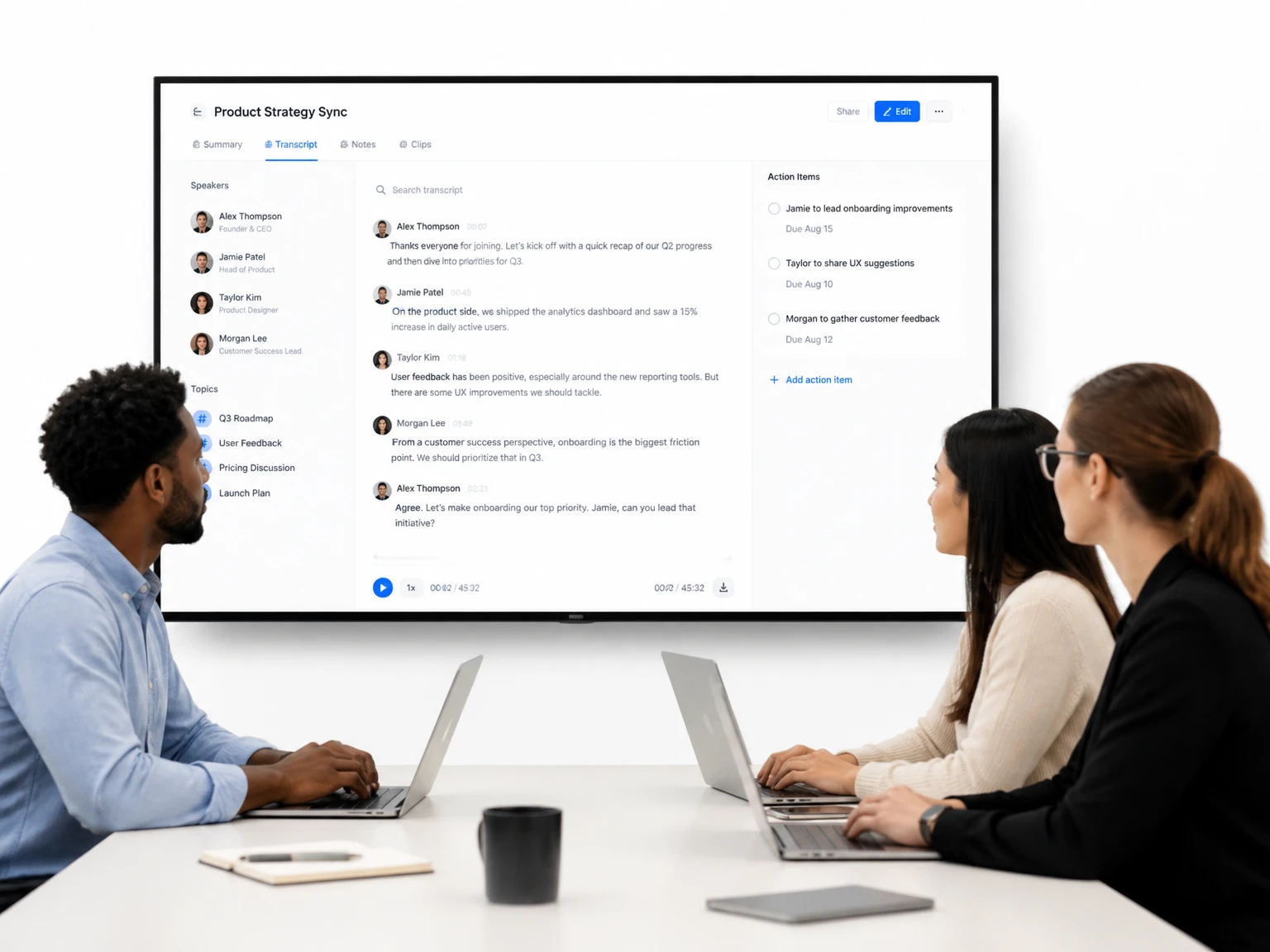
Turn meeting recordings into shareable minutes
Produce meeting minutes and action items from recorded calls. Search the text to confirm decisions without replaying the whole conversation.
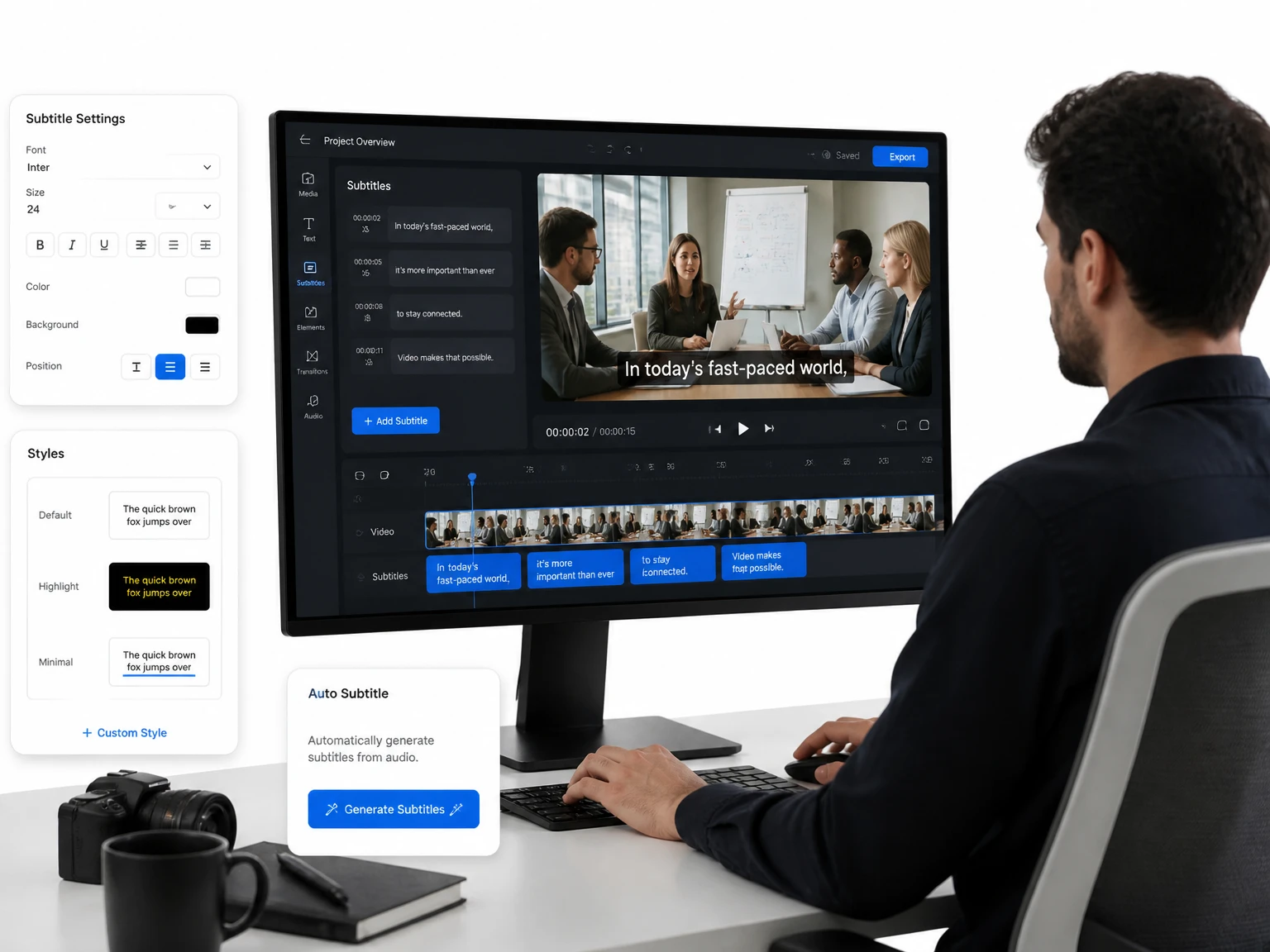
Generate subtitles and captions from MP4 videos
Turn the transcript into subtitle files and import them into your video editor. Subtitle-ready output keeps every line aligned with the video.
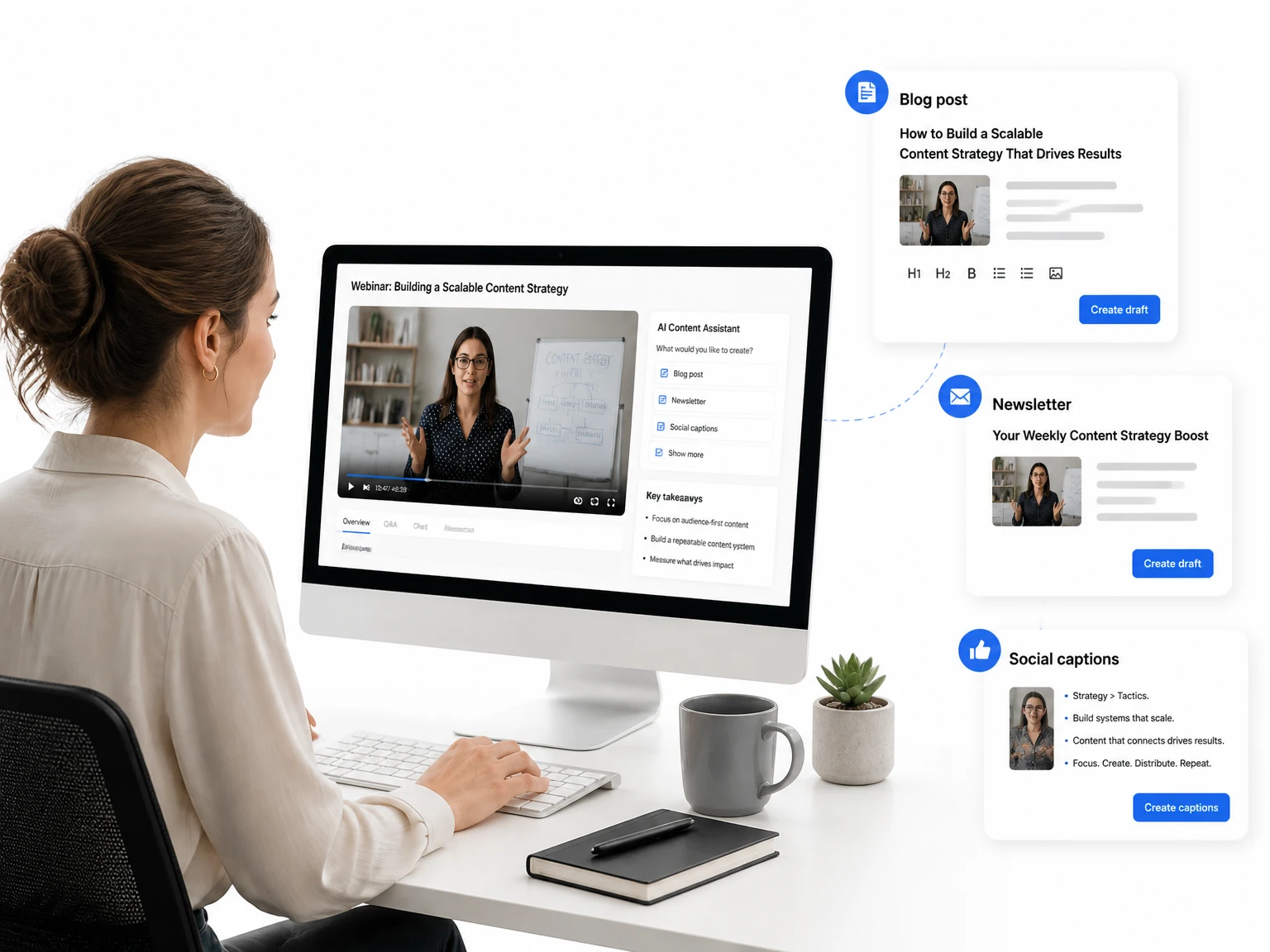
Repurpose webinar recordings into marketing content
One webinar becomes a blog post, a newsletter, and social captions. The transcript feeds the whole publishing pipeline without extra writing.
Who Should Use an MP4 to Transcript Tool
MP4 to text saves hours for anyone who works with recorded speech. The six groups below rely on transcripts every week to cut manual work and share knowledge.
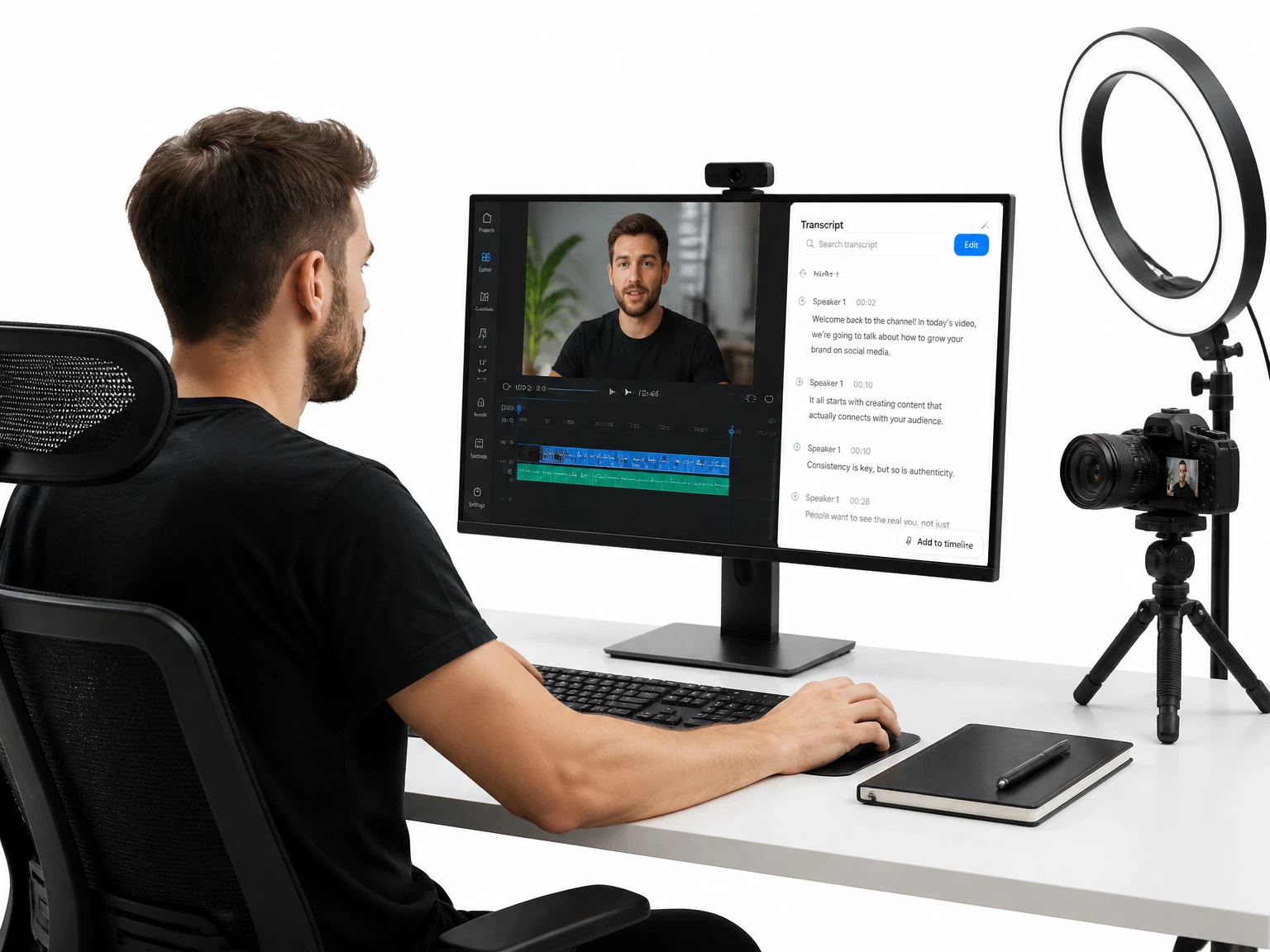
Content Creators & YouTubers
Creators turn raw footage into captions, blog posts, and newsletter copy. One recording becomes several pieces of content without extra recording time.

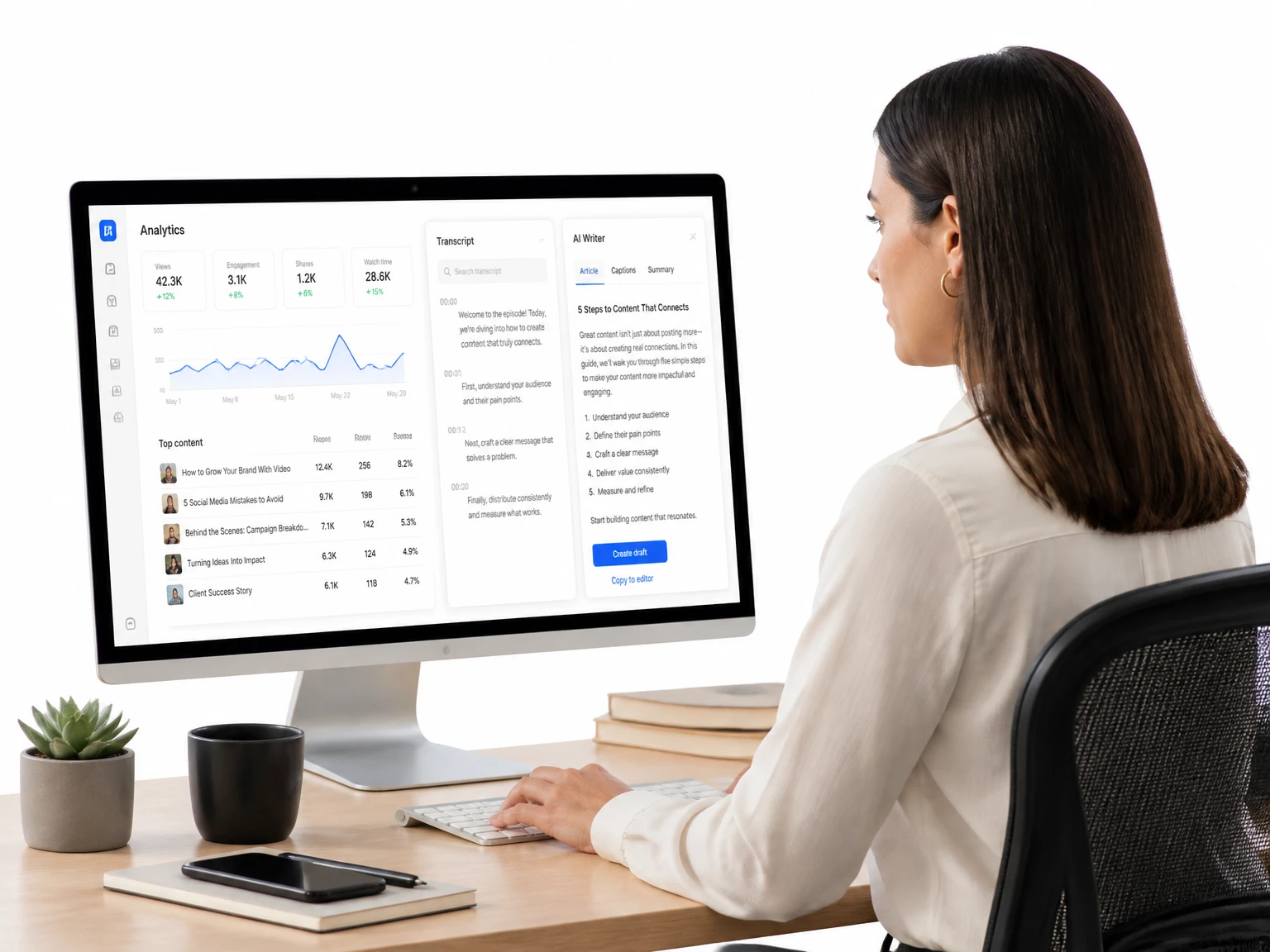
Why Choose Our MP4 to Text Converter
This MP4 to text converter removes the usual friction of transcription: cost, sign-up walls, and clunky desktop software. Here is what sets it apart from the slow, manual way of working.
Direct MP4 to Transcript – Zero Pre-Processing
Upload the MP4 and transcribe it as-is. No MP3 export, no separate extraction, no extra software — the engine reads the sound directly from the file and returns your MP4 to text in minutes.
Free in Your Browser – No Sign-up, No Downloads
Start converting right away with no account and no credit card. The tool runs entirely in the browser, so a borrowed laptop still gets the job done.
Fast AI Transcription, Even for Large MP4 Files
The engine streams the recording in chunks, so long lectures and webinars process in minutes without timing out.
Works with MP4 from Any Source
Camera footage, phone recordings, Zoom and Teams captures, and downloaded videos all work the same way — just upload and go.
Accurate Even in Noisy MP4 Audio
Background noise, strong accents, and fast speech are handled without breaking down. The result is a transcript you can trust for real work.
Subtitle-Ready & Multi-Format Export
Export to TXT, DOCX, SRT, or VTT. Subtitle files import straight into your video editor, keeping timestamps aligned with the video.
What Users Say About Our MP4 to Text Converter
I upload raw MP4s straight from my phone and the transcript is ready before I finish my coffee. Skipping the MP3 export step means I actually use it.
MP4 to Text FAQS
Can I convert MP4 to text without converting it to MP3 first?
Yes. The converter reads the sound straight from the MP4 file, so you can upload the video as it is. There is no need to export anything to MP3 or run a separate conversion step.
What if my MP4 has no speech or only background music?
Transcription works on speech, so a clip with only background music returns little or no text. If one section has music but the rest has voices, the spoken parts are still transcribed normally.
Does video resolution affect MP4 to text accuracy?
No. The converter reads only the sound, so resolution does not matter. What matters is recording clarity — a quiet room, one speaker at a time, and a decent microphone produce the most accurate results.
Can I transcribe MP4 to text from Zoom, Teams, or screen recordings?
Yes. Meeting and screen recordings saved as MP4 work the same way as any other file. Speaker labels help separate voices in multi-person calls, and timestamps link each line to its moment in the recording.
Is MP4 to text as accurate as transcribing the original file?
Yes. The sound inside the MP4 is exactly what the engine reads, so accuracy is identical. The video container adds no distortion, so converting the MP4 as-is loses nothing.
What if my MP4 file is too large to upload?
There is no hard size limit for regular uploads. Large files are streamed in chunks, so long lectures and webinars process without timing out.
Can I convert MP4 to text for several files without signing up?
Yes. You can run multiple transcription jobs in the browser without creating an account or entering a credit card. Files process one by one, and each transcript is ready to export when it finishes.
Can I transcribe English-language videos with this tool?
Yes. This tool can process supported public or uploaded videos with English speech. Review names and phrases before using the transcript.
Can I download the transcript as subtitles or text?
Yes. After reviewing the result, you can copy the text or export an available subtitle format such as SRT or VTT.