

Free YouTube Transcript Generator
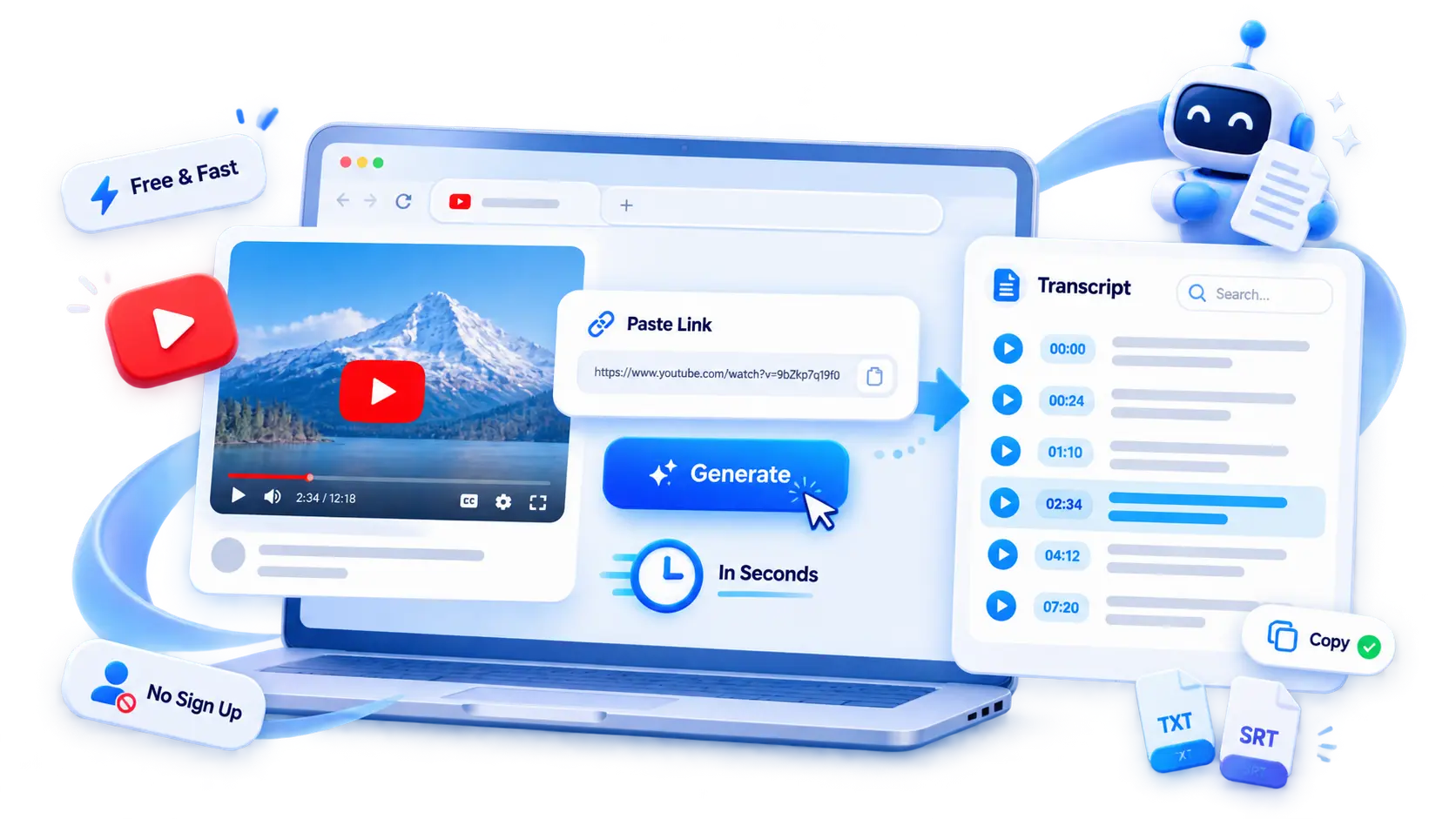
A free YouTube transcript generator turns any video into clean, readable text in seconds. Paste a link and convert YouTube to transcript with timestamps — no account, no sign-up, no watermarks.
200+ languages
200+ languages
Video transcription support for global video content
Timestamped output
Timestamped output
Review exact moments and prepare captions
Speaker Recognition
Speaker Recognition
Identify and label different speakers in your transcript
Private upload
Private upload
Review sensitive media before exporting or publishing
What Is a YouTube Transcript Generator?
YouTube Transcript Generator takes a YouTube video and turns the spoken content into written text. Instead of scrubbing through a 40-minute lecture to find one sentence, you get a full transcript you can read, search, and reuse — clean and accurate whether the video already has captions or not. To Generate YouTube Transcript output from any clip, just paste the link and the text appears.
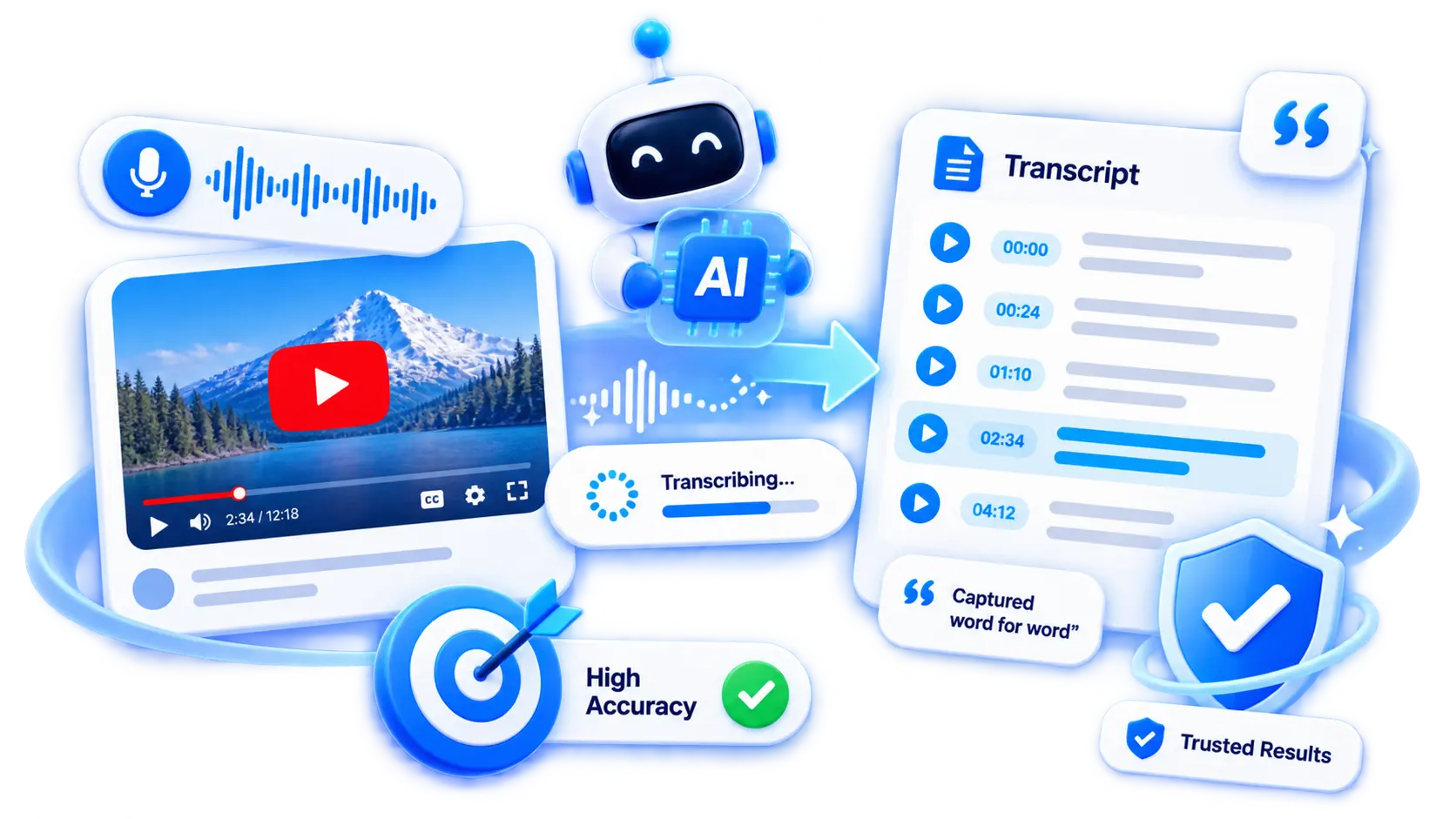
A YouTube Transcript Generator Delivers Accurate Video Transcripts
Accuracy matters most when you quote someone. The YouTube transcript AI engine behind a YouTube video transcript generator stays close to the original speech, so students, writers, and analysts can trust the text they copy.
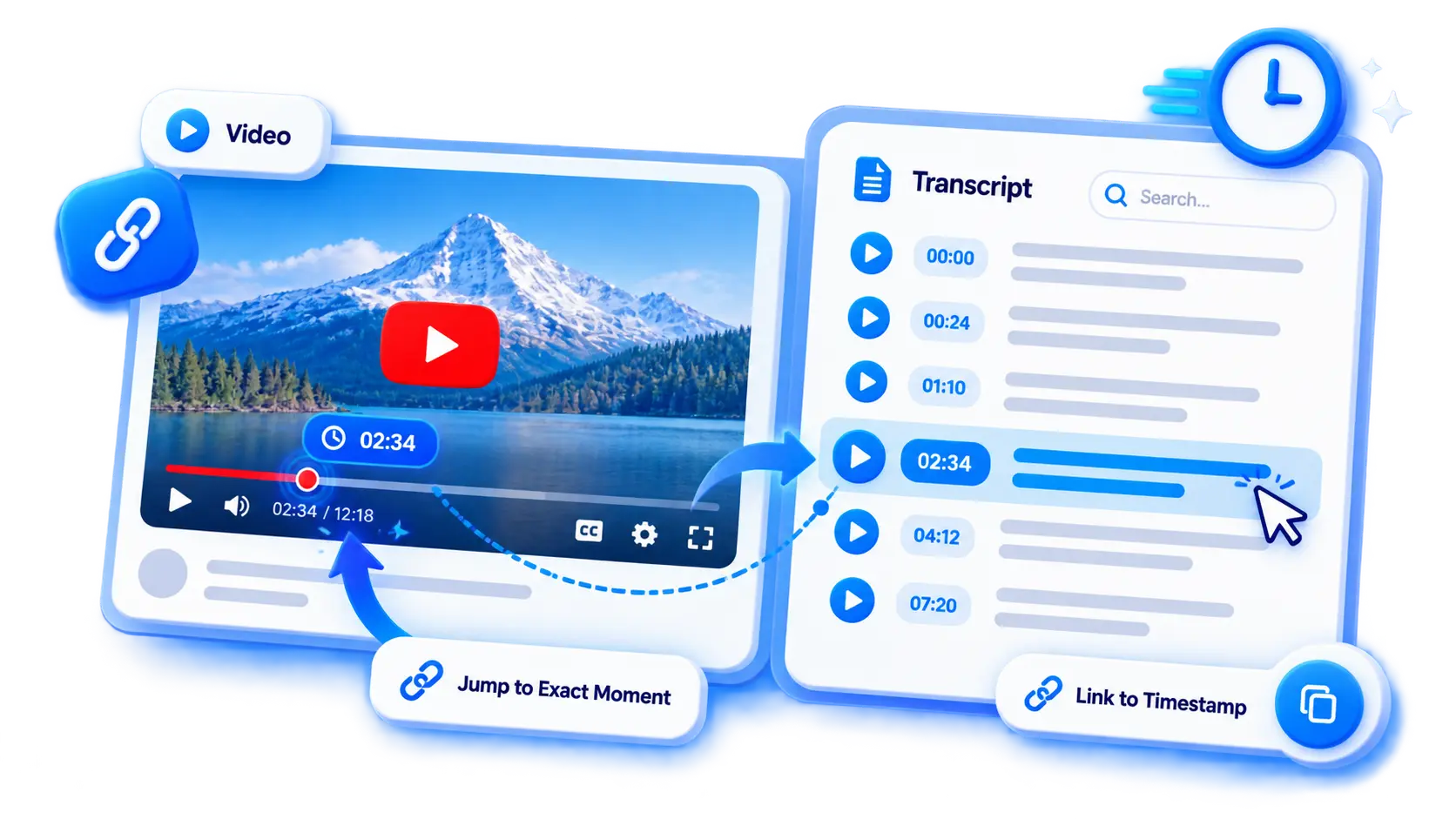
Get Timestamped Transcripts with the YouTube Transcript Generator
Every line in your transcripts carries a timestamp. That mapping lets you jump from a sentence in the text straight back to the moment in the video — ideal for citations, subtitles, and quick review.
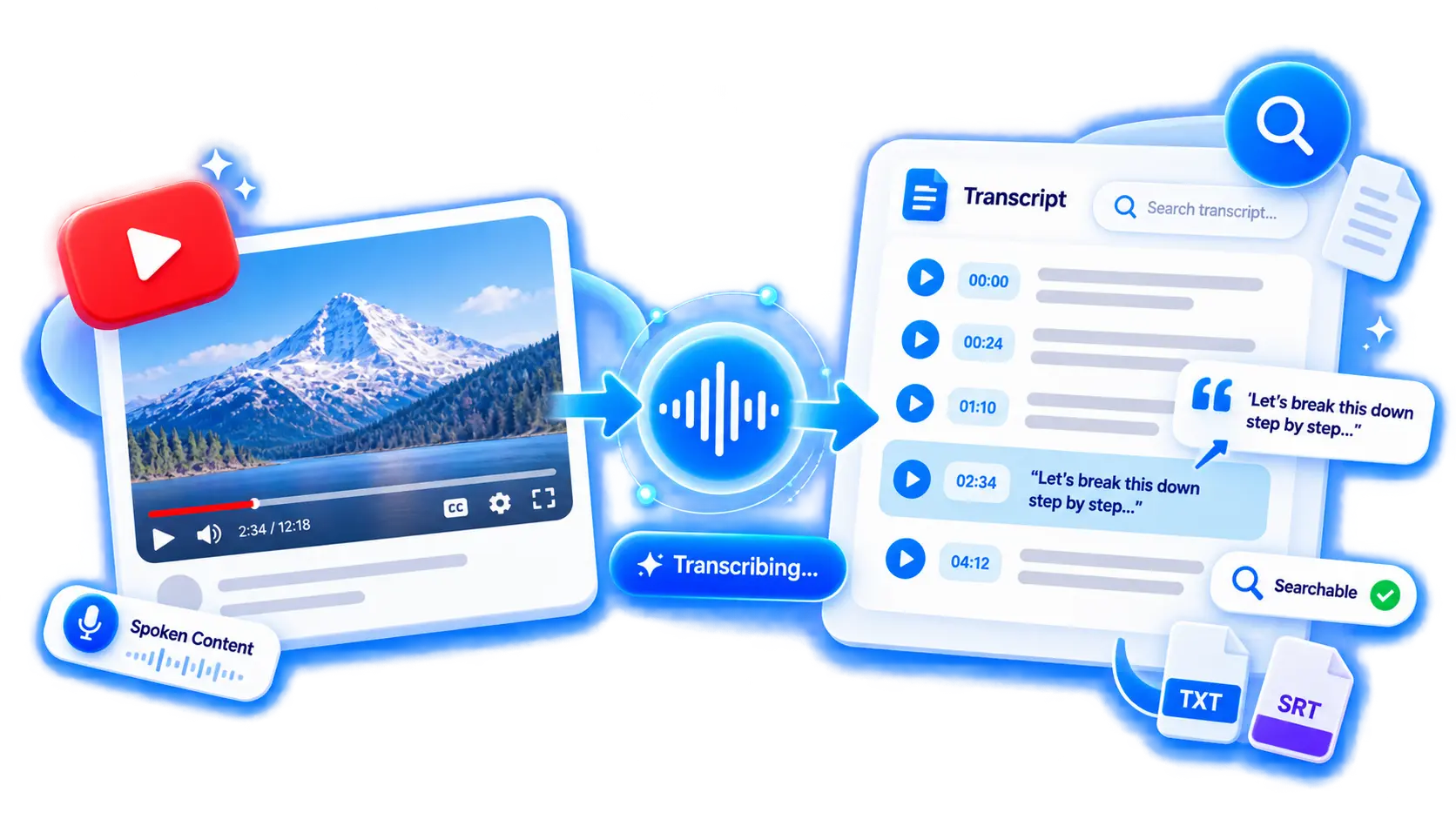
Turn Videos into Clean, Searchable Text Using a YouTube Transcript Generator
The result is plain, searchable text you can use as a reference, a draft, or a base for notes. Once the words are down, you can transcribe video to text from any other recording and repurpose it the same way. If you want key points instead of the full transcript, use the YouTube Video Summarizer.
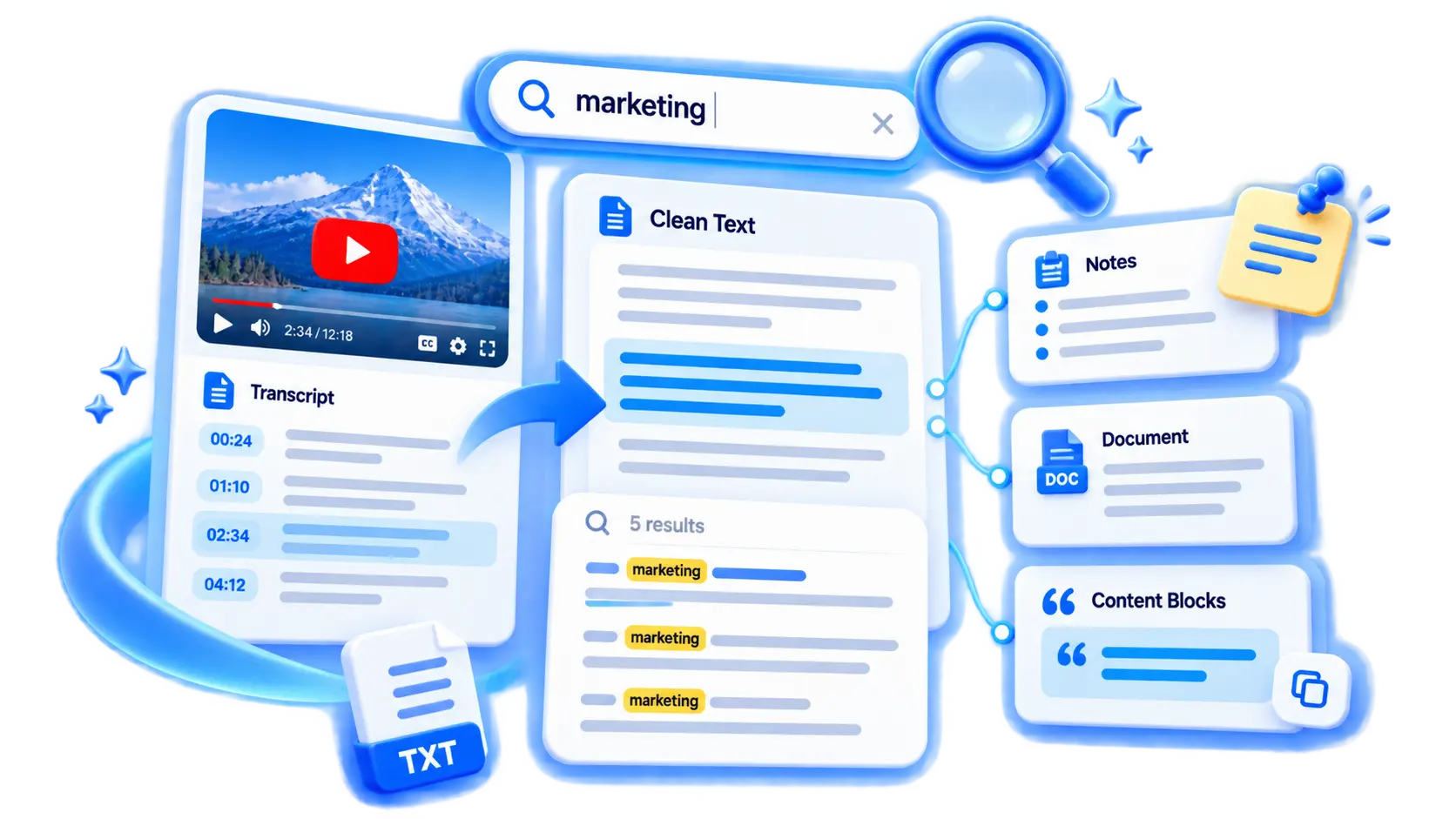
How to Get Transcript of YouTube Video in 3 Steps
Paste a link, generate, and copy or download your transcript in seconds.

Paste Your YouTube Video Link
Copy the URL from YouTube and paste it into the input box. No software to install — everything runs online, so you can start from any laptop or phone.
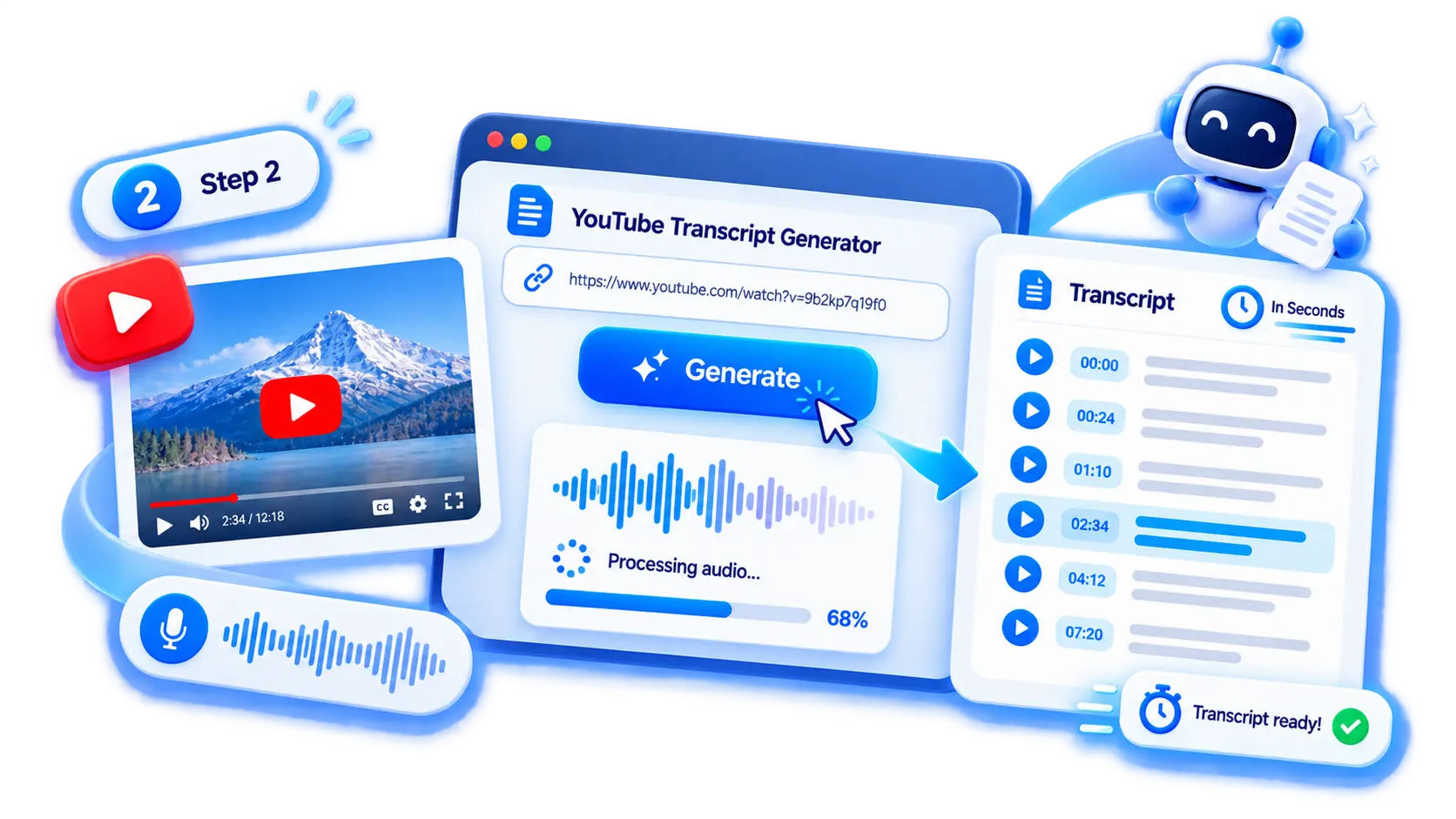
Use the YouTube Transcript Generator
Click generate and the audio is processed into timestamped text. A few seconds later the YouTube Transcript Generator delivers a ready-to-review result, exported as a clean transcript.
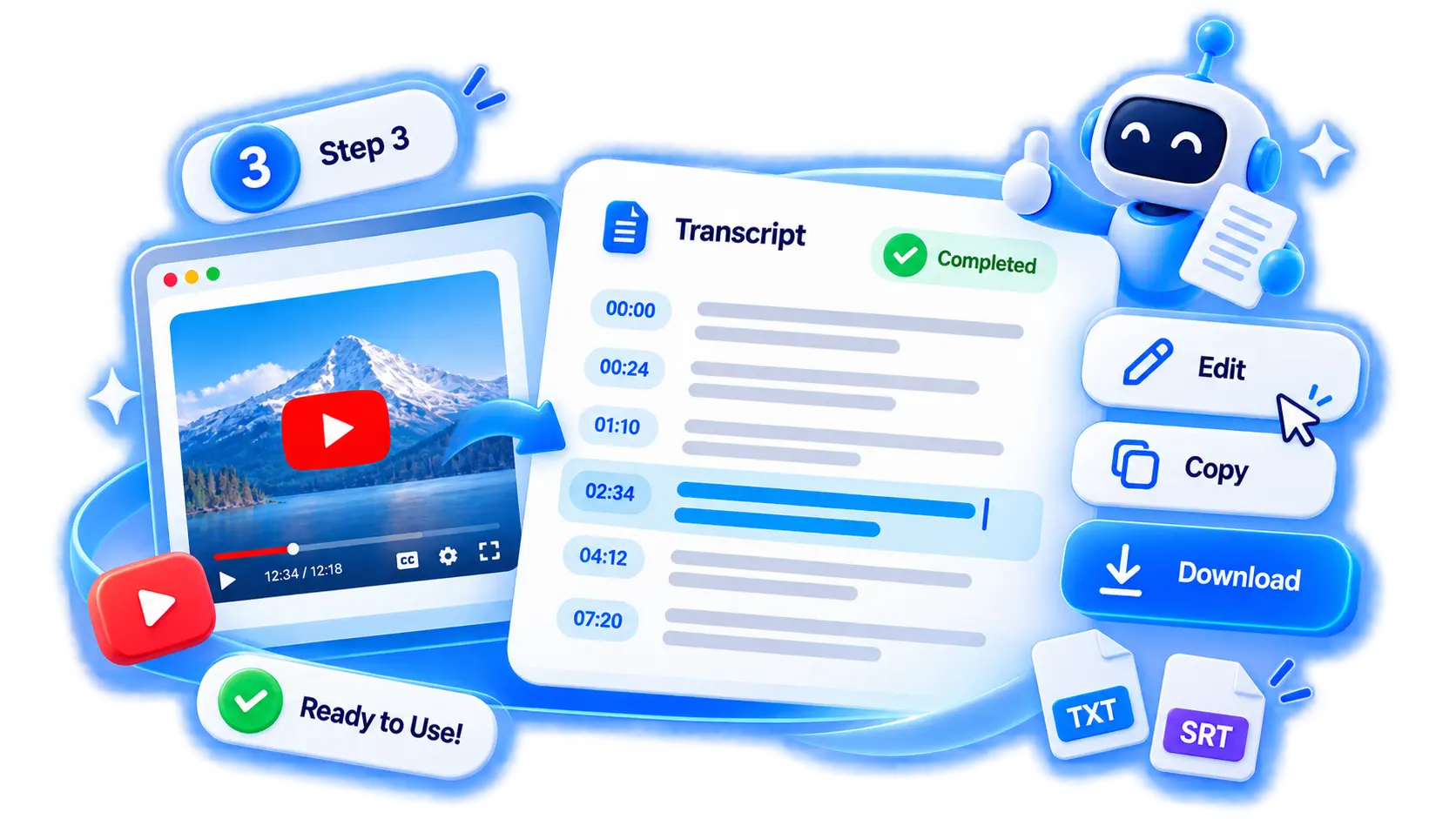
Review Your YouTube to Transcript Result
Read through the output, fix anything if needed, then copy or download. Long lectures and webinars are supported without a hard limit.
Work with Your YouTube Video Transcript
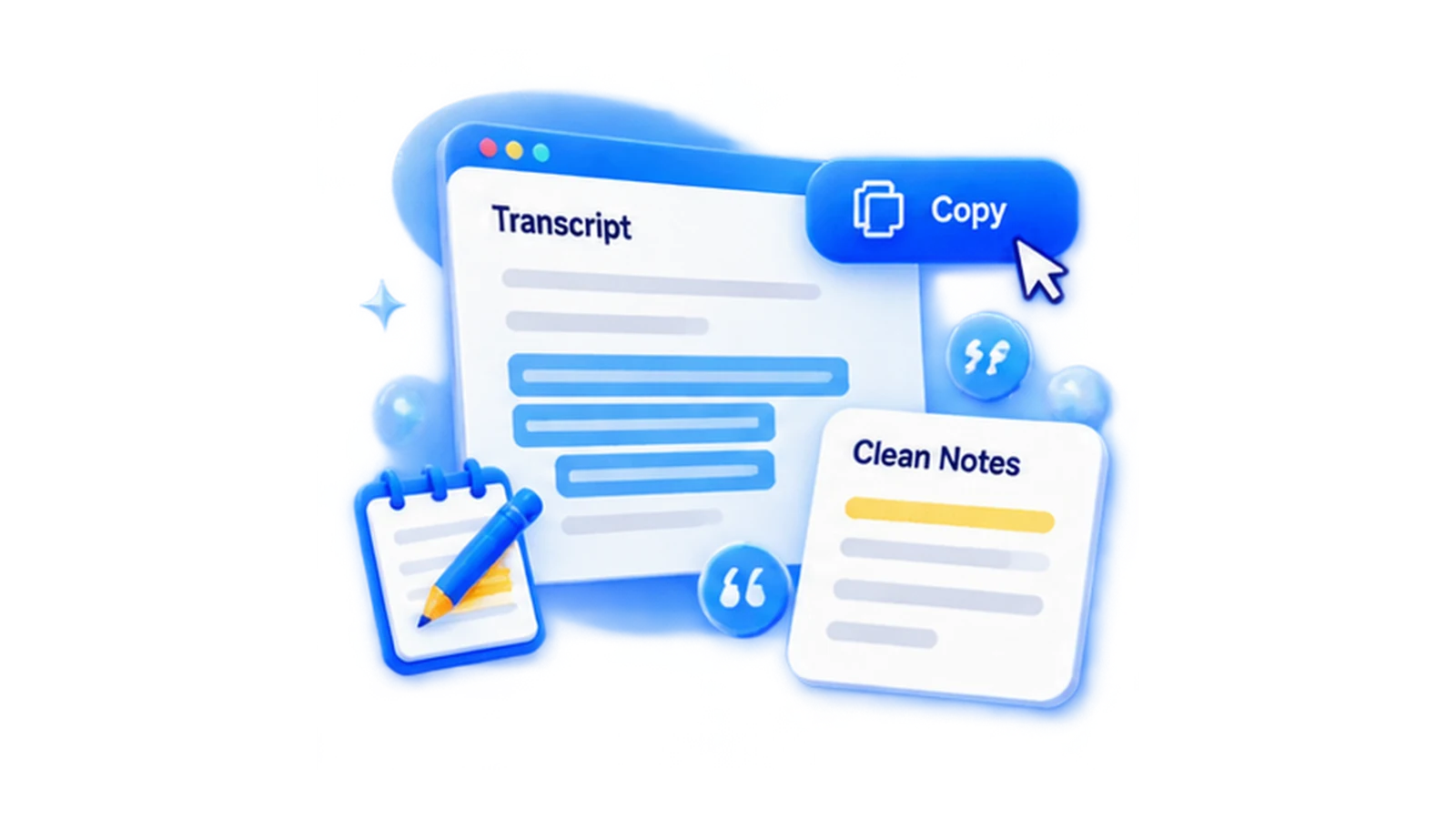
Copy YouTube Transcript for Notes and Research
Need just a paragraph? Copy YouTube transcript generator selections without timestamps for clean notes, or keep timestamps when you want to cite the source.
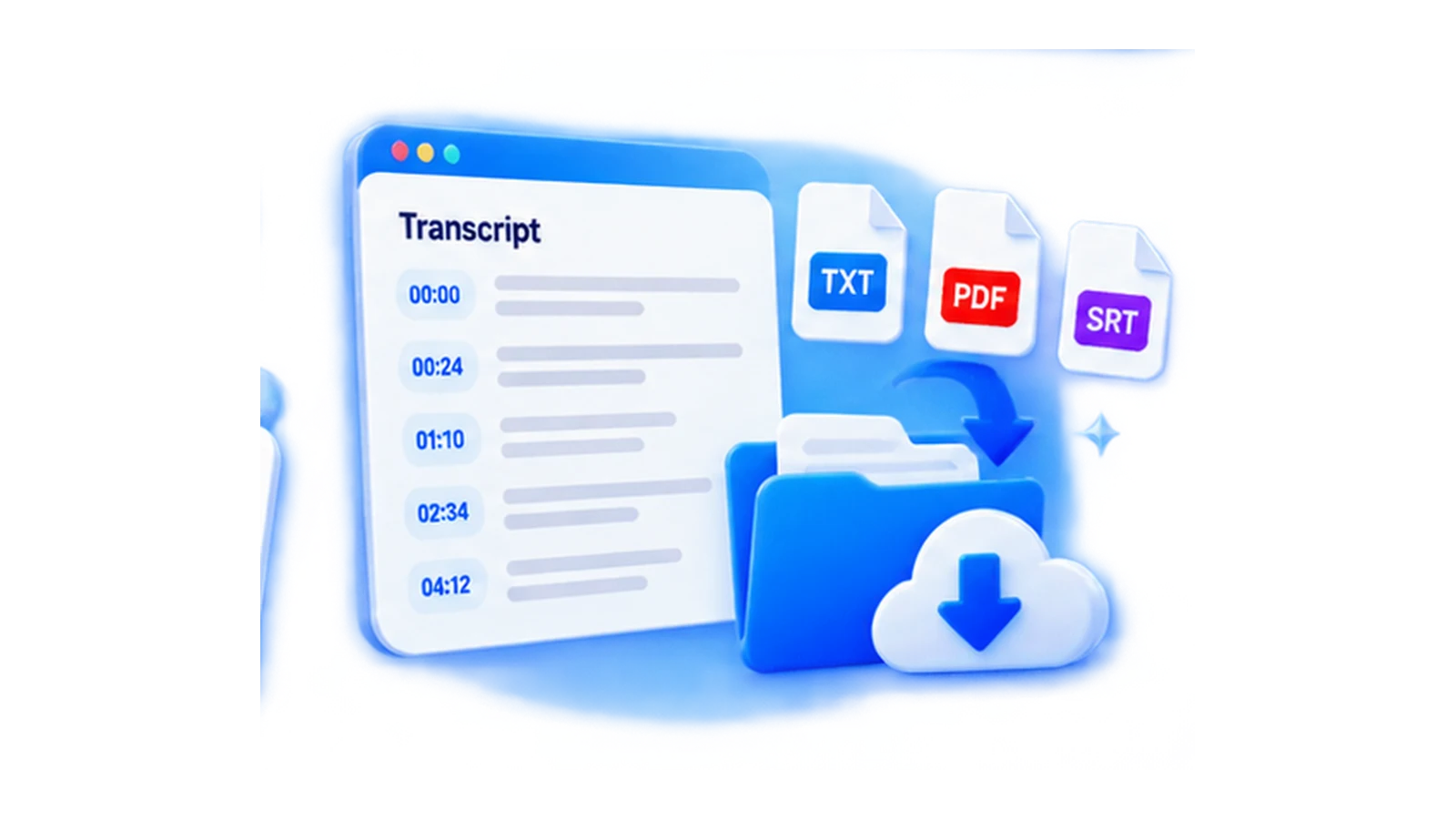
Download YouTube Transcript for Later Use
Download the transcript as a file to build a personal library of references. Pair it with copy when you want both a saved copy and a quick clip to paste elsewhere.
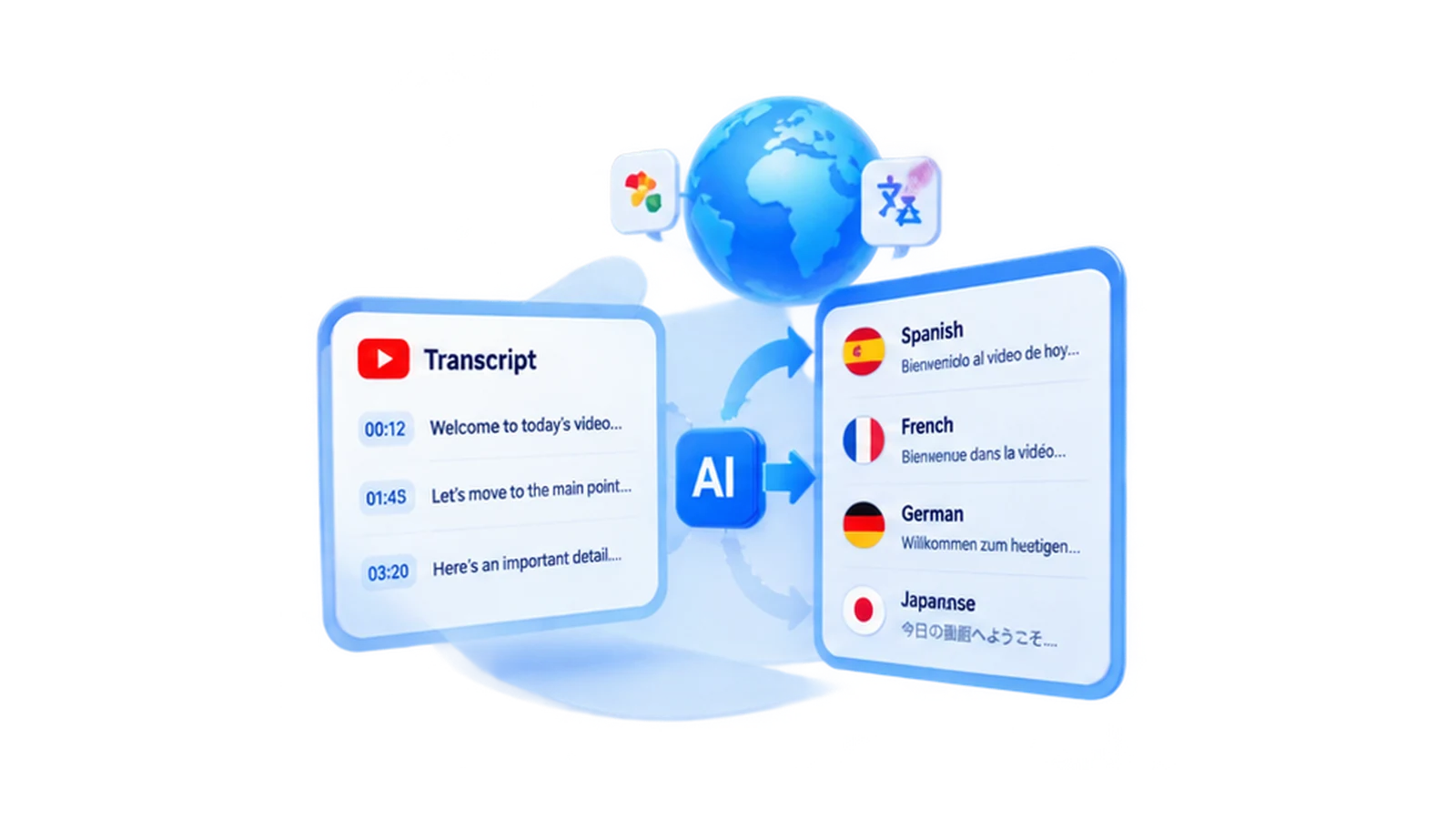
Translate YouTube Transcript into Other Languages
Translate a transcript into another language for international teams or readers.
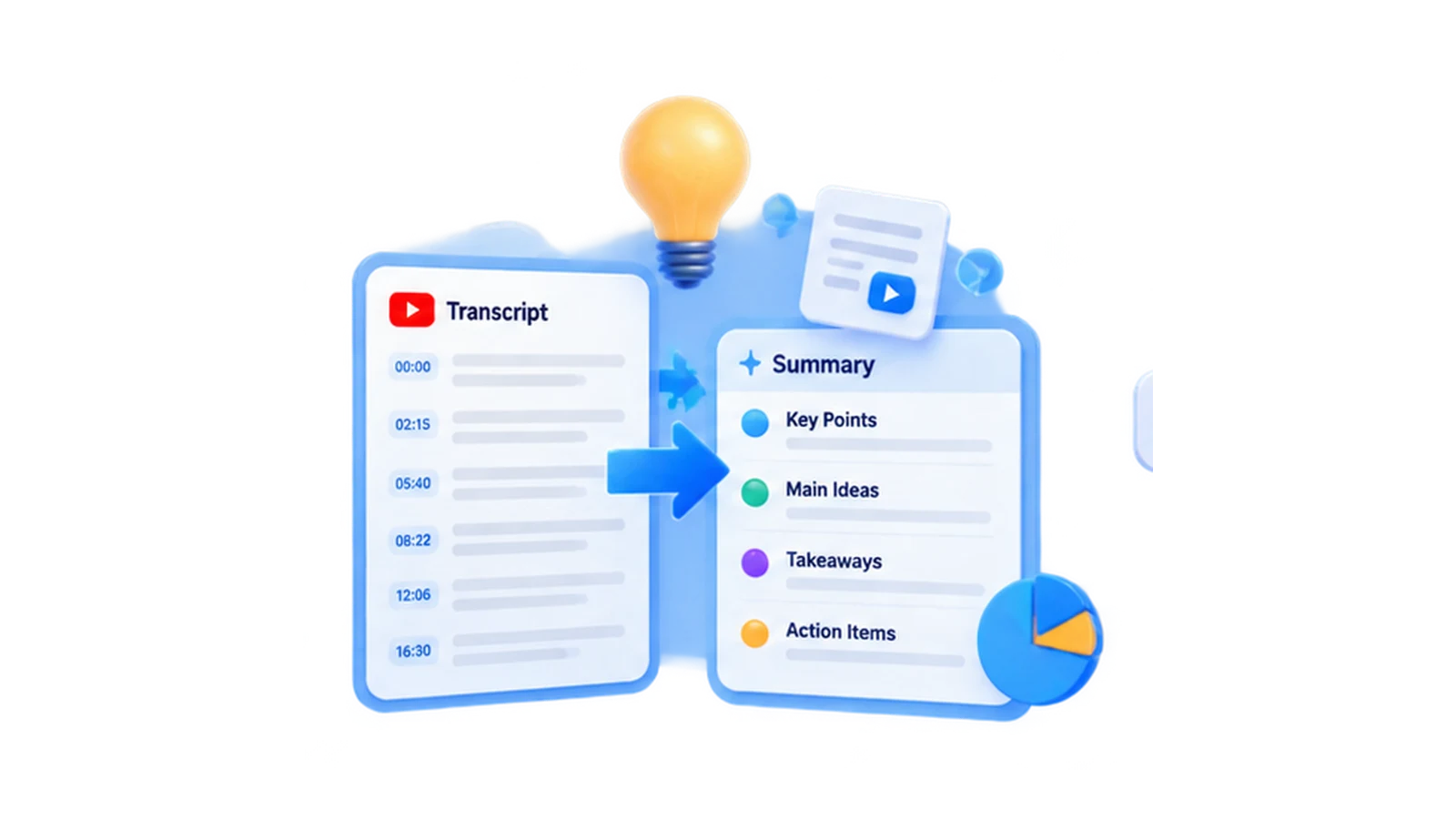
Create a YouTube Transcript Summary
Turn a long talk into a short brief with the transcript summary — perfect for busy readers who want the key points fast.
Who Uses YouTube Transcripts?

Students and Researchers
Students pull quotes and sources from lectures. Researchers transcribe youtube video material to code and analyse qualitatively.
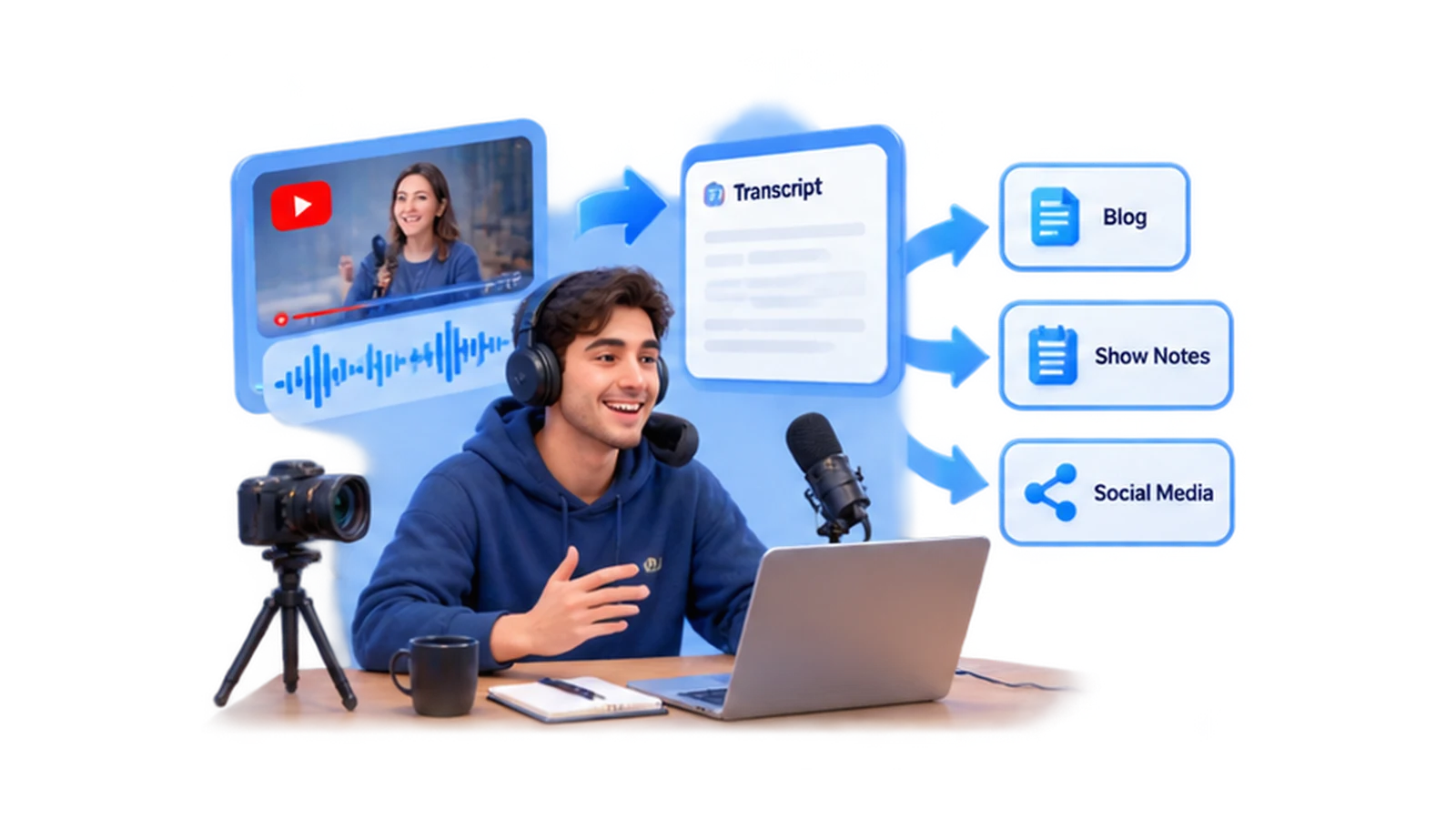
Content Creators and Podcasters
Creators repurpose YouTube and podcast audio into blogs and show notes. One YouTube transcript AI pass saves hours of manual transcription.

Marketers and Professionals
Marketers localize and reuse video content. Professionals keep searchable records of webinars and meetings.
Why Choose Our YouTube Transcript Generator?
Fast and Simple
Paste, click, done. A youtube transcript generator built for speed needs no learning curve, so anyone can start in seconds.
Searchable Timestamps
Find any moment instantly. Searchable timestamps make long videos navigable, turning the transcript into a quick reference.
Easy Copy and Download
Export in one click. Copy and download transcript output fit straight into your existing workflow.
What Users Say About Our YouTube Transcript Generator
I pasted a 30-minute lecture link and had a timestamped transcript in under a minute. Copy and download just worked.
YouTube Transcript Generator FAQ
Is the YouTube Transcript Generator Free to Use?
Yes — free with no sign-up. Paste a link and the transcript is ready instantly.
How Does the YouTube Transcript Generator Work?
Paste a YouTube URL and the audio is fetched and convert YouTube videos to text transcripts with timestamps.
Can the YouTube Transcript Generator Transcribe Videos Without Captions?
Yes. Even with no built-in captions, speech is transcribed from the audio track.
How Accurate Is the YouTube Transcript Generator?
Accuracy is high for clear speech. Wording stays close to the source, so you can trust the output for notes and research.
How to Download YouTube Transcript?
Open the result and choose download. The file saves the full text so you can reuse it offline.
Does the YouTube Transcript Generator Support Long Videos?
Yes. Long lectures and webinars are supported without a hard limit.
How to Get Transcript from YouTube Video?
Paste the link, click generate, and review. That is the fastest path when you only have the video URL.
Can I Copy a YouTube Transcript Without Timestamps?
Yes. Copy the text with or without timestamps, depending on whether you need citations.
Can I transcribe English-language videos with this tool?
Yes. This tool can process supported public or uploaded videos with English speech. Review names and phrases before using the transcript.
Can I download the transcript as subtitles or text?
Yes. After reviewing the result, you can copy the text or export an available subtitle format such as SRT or VTT.