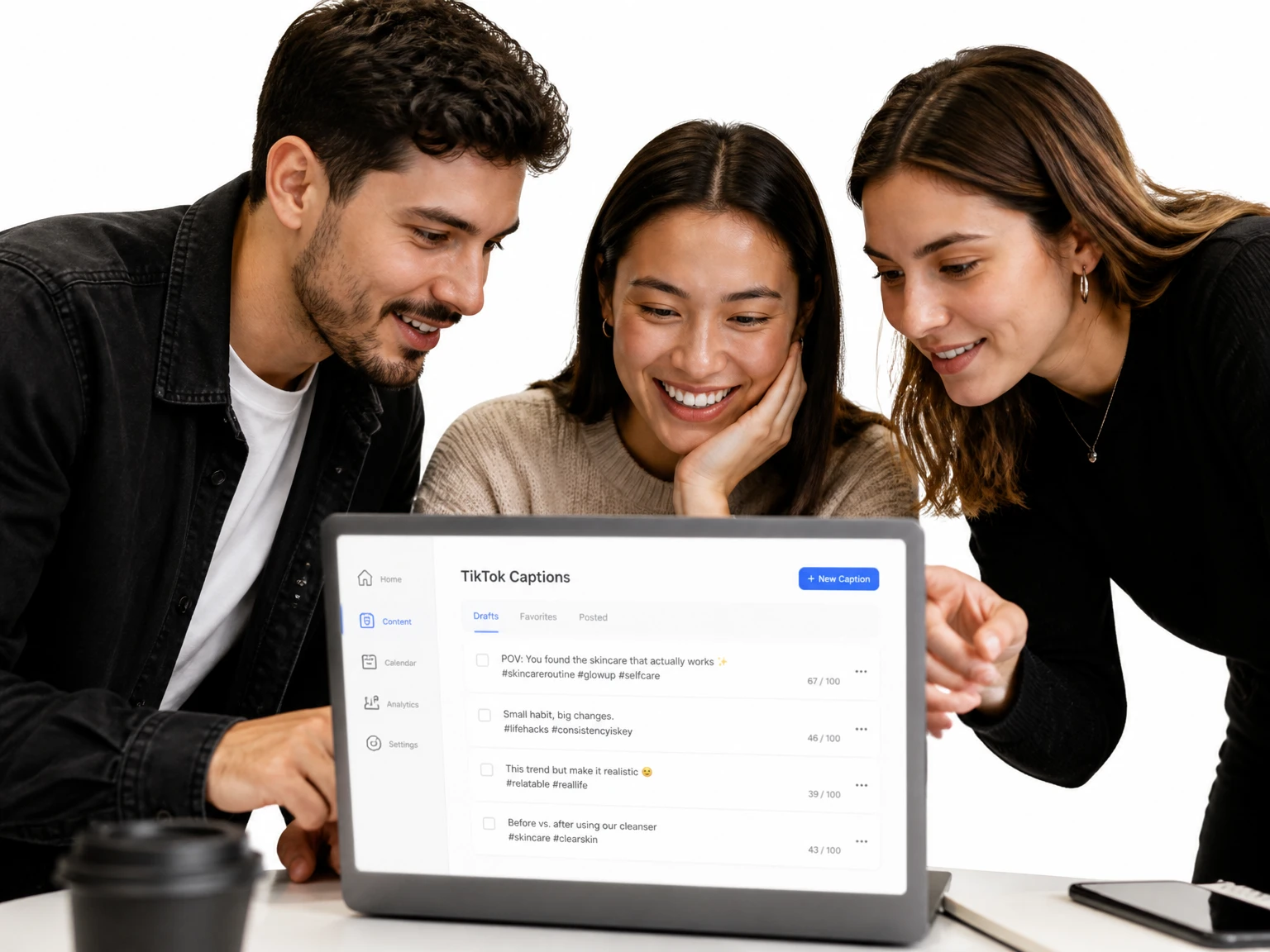
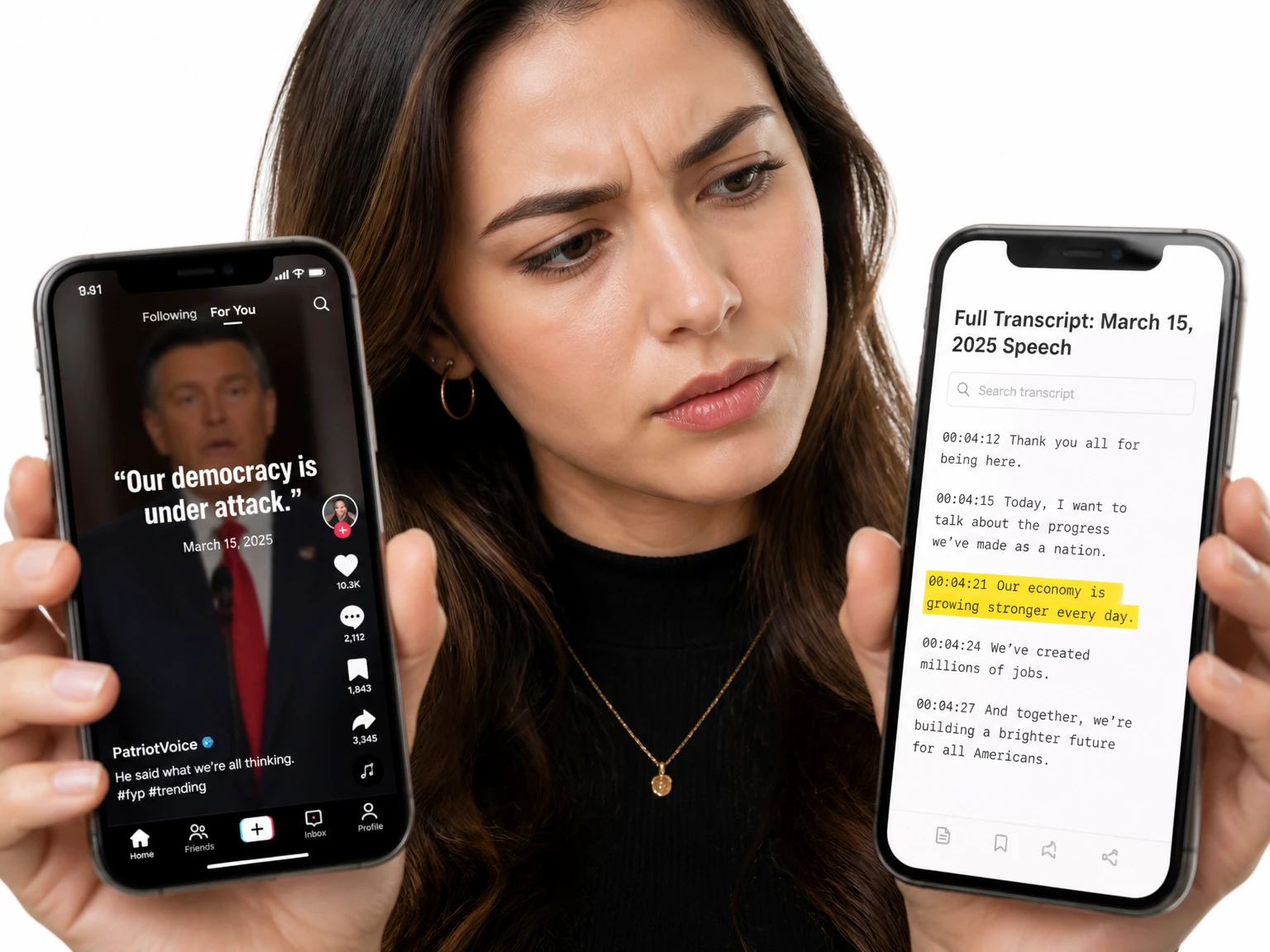
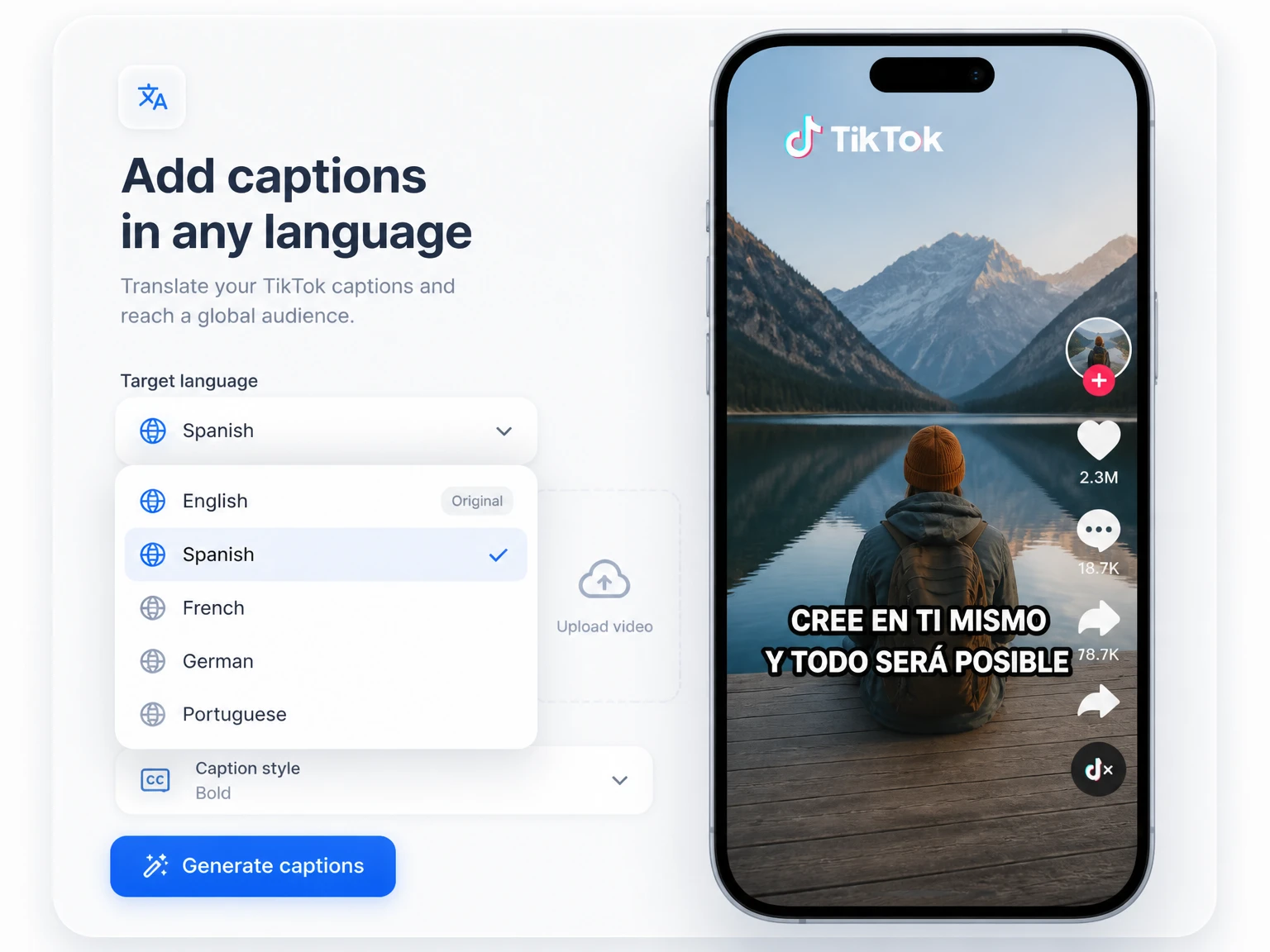
Add on-screen captions so a clip keeps people who watch with the sound off. The text arrives already timed to the voice, so nothing lags behind a beat.
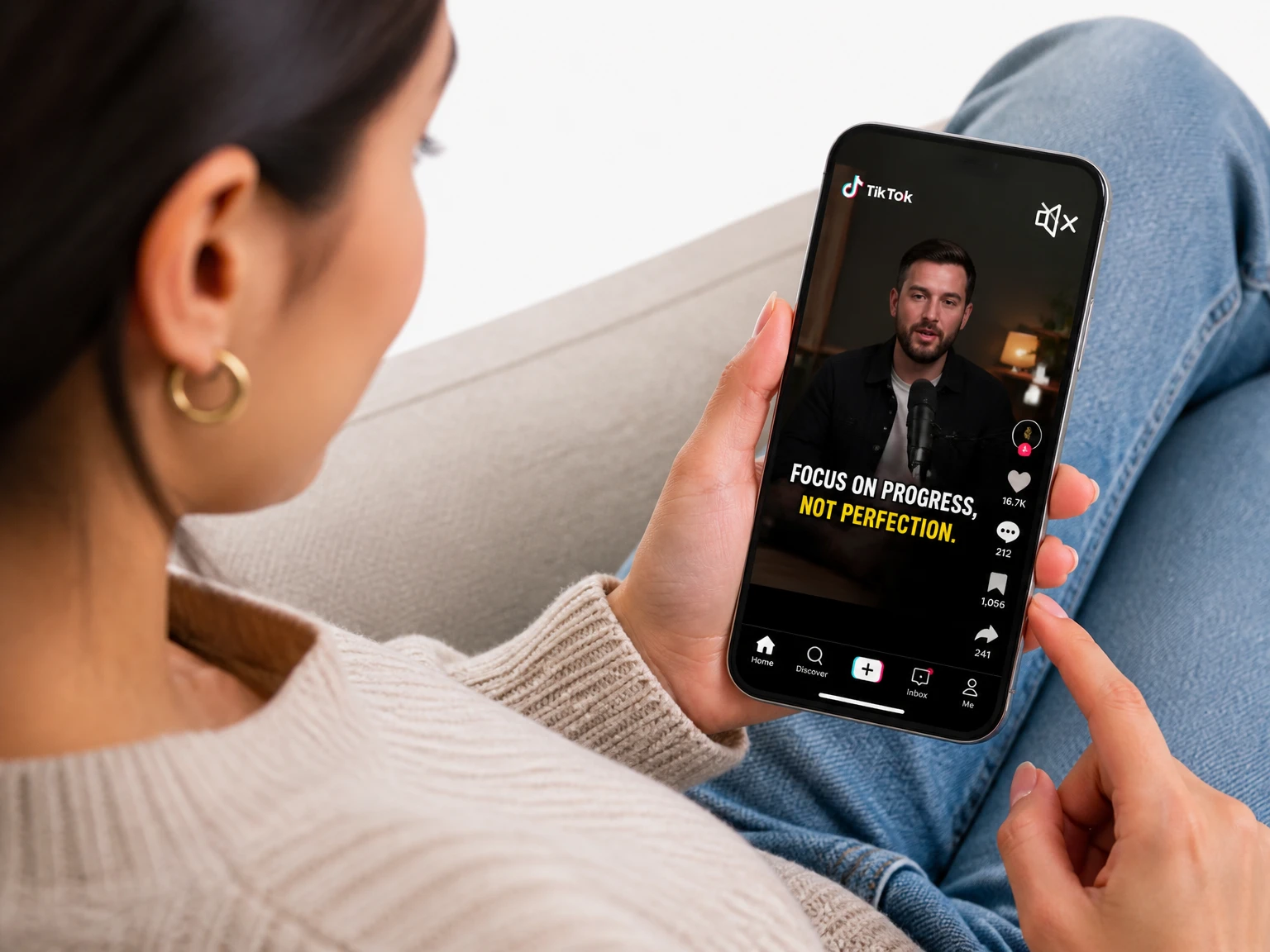

Paste a supported TikTok link and turn its spoken audio into editable, timestamped text in minutes — no sign-up or video download required.
200+ languages
200+ languages
Video transcription support for global video content
Timestamped output
Timestamped output
Review exact moments and prepare captions
Speaker Recognition
Speaker Recognition
Identify and label different speakers in your transcript
Private upload
Private upload
Review sensitive media before exporting or publishing
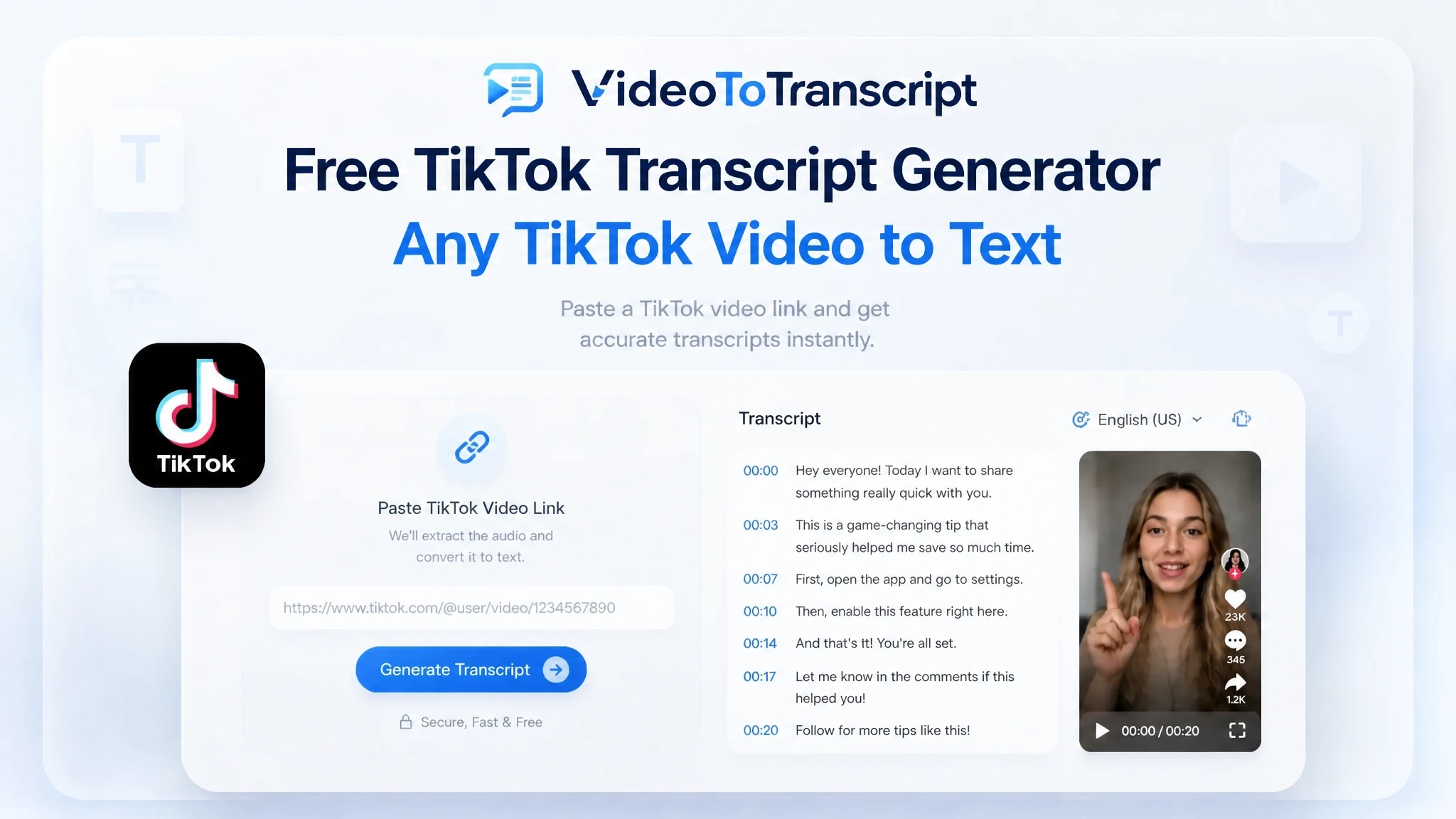
A TikTok transcript generator turns spoken audio from a supported TikTok video into editable text with timestamps. The result can be reviewed, copied, or exported as subtitles without manually replaying and typing the entire clip.
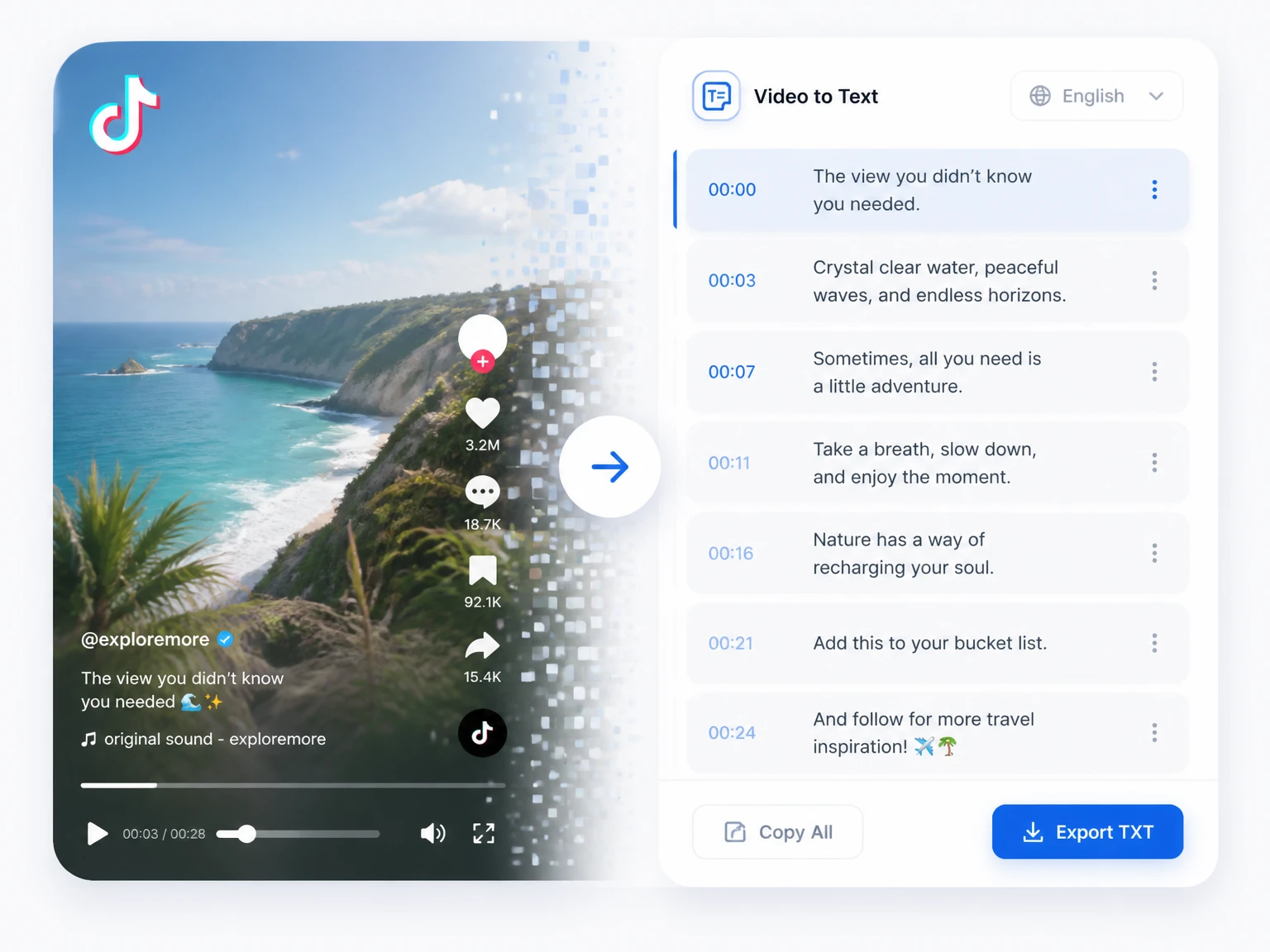
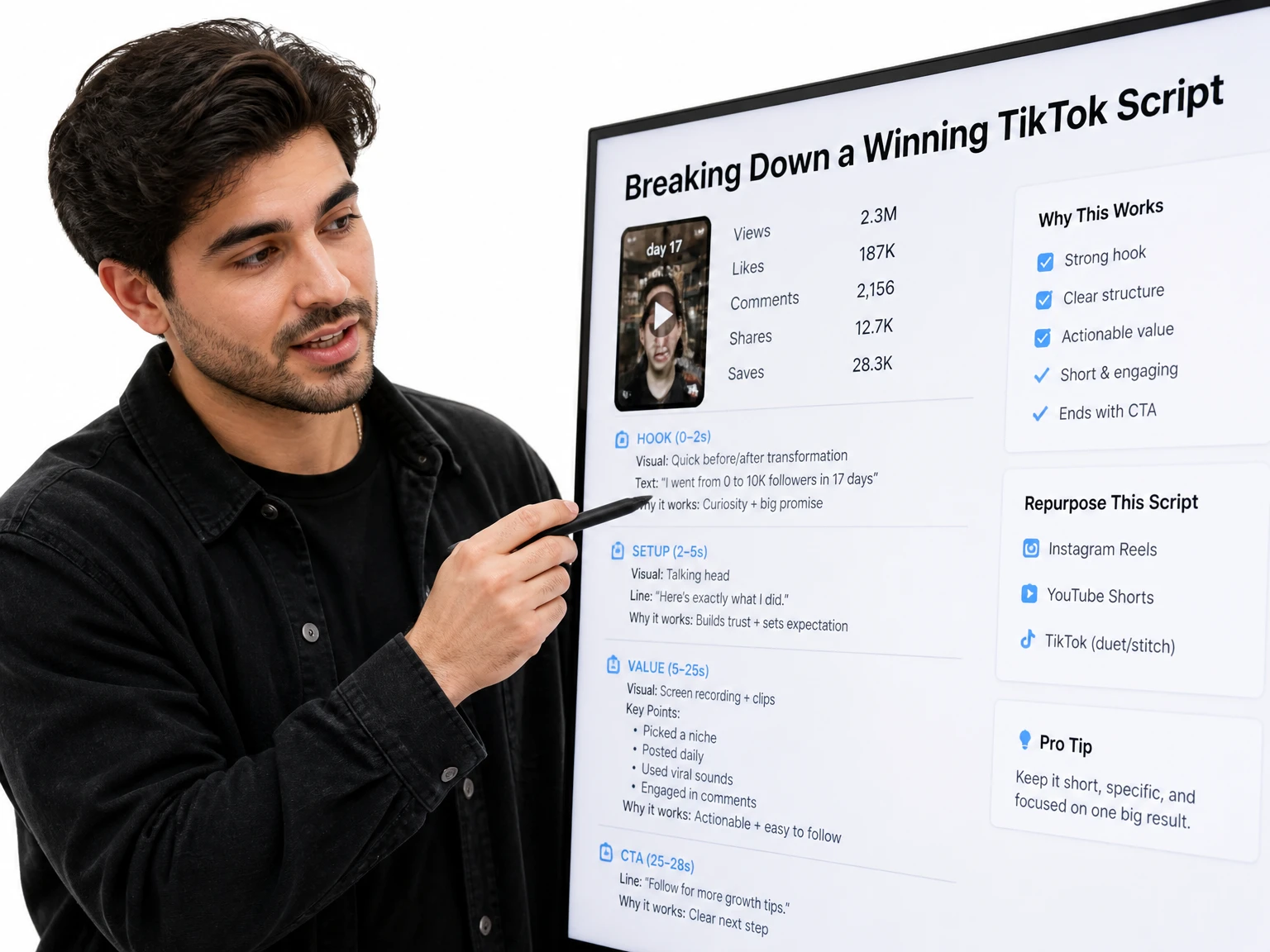
Readable text makes spoken TikTok content easier to review, quote, subtitle, and reuse across formats. A transcript can provide the source material for captions, notes, or a rewritten post after you check the wording. For the longer video behind a short clip, a video to text converter covers the full recording the same way.
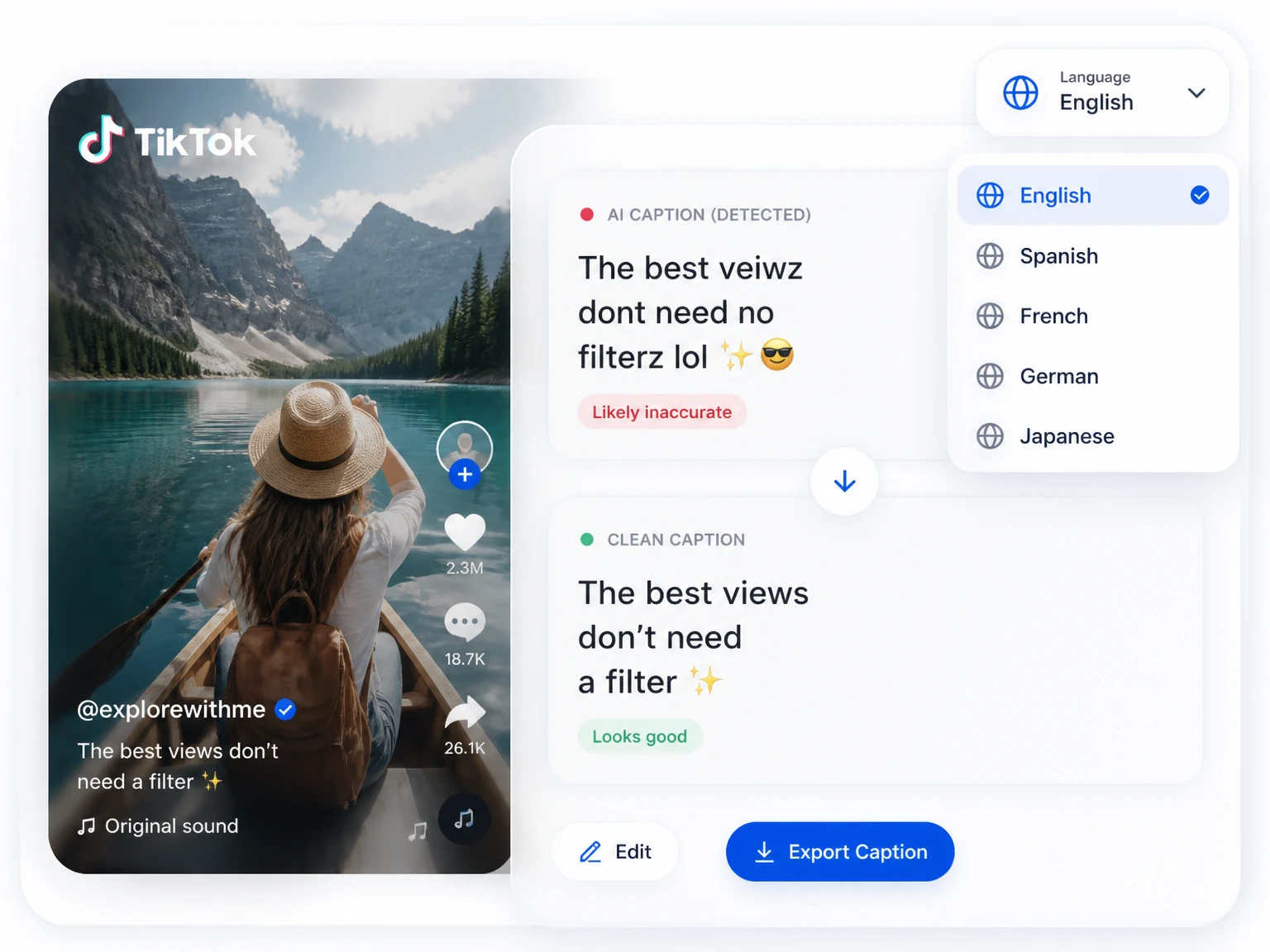
Automatic captions can struggle with background music, accents, slang, brand names, and overlapping speech. Typing every clip by hand is slow, while publishing unreviewed text can introduce visible mistakes. A TikTok transcript generator creates an editable first draft in minutes so you can check uncertain wording before using it in captions or other content.
A solid TikTok transcript generator covers the whole stretch from link to posted caption. The six capabilities below are the ones short-form creators lean on every day.
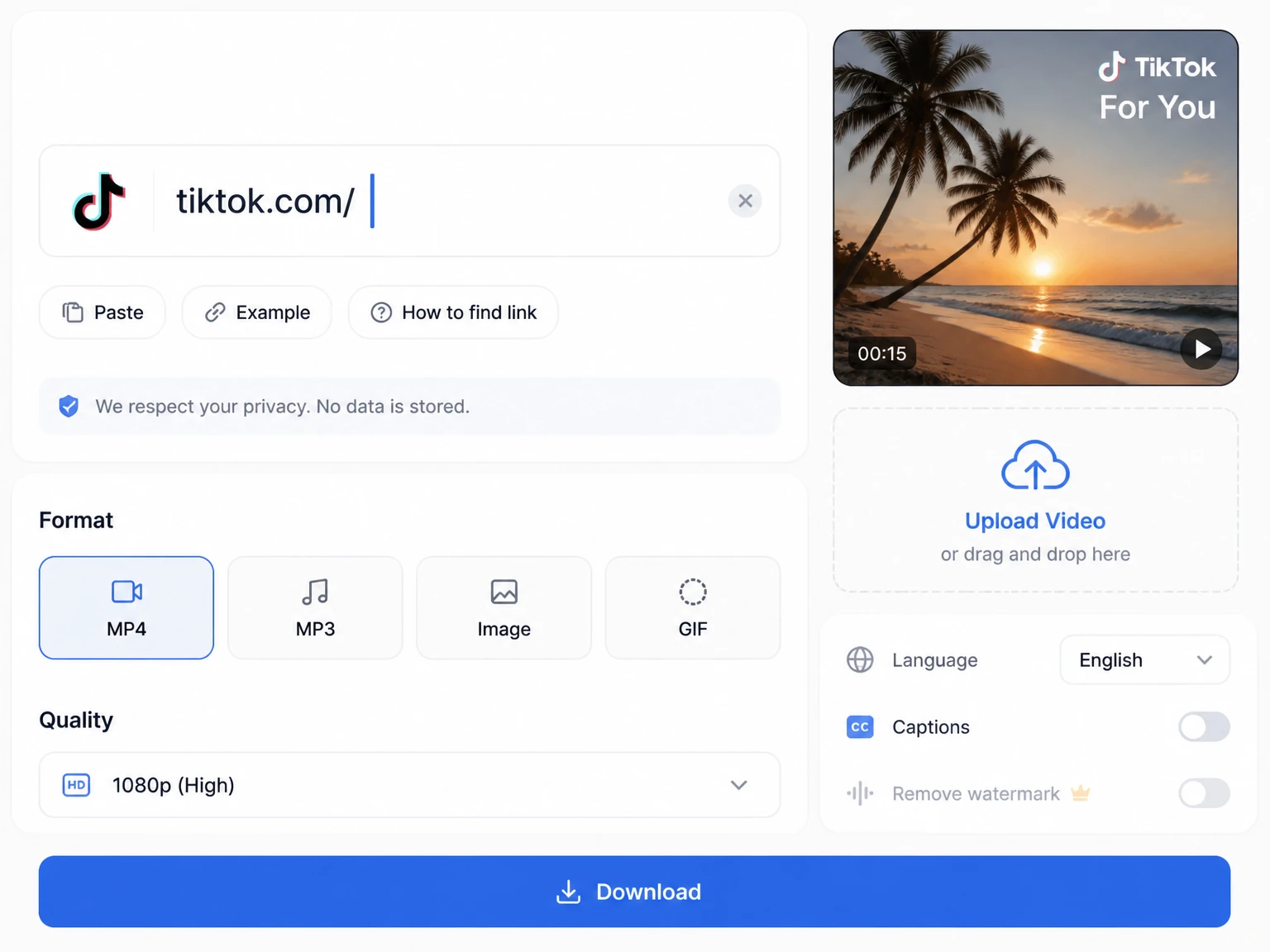
Drop in a TikTok URL and the transcript is pulled straight from the video, no downloading first. If you already saved the clip as a file, MP4 to text handles the same upload flow.
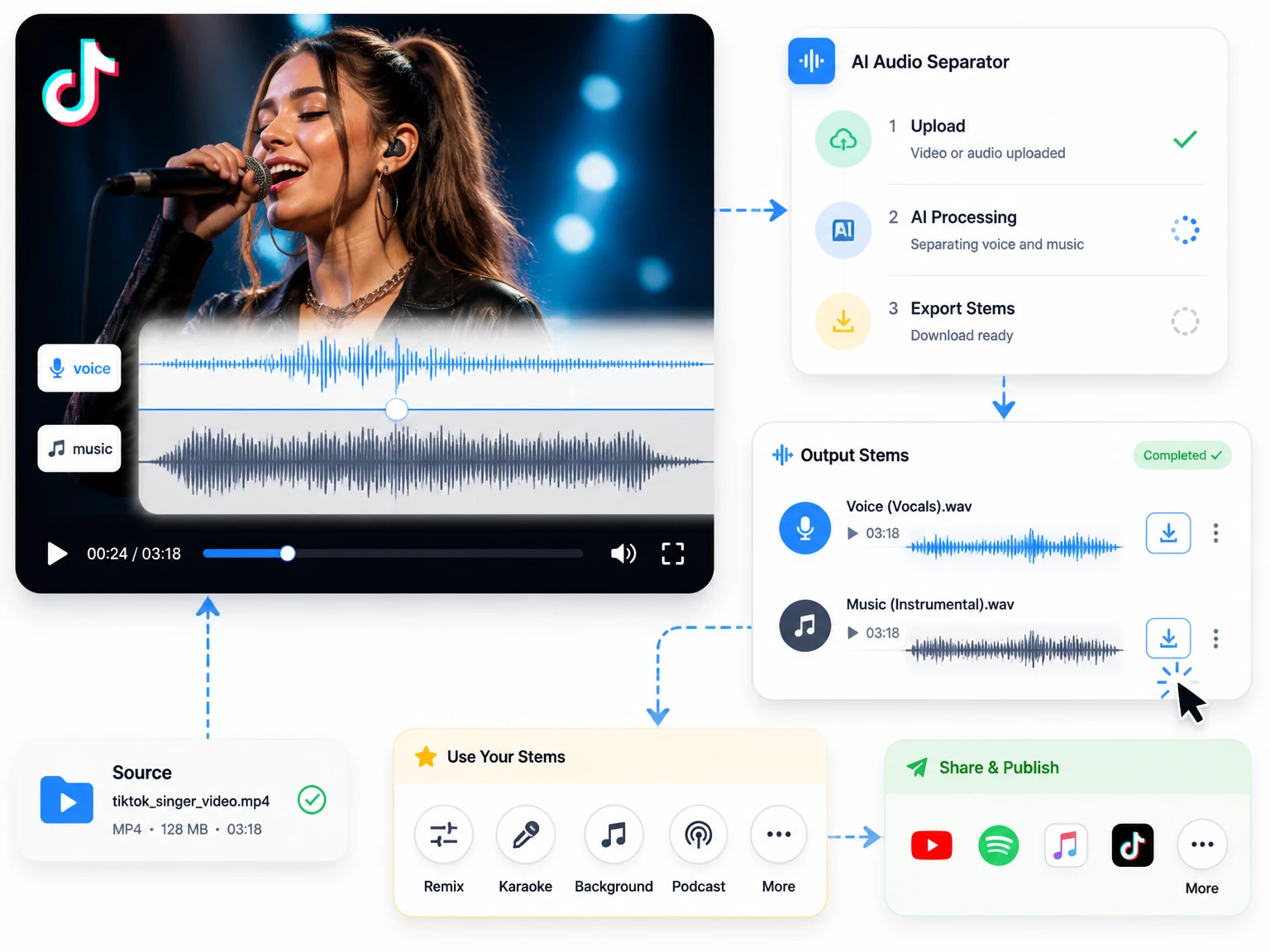
The generator transcribes speech from the clip and returns text you can review alongside timestamps. Background music, accents, fast speech, and overlapping voices can affect accuracy, so check important names and quotes before publishing.
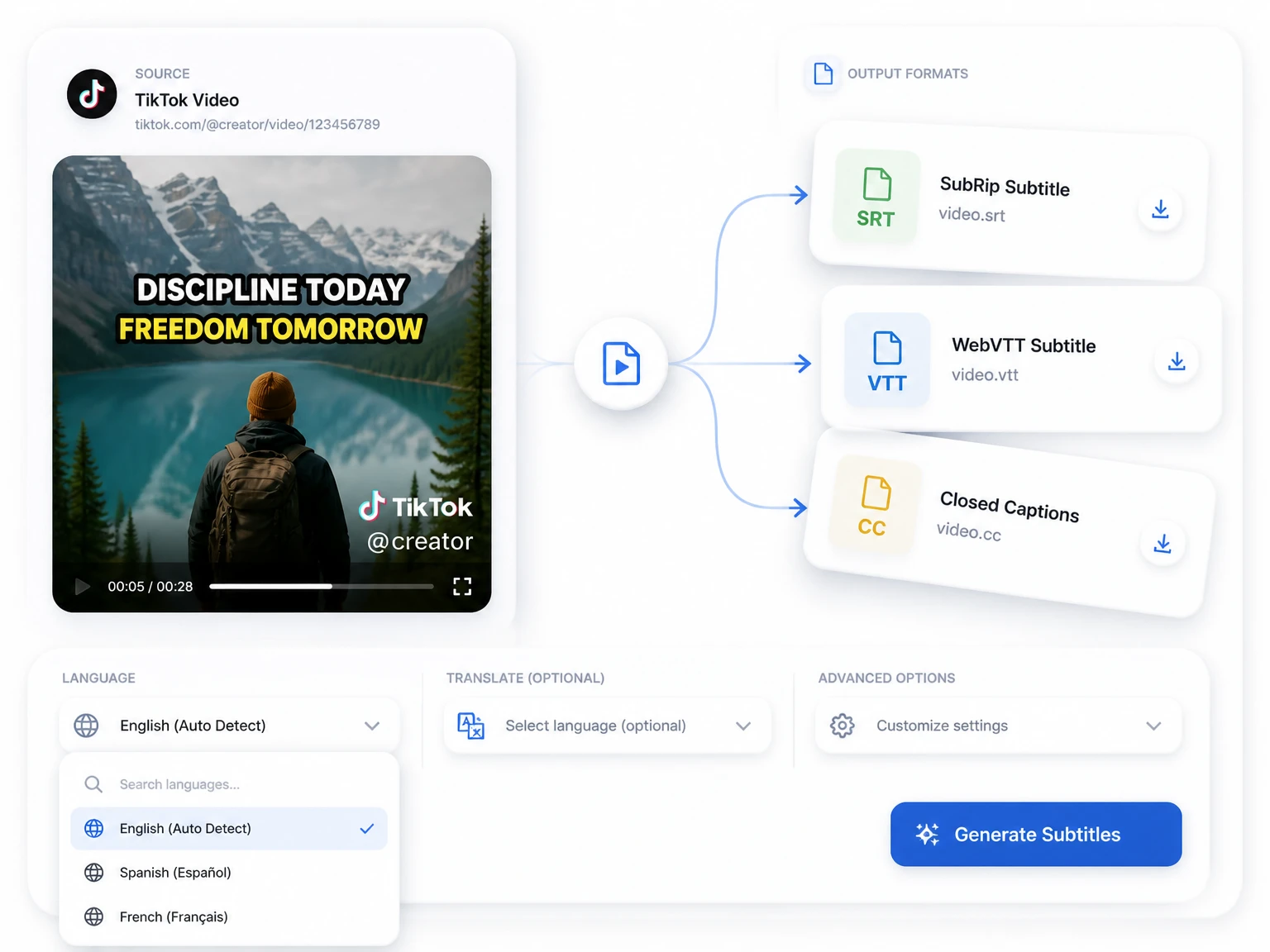
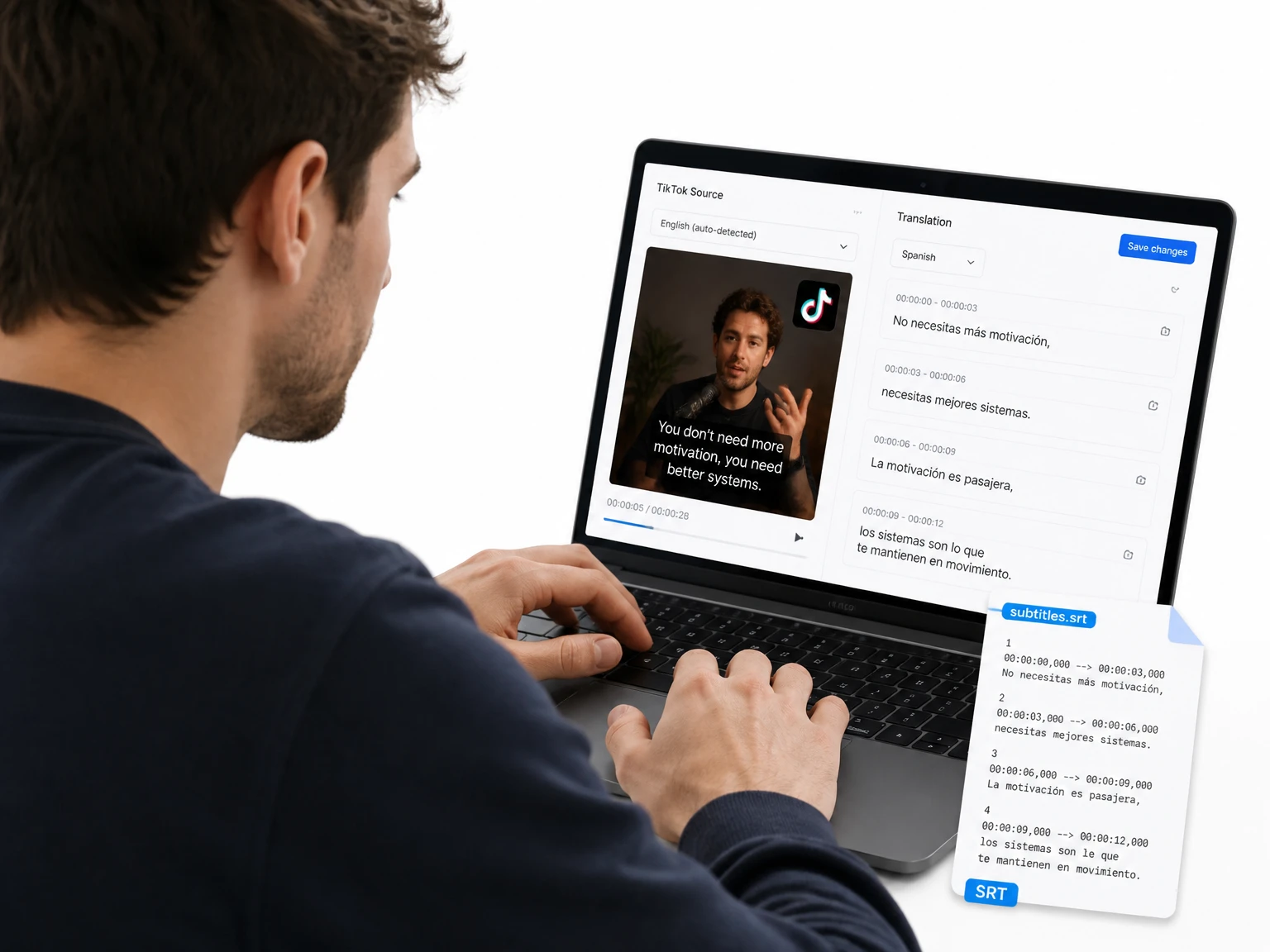
Get a timestamped transcript plus SRT and VTT subtitle files from a single run. Import them into your editor or post the captions straight to TikTok with timing already aligned.
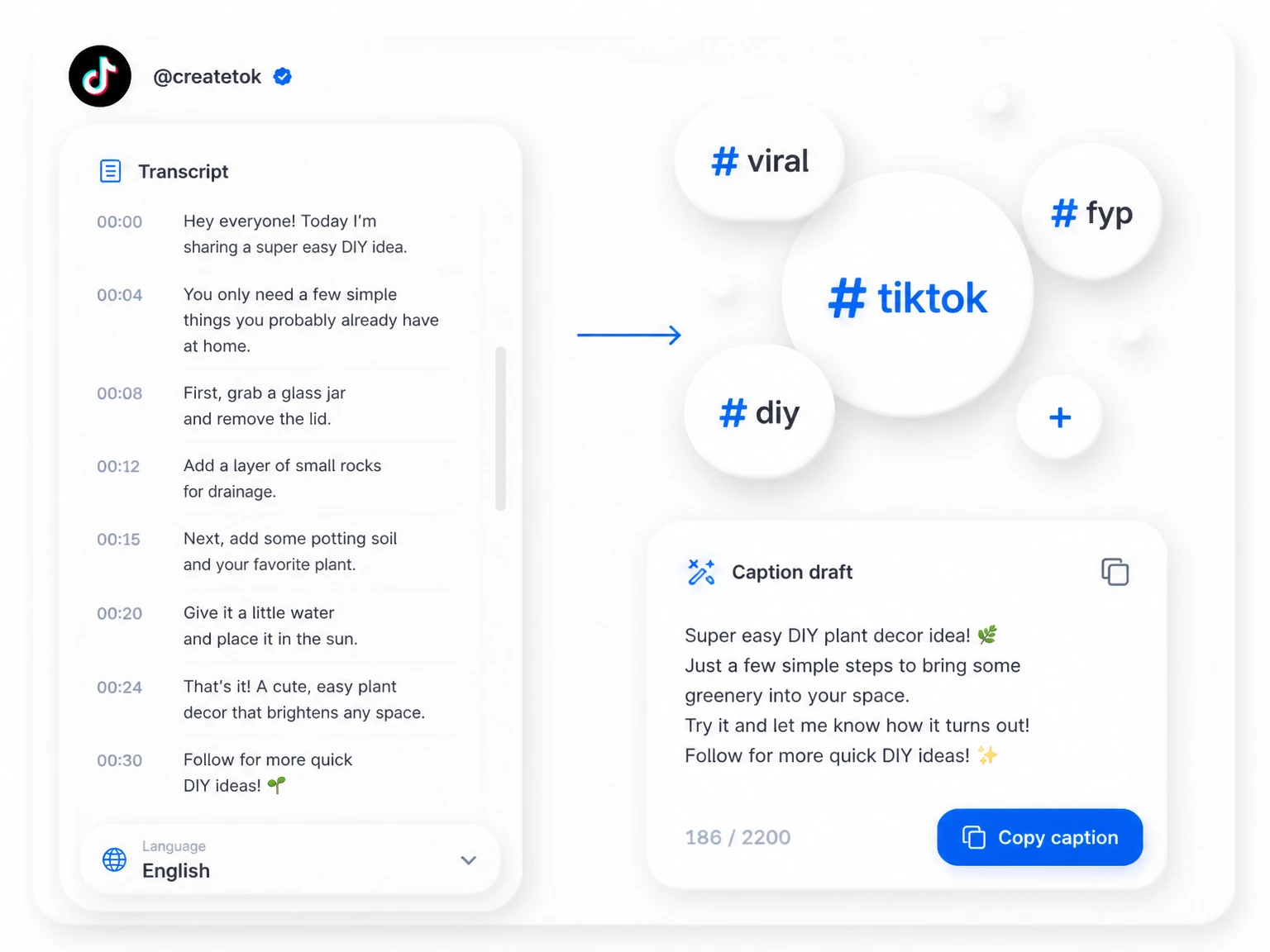
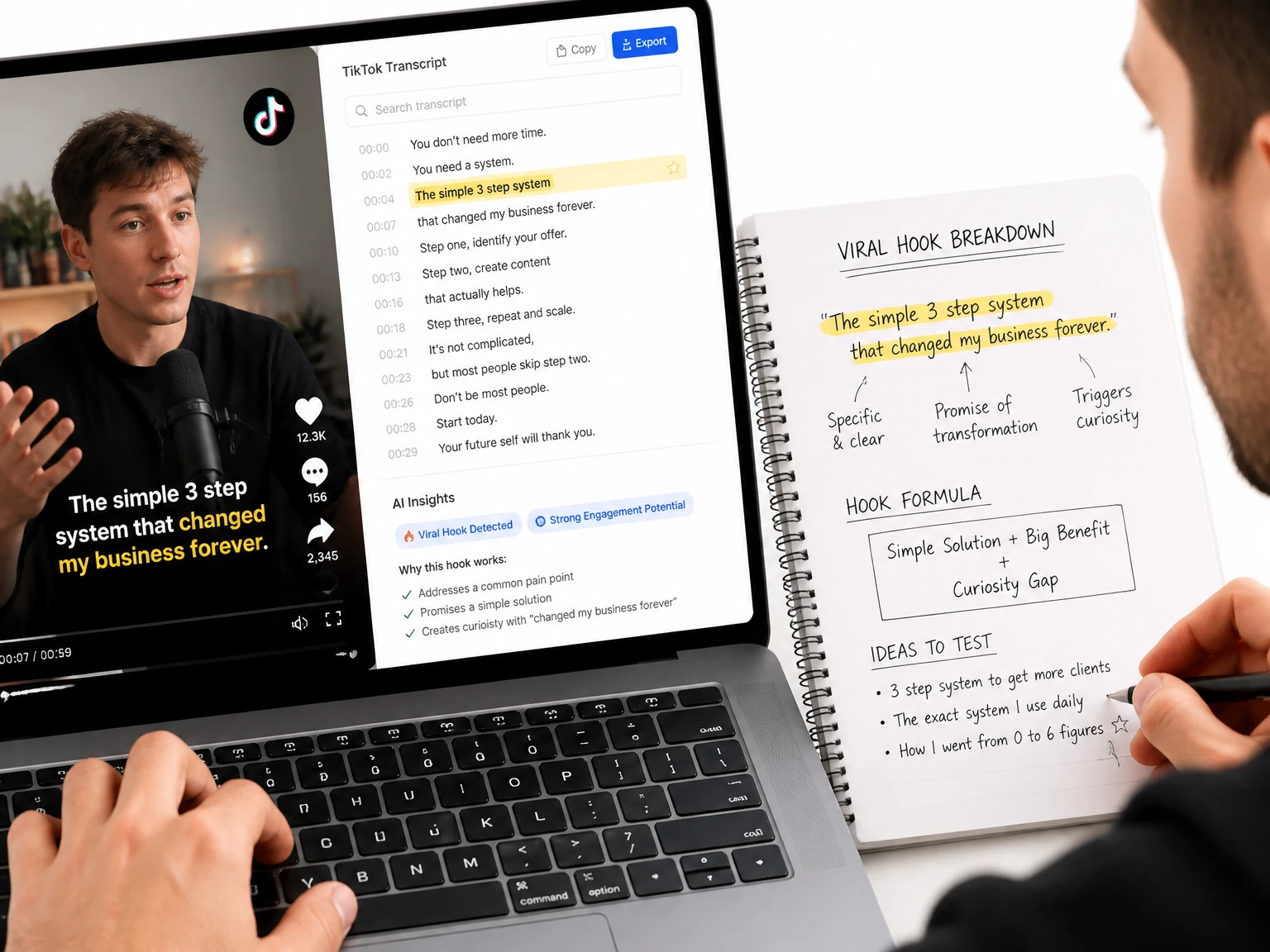
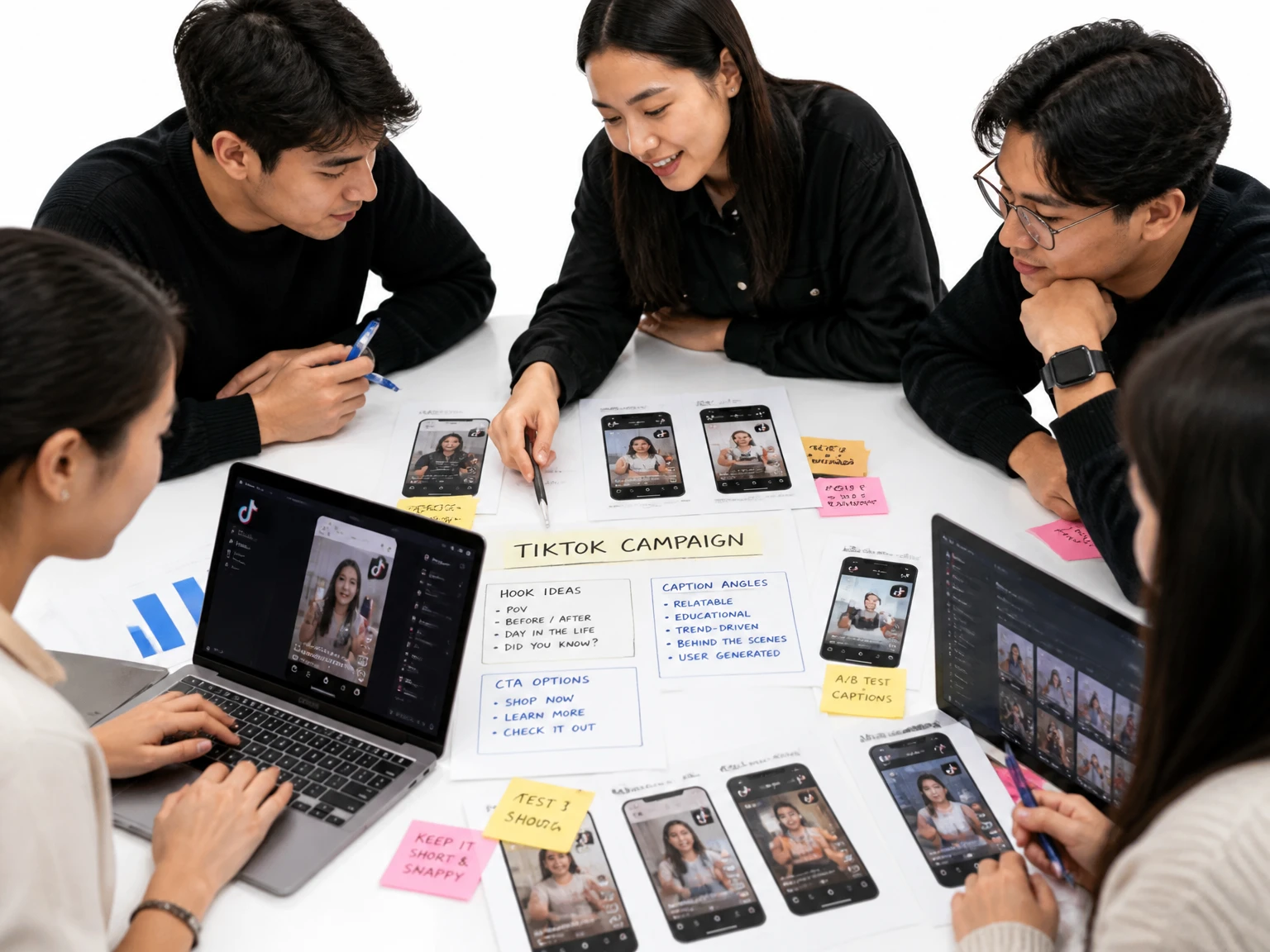
Use the transcript as source material for a description, hook, or written post. Copy the lines you need, correct the wording, and adapt them to the platform instead of starting from a blank page.
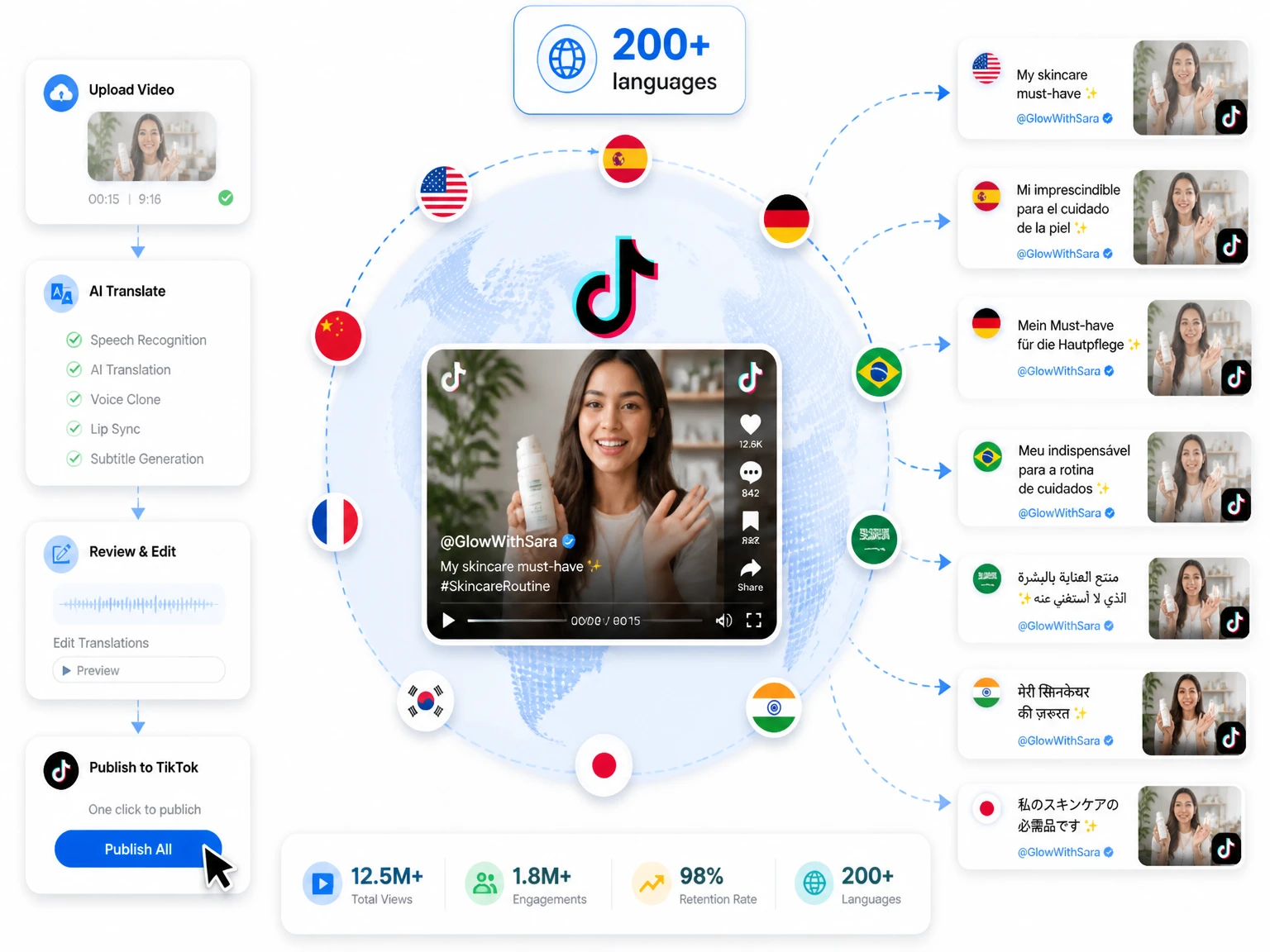
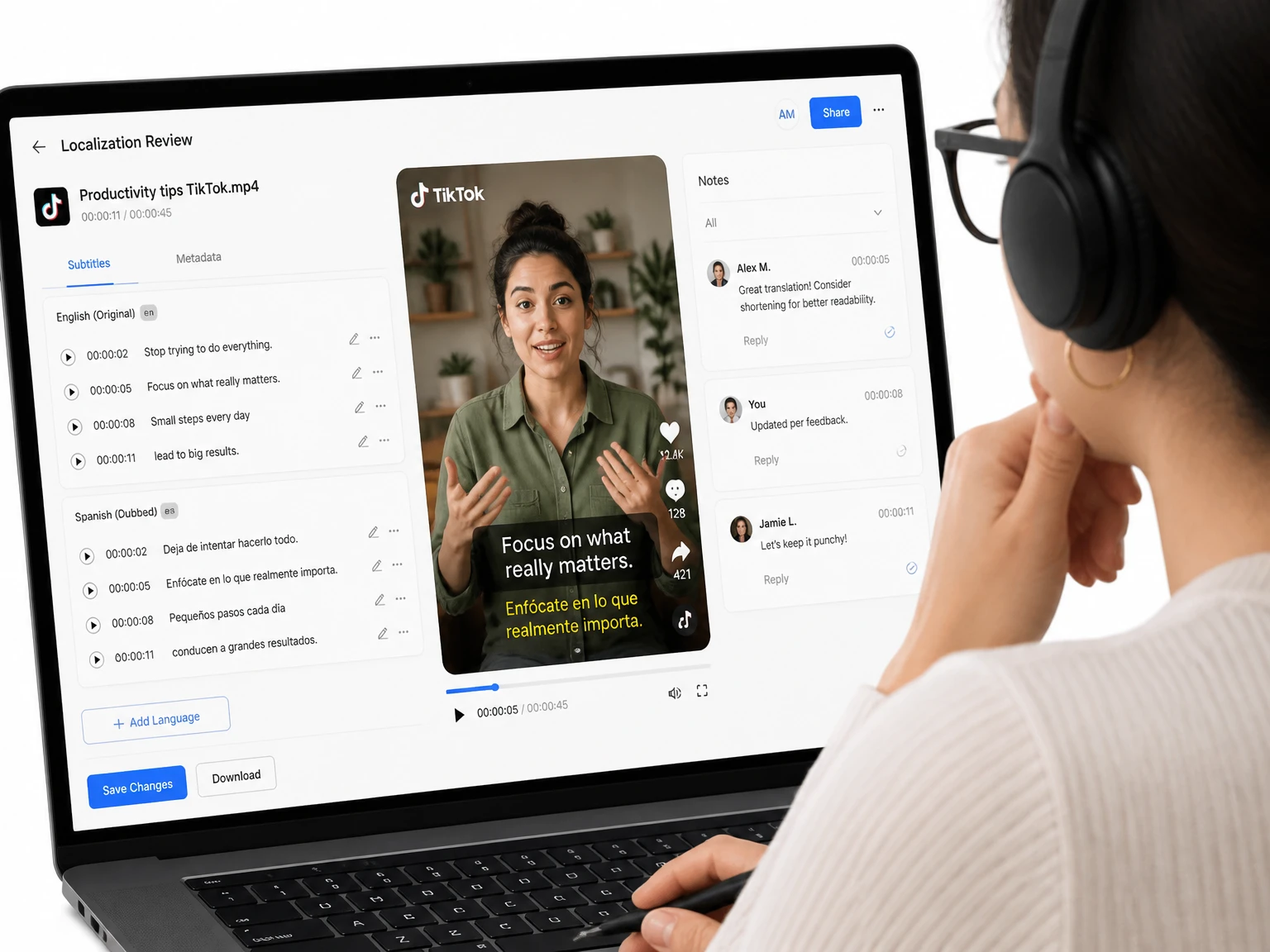
Translate the transcript into another available language after transcription. Review names, slang, and cultural references before using the translated text in subtitles or localized posts.
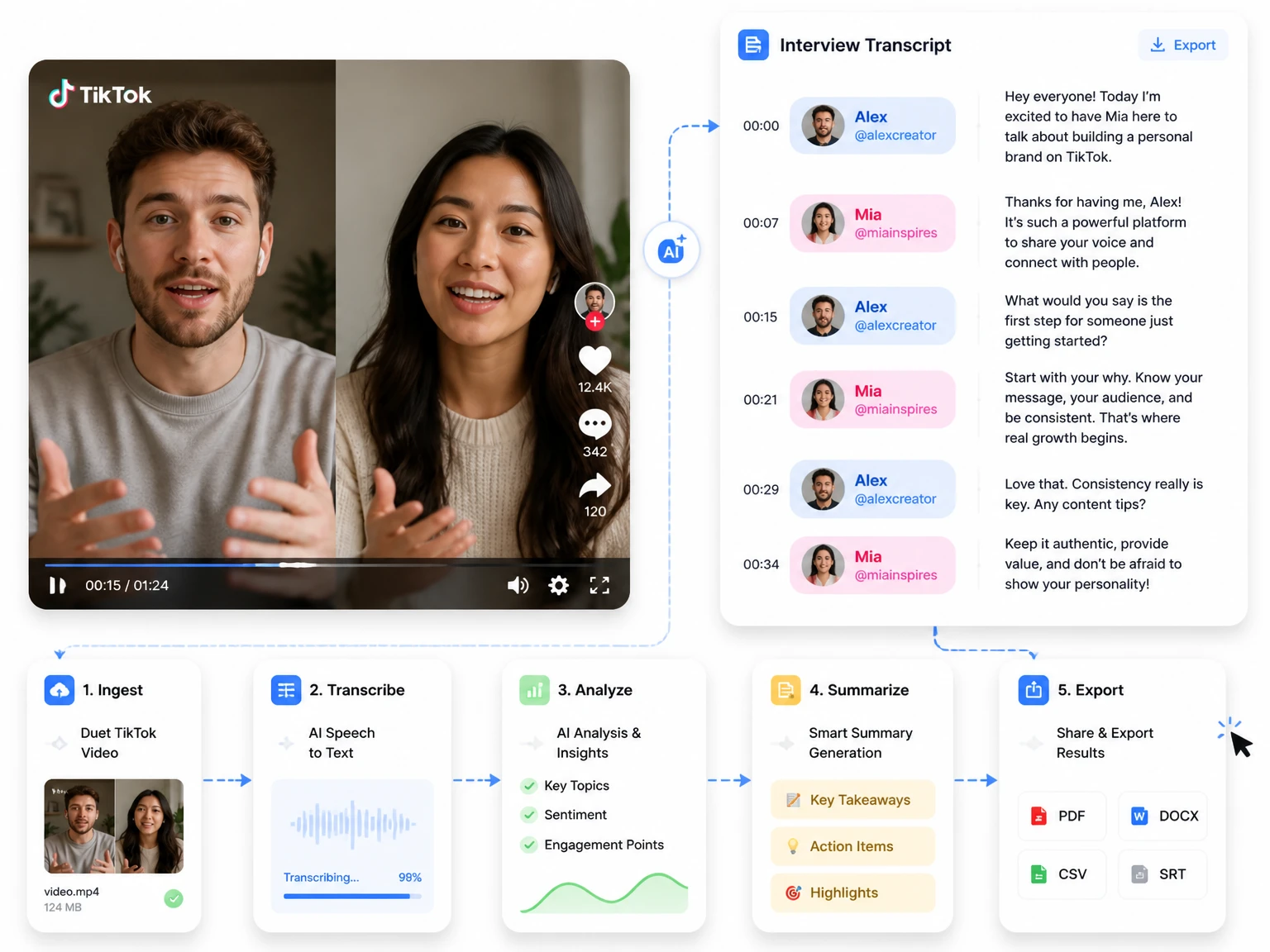
Turn on speaker detection and each line is tagged to the person who said it. Interviews, duets, and group clips come back with the speaker name beside the words, so a follow-up note or quote is easy to pull.
Three steps take you from a TikTok link to captions and text you can post. Nothing to install, nothing to sign up for — the whole run happens inside one TikTok transcript generator.
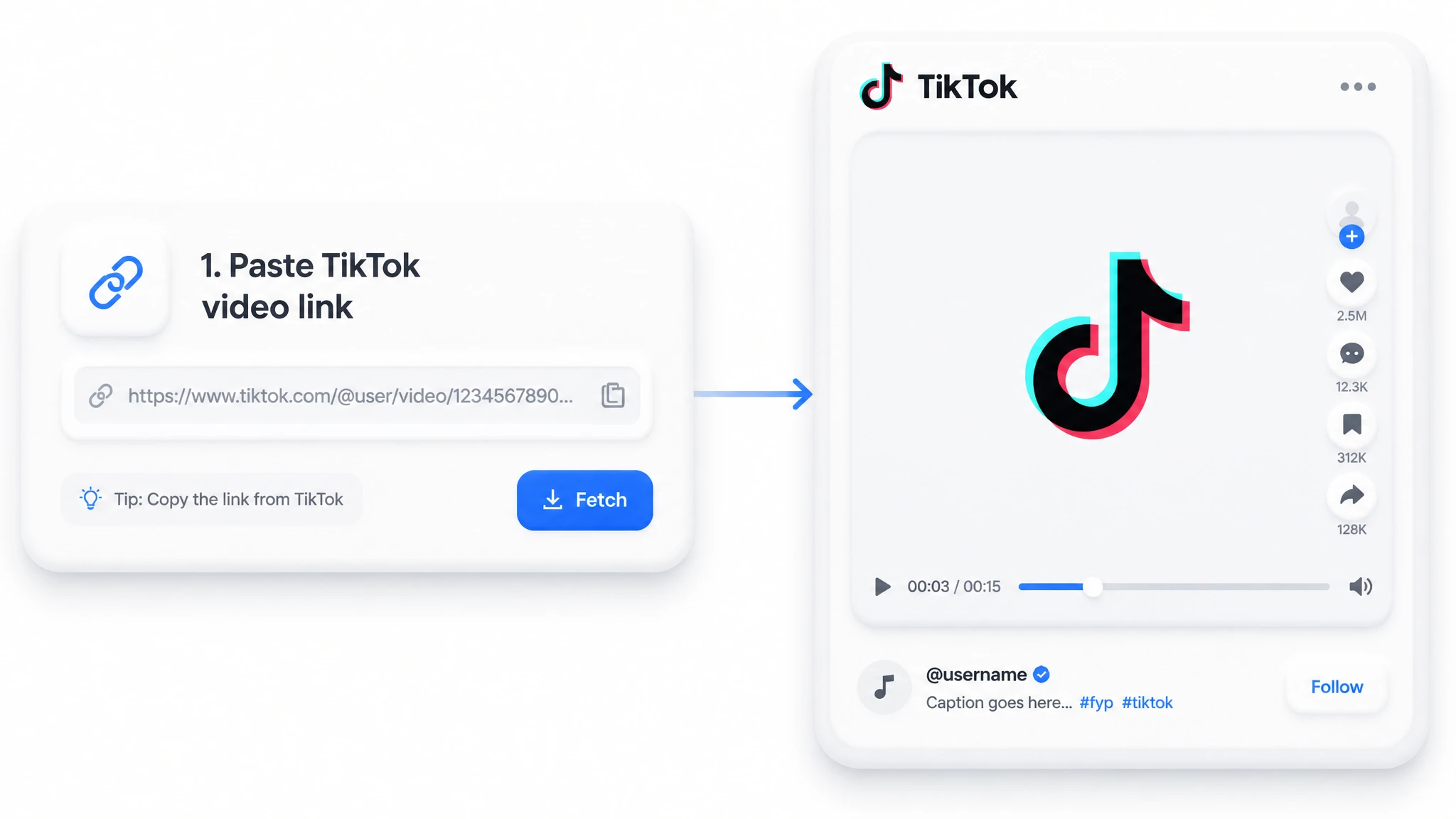
Copy the video URL or drop the file into the page. You can access the TikTok transcript generator in your browser without installing desktop software.
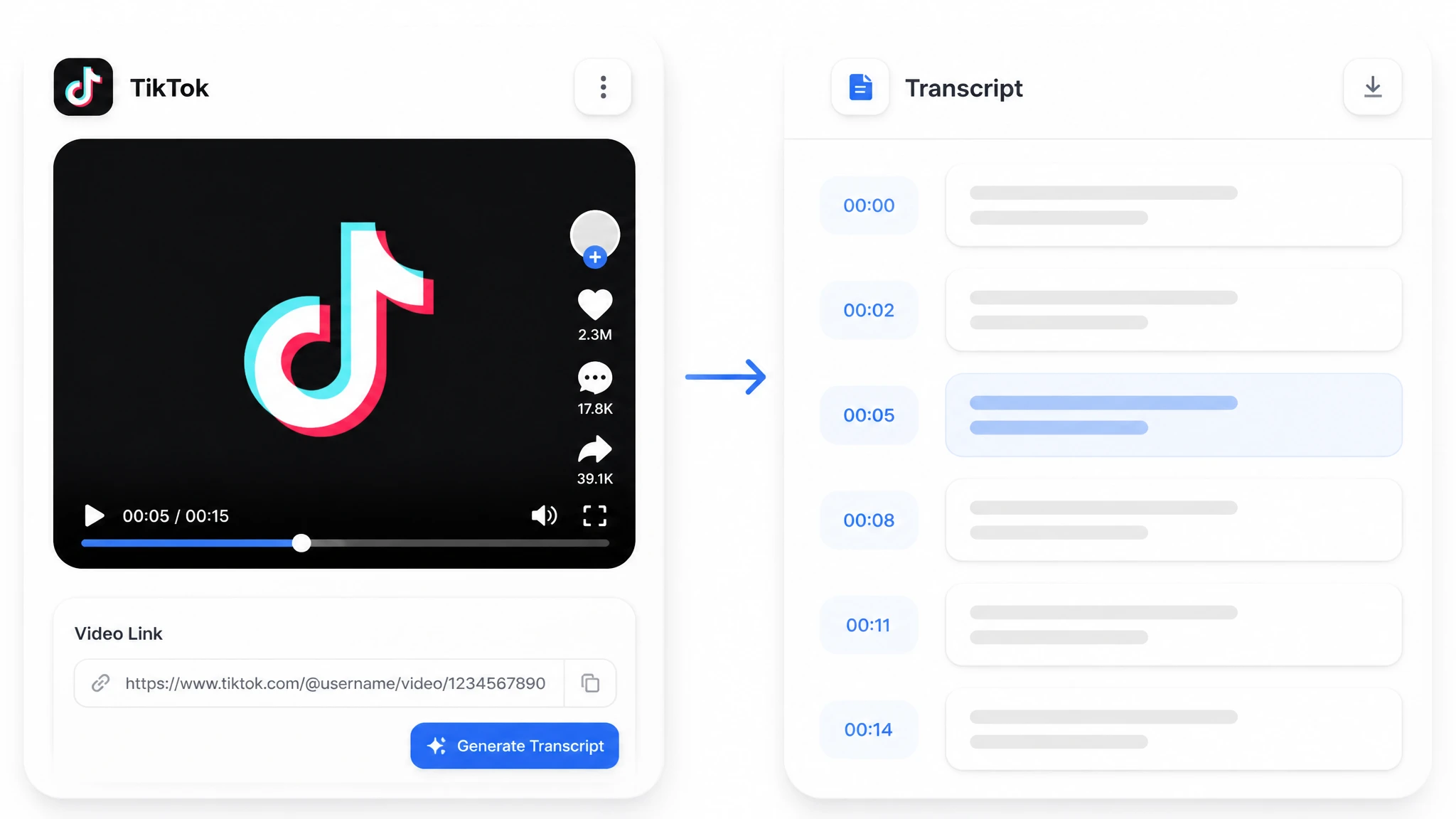
The service processes the clip's speech and returns a timestamped transcript in minutes. Background audio and speech quality can affect the result, so review important lines against the video.
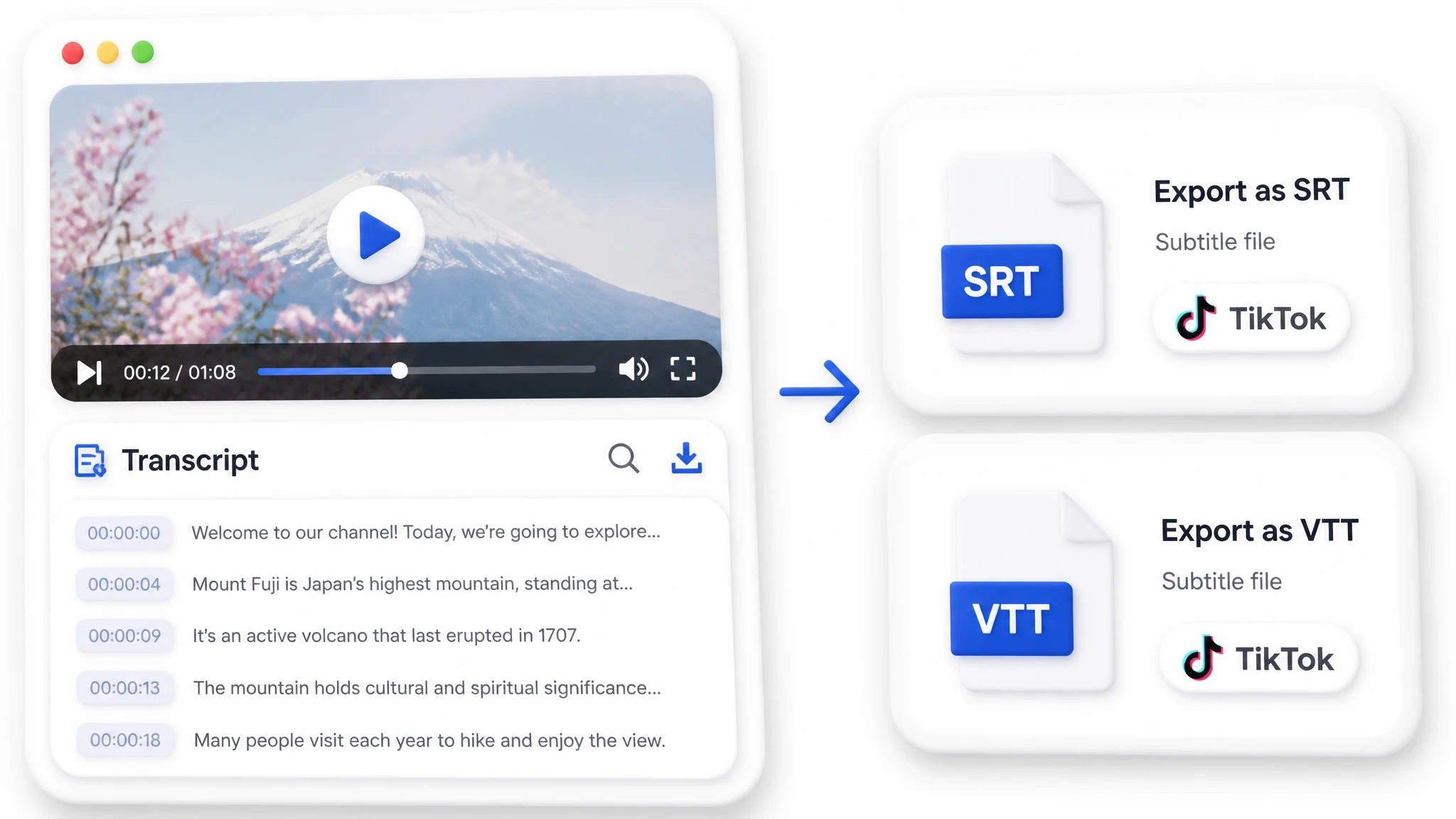
Skim the text, grab a hook or a caption, then export subtitles in SRT or VTT. Your TikTok transcript generator leaves captions and post copy ready before the next trend rolls in.
A TikTok transcript generator earns its place in any short-form workflow where the sound matters more than the scene.
Add on-screen captions so a clip keeps people who watch with the sound off. The text arrives already timed to the voice, so nothing lags behind a beat.
Automatic captions can be harder to use when you need editable text, timestamps, speaker labels, or downloadable subtitle files. A dedicated TikTok transcript generator provides a transcript workspace where the result can be reviewed before export.
Creators turn every clip into captions and caption copy without editing by hand. The words are ready before the video is even uploaded.
This TikTok transcript generator is built around the way short-form video actually works: fast, loud, and on a phone. Here is what makes it the easy choice over typing captions by hand.
Paste a link and start — no account, no credit card, no trial to expire. You see the transcript before you ever decide to come back.
Media is protected with safeguards including encryption in transit. Uploaded media and generated data may be retained when needed for history, troubleshooting, abuse prevention, or legal obligations, as explained in the privacy policy.
Nothing to install on a phone, tablet, or laptop. Open the page and start a job the moment the link is in.
A transcript lands in minutes, so you catch a trend while it is still climbing. Speed is the whole point when a hook can cool in an afternoon.
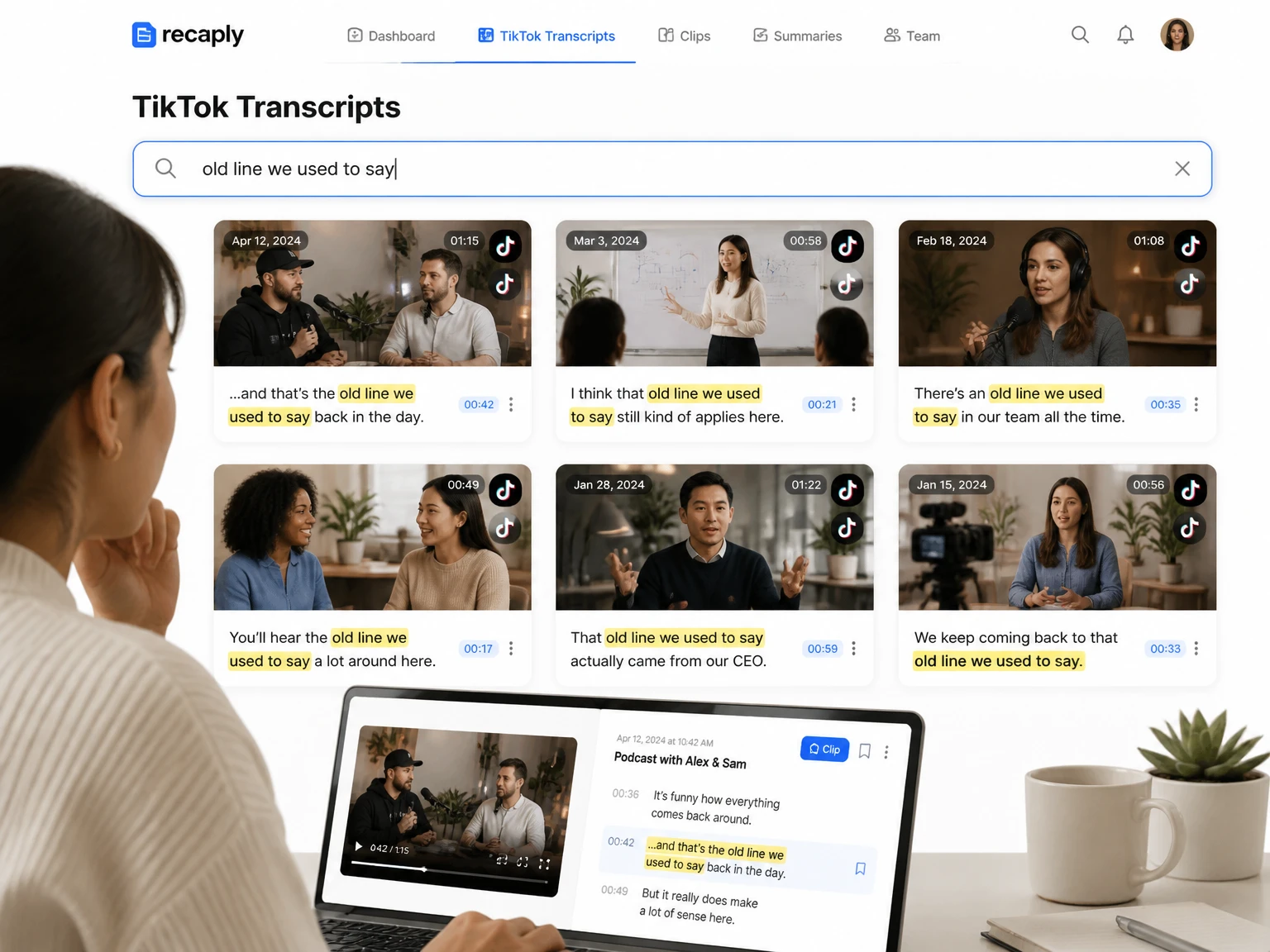
Click any line and jump straight to that part of the video. Finding a hook or checking a quote takes seconds, not a replay.
Review the timestamped transcript, copy the text, or export subtitle files without opening a video editor. Publishing still benefits from a final check for names, timing, and wording.
These verified comments show how creators and teams use TikTok transcripts, AI summaries, speaker detection, translation, Ask AI, mind maps, and exports in their daily work.
I work with TikTok videos almost every day, and this saves me a surprising amount of time. I usually paste the video link, get the transcript, clean up the captions, and then use the AI summary to pull out the main talking points. The speaker detection is especially helpful for interview-style videos. Being able to export the transcript in different formats also makes it much easier to hand content off to my team.
Yes, it is free with no sign-up and no credit card. Paste a TikTok link and the transcript starts right away in your browser.
Copy the video link, paste it into the TikTok transcript generator, and the AI writes the transcript with timestamps. You can also upload the clip as a file if you prefer.
Background music, accents, fast speech, and overlapping voices can affect automatic transcription. Use the timestamps to compare important wording with the original clip and correct the transcript before publishing it.
Yes, export the transcript as SRT or VTT and import it into your editor. The TikTok transcript generator keeps timestamps aligned, so each caption line matches the moment it is spoken.
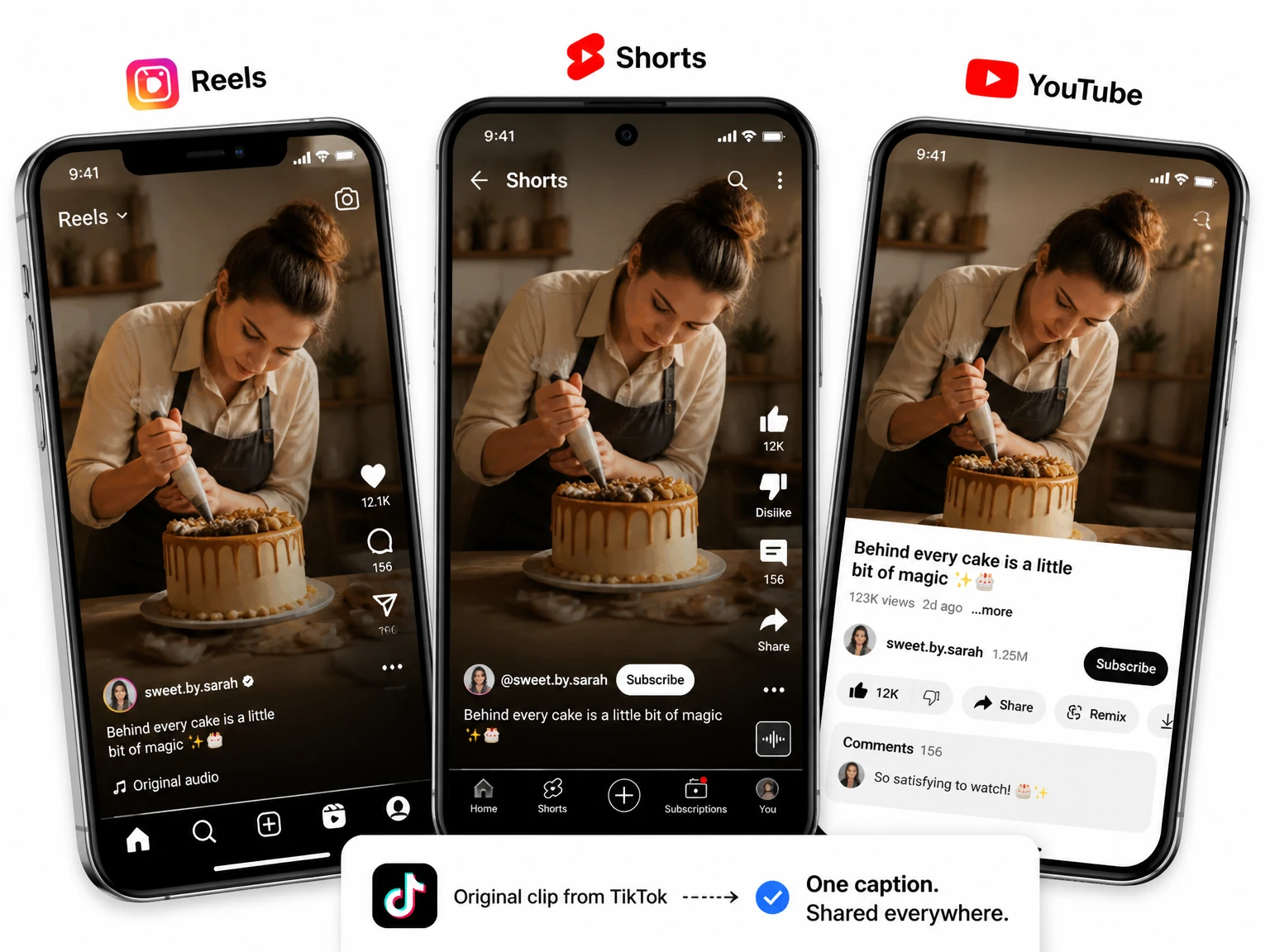
Yes, the text and subtitles work on Reels, YouTube Shorts, and anywhere else you post. You build one transcript and reuse it across every platform.
Yes, it runs entirely in the browser, so it works on a phone, tablet, or laptop. Open the page, paste the link, and the job starts with nothing to install.
Automatic captions can mishear music-covered speech, accents, slang, or brand names. A transcript workspace makes the resulting text easier to review, edit, and export for another use.
Yes, turn on speaker detection and each line is tagged to the person who said it. Duets, interviews, and group clips come back with the speaker name beside the words.
Yes. This tool can process supported public or uploaded videos with English speech. Review names and phrases before using the transcript.
Yes. After reviewing the result, you can copy the text or export an available subtitle format such as SRT or VTT.