
Convert Video to Text Free Online
Turn speeches, meetings, and recordings into accurate, searchable text in minutes — no account, no installs, no limits.

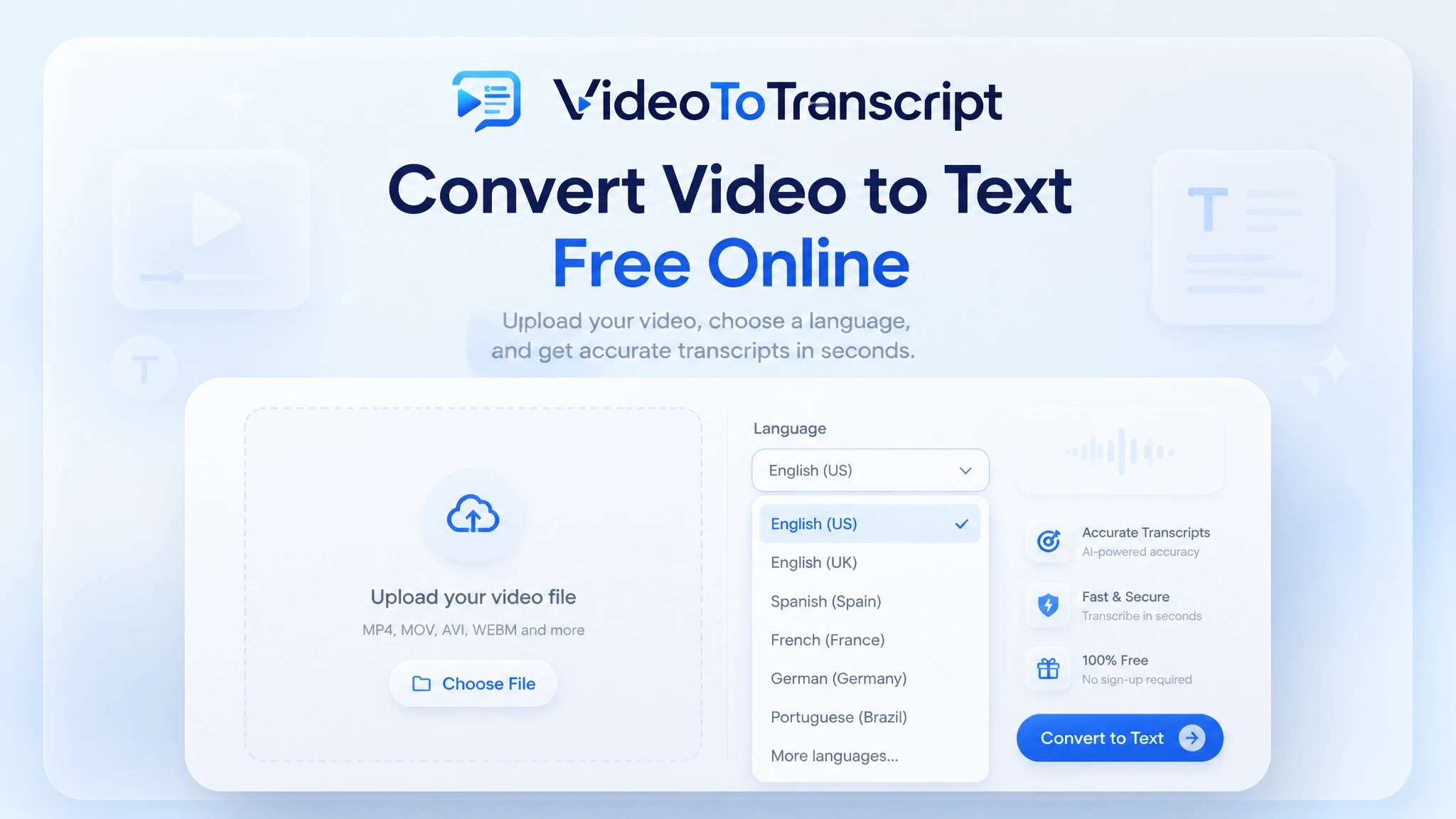
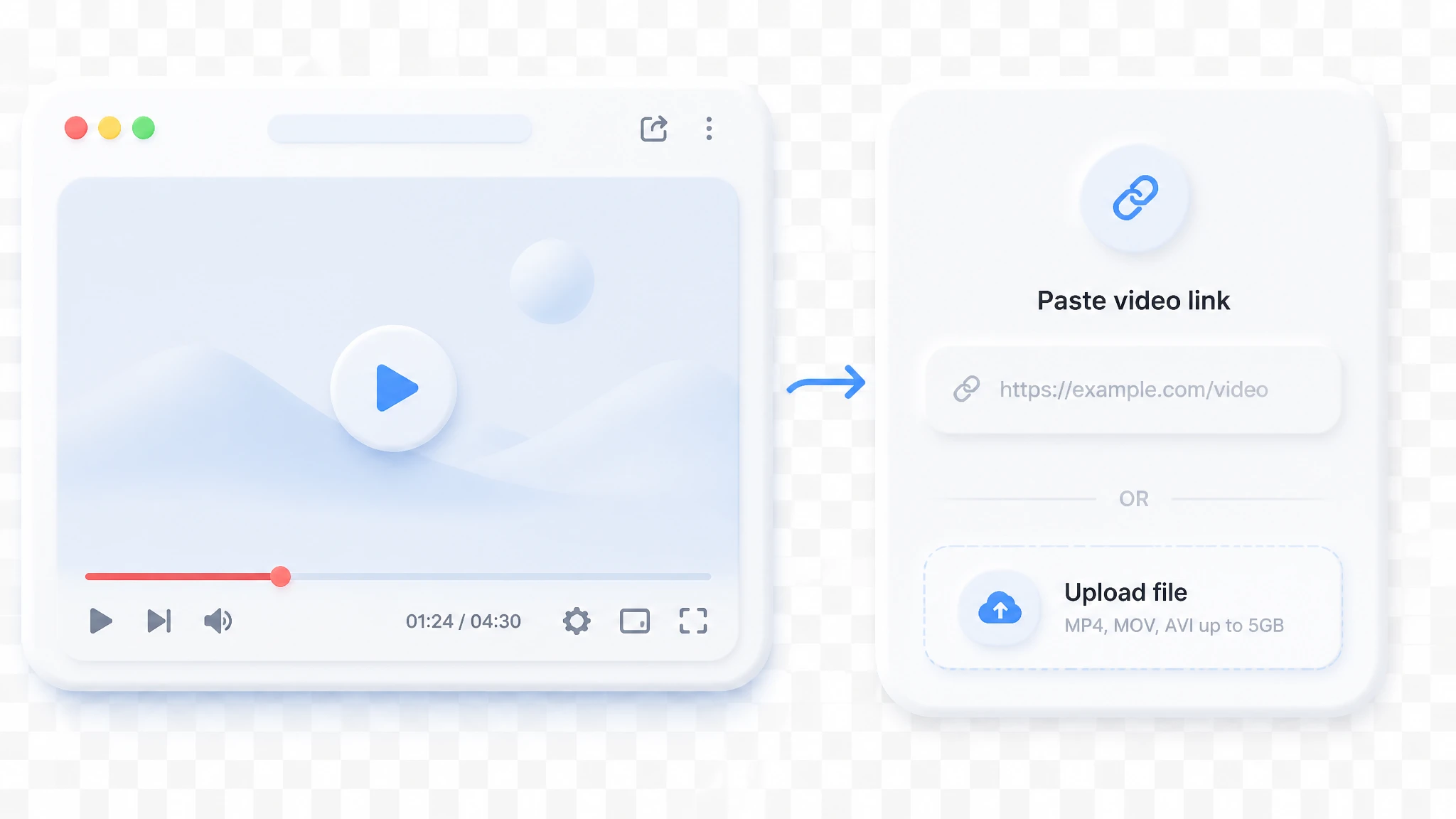
MP4, MOV, AVI, MKV up to 5GB
Choose whether the transcript should separate different speakers in the conversation.
Use AI to refine and improve the transcript readability after extraction.
What Is Video to Text?
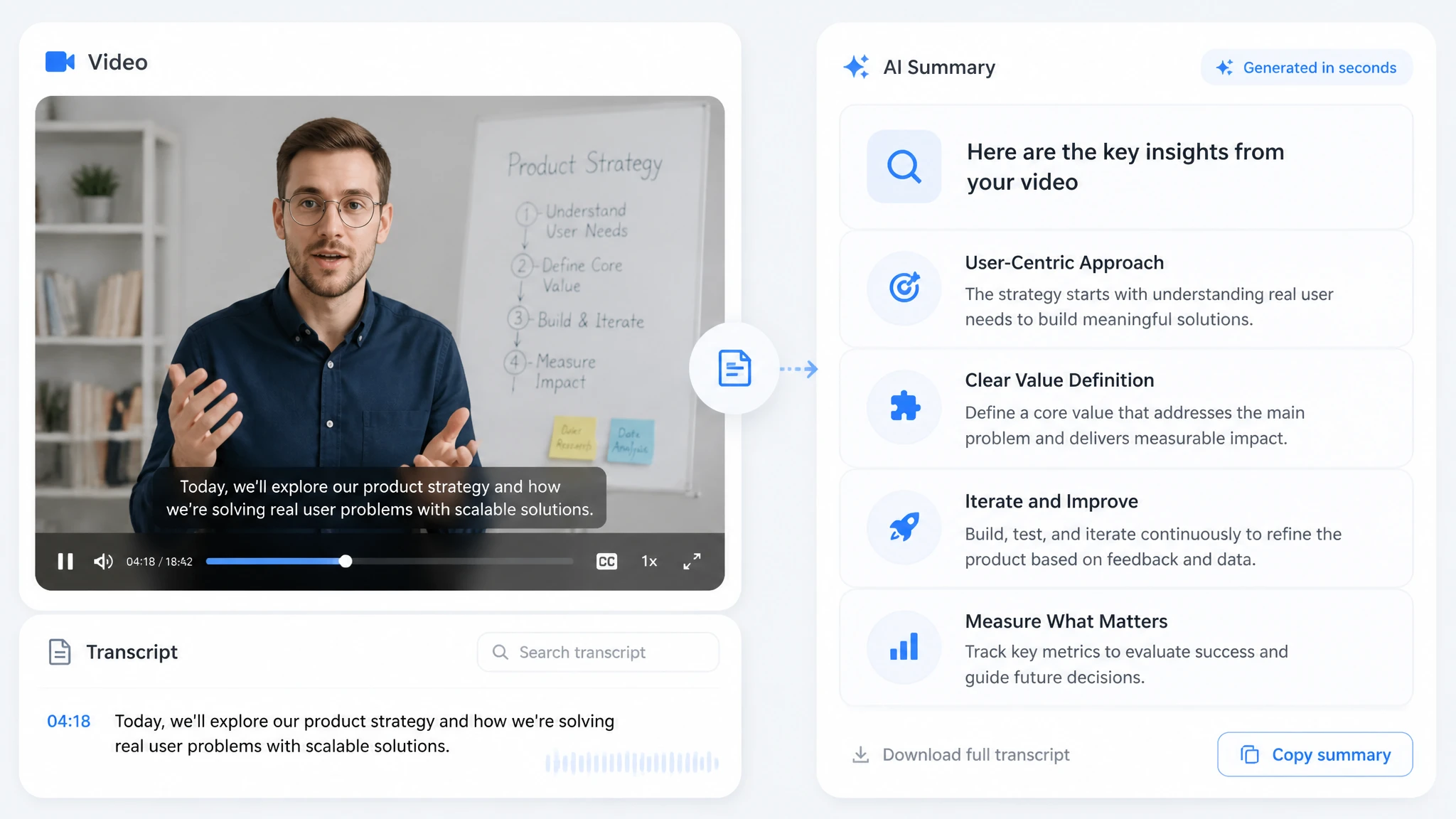
Video to text is the process of converting the spoken words in a video into written text. AI-powered tools deliver accurate transcripts in seconds, ready to use. The output is easy to edit, copy into other documents, and translate into another language. For teams that revisit recordings often, one transcript becomes the shared reference everyone can quote with confidence.

Why You Should Turn Video into Text
Video plays in a straight line; text jumps straight to the point. A video to text transcript lets you scan an hour of recording in seconds and lift exact quotes without touching the timeline. It turns a one-time recording into a permanent, reusable asset. Readers skim text far faster than they watch footage, so the same content reaches more people in less time. When you convert video to text, your meetings, lessons, and interviews become shared knowledge instead of forgotten files.

Tired of Typing Out Video Transcripts by Hand?
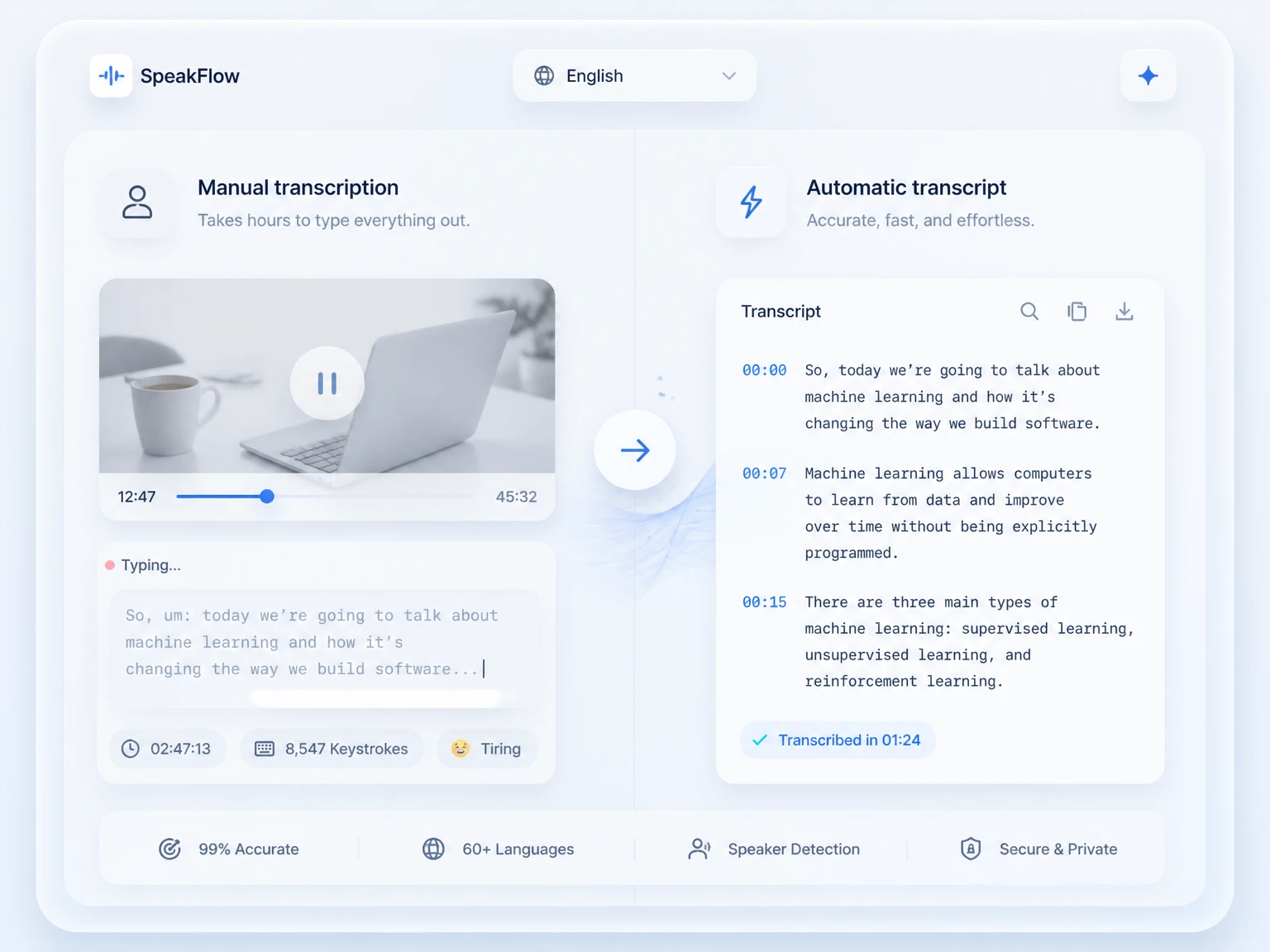
Typing a transcript by hand means pausing, replaying, and typing one line at a time. A 30-minute video can eat up hours of your day, and a stack of videos multiplies the workload fast.
Miss a word or make a typo, and you will replay the clip again, all while your hands and focus wear out. Switching to video to text removes that manual labor completely.
Your eyes no longer stare at the timeline dragging back and forth, and your concentration survives to the end of a long recording. For anyone who transcribes regularly, giving up the keyboard is the fastest upgrade they can make.

Core Features of a Video to Text Converter
A good video to text converter covers the whole path from upload to export. The six features below are what most people rely on for daily transcription work. Each one removes a step that used to slow you down or push you toward extra software.

High-Accuracy AI Transcription
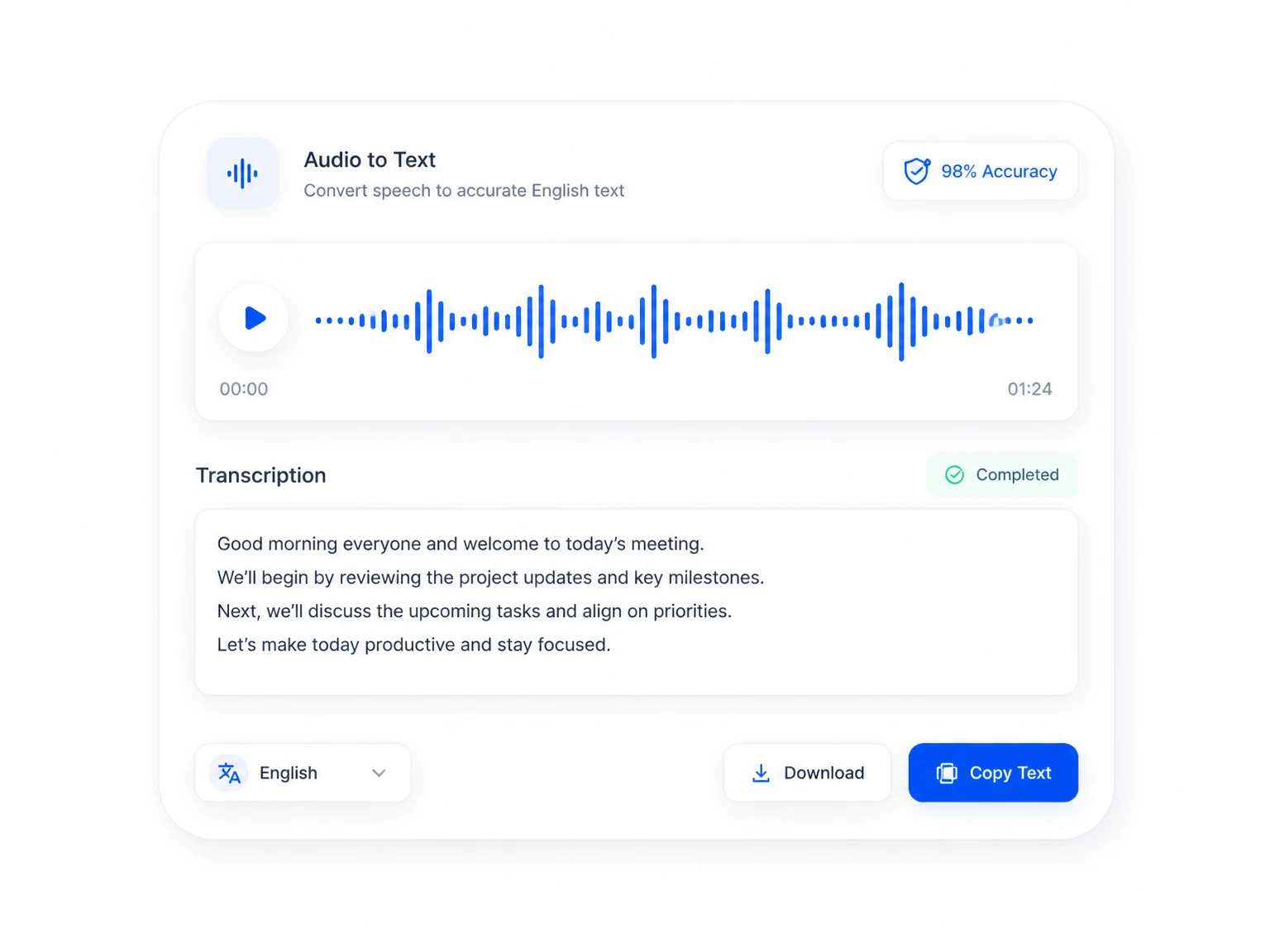
Neural AI engines transcribe with near-human accuracy on clear audio. They handle strong accents, background noise, and fast speech without breaking down. The result is a clean transcript you can trust for real work.

Fast Transcription of Any File
Upload a local file or paste a YouTube link, and the converter returns a transcript in minutes, not hours. Long recordings are processed in one pass, so you are never stuck waiting in a queue. You can also Generate YouTube Transcript on our dedicated page for the same fast result.

100+ Languages Supported
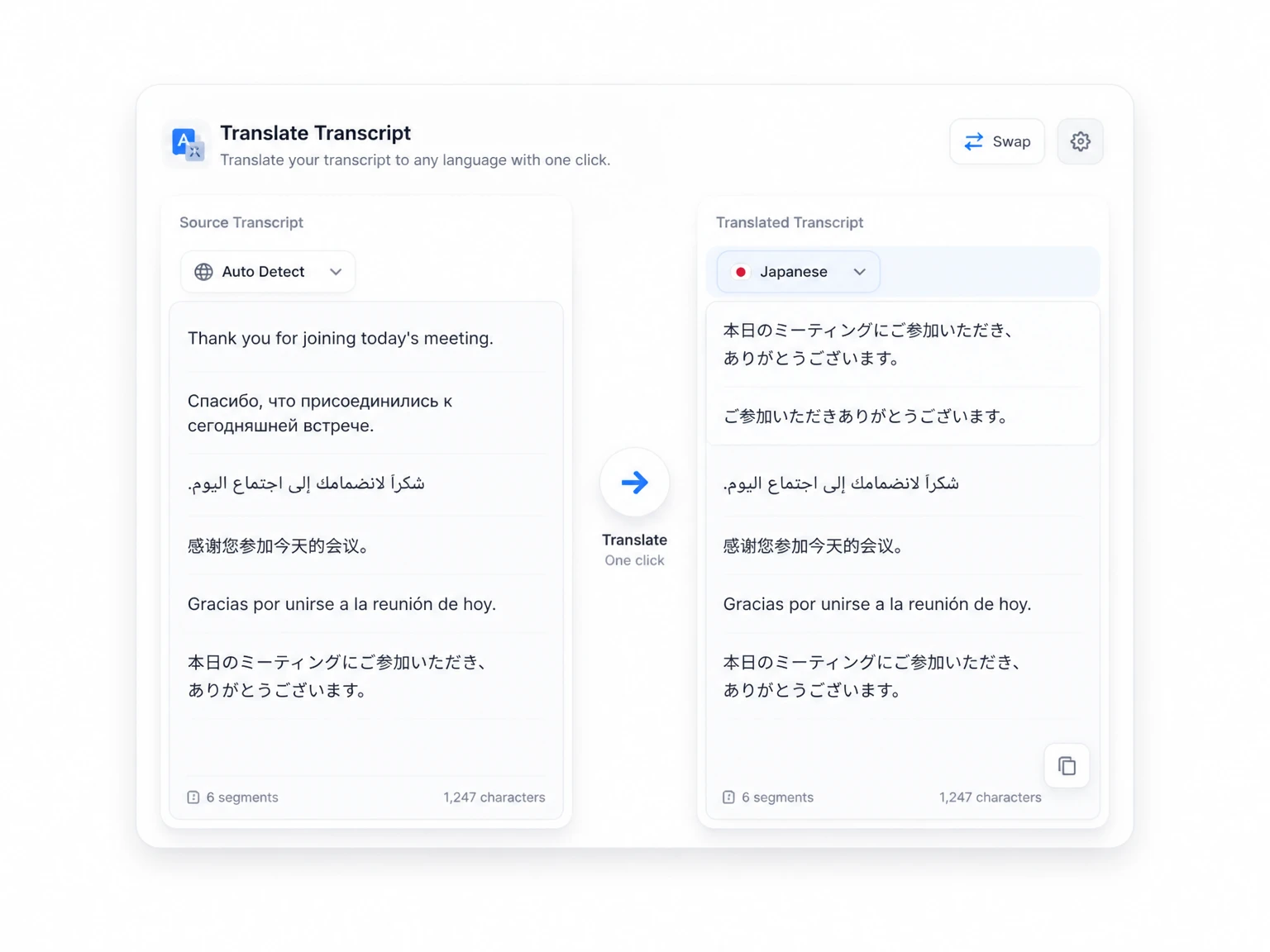
Transcribe in over 100 languages, from major world tongues to less common regional ones. After the first pass, translate any transcript into another language with one click. This keeps multilingual teams and global audiences within reach of every recording you make.

Multiple Export Formats
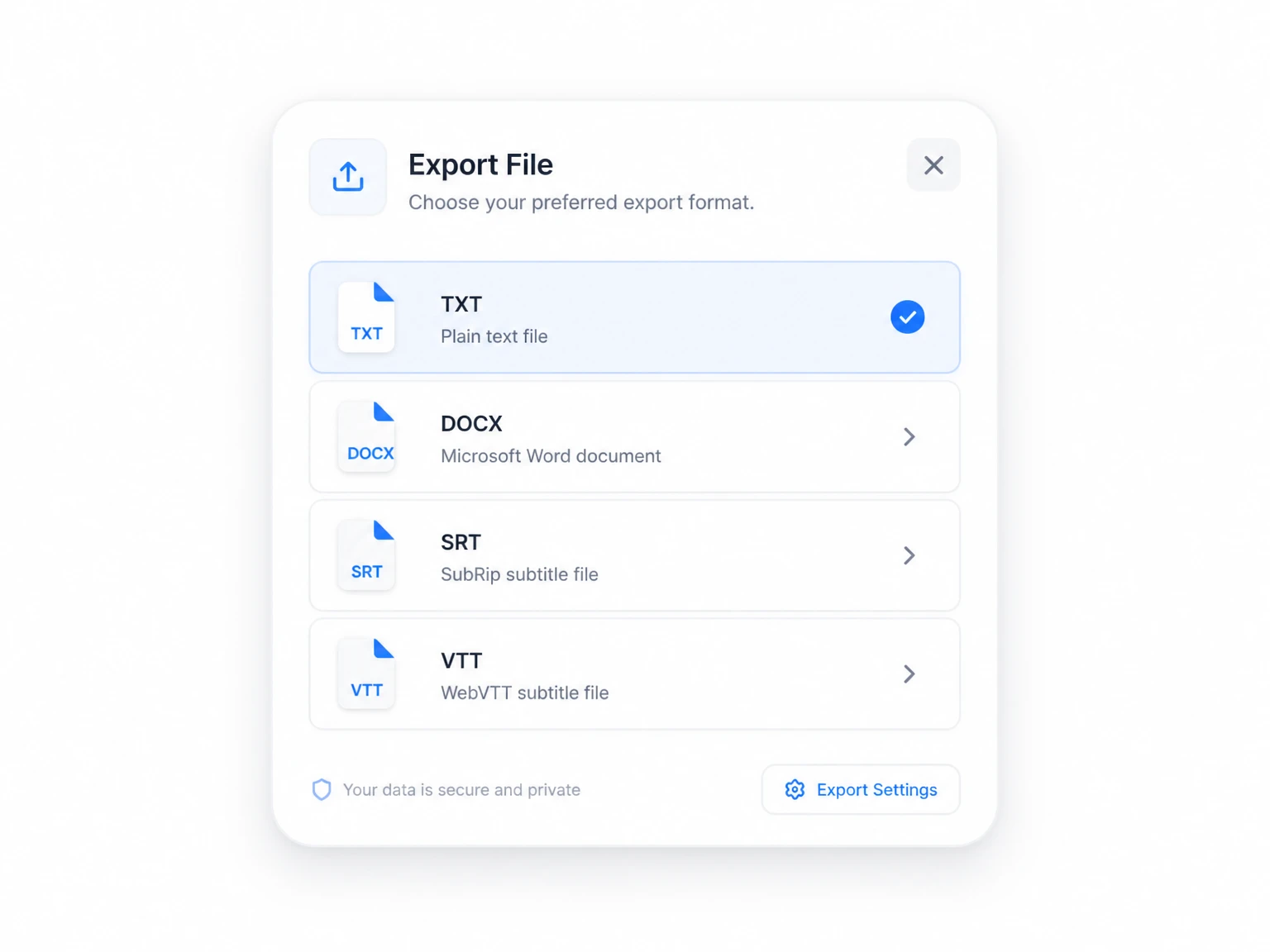
Export your transcript as TXT or DOCX for documents and notes. You can also pull subtitle files in SRT and VTT for use anywhere. Every format keeps your text intact and ready to publish without a second conversion step.

Built-In Editor for Your Transcript
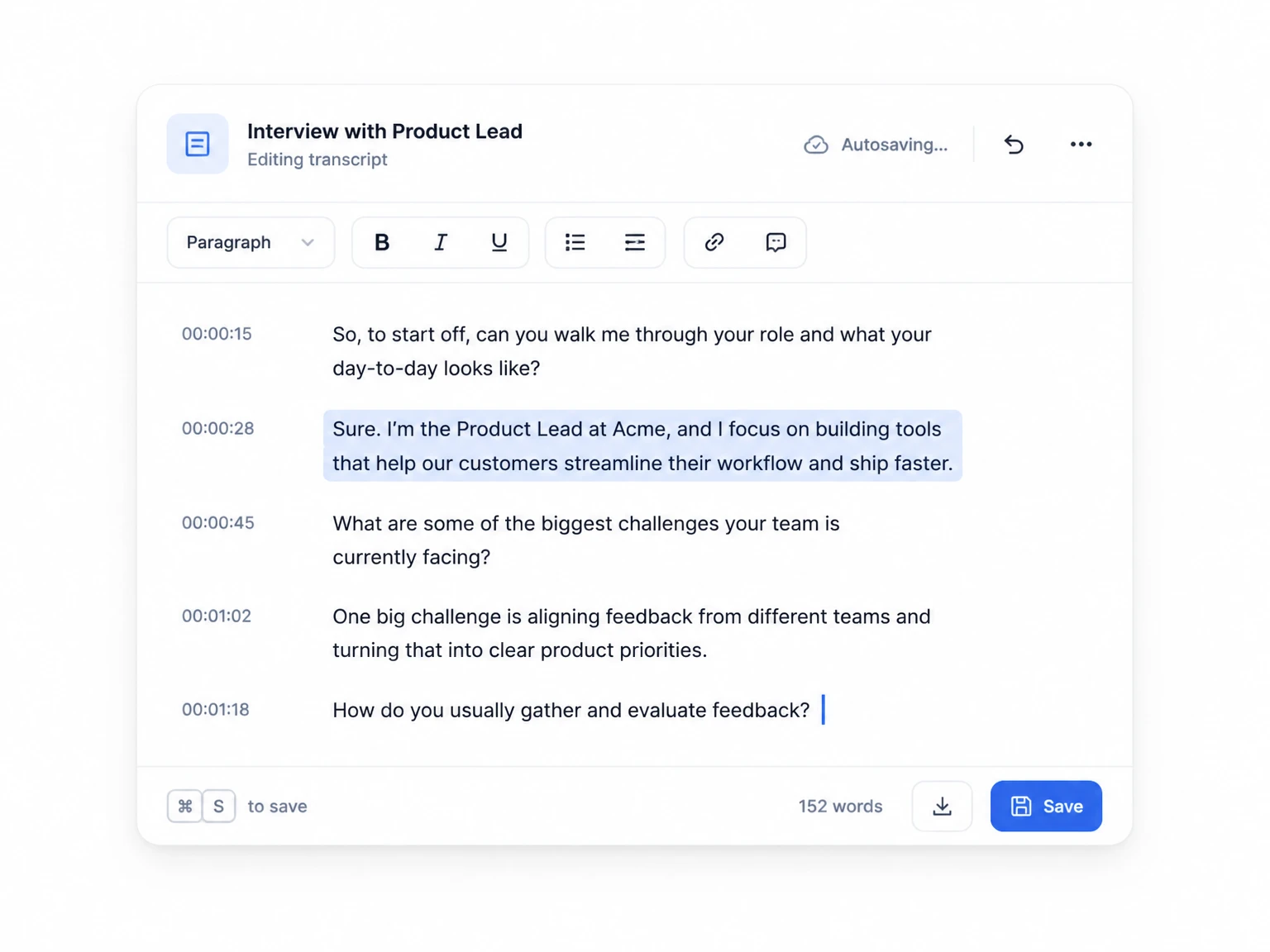
Edit the output right in the browser without extra software. Fix wrong words, add short notes, and clean up the transcript before export. Changes save as you type, so nothing is lost mid-edit and you never overwrite a good draft.

Speaker Recognition & Linked Timestamps
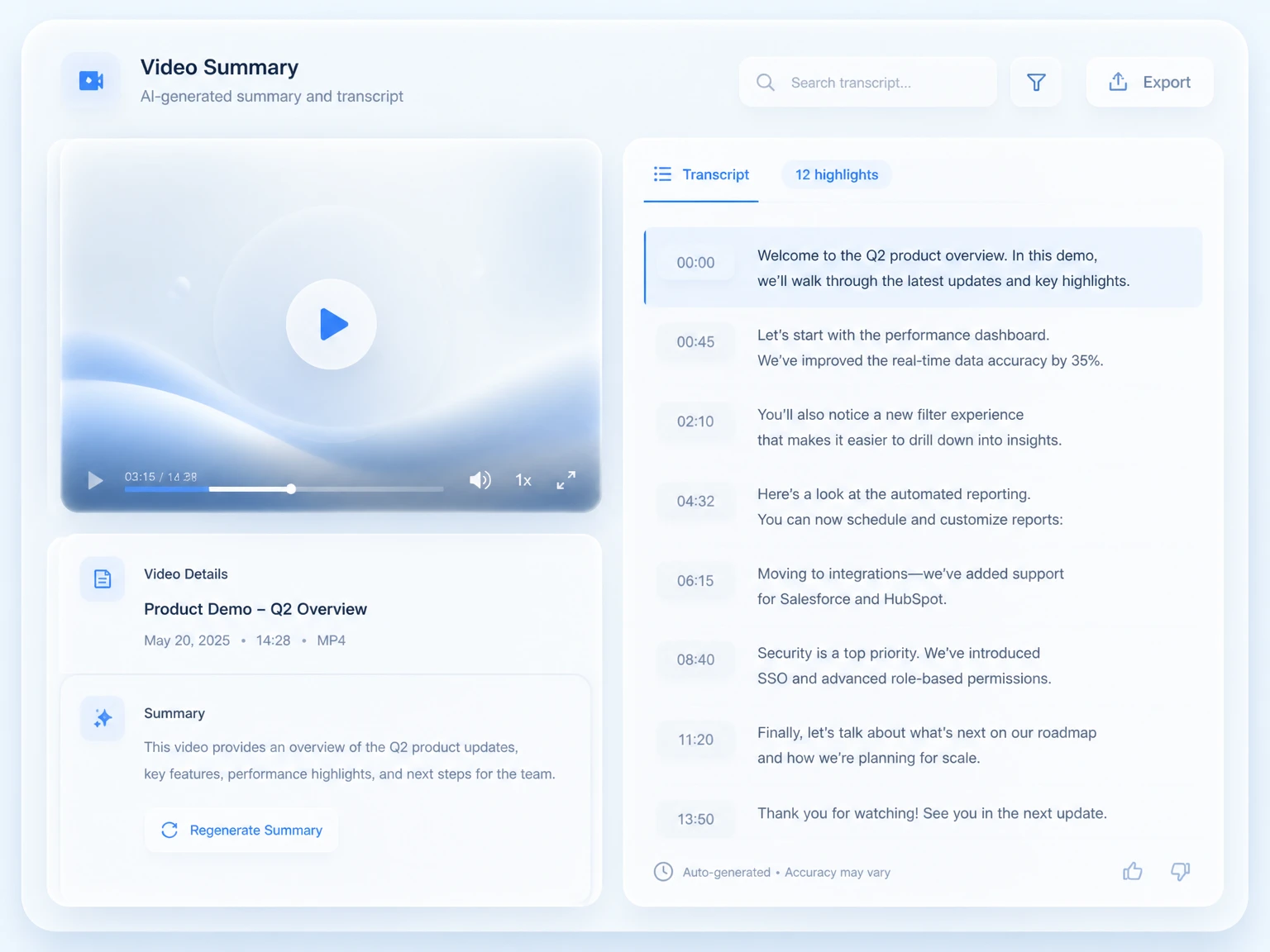
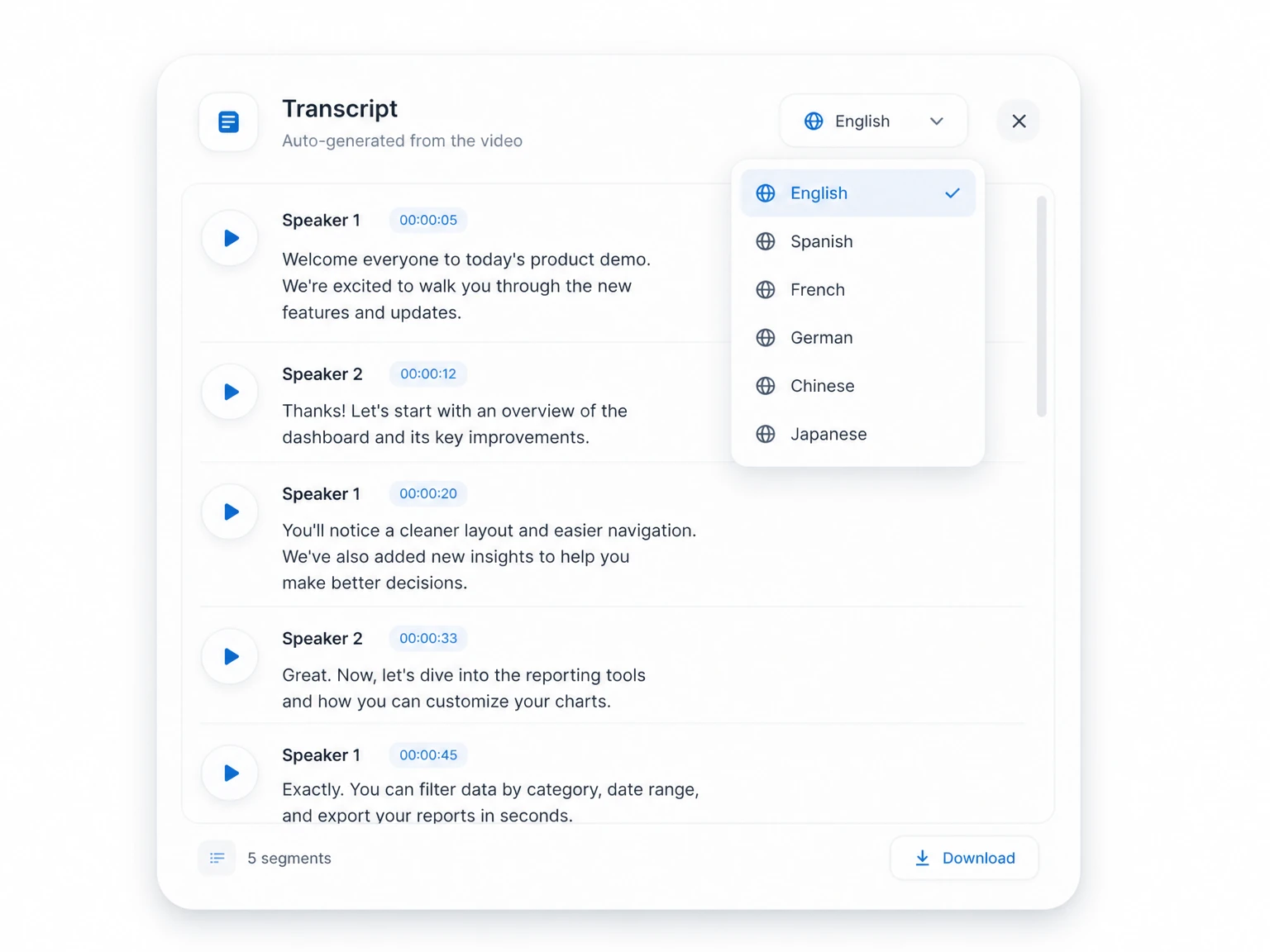
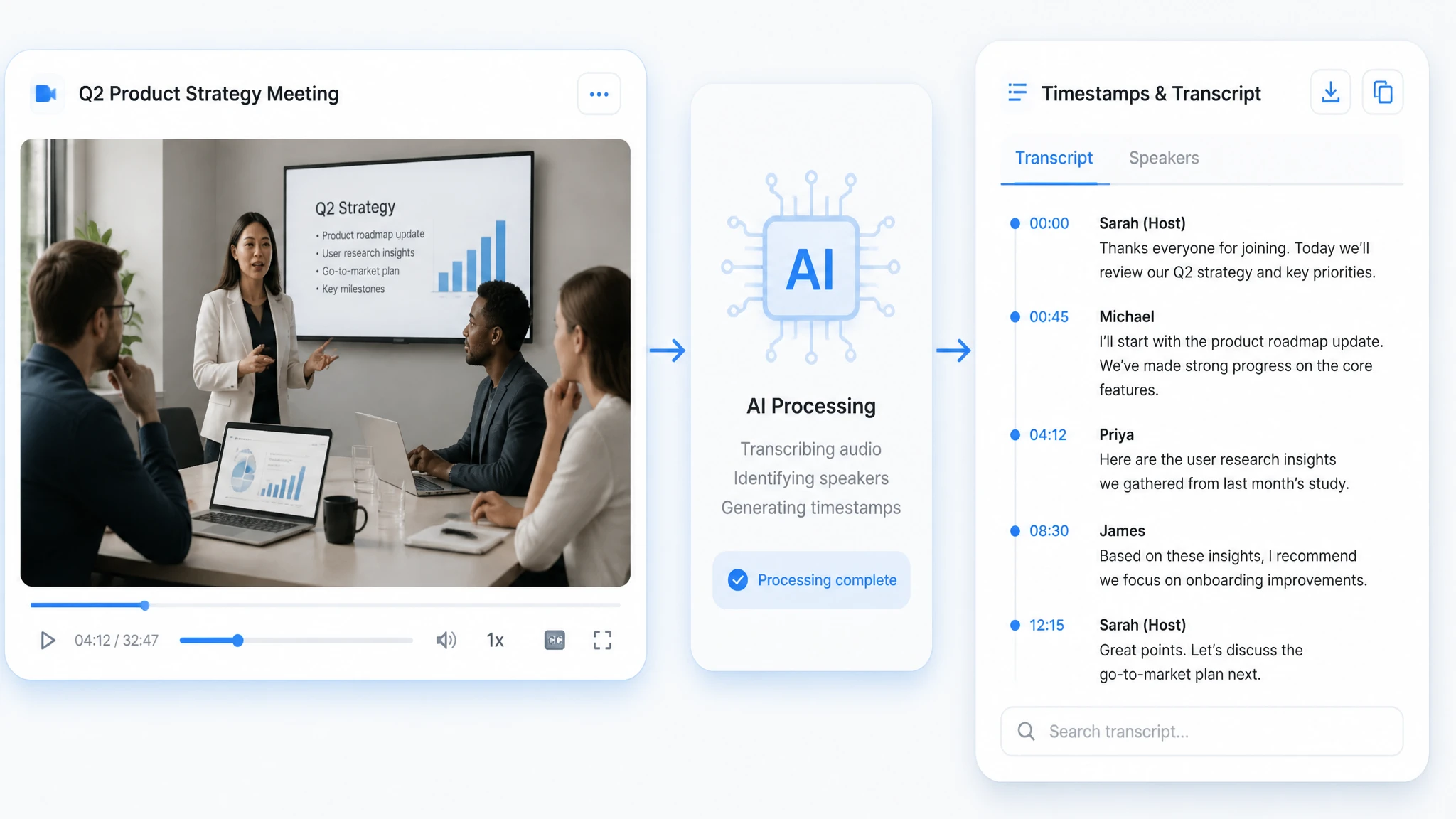
Automatic speaker labels separate each voice in a multi-person recording. Every line links to its exact moment in the source video for quick checking. You can jump back to any quote without scrubbing the timeline by hand, which saves review time on long calls.
How to Convert Video to Text in 3 Easy Steps

Upload Your Video or Paste a Link
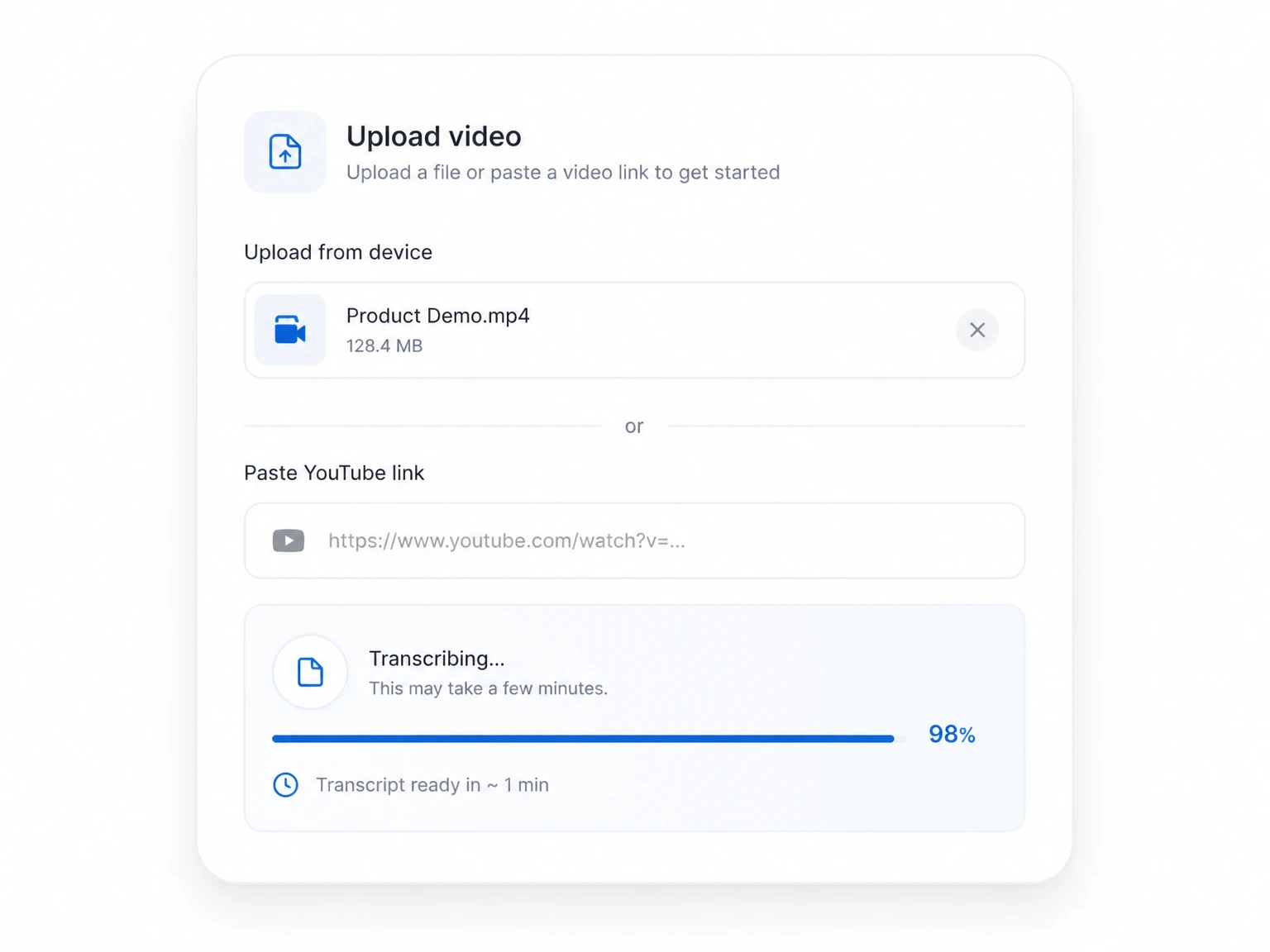
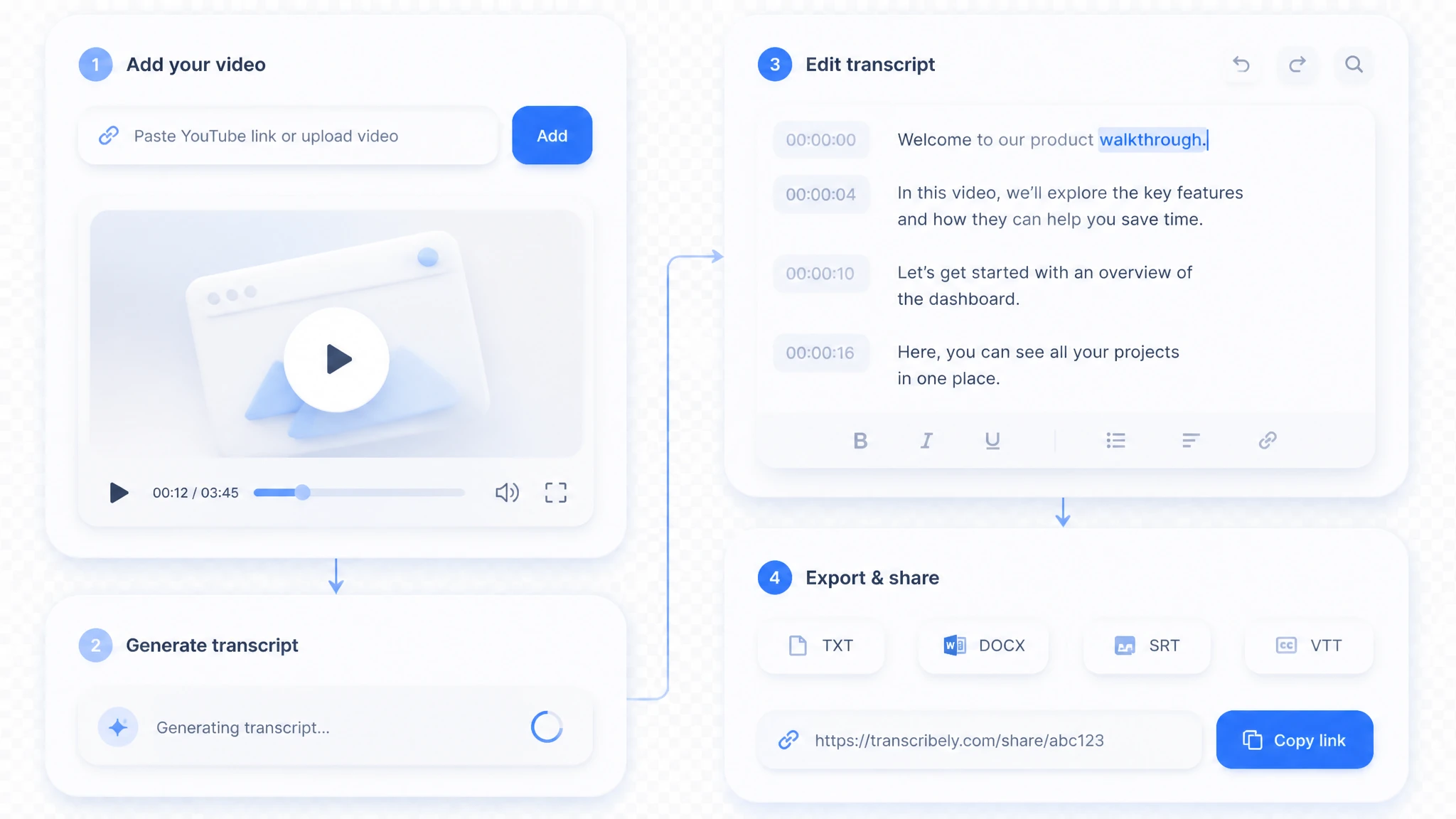
Add your video from a local file (MP4, MOV, AVI, MKV) or paste a YouTube link to start. The converter runs entirely in your browser, so you can begin without installing anything. Your file stays on your machine until you choose to process it, and there is no account to create first.

AI Transcribes the Recording
The AI listens, recognizes speakers, and turns every word into a timestamped video to text transcript in minutes. It aligns each line to its moment in the video, so the text reads in the same order as the audio. You can watch the progress bar and preview the first lines before the full job finishes.

Edit, Export & Share Your Text
Review and refine the transcript in the built-in editor, then export it as TXT, DOCX, SRT, or VTT, or share it with a link. Small fixes take seconds, and the export keeps your timestamps attached. When the text is ready, send the link to a teammate or drop the file straight into your docs.
Video to Text Use Cases
Any recording with spoken content can be turned into text and put to work. Video to text fits into almost any workflow where spoken content matters. The six scenarios below are the ones people use most often, and each one saves hours of manual note-taking.

Product Demos & Tutorials
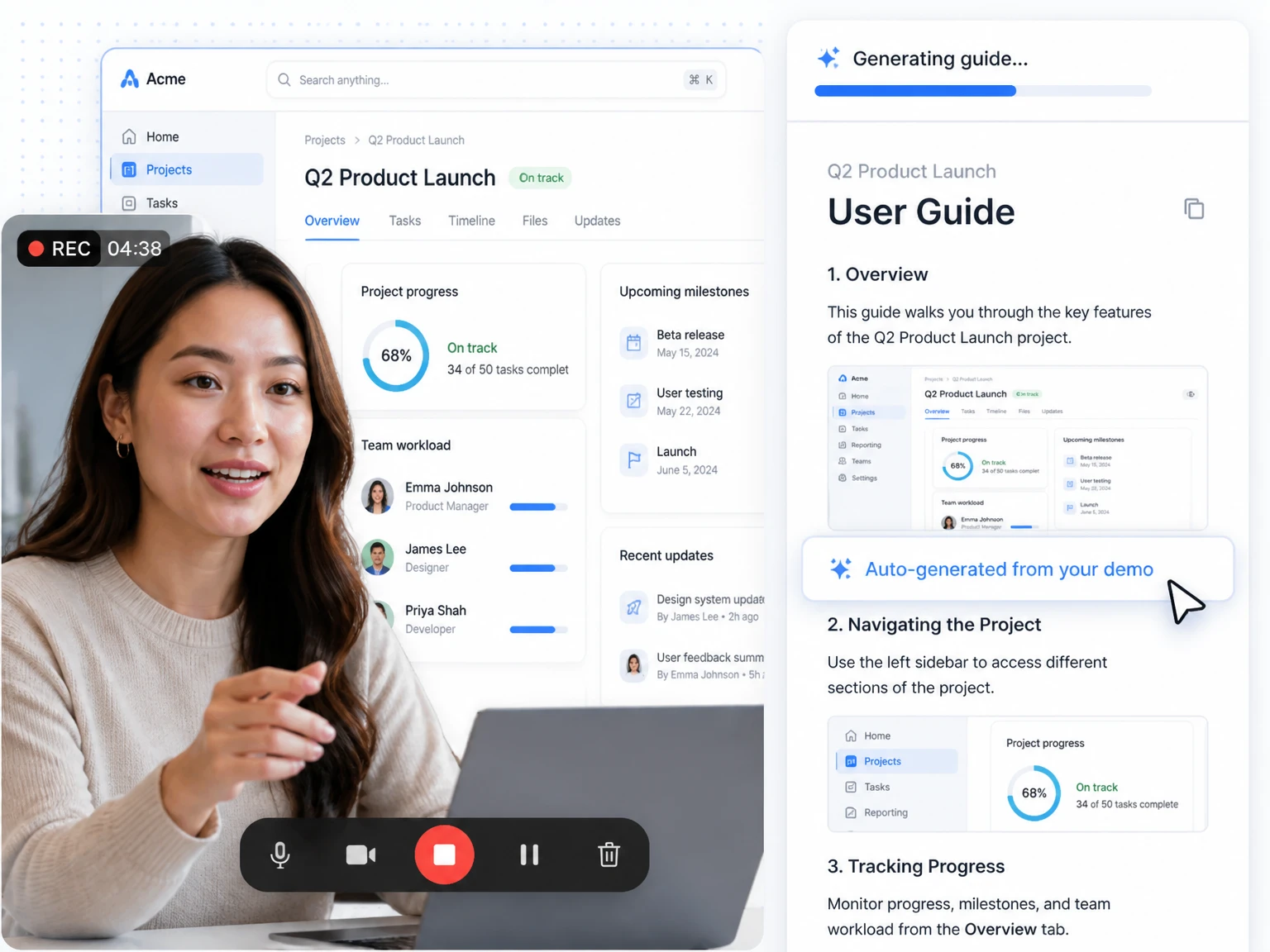
Turn product demo and tutorial recordings into user guides, documentation, and release notes. Support teams reuse the same text for help articles and onboarding snippets. For a quick start, you can turn any video to transcript right here without leaving the page.
Social Media Short Clips
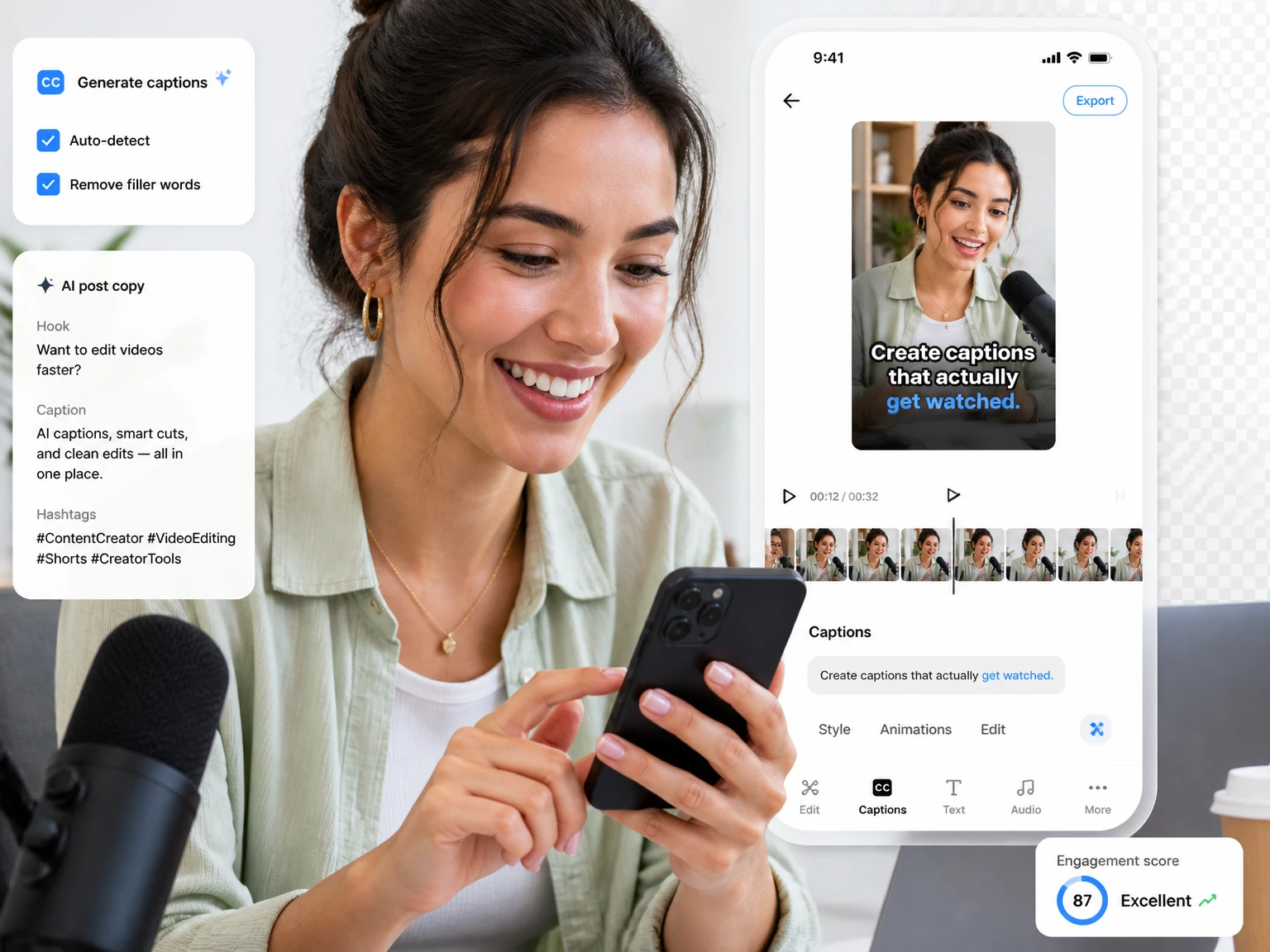
Convert TikTok, Reels, and Shorts clips into captions and post copy in seconds. Creators repurpose the text for descriptions, blogs, and newsletters without rewatching the footage.

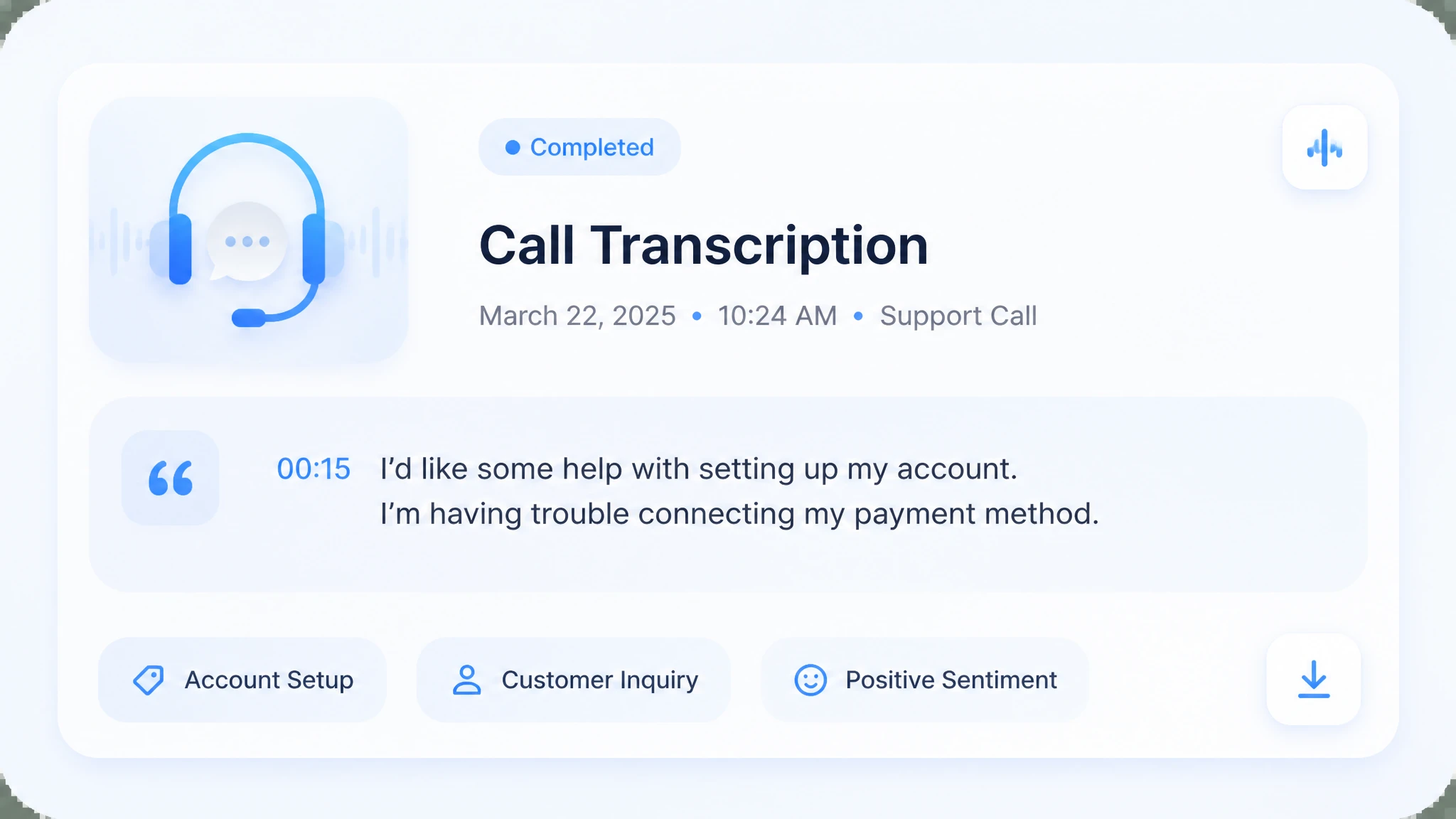
Customer Support Calls
Archive support and sales call recordings for training, QA, and knowledge-base articles. Managers search the text to spot common issues and coach agents with real examples.

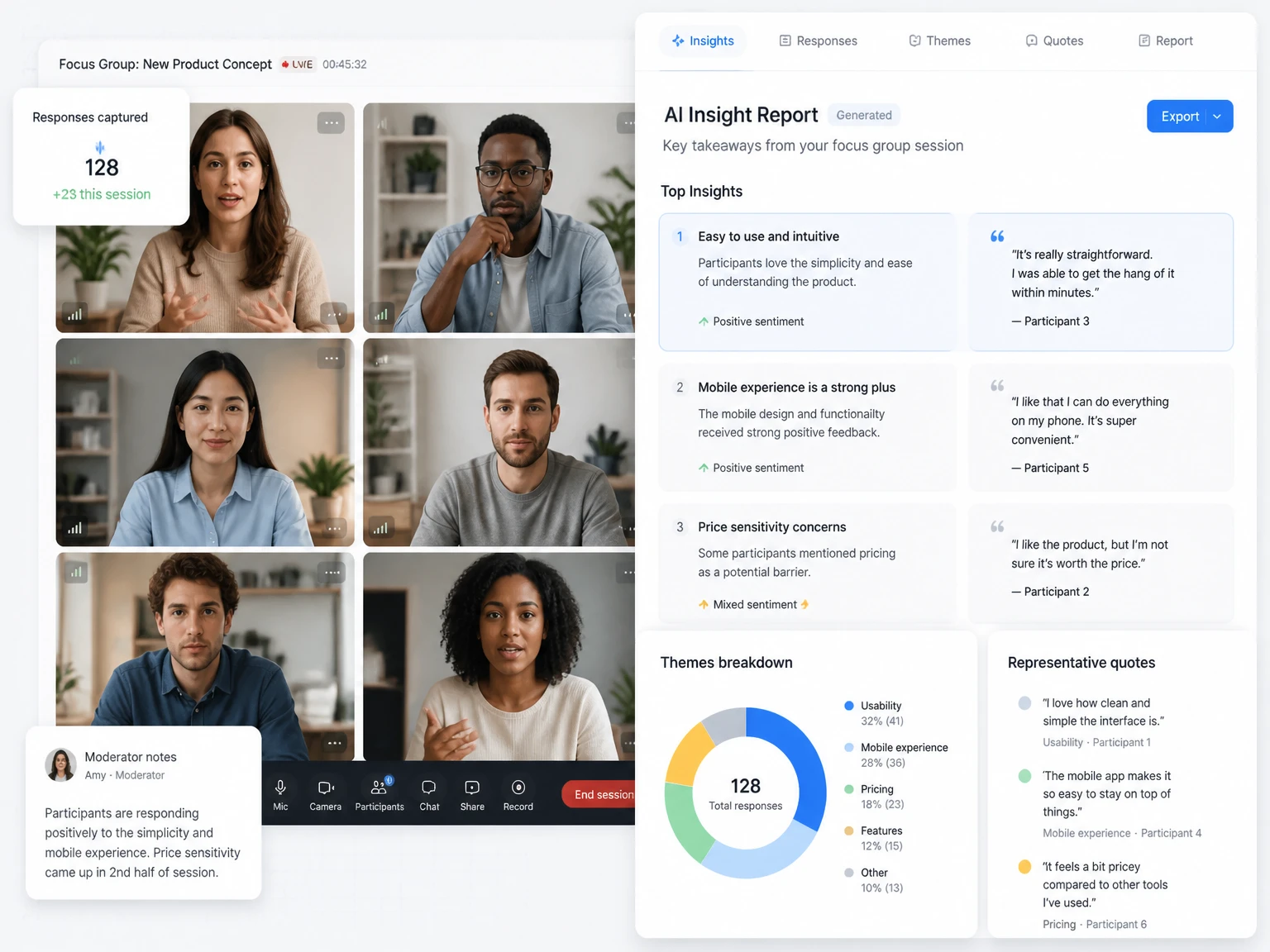
Market Research & Focus Groups
Turn research sessions into faster insight reports and direct quotes. Analysts pull verbatim lines from respondents instead of guessing at what was said.

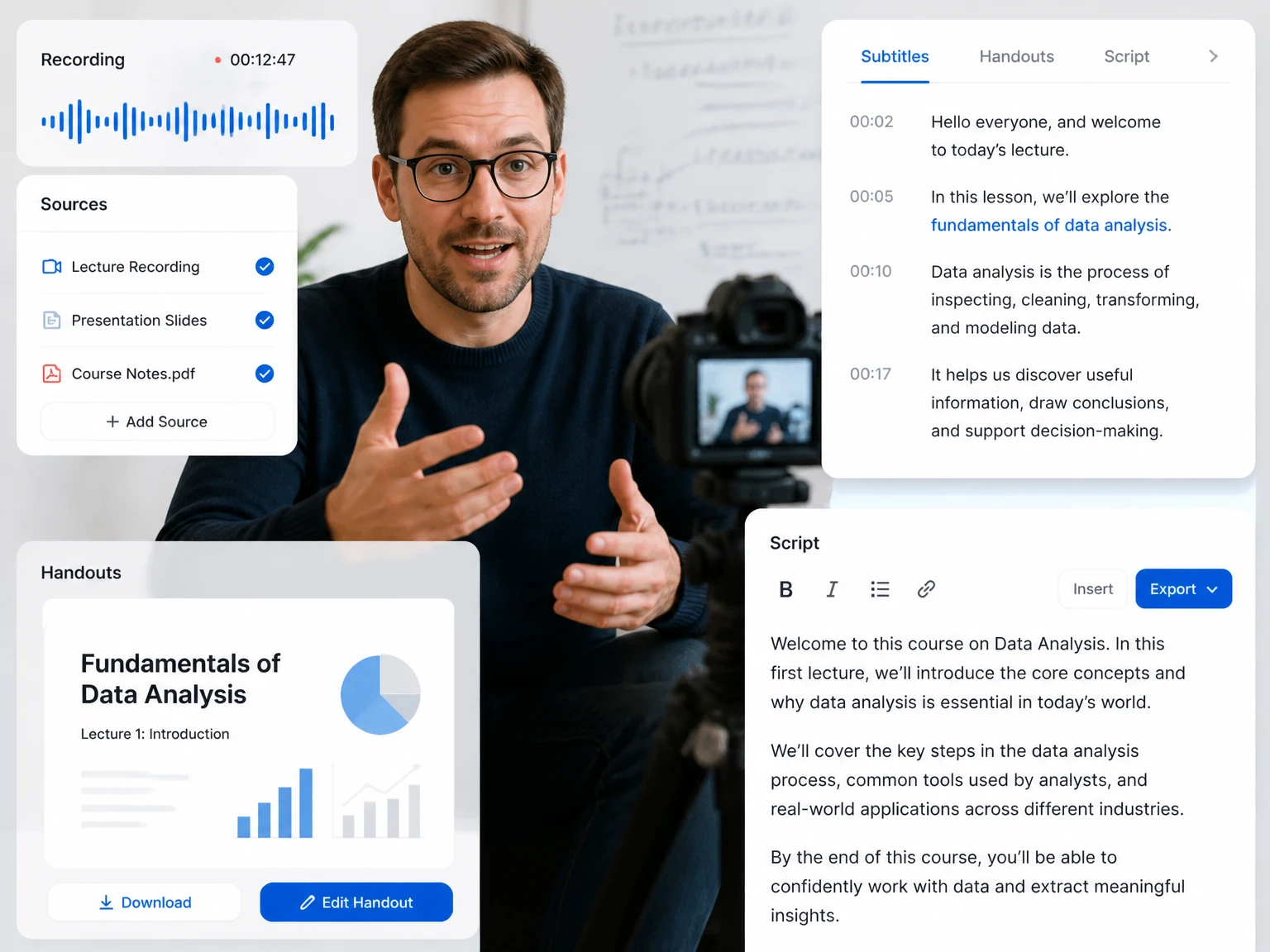
Online Course Production
Course creators convert lectures for lecture scripts, handouts, and subtitle files. Students get searchable notes that match the exact moment a concept was taught.

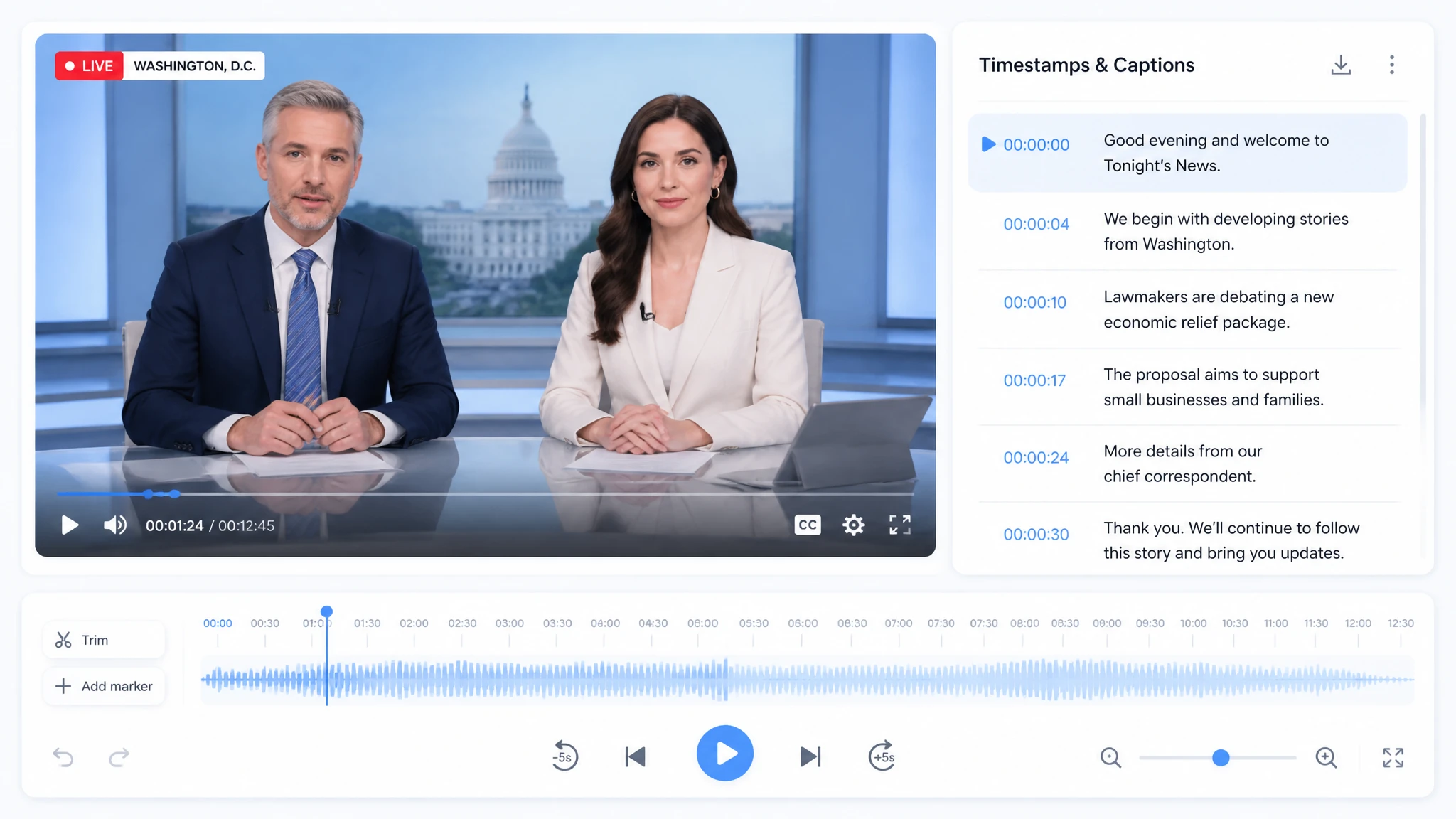
News & Broadcast Programs
Newsrooms turn broadcast recordings into captions and rapid rundowns. Editors lift soundbites from the text and publish them while the story is still fresh.
Who Should Use a Video to Text Converter
A video to text converter helps many roles work faster, and the list keeps growing. The six groups below rely on transcripts every week to cut manual work and share knowledge. If your job involves recorded speech, a transcript probably saves you time.

HR & Recruiters
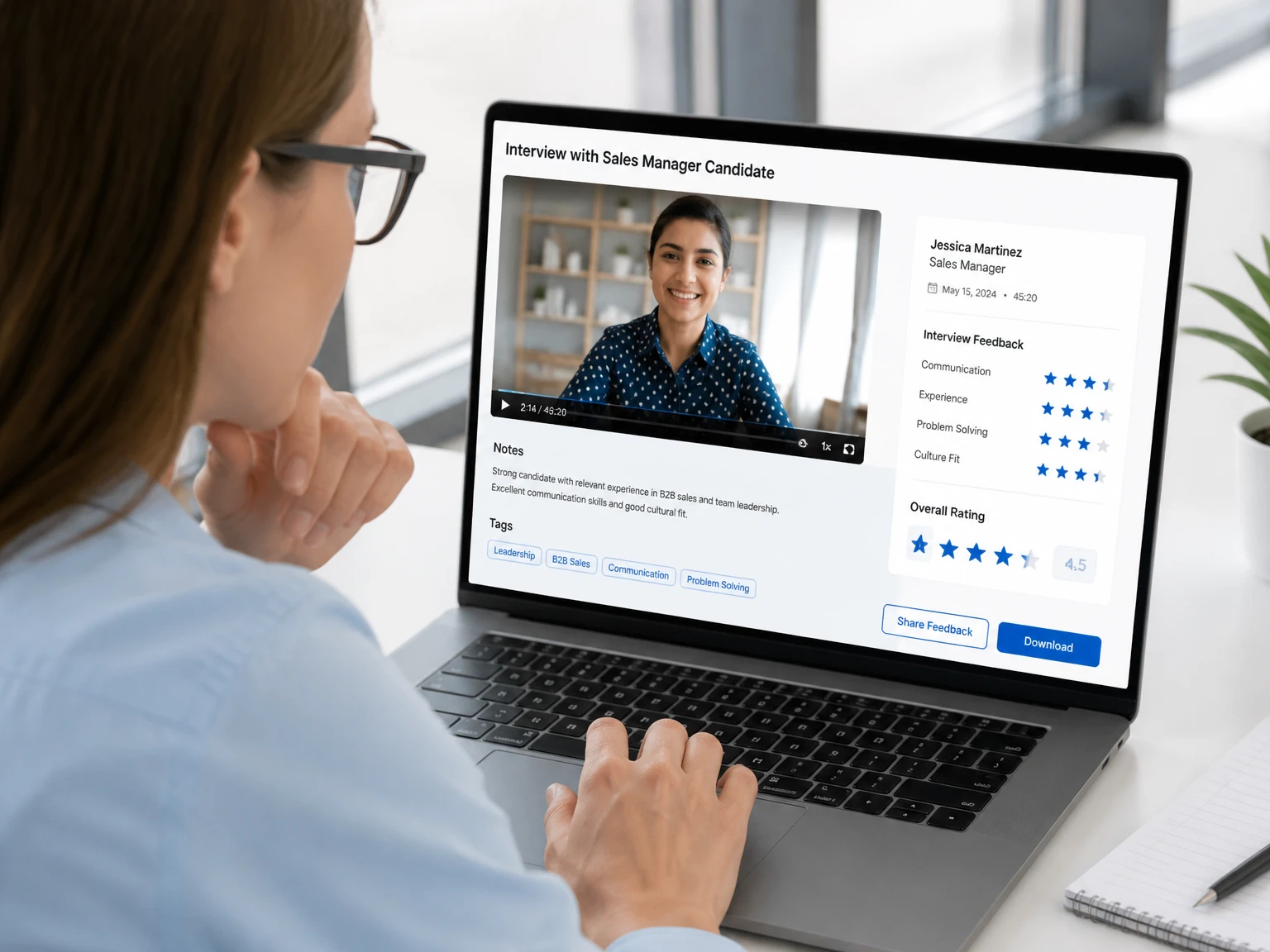
HR teams convert interview recordings for fair, searchable hiring records. The text makes it easy to compare candidates on the same questions after the call ends.

Freelancers & Consultants
Freelancers turn client calls into notes, proposals, and deliverables. The transcript becomes the backbone of the follow-up document they send the next morning.

E-commerce Sellers
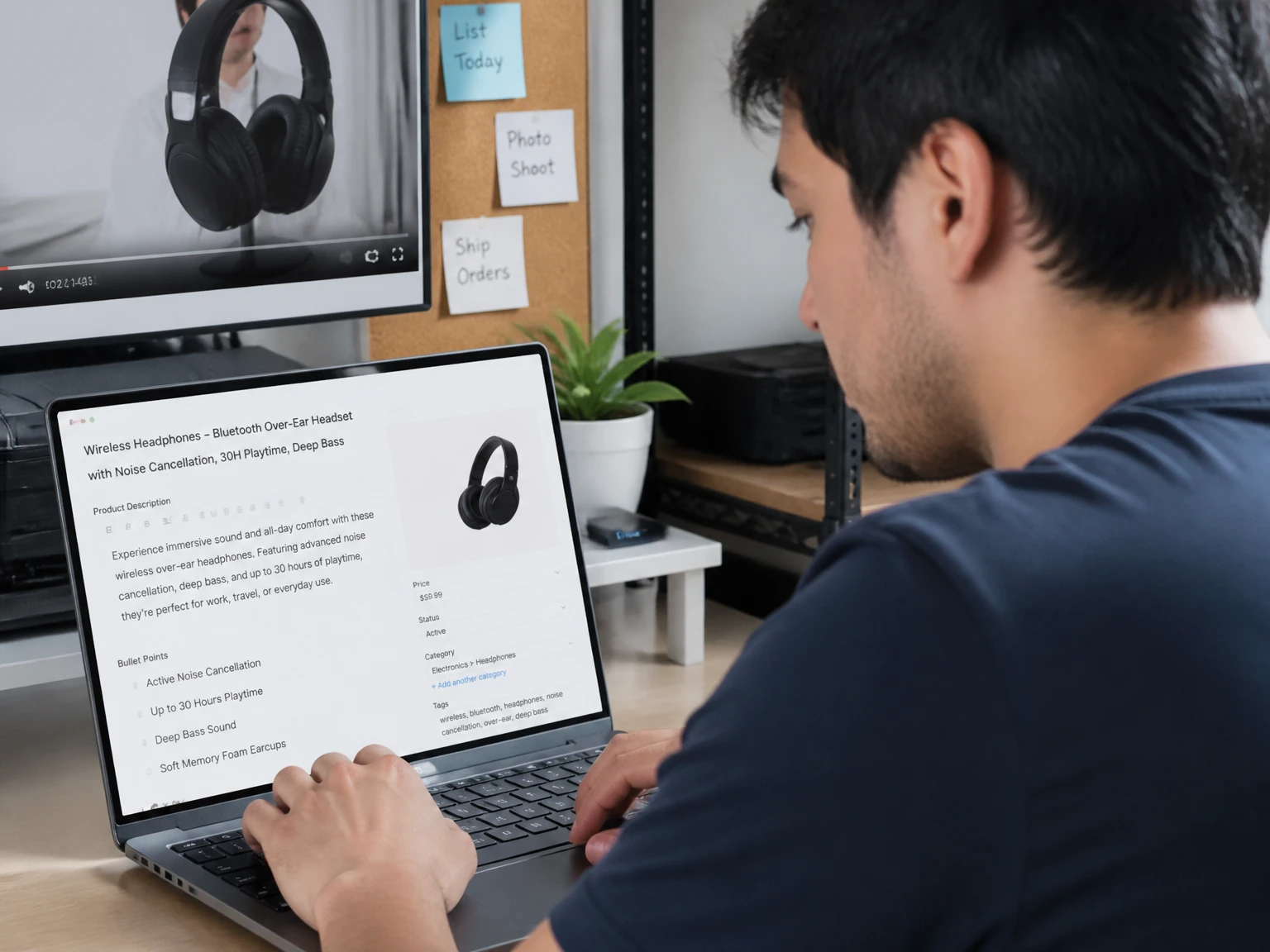
Online sellers convert product videos for listings, ad copy, and customer FAQs. They lift real phrases from the footage so the copy sounds like the brand, not a script.

Translators & Localizers
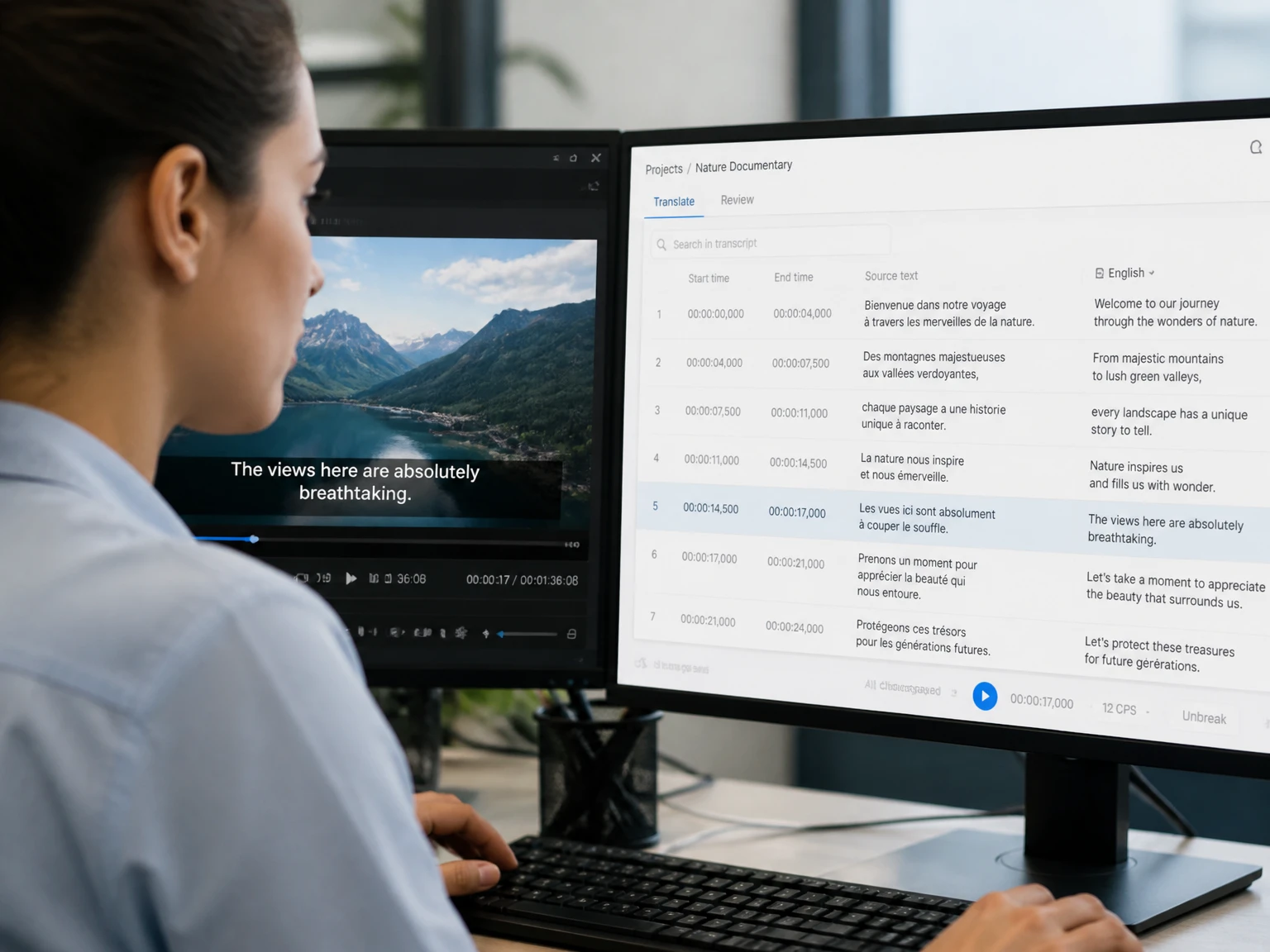
Translators use the transcript as a base for accurate subtitles and localization work. Starting from text beats timing subtitles by ear on a blank timeline.

Developers & Tech Teams
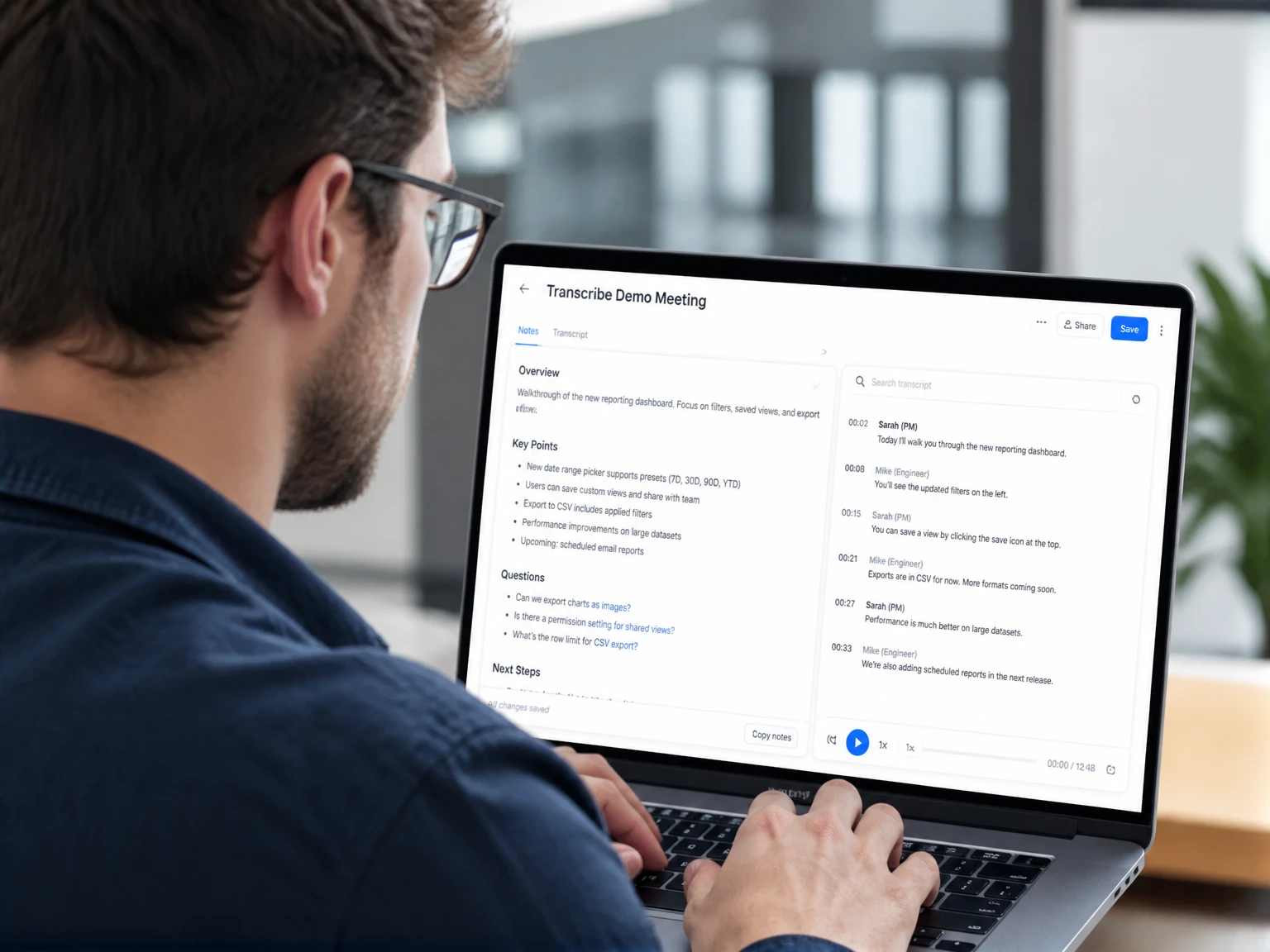
Tech teams transcribe demos and meetings for docs and onboarding material. The written record settles what was decided when memory of the call fades.

Non-profit & Community Organizations
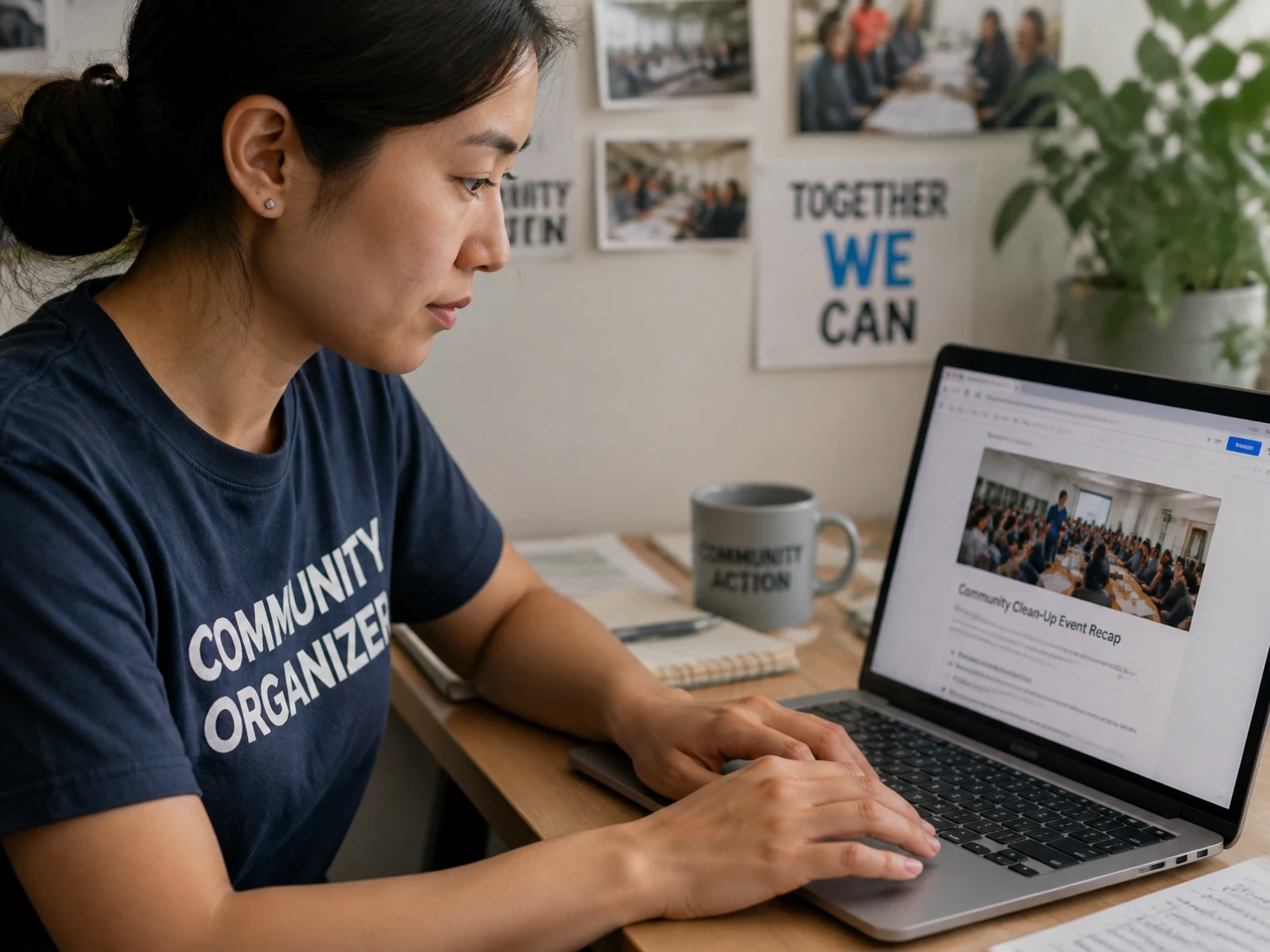
Non-profits convert events for reports, accessibility, and outreach. The text opens the session to members who could not attend or who prefer to read.
Why Choose Our Video to Text Converter
Our video to text converter removes the usual friction of transcription: cost, sign-up walls, and clunky desktop software. Here is what sets it apart from the slow, manual way of working. Every feature below is built to keep you in the browser and moving.
Free, No Sign-up Required
Start converting right away — no account, no credit card, no limits on getting started. You can test a real file before you ever share an email address with us.
Secure & Private Transcription
Uploads are encrypted and never used for training, so your transcript stays private. We delete the source file after processing and keep your words away from other models.
Browser-Based, Works on Any Device
The converter runs entirely in your browser on desktop, tablet, or phone. There is nothing to install, so a borrowed laptop or a phone on the train still gets the job done.
Long Videos, No Hard Limit
Transcribe long lectures and webinars without a hard time limit, so two-hour recordings stay manageable. The engine streams the audio in chunks instead of timing out on big files.
AI Summaries & Mind Maps
Turn any transcript into an AI summary and a visual mind map for instant understanding. Skim the branches first, then read only the parts of the text you need.
Timestamps Linked to the Source Video
Every line of your transcript jumps back to the exact moment in the video. Click a sentence during review and the player lands on the spoken word, not somewhere nearby.
What Users Say About Our Video to Text Converter
Real feedback matters more than marketing claims, so we asked people who turn video to transcript every week to share how the tool fits their routine. The quotes below are unedited except for length, and each user works with recordings daily.
I used to spend whole afternoons typing lecture notes by hand. Now I upload the recording, fix a few speaker names, and the transcript is done in minutes. The timestamps make it easy to jump back to a specific moment when I need to double-check a quote.
We transcribe client interviews every week, and this converter handles multiple speakers surprisingly well. The speaker labels save us hours, because I used to listen to every call twice just to catch who said what. I only edit a handful of words before exporting, then the text goes straight into our report.
I paste a YouTube link and get searchable text in under a minute, which used to mean an afternoon of pausing and typing. The first draft is accurate enough for captions and blog posts, and exporting SRT subtitles is a one-click job. My whole publishing pipeline starts from that one transcript.
Video to Text FAQs
How do I convert video to text for free?
Upload a video file or paste a link, and the AI converts it for free, with no account required. You can export the result the moment the transcript is ready.
Can I transcribe video to text without creating an account?
Yes, the converter works immediately in your browser — no sign-up, no install. Open the page, add a file, and the job starts.
What video formats can I convert to video to text?
MP4, MOV, AVI, MKV, and more are supported, plus direct conversion from YouTube links. If your player can open it, the converter can usually read the audio track.
How accurate is AI conversion?
Modern AI delivers near-human accuracy, even with accents, background noise, and fast speech. A clean recording gets the fewest fixes, while a loud room needs a quick pass in the editor.
Do I need to install any software to convert video to text?
No, the converter runs entirely in your browser, so there is nothing to download or set up. Open the page on any device and start a job right away.
How long does it take to convert?
Most videos are transcribed within minutes, depending on video length. A short clip often finishes before you finish a coffee, and an hour-long file scales with its size.
Can I edit the text after converting?
Yes, the built-in editor lets you fix words, add notes, and adjust timestamps in your transcript. Edits save as you type, so a small correction never costs you the whole draft.
Can I use my video to text transcript to make subtitles for my own website or blog?
Yes, export the text as SRT or VTT and upload those files to your CMS, so the captions play under your own videos. The timestamps carry over, keeping each line aligned with the audio.
Can I translate a video to text transcript into another language?
Yes, translate any transcript into 100+ languages with one click. The translated text keeps the same structure, which makes bilingual subtitles simple.
Is my uploaded video kept private when I convert it?
Yes, uploads are encrypted and private — your transcript never gets shared or used for training. We remove the source file after the job, leaving only what you choose to keep.