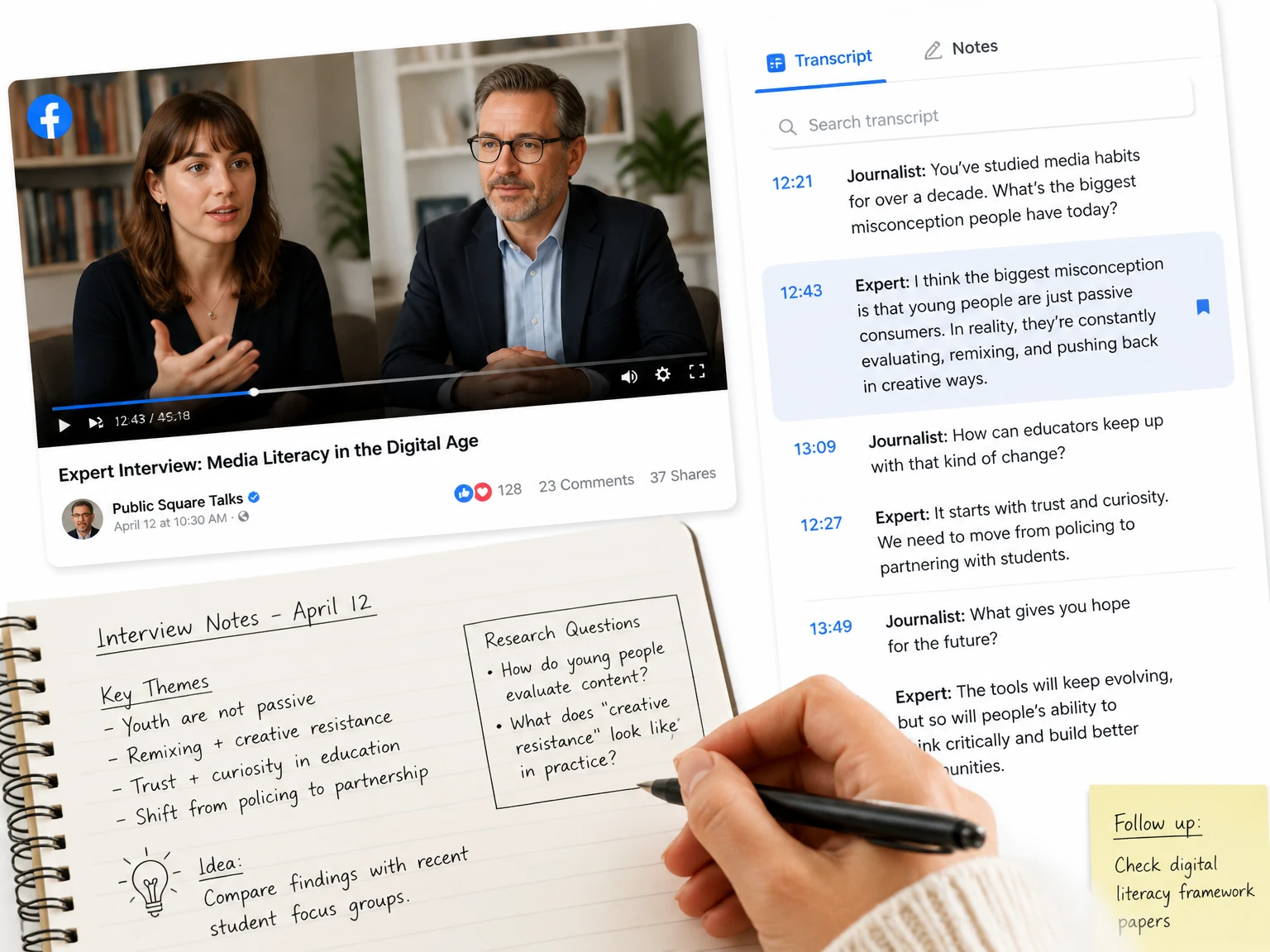
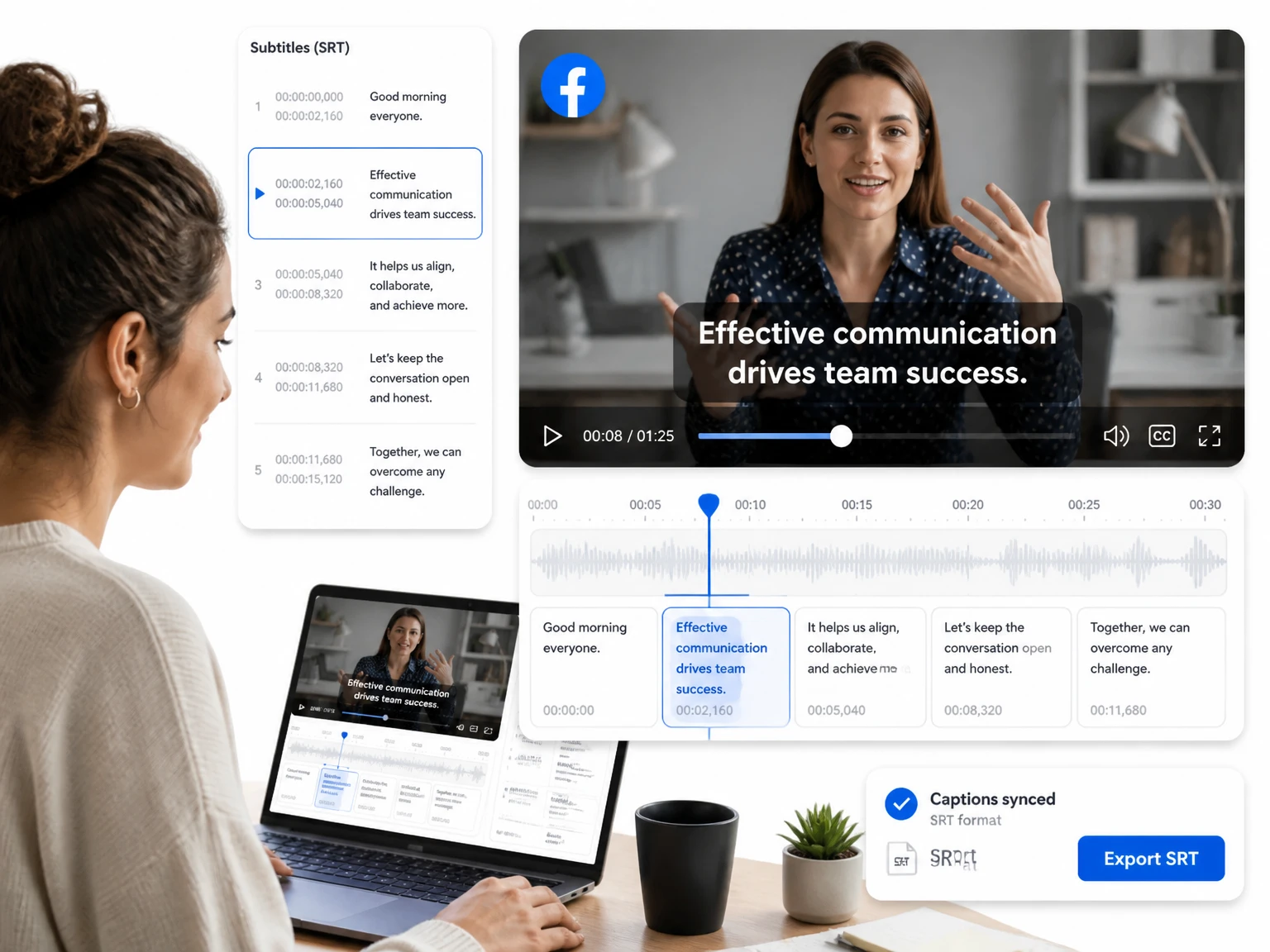
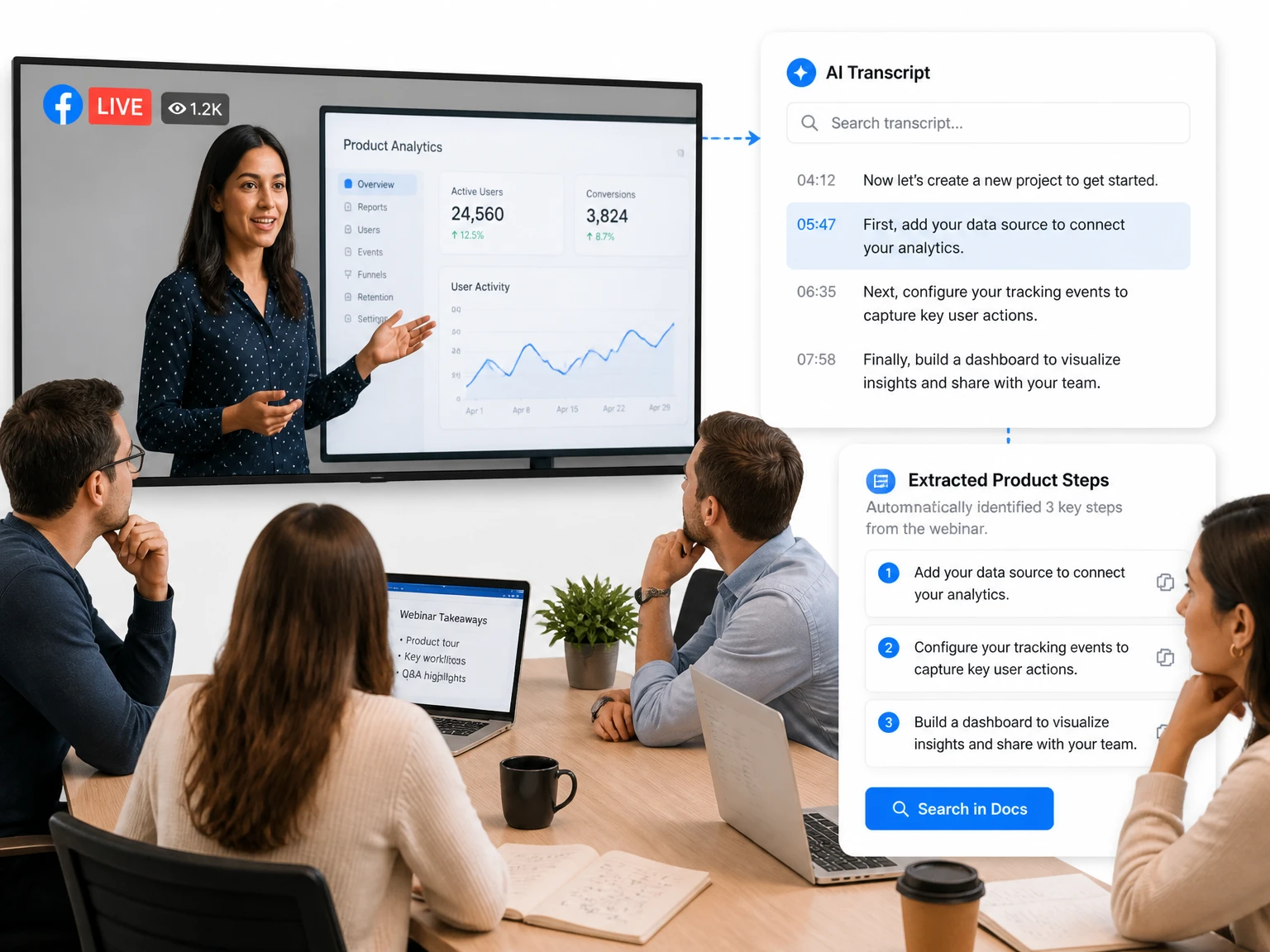
Search the transcript for a topic or phrase, then use its timestamp to verify the answer in the original recording.
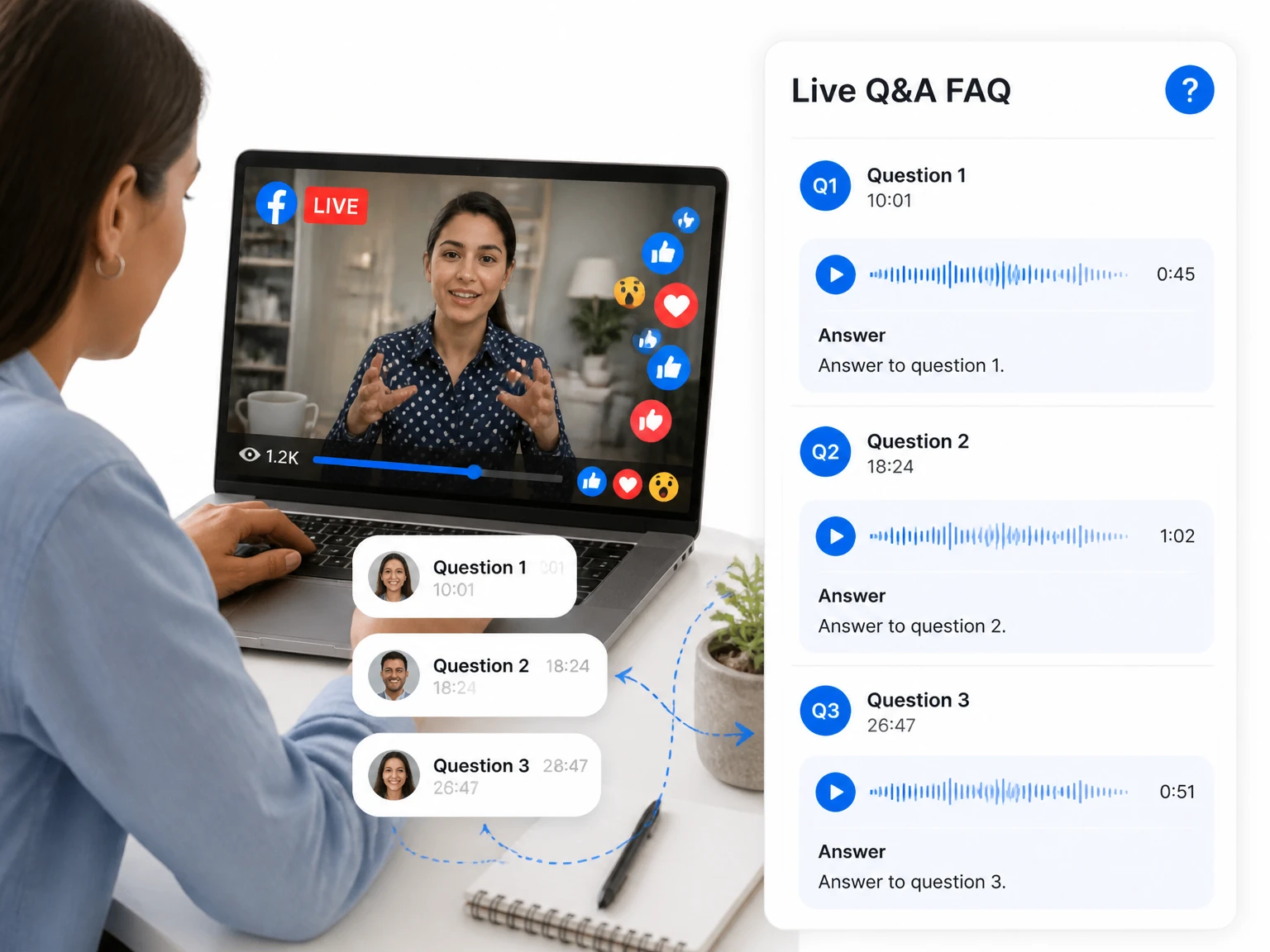

Paste a supported public Facebook video or Live replay link and get readable text with timestamps. Review the transcript, correct important wording, and copy or export the result.
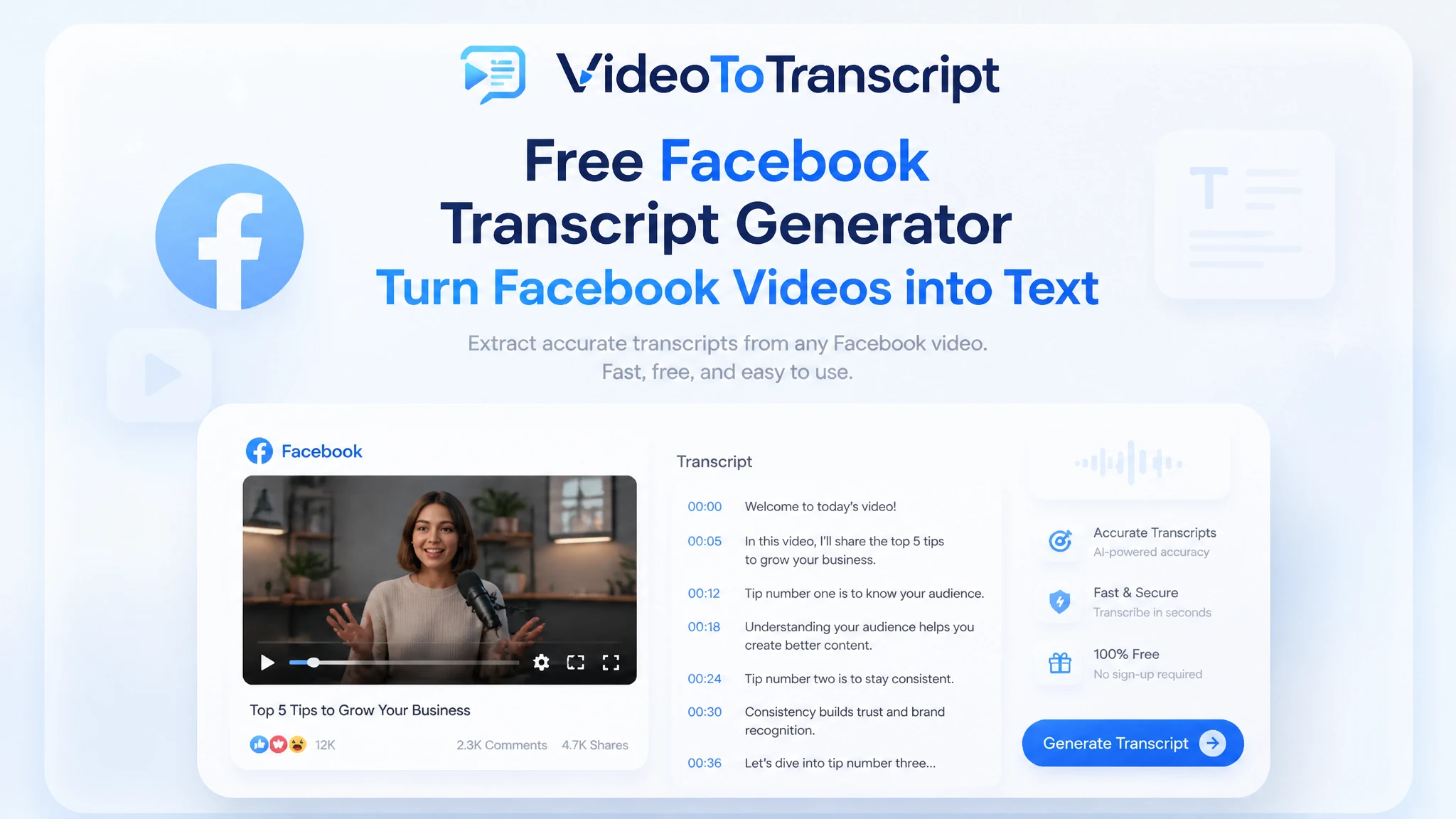
200+ languages
200+ languages
Video transcription support for global video content
Timestamped output
Timestamped output
Review exact moments and prepare captions
Speaker Recognition
Speaker Recognition
Identify and label different speakers in your transcript
Private upload
Private upload
Review sensitive media before exporting or publishing
A Facebook transcript generator converts the spoken audio in a supported public Facebook video or recorded Live replay into selectable text. Instead of replaying the video to find one sentence, you can search the transcript, follow timestamps, and review the wording in context.
This page is for people who already have a Facebook video link and want a transcript. For a video saved on your device, use the video to text converter instead.
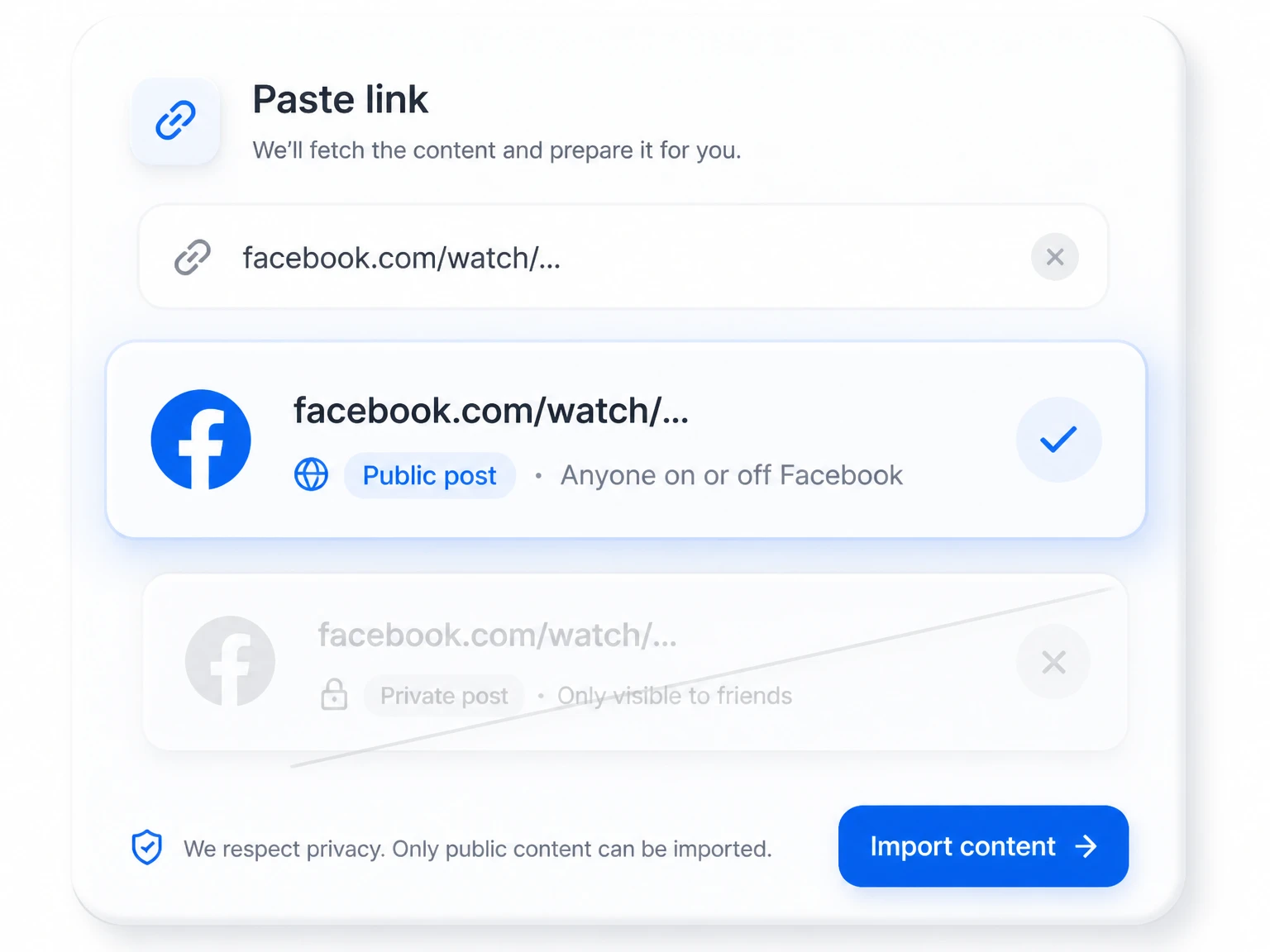
This option is intended for Facebook videos that are public, still available, and accessible without a private account permission. A recorded Live replay can work when it remains public and supported by the link importer.
Private, friends-only, deleted, age-restricted, region-restricted, or otherwise inaccessible posts cannot be fetched through a public URL. If the link cannot be opened in an ordinary browser session, the transcript tool may not be able to process it either.
A Facebook transcript generator is most useful when the source link is ready and the finished text will be checked against the recording. The process takes three steps.
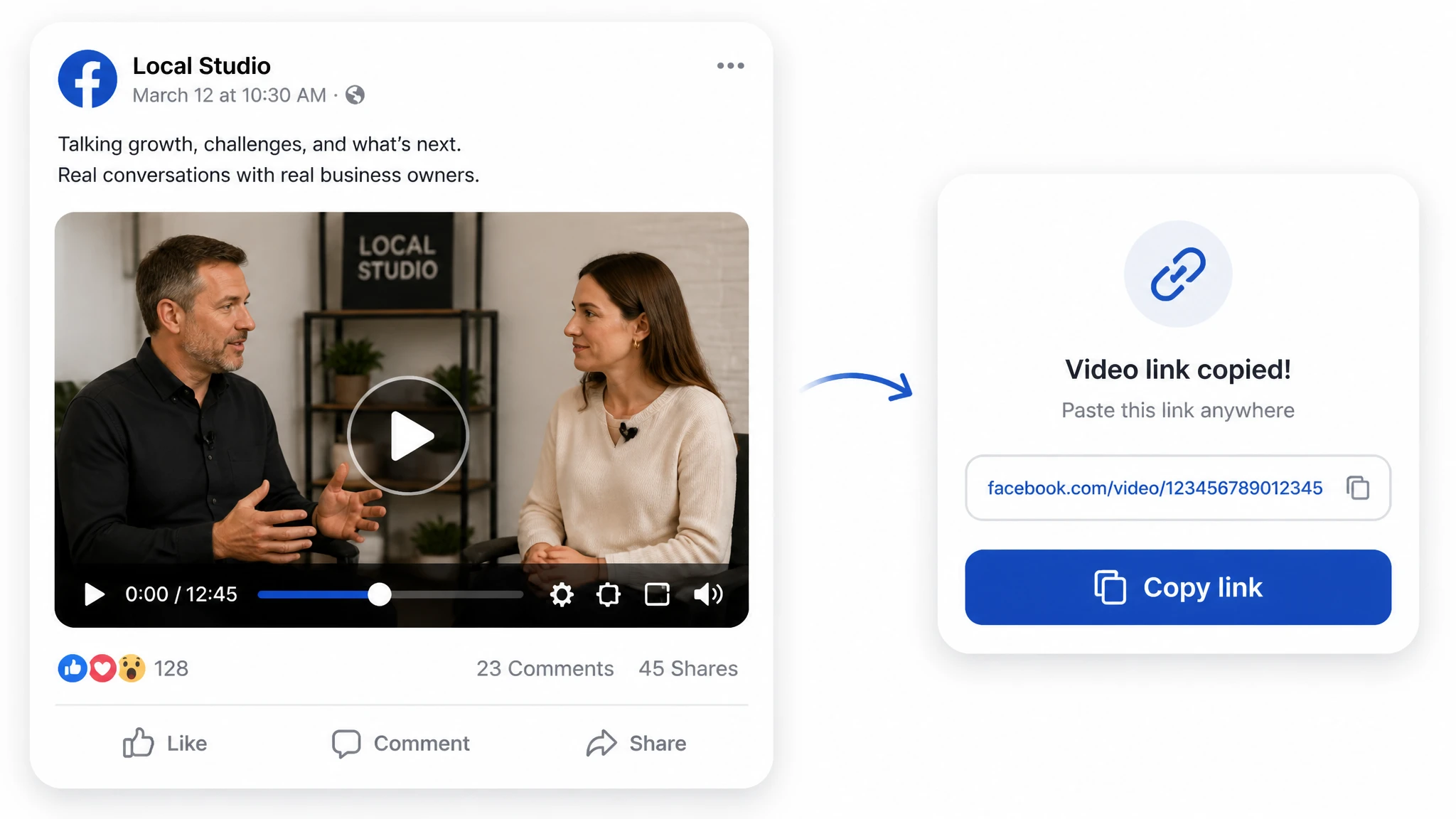
Open the Facebook video or recorded Live replay, copy its URL, and confirm that the post is public and available.
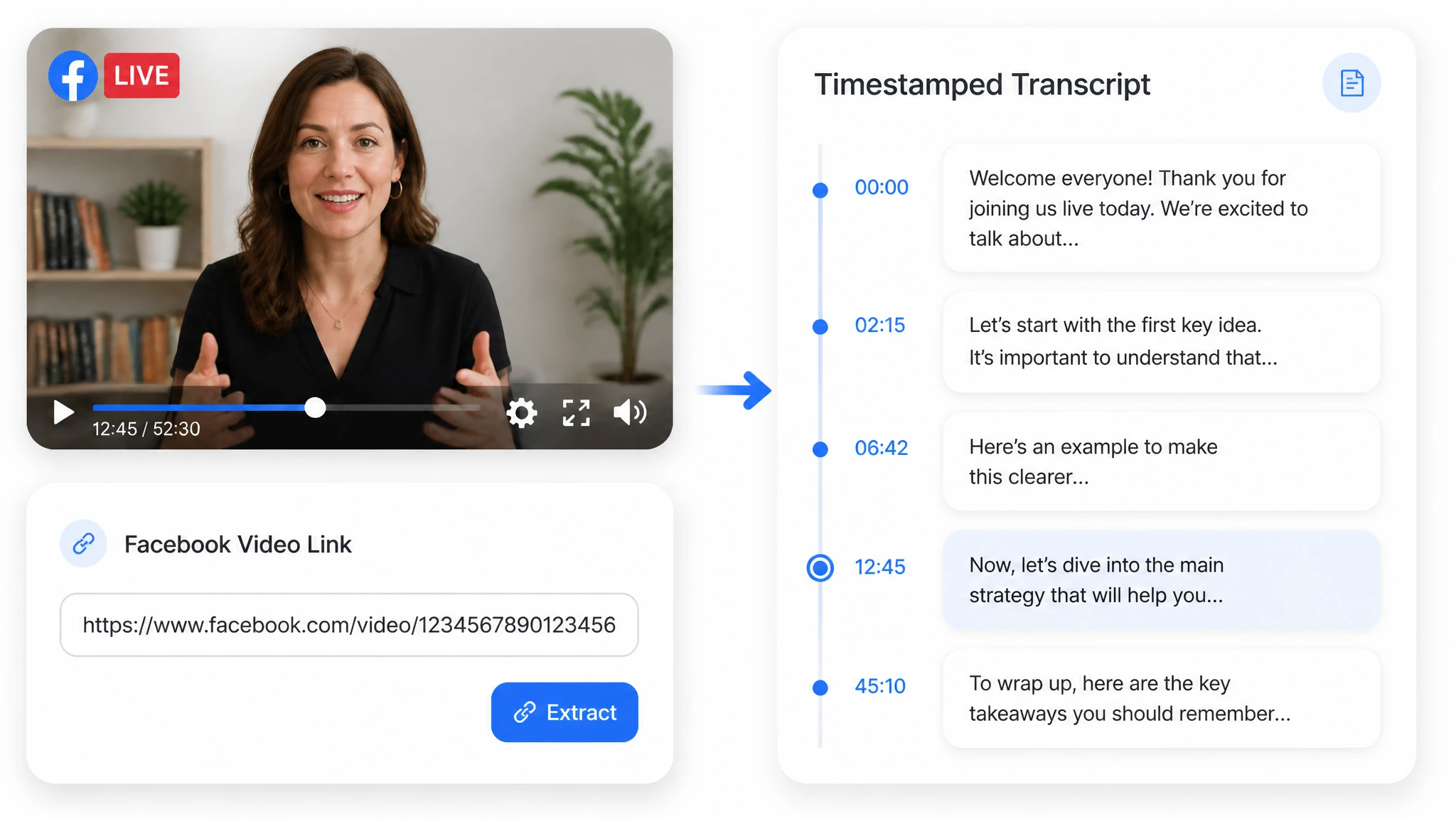
Paste the link into the tool and start transcription. Enable speaker detection when the video contains an interview, panel, or multi-person Live discussion.
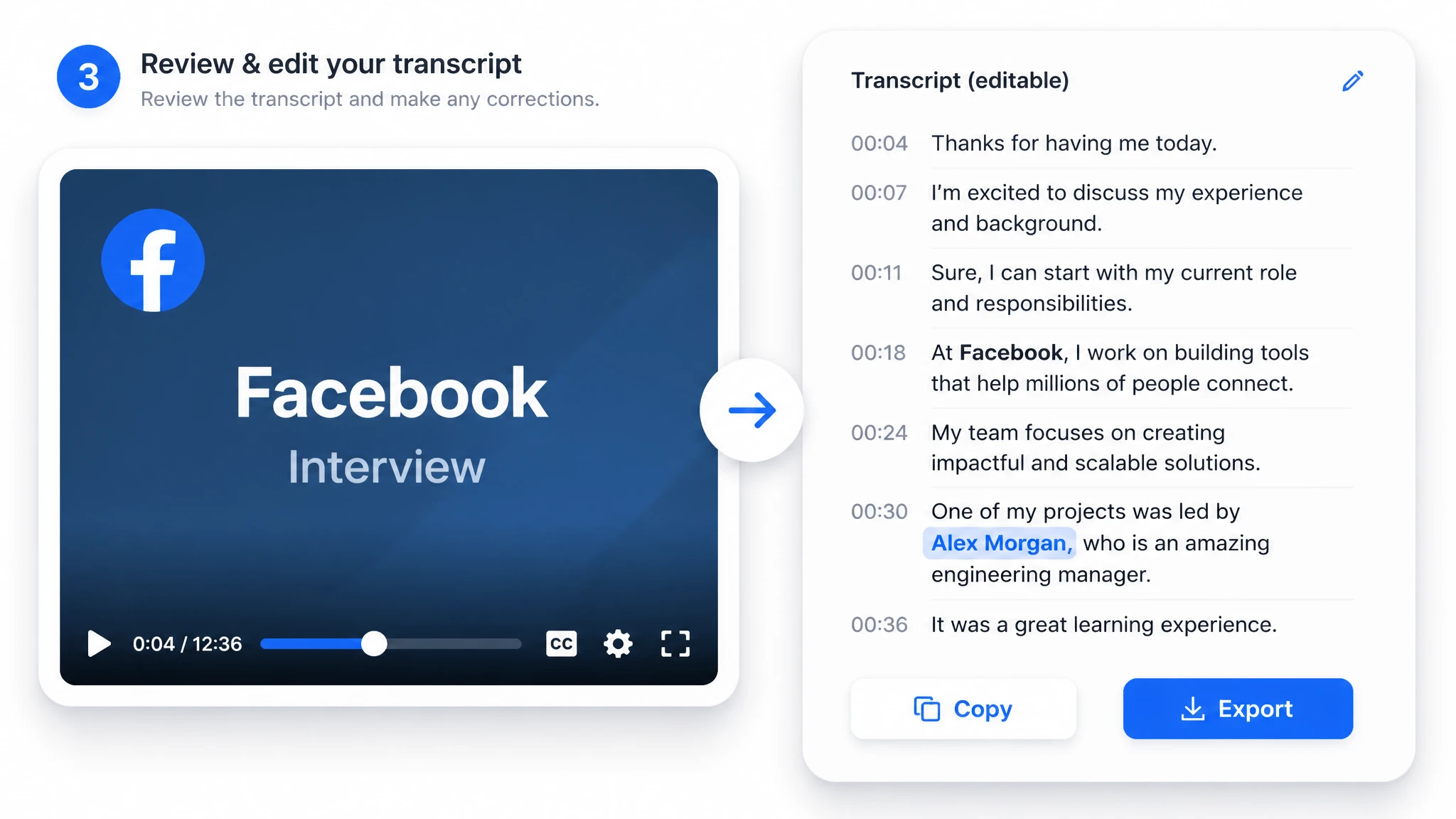
Check names, numbers, and unclear passages against the video. Then copy the text or choose an available document or subtitle export.
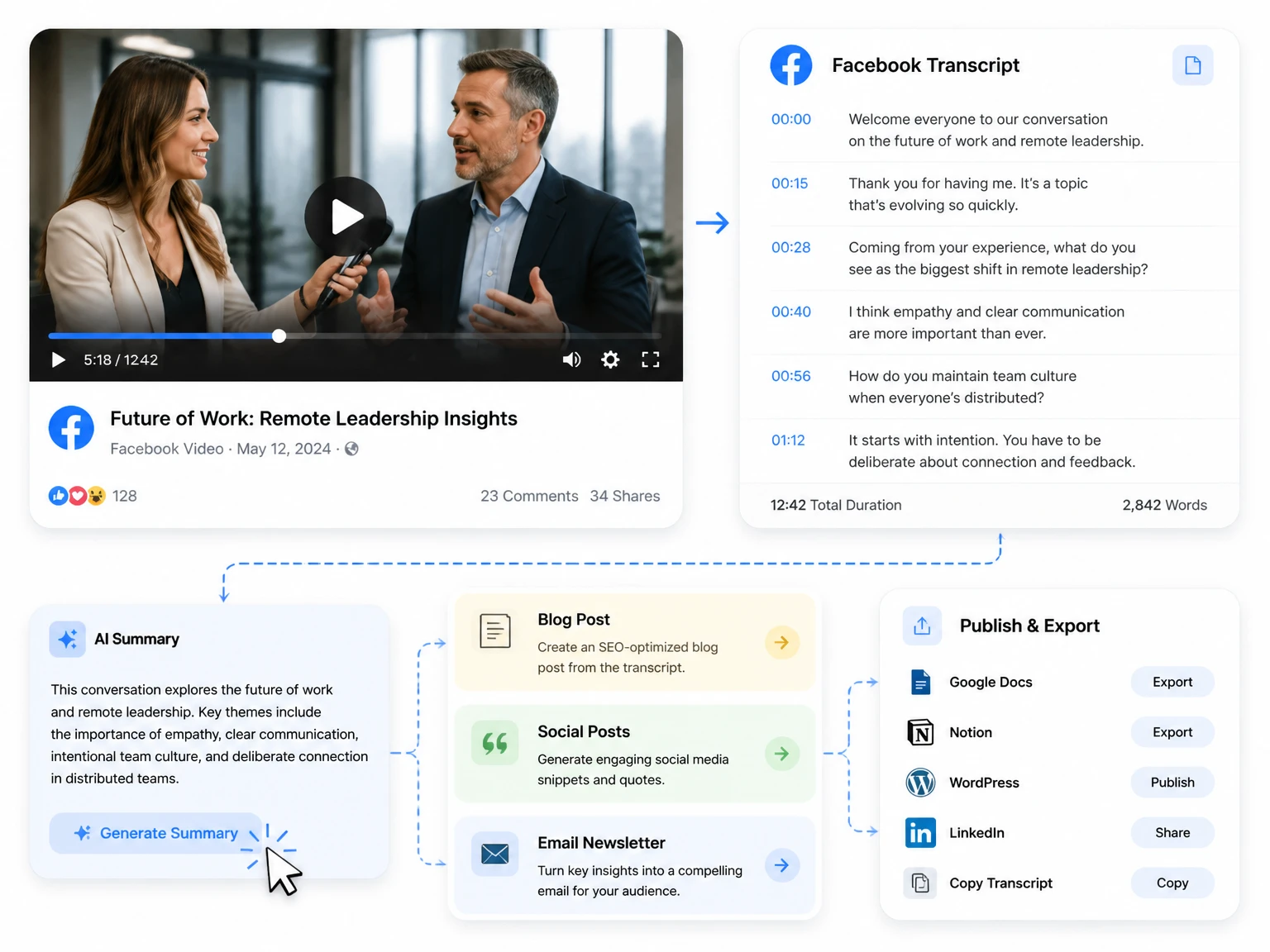
The output is designed for reading, checking, and reusing rather than for a raw block of automatically generated text.
Use timestamps to return to the exact point in the Facebook video when you need to verify a quote, answer, or instruction.
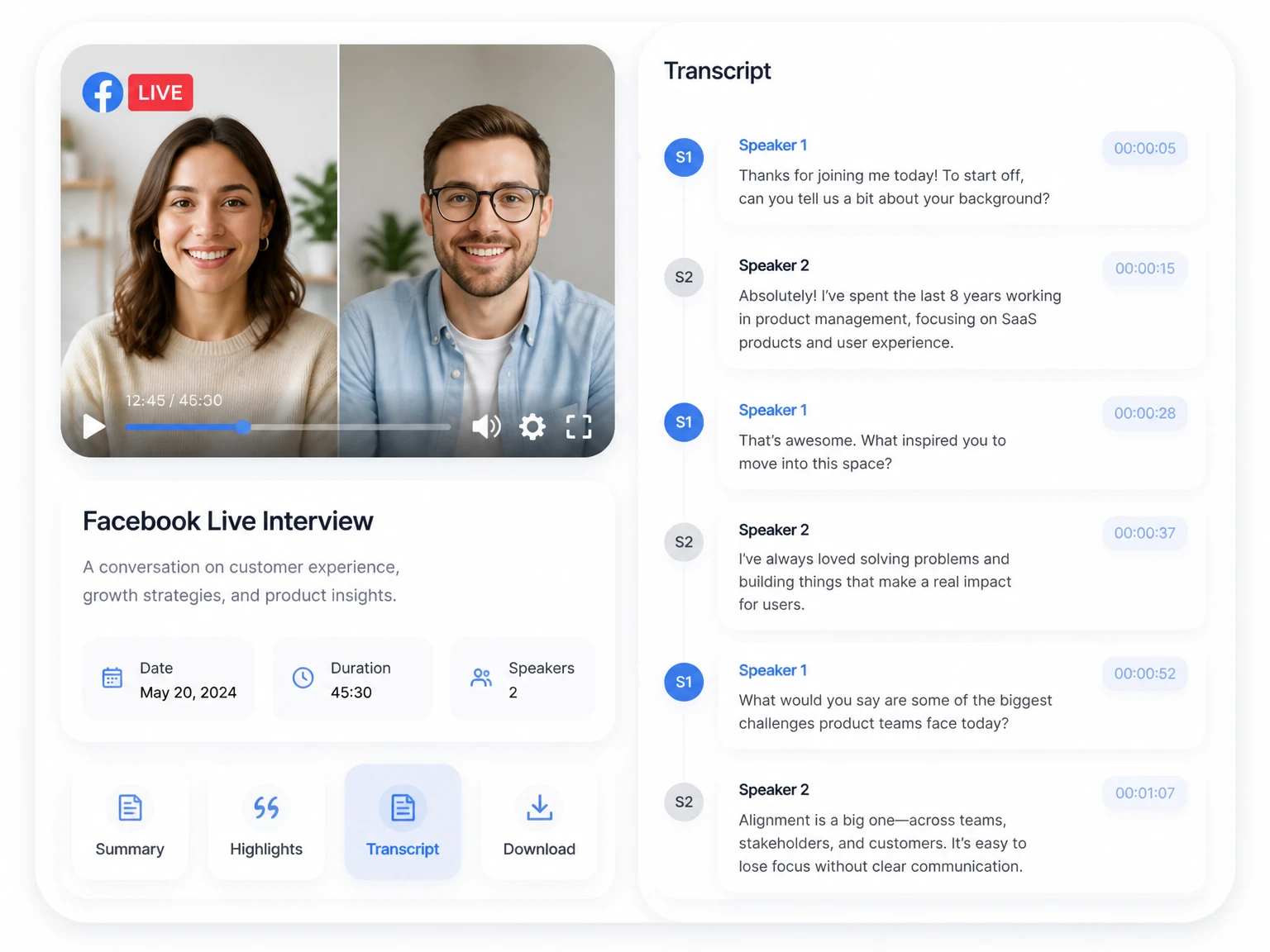
Separate voices in supported interviews, panels, and Live videos. Treat speaker labels as a review aid and confirm attribution before publishing.
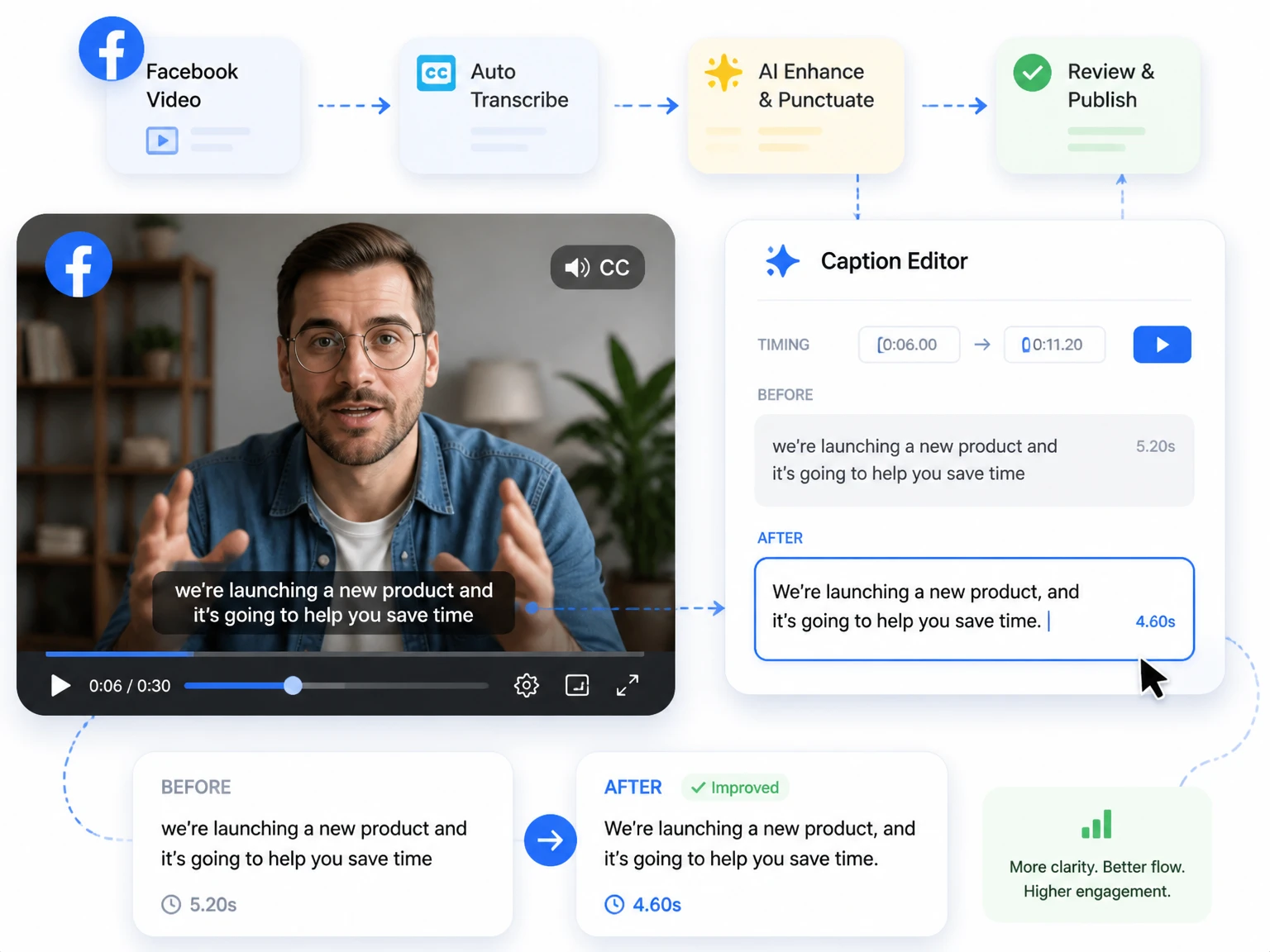
Correct punctuation, sentence breaks, names, and subtitle wording before using the transcript for notes, captions, or other written content.
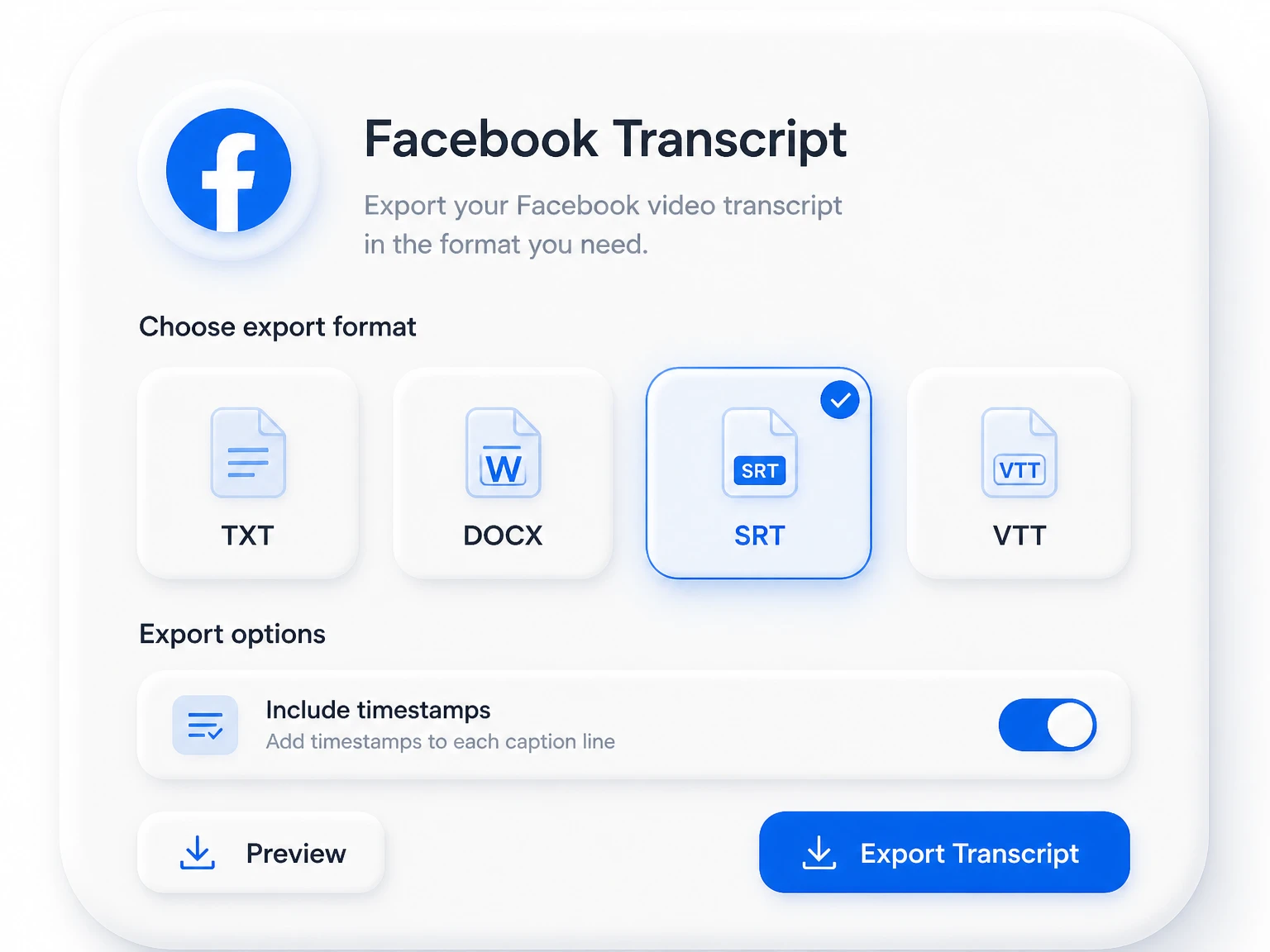
Copy the finished text or use an available format such as TXT, DOCX, SRT, or VTT, depending on the output you need.
A searchable transcript helps when the goal is to find, verify, or reuse what was said in a public Facebook video.
Search the transcript for a topic or phrase, then use its timestamp to verify the answer in the original recording.
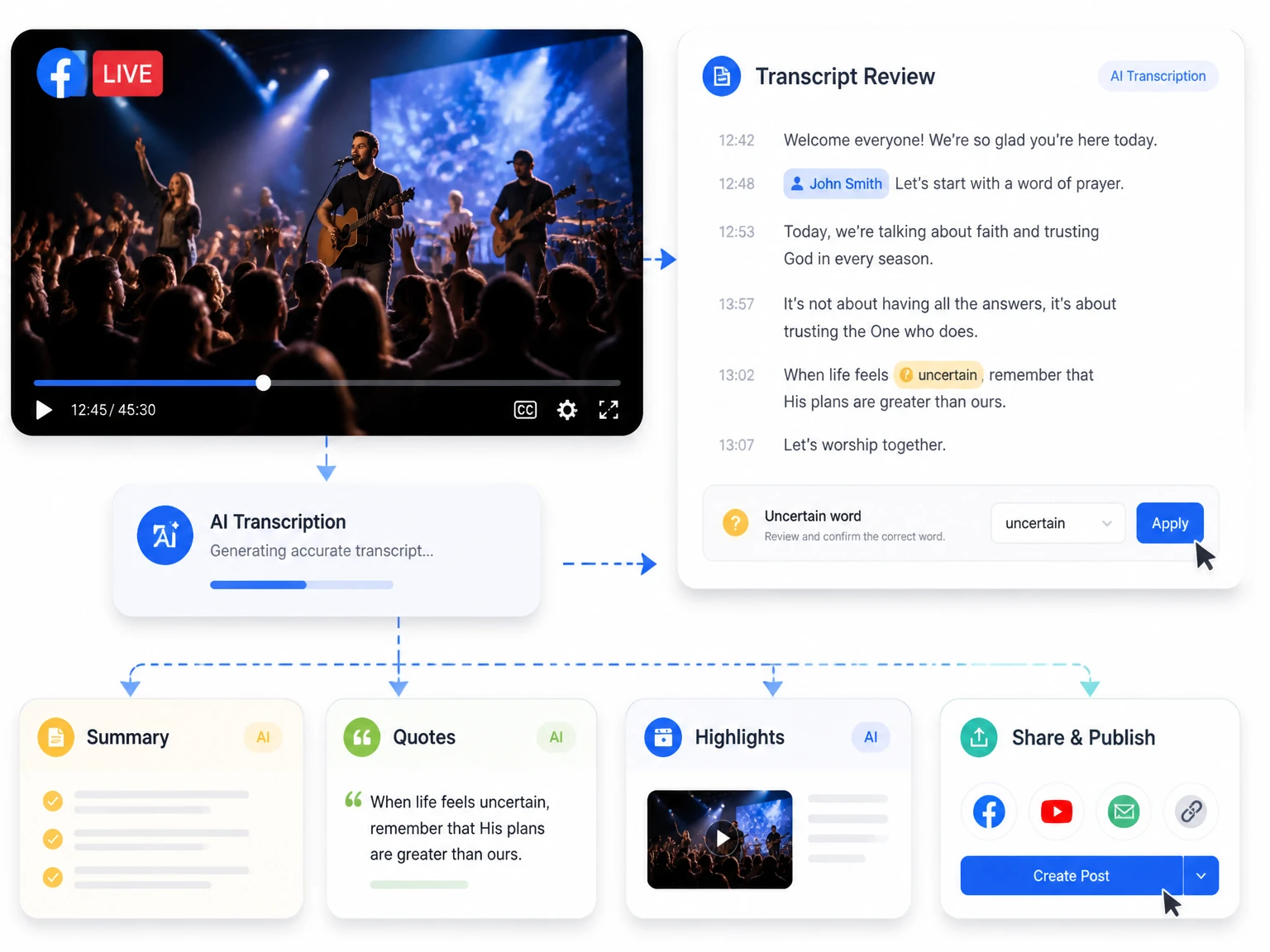
Automatic transcription creates a useful draft, but the source audio still determines how much editing is needed.
Verify people, brands, places, dates, prices, and other details that are easy to mishear.
Music, crowd noise, low microphones, accents, and overlapping speech can reduce transcription quality.
Review labels in interviews and group conversations before assigning a statement to a specific person.
When I need a transcript from a public Facebook video, I paste the link and review the text instead of replaying the entire post. The timestamps make it easy to return to the exact answer before I reuse it.
Have a public Facebook video or recorded Live replay ready? Paste the link to create a transcript you can search, check, edit, and export.
Generate a Facebook TranscriptA Facebook transcript generator turns the speech in a supported Facebook video or recorded Live replay into readable text. The result can include timestamps and can be reviewed before copying or exporting it.
Copy the URL of a public Facebook video, paste it into the tool, and start transcription. When the text is ready, review important passages against the recording and export the format you need.
No. A private, friends-only, deleted, restricted, or otherwise inaccessible video cannot normally be fetched through a public link. Use a video file that you own or have permission to process instead.
It can work with a recorded Live replay when the replay is public, available, and supported by the link importer. An active broadcast or restricted replay may not be available.
Accuracy depends on speech clarity, microphone quality, background sound, accents, proper names, and overlapping voices. Review important wording, quotations, and numbers before publishing.
Available exports may include TXT, DOCX, SRT, and VTT. Subtitle formats are useful for video editing, while text and document formats are better for notes or archiving.
After transcription, you can use the available translation and summary tools when supported. Review names, brand terms, and context before sharing the result.