
Free AI Video Summarizer
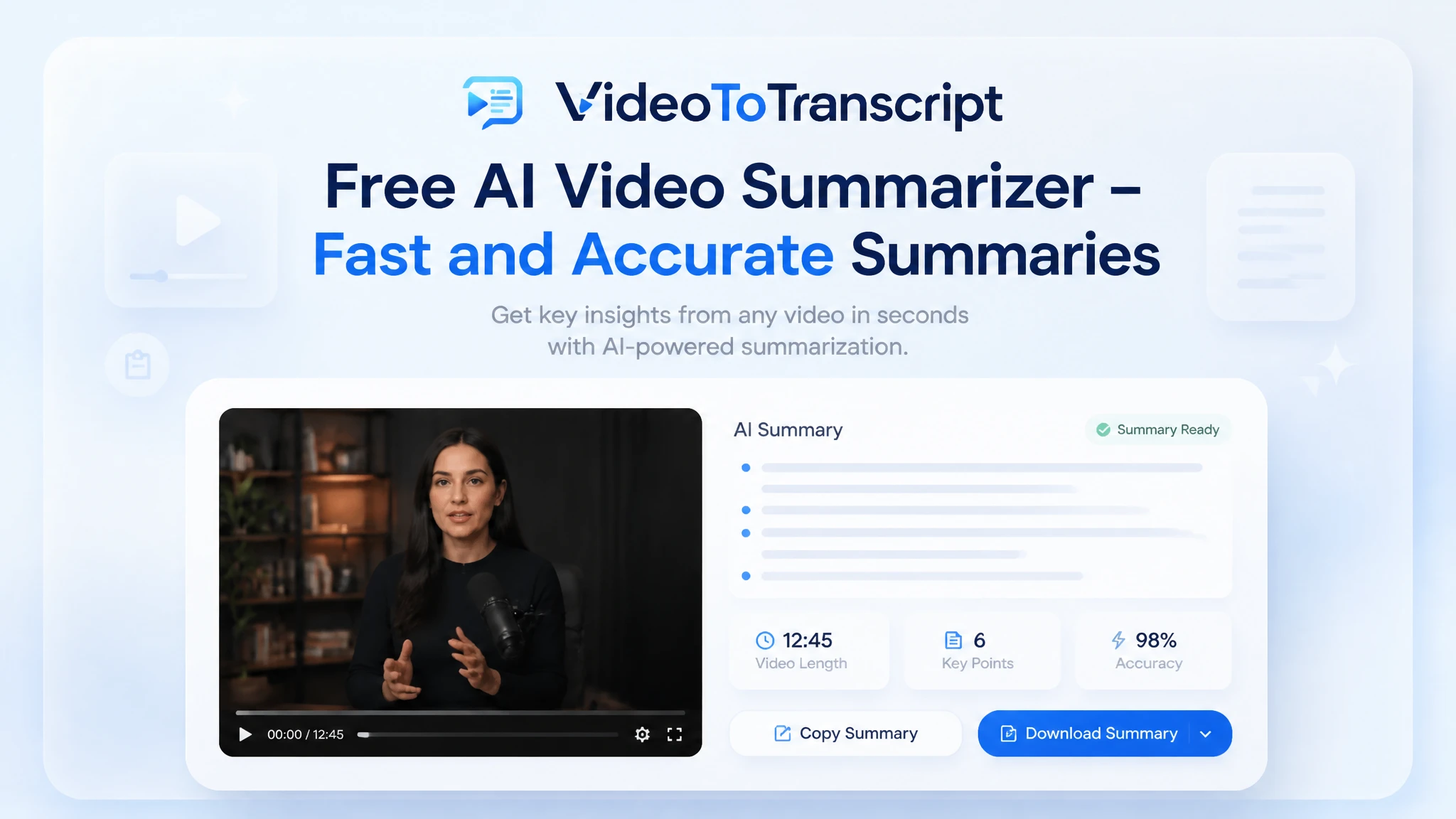
Get the key points of any video in seconds — a clean summary with no sign-up, no downloads, and no need to watch the whole thing.
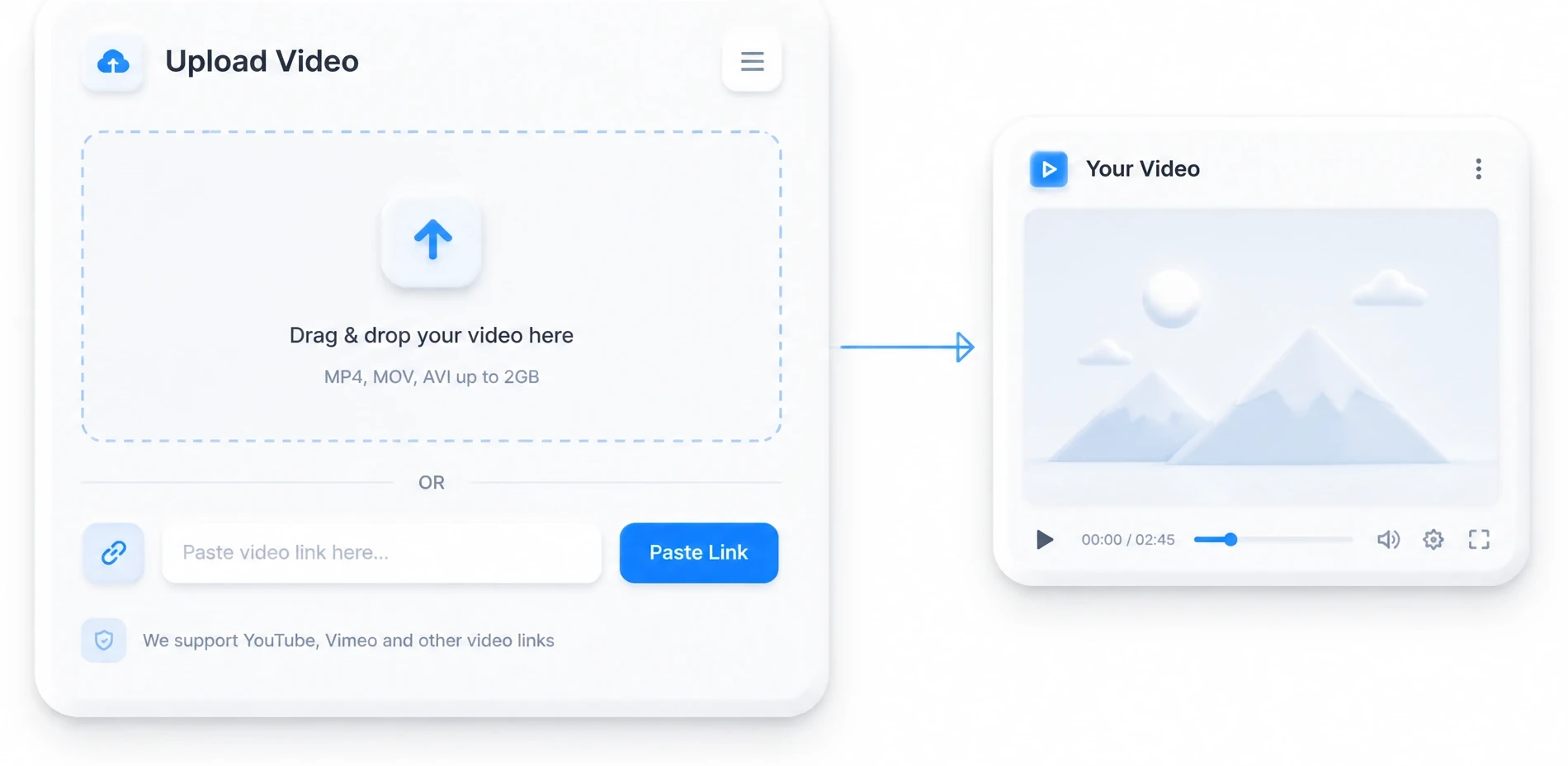
MP4, MOV, AVI, MKV up to 5GB
Choose whether the transcript should separate different speakers in the conversation.
Use AI to refine and improve the transcript readability after extraction.
What Is an AI Video Summarizer?
An AI video summarizer is a tool for turning the spoken content of any video into a short written summary. It listens to the full recording and extracts the main points, key decisions, and top takeaways in seconds. An AI video summarizer turns an hour of footage into a brief overview built for skimming instead of watching.

Why Turn a Long Video into a Short Summary?
A full video takes an hour to watch, but its key points often fit into a few sentences. An AI video summarizer condenses the whole recording into the ideas that actually matter, so you get the gist without sitting through every minute. Summaries are faster to scan, easier to share, and simpler to turn into notes or next steps. When every recording becomes a short, skimmable brief, your meetings, lectures, and interviews stop being files you dread rewatching. For the words behind the summary, you can turn any video into a full transcript and keep the detail close at hand.

Tired of Watching and Rewinding Just to Take Notes?
Watching a video just to find the useful parts means sitting through the whole thing, then dragging the timeline back to catch what slipped past. A two-hour webinar becomes two hours of pausing, rewinding, and scribbling half-remembered notes that never quite capture the point. An AI video summarizer removes that slog by handing you the key points in seconds, so your notes start from a clean brief instead of a blur of replay. Your attention stays on deciding what matters rather than on chasing the timeline back and forth.

Core Features of an AI Video Summarizer
A strong AI video summarizer carries the whole job from upload to finished brief. The six capabilities below are the ones people lean on daily, and each removes a step that used to slow the work down.

Instant AI Summaries
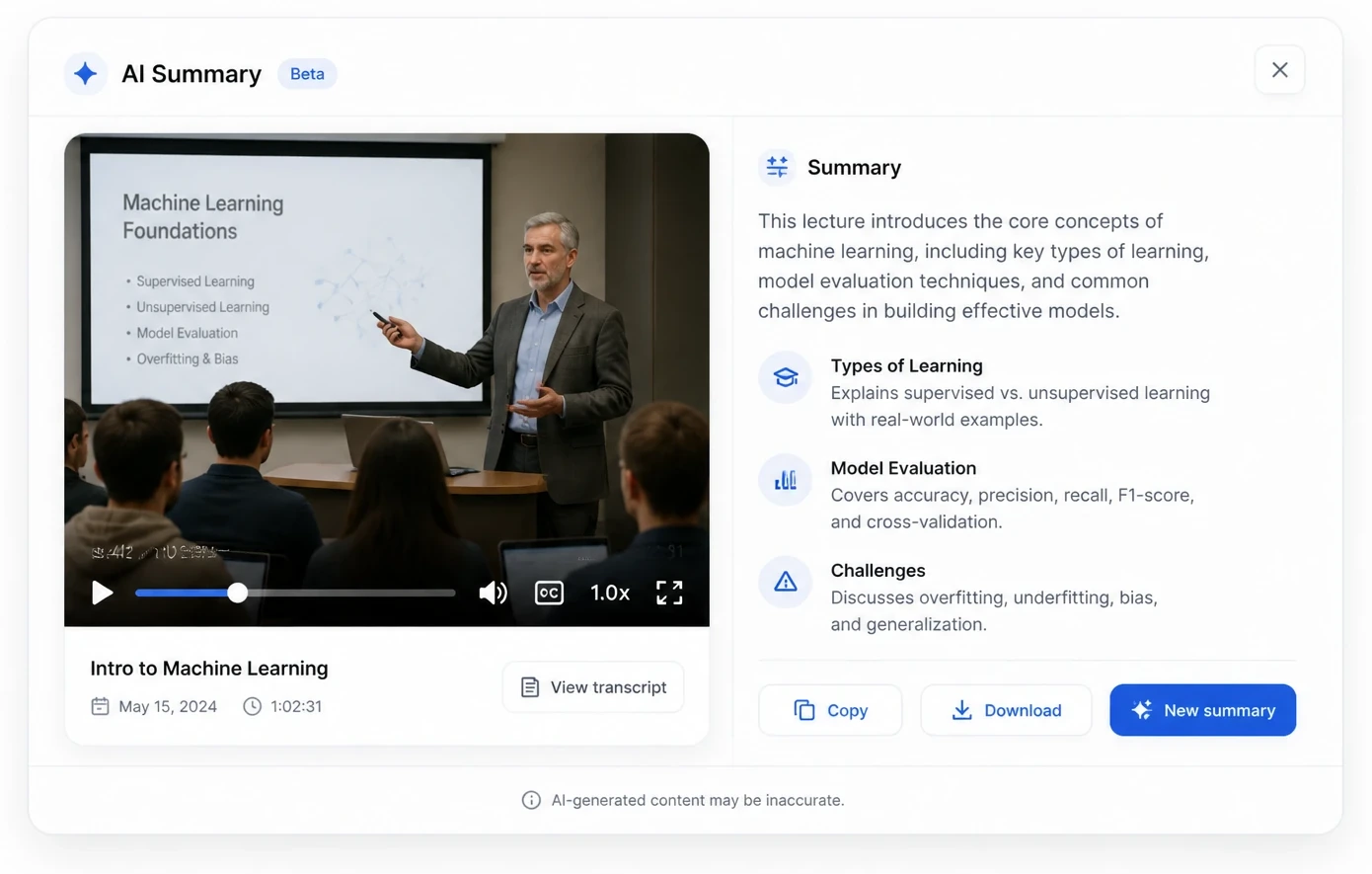
Drop in any video and get a written summary in seconds instead of after a full rewatch. The AI video summarizer pulls the core message, key decisions, and main takeaways without you touching a single word.

AI Mind Maps for Quick Structure
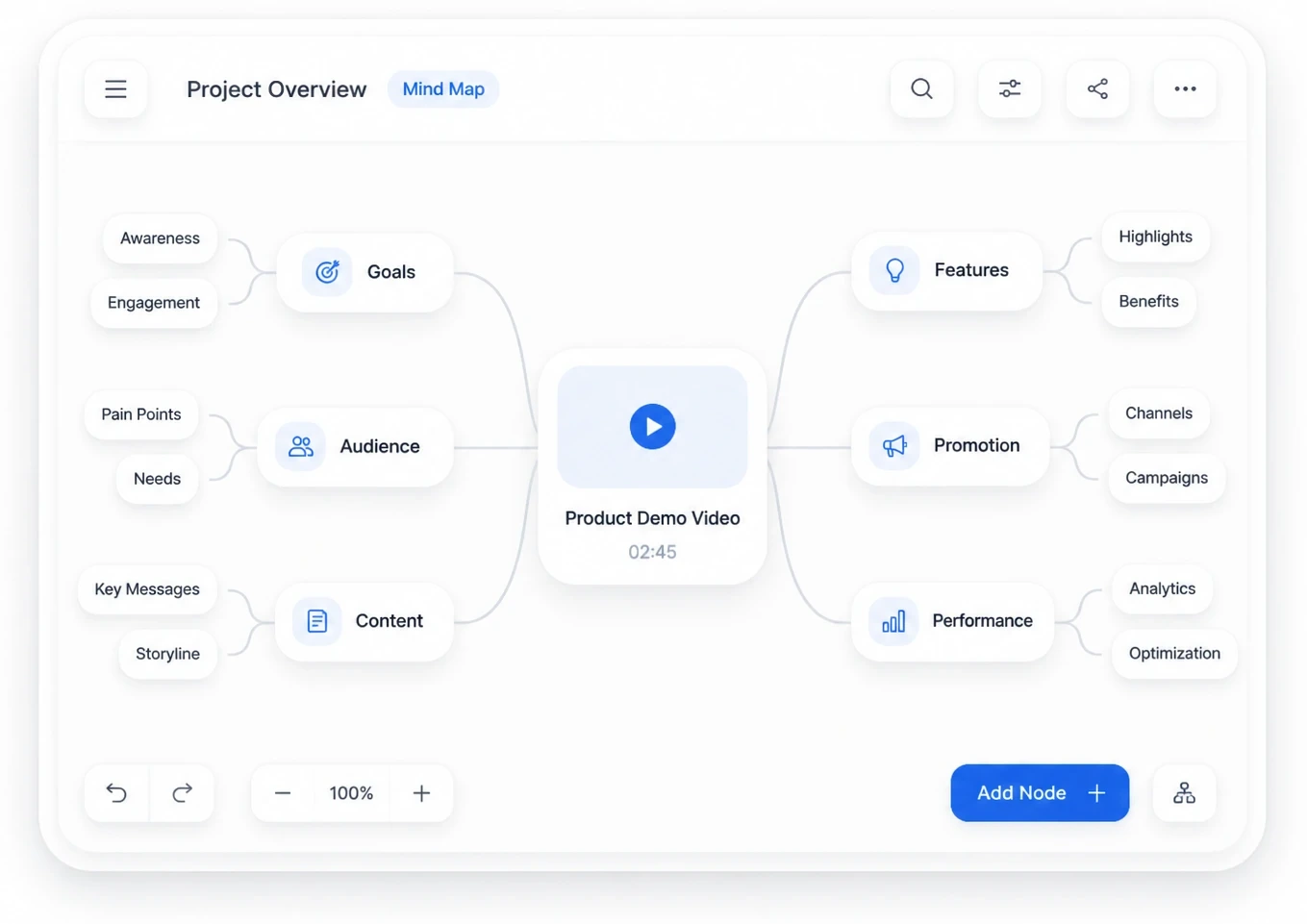
Turn a summary into a branching mind map that shows the video's structure at a glance. Skim the branches to spot the sections you care about before reading deeper.

Ask AI Questions About the Video
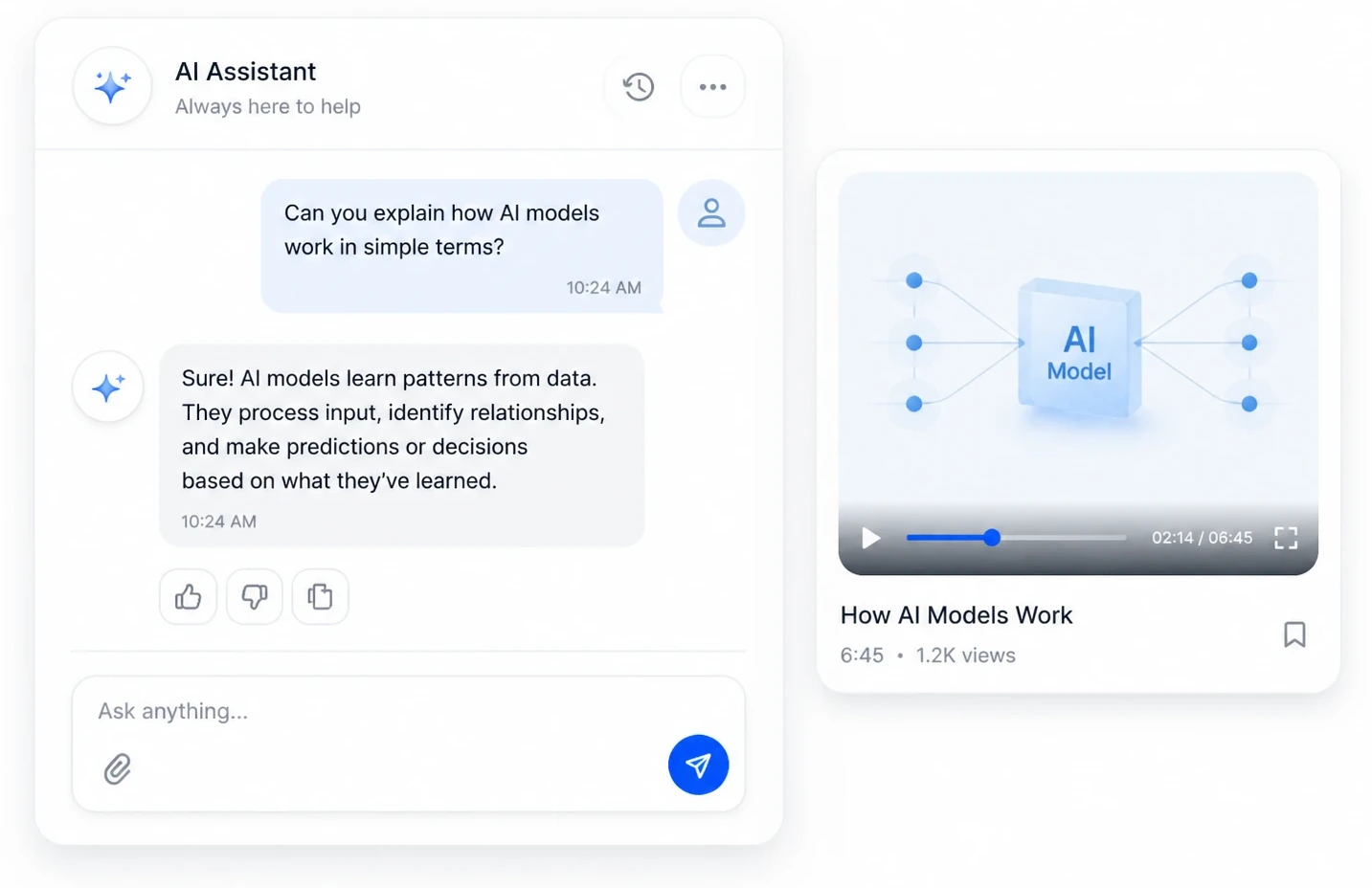
Chat with the summary to find a specific answer without replaying the footage. Ask what was decided, what a speaker said about a topic, or which section covers an idea, and get a direct reply.

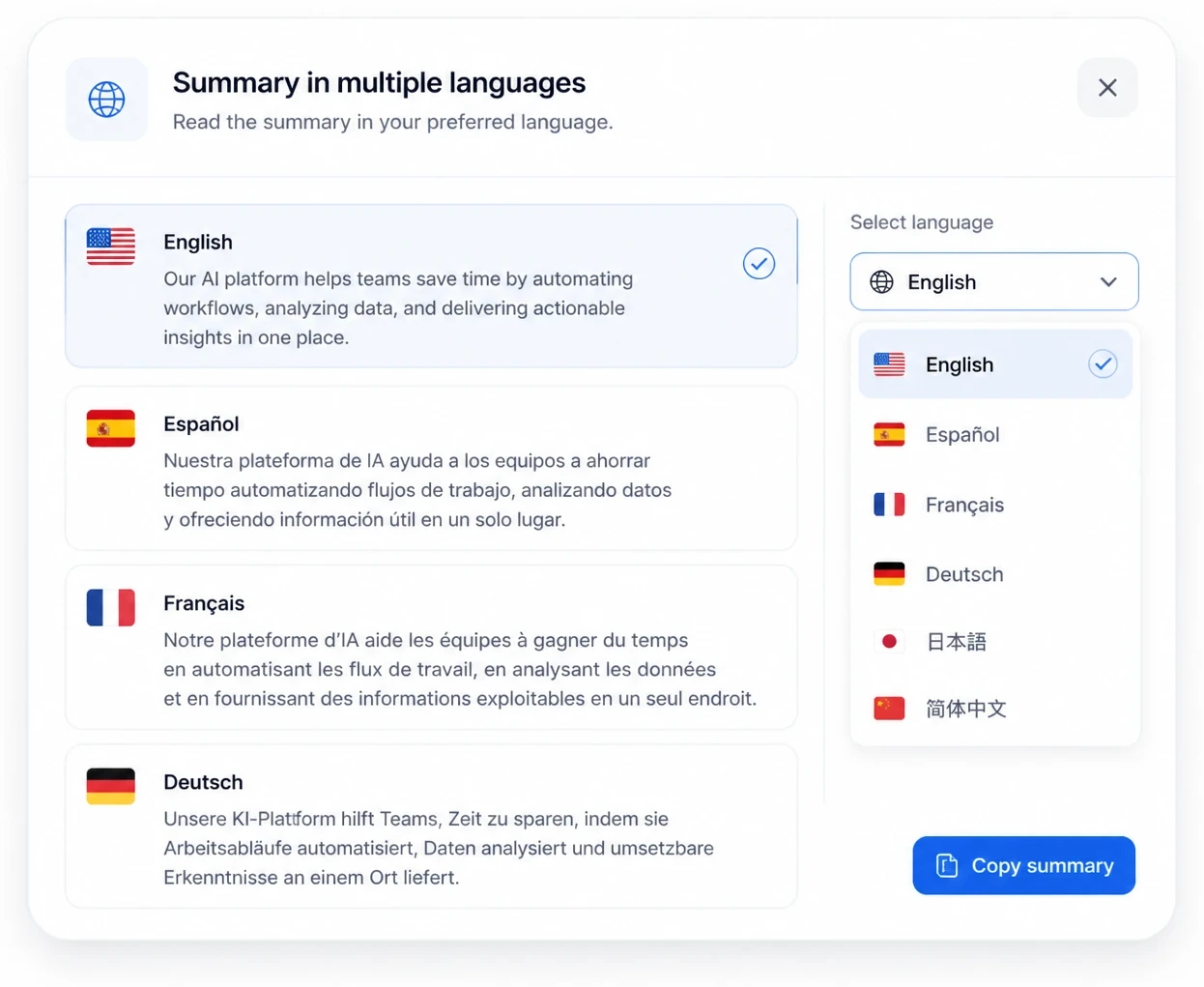
Summarize in 200+ Languages
Run summaries across more than 200 languages, from major world tongues to regional dialects. After the first pass, translate a summary into another language with one click.

Key Points, Highlights & Timestamps
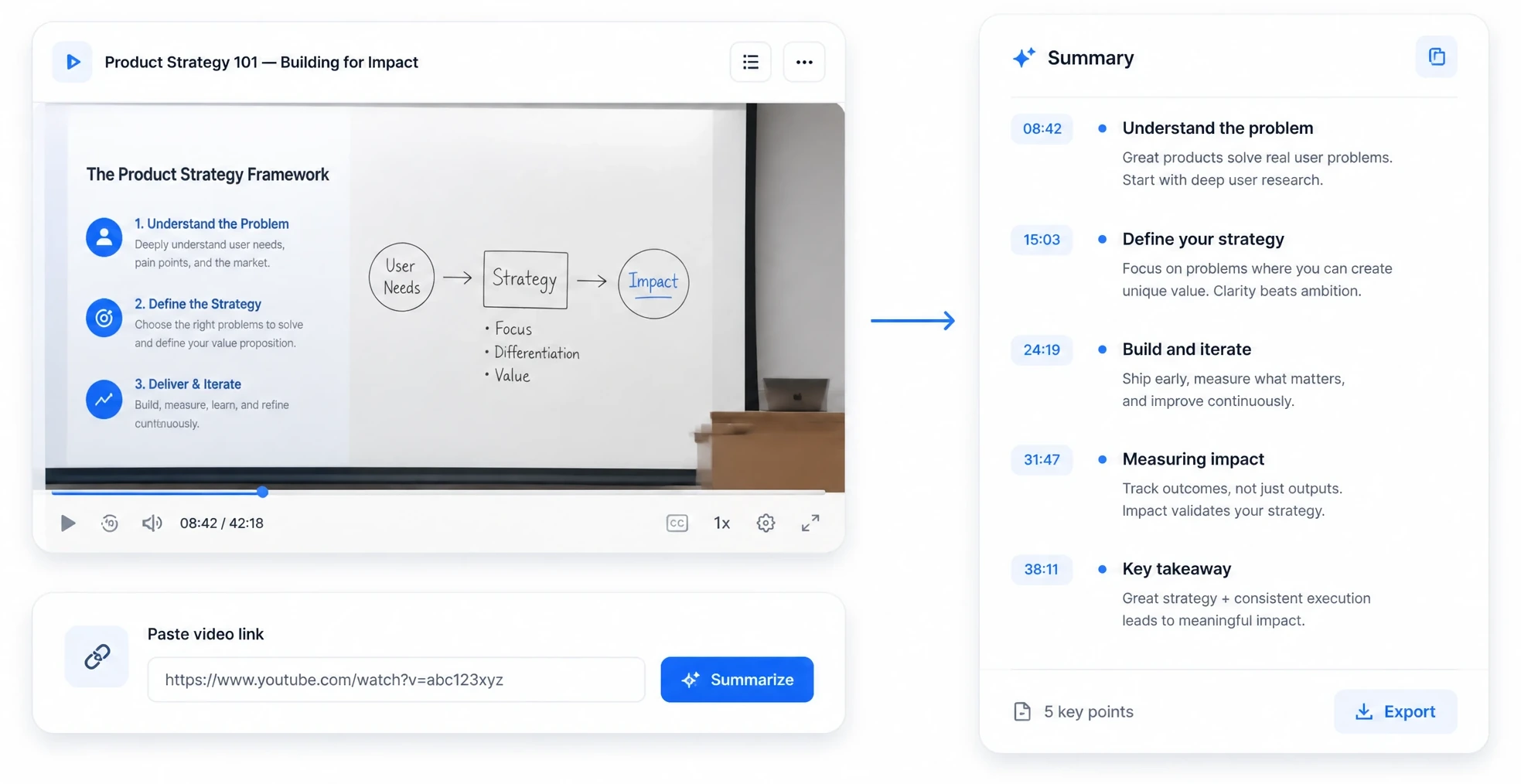
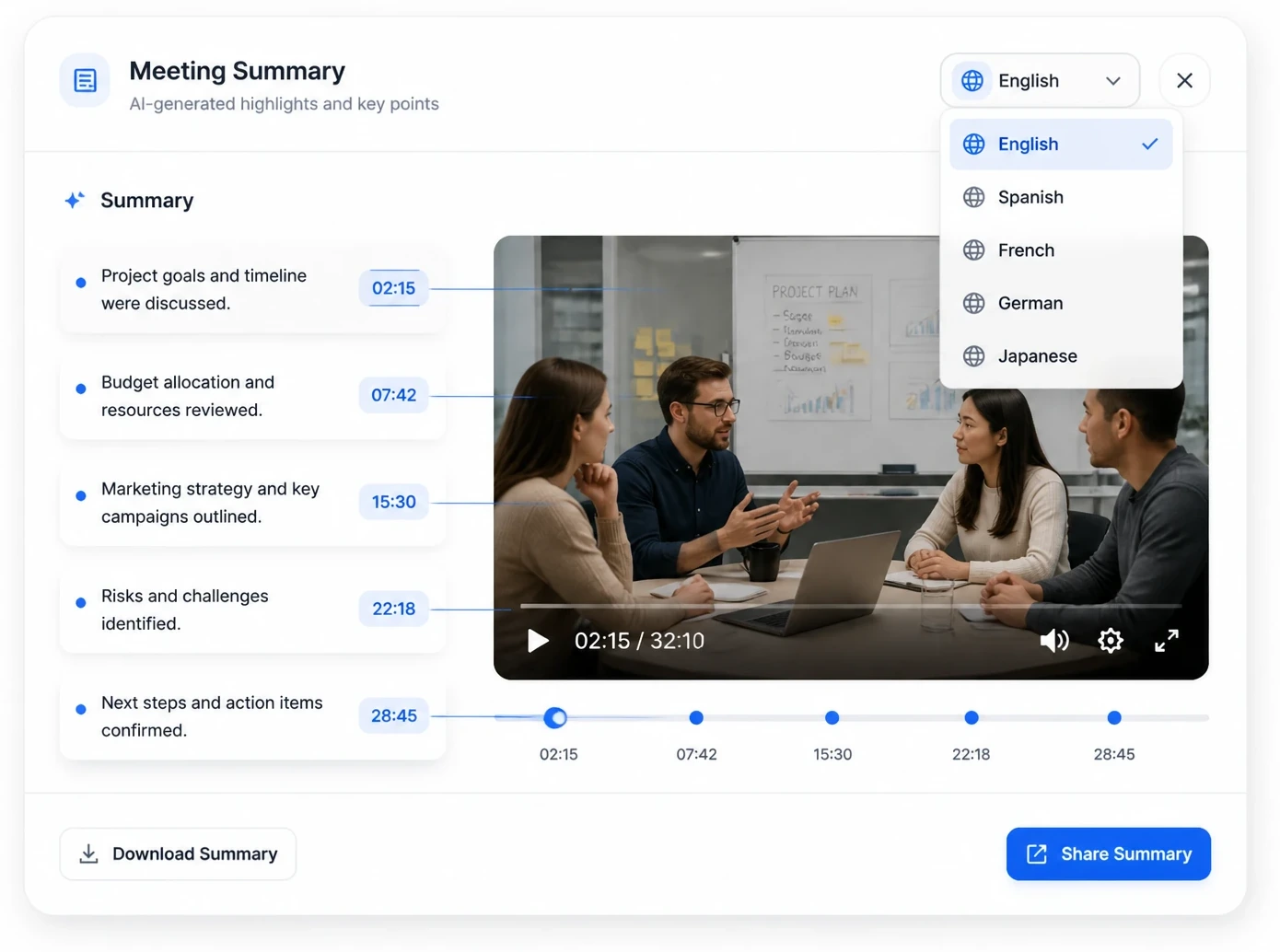
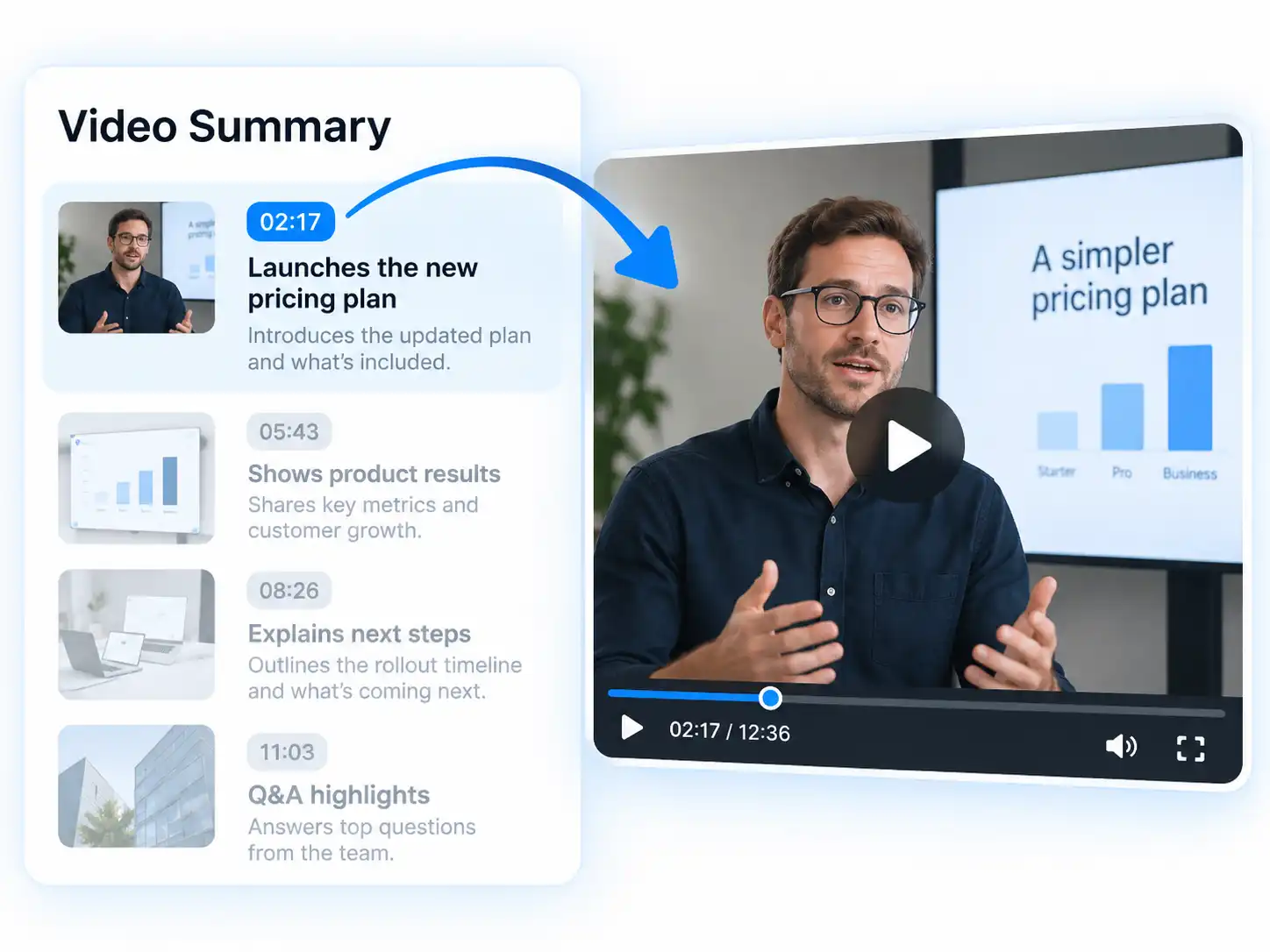
Each summary keeps the moments it came from, so every point links back to its spot in the video. Click a takeaway to jump straight to the exact line that supports it.

Summarize from Any File or Link
Feed it a local file or drop in a link and the AI video summarizer handles the rest. For recordings hosted on YouTube, grab a YouTube transcript first and summarize from the same page.
How to Summarize a Video with AI in 3 Steps
From a raw video to a clean, ready-to-share summary, an AI video summarizer gets you there in three quick steps.

Upload Your Video or Paste a Link
Add a local file (MP4, MOV, AVI, MKV) or paste a link to start. The summarizer runs entirely in your browser, so there is nothing to install before you begin.

AI Reads the Video and Builds a Summary
The AI video summarizer listens to the whole recording, picks out the main points, and writes a concise summary with timestamps in minutes. Every takeaway stays linked to its moment in the source video.

Review, Save & Share the Summary
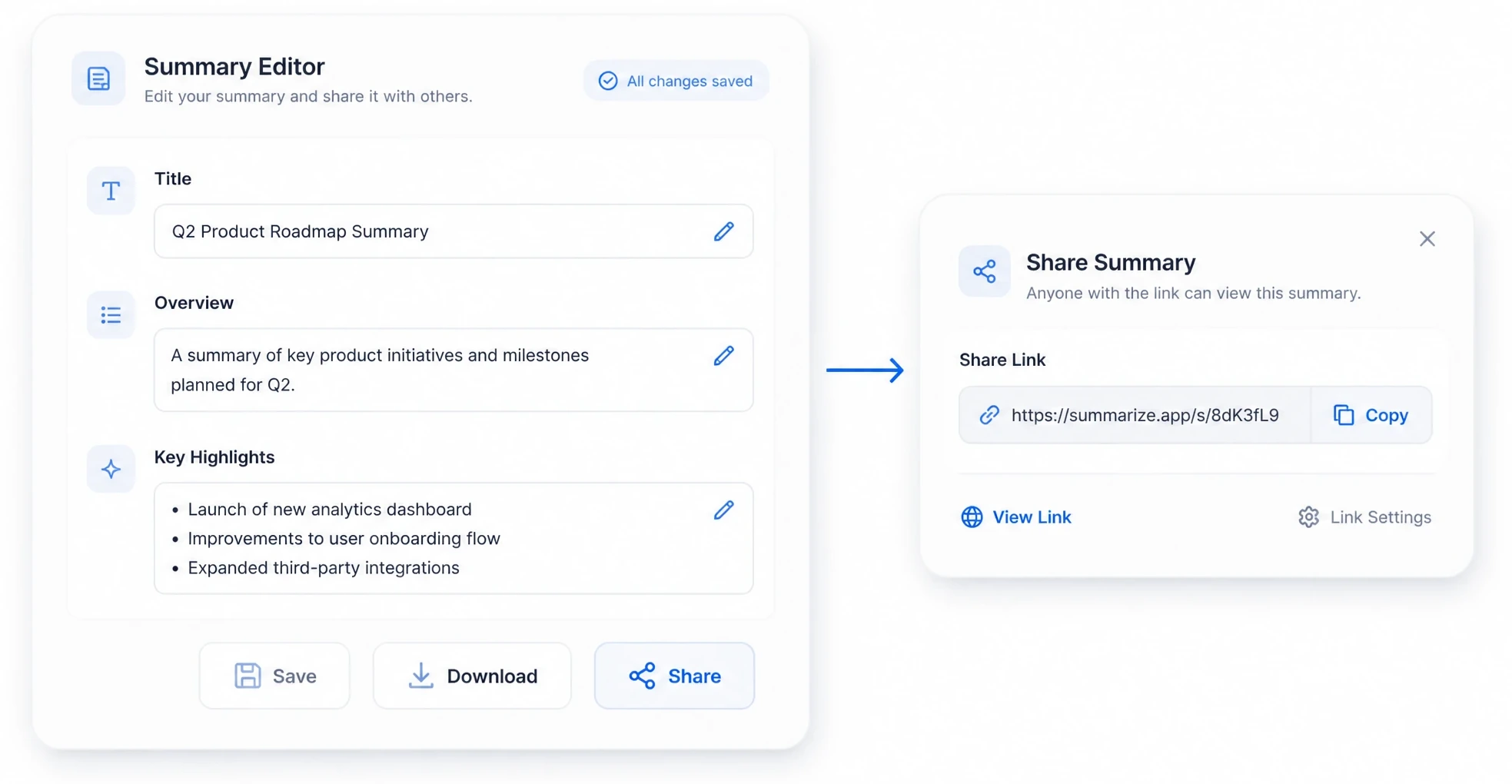
Skim the summary in the built-in editor, tweak a line if you need to, then copy, download, or share it with a link. Your key points and mind map are ready the moment the job finishes.
AI Video Summarizer Use Cases
An AI video summarizer fits into almost any workflow where video piles up faster than you can watch it. Each use case starts from a single recording and turns hours of footage into minutes of reading.

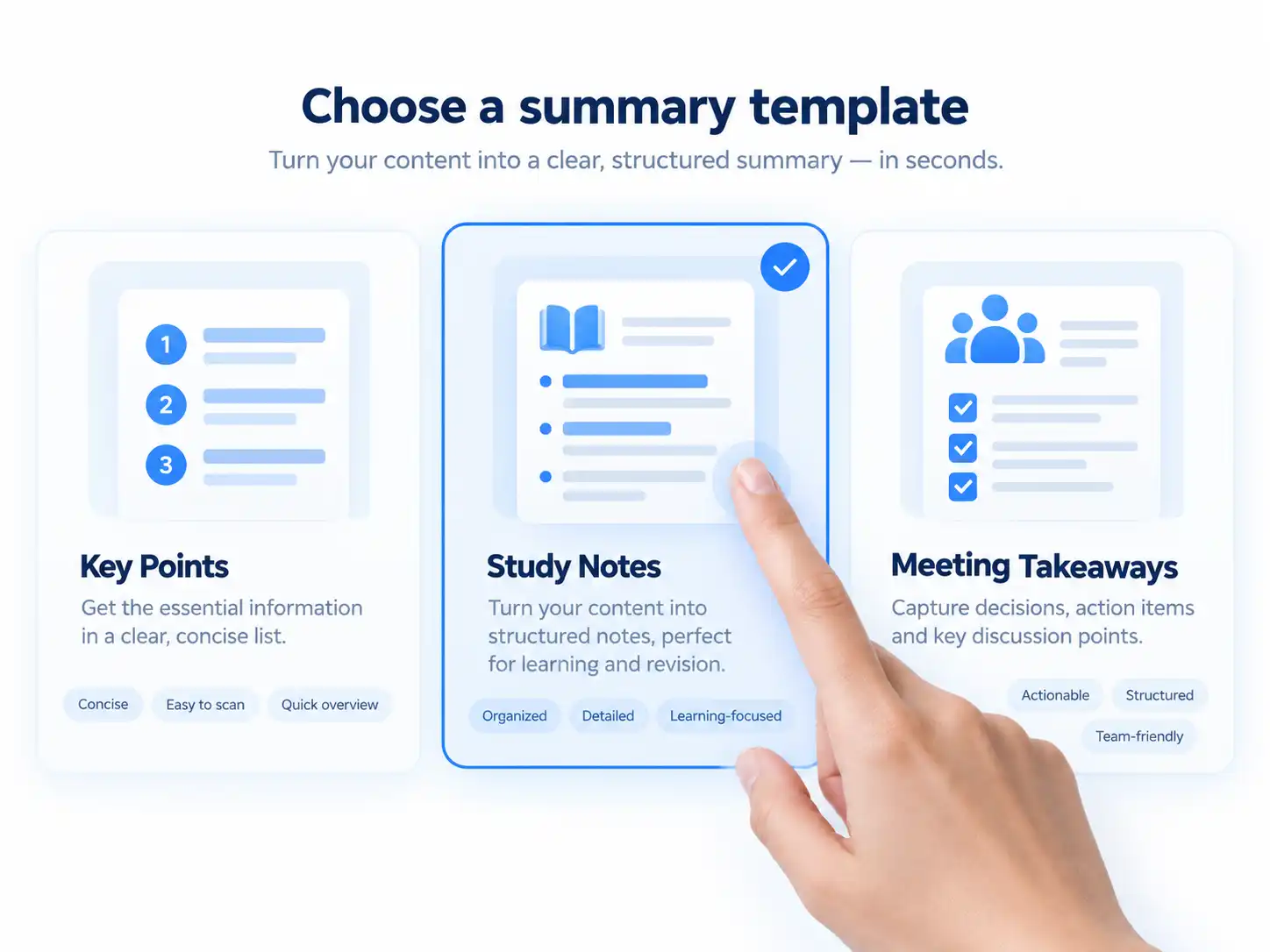
Summarize Meetings into Action Items
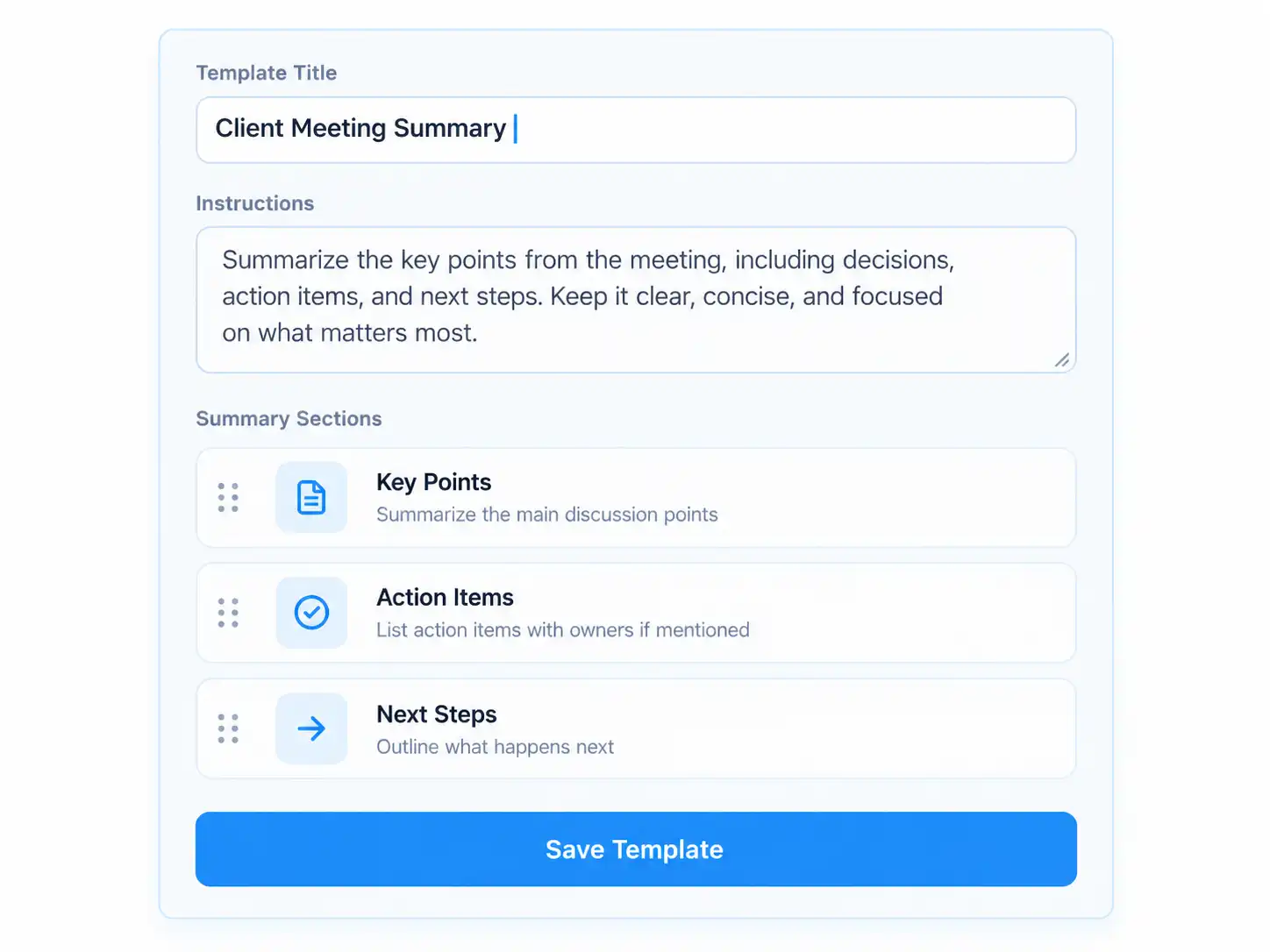
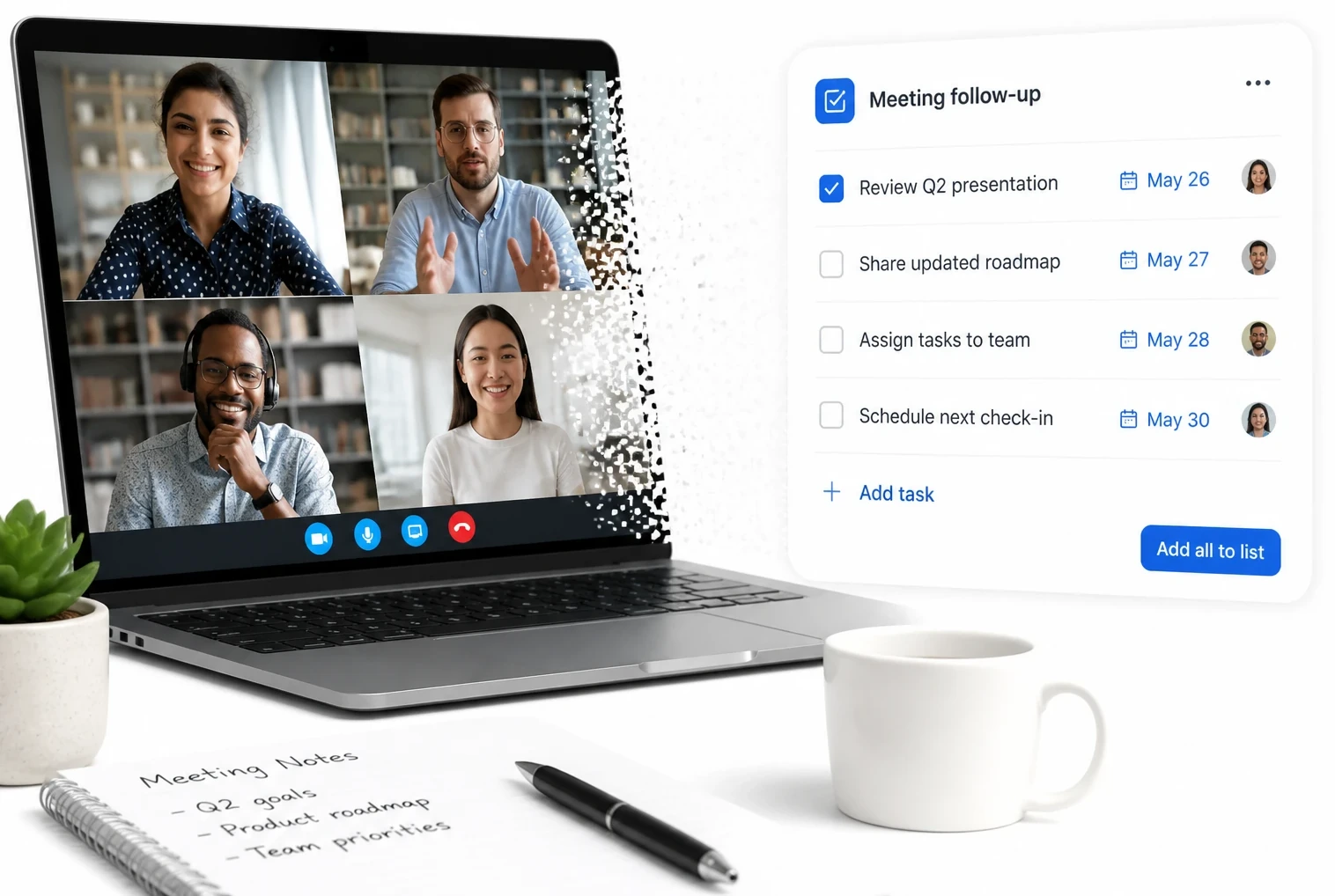
Turn a recorded meeting into a short list of decisions and next steps with an AI video summarizer. Share the summary with the team instead of replaying the whole call.

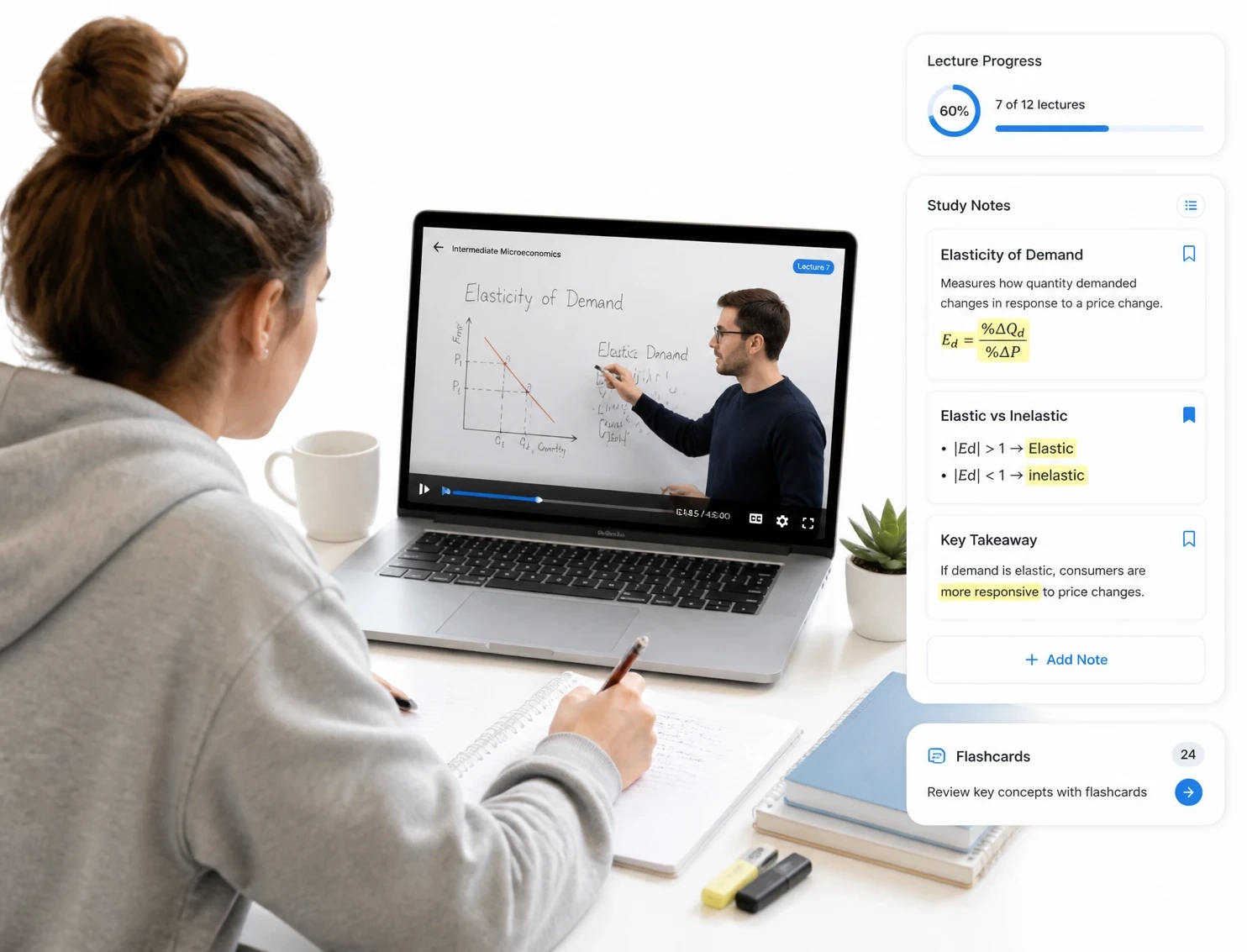
Turn Lectures into Study Notes
Condense a full lecture into the concepts worth reviewing. Students skim the summary to find the exact moment they need to revisit.

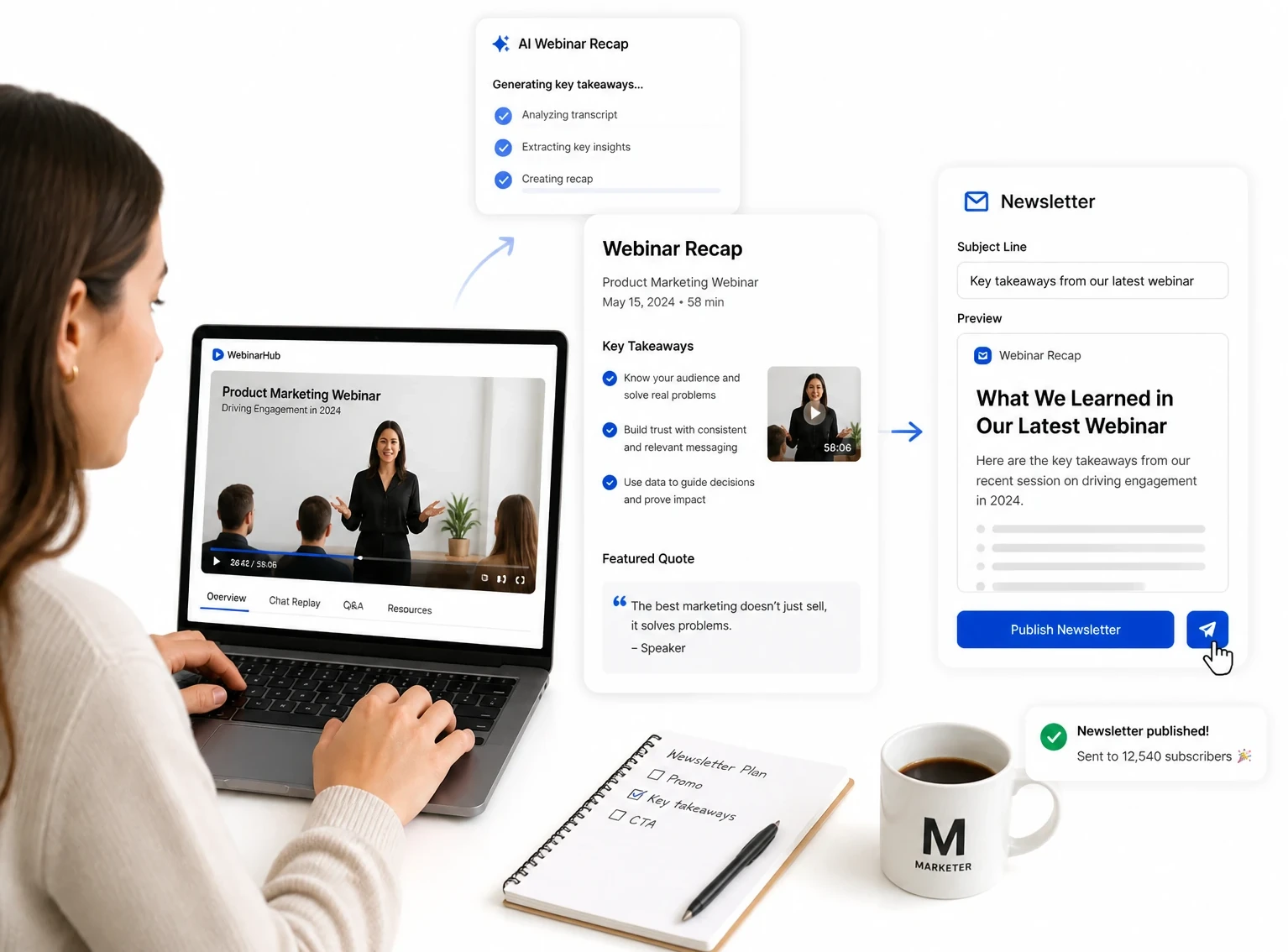
Repurpose Webinars into Recaps
Boil a webinar down to a recap for a newsletter or blog. One summary feeds the whole publishing pipeline without a second listen.
Who Benefits from an AI Video Summarizer?
A growing list of roles lean on an AI video summarizer to skip the rewatch and land on the point. From team meetings to lectures to interviews, the summaries turn into notes, recaps, and decisions every week.

Busy Professionals
Teams summarize meetings and calls into action items they can act on without replaying the recording.

Students & Researchers
Students condense lectures into study notes, while researchers skim interviews for the themes that matter.

Content Creators & Podcasters
Creators feed long episodes into an AI video summarizer to get show notes, recaps, and captions.

Marketers & SEO Teams
Marketers boil webinars and demos into article outlines and social captions search engines can read.

Journalists & Writers
Reporters pull the key claims out of an interview before quoting a single word.

Educators & Trainers
Teachers turn recorded lessons into takeaways and handouts students can review after class.
Why Choose Our AI Video Summarizer
Our AI video summarizer removes the usual friction of review: the cost of watching everything, forced sign-ups, and clunky desktop tools. Here is what sets it apart from the slow, manual way of working.
Free with No Sign-up
Summarize any video with a free AI video summarizer — no account, no credit card, and no trial to expire. You get the summary first and decide later whether to stick around.
Private by Default
Uploads are encrypted in transit and never used for training. The source video is deleted after processing, so only your summary remains.
Runs in the Browser
There is nothing to download or install on desktop, tablet, or phone. Open the page and start a summary in a few clicks.
Built for Long Videos
Two-hour lectures and full webinars summarize in one pass, with the engine streaming audio in chunks so nothing times out.
Summary + Mind Map Together
Condense any video into a short brief and a branching mind map in one click. Skim the branches first, then read only the parts you need.
Every Point Linked to the Video
Click any takeaway in the summary and the player jumps to the exact moment that supports it. Verification takes a second, not a rewatch.
What Users Say About Our AI Video Summarizer
Real feedback matters more than marketing claims, so we asked people who rely on an AI video summarizer every week how the tool fits their routine.
I summarize every meeting recording now instead of watching it back. The key points and action items are already pulled out before I open my notes.
Long lectures used to take me a whole evening to review. Now I skim the summary, find the section I need, and jump straight to that timestamp.
Webinars that sat on my drive now turn into one-paragraph recaps. My whole newsletter starts from a single summary.
The mind map is the part I didn't know I needed. I see the structure of a client call before reading a single line.
I drop in podcast episodes and get show notes in seconds. What used to take an afternoon now happens while I make coffee.
I ask the AI what was decided in a meeting and it answers with the exact moment. No more scrubbing through an hour of footage.
AI Video Summarizer FAQs
Is the AI video summarizer free to use?
Yes, it is completely free with no sign-up and no credit card. You can summarize videos right away in the browser, and every output — the summary, the mind map, and the transcript — is included at no cost.
How accurate is the AI video summarizer?
It captures the core message and key points from clear audio, holding up through accents, room noise, and fast speech. If a takeaway needs a tweak, the built-in editor lets you adjust that one line before you export.
How do I summarize a video with AI?
Upload a video file or paste a link, and the AI reads the whole recording before writing a concise summary with timestamps. You can review the result, edit a point, and share it in a few clicks.
Can the AI video summarizer handle long videos and webinars?
Yes, the tool is built with long recordings in mind — two-hour lectures and full webinars can be summarized in a single pass, with the engine streaming audio in chunks. Processing time scales with the length of the file, so the longest videos may take a while.
What languages does the AI video summarizer support?
It summarizes in more than 200 languages, from widely spoken tongues to regional dialects. You can also translate a finished summary into another language with one click.
Can I summarize a YouTube video?
Yes. Paste a YouTube link and the AI video summarizer turns the spoken content into a summary without you watching the clip first.
Are my videos and summaries kept private?
Yes. Uploads are encrypted in transit, never used for training, and the source file is deleted after processing, leaving only the summary you choose to keep.
How long does it take to summarize a video?
Most videos summarize in minutes, and short clips often finish in under a minute. Longer files take proportionally more time, but the engine processes audio continuously so you are not stuck in a queue.
Do I need to sign up to use the AI video summarizer?
No account is needed. The tool runs in your browser, so you can add a video and start a summary the moment the page loads — no registration form and no software to install.
Can the AI video summarizer also create a mind map?
Yes. In one click it turns the summary into a branching mind map that shows the video's structure, so you can skim the branches before reading a single line.