

Free X Transcript Generator for Public Videos
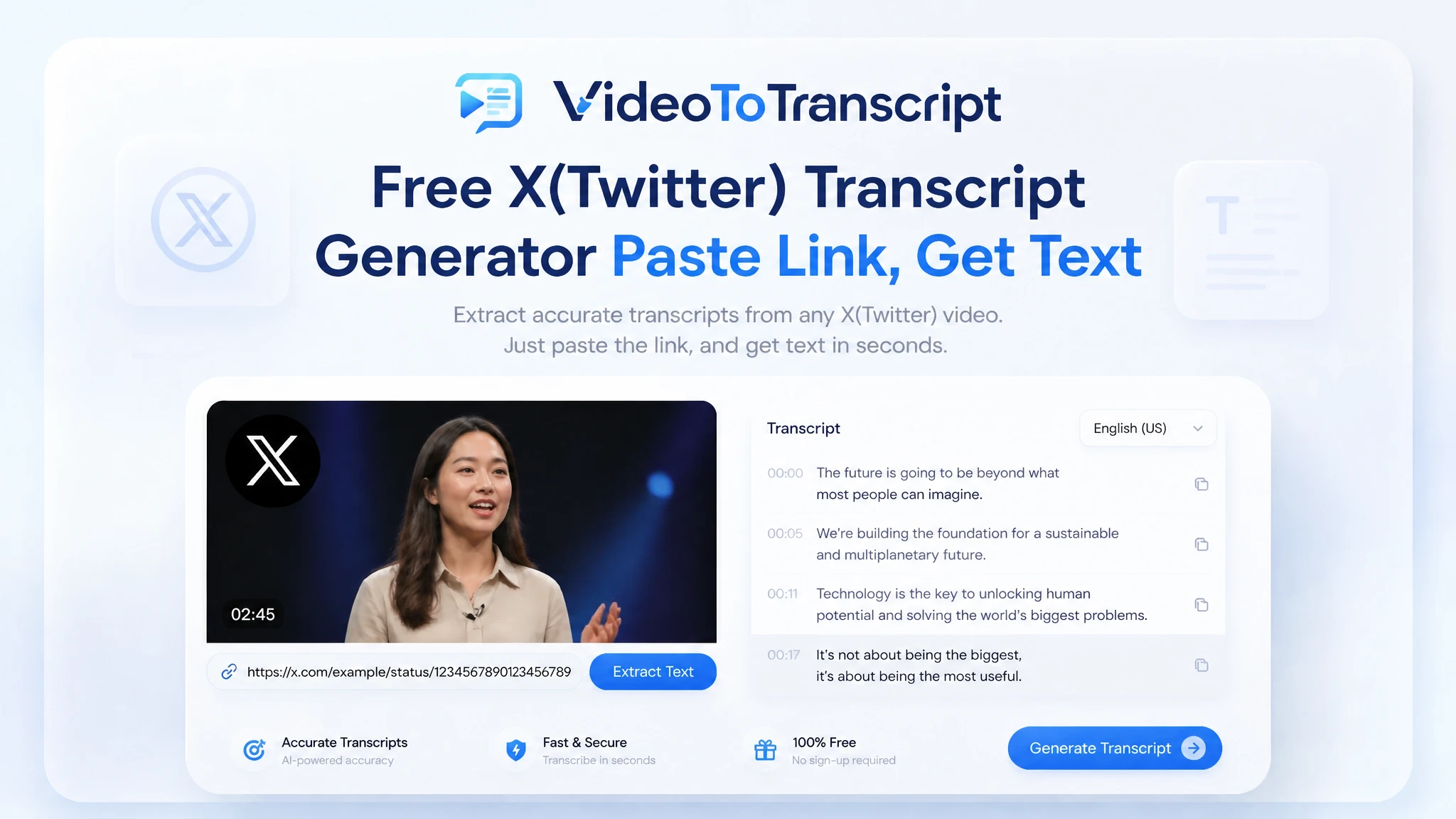
Paste a supported public X post link and turn its spoken audio into timestamped text. Review important names and quotes, then copy, translate, summarize, or export the result.
200+ languages
200+ languages
Video transcription support for global video content
Timestamped output
Timestamped output
Review exact moments and prepare captions
Speaker Recognition
Speaker Recognition
Identify and label different speakers in your transcript
Private upload
Private upload
Review sensitive media before exporting or publishing
What Does an X Transcript Generator Do?
An X transcript generator converts speech from a supported public X (formerly Twitter) video into readable text with timestamps. Paste the post URL, generate the transcript, and review the wording before you copy or export it.
For other sources or uploaded files, use the video to text converter.
When an X Video Transcript Needs Extra Review
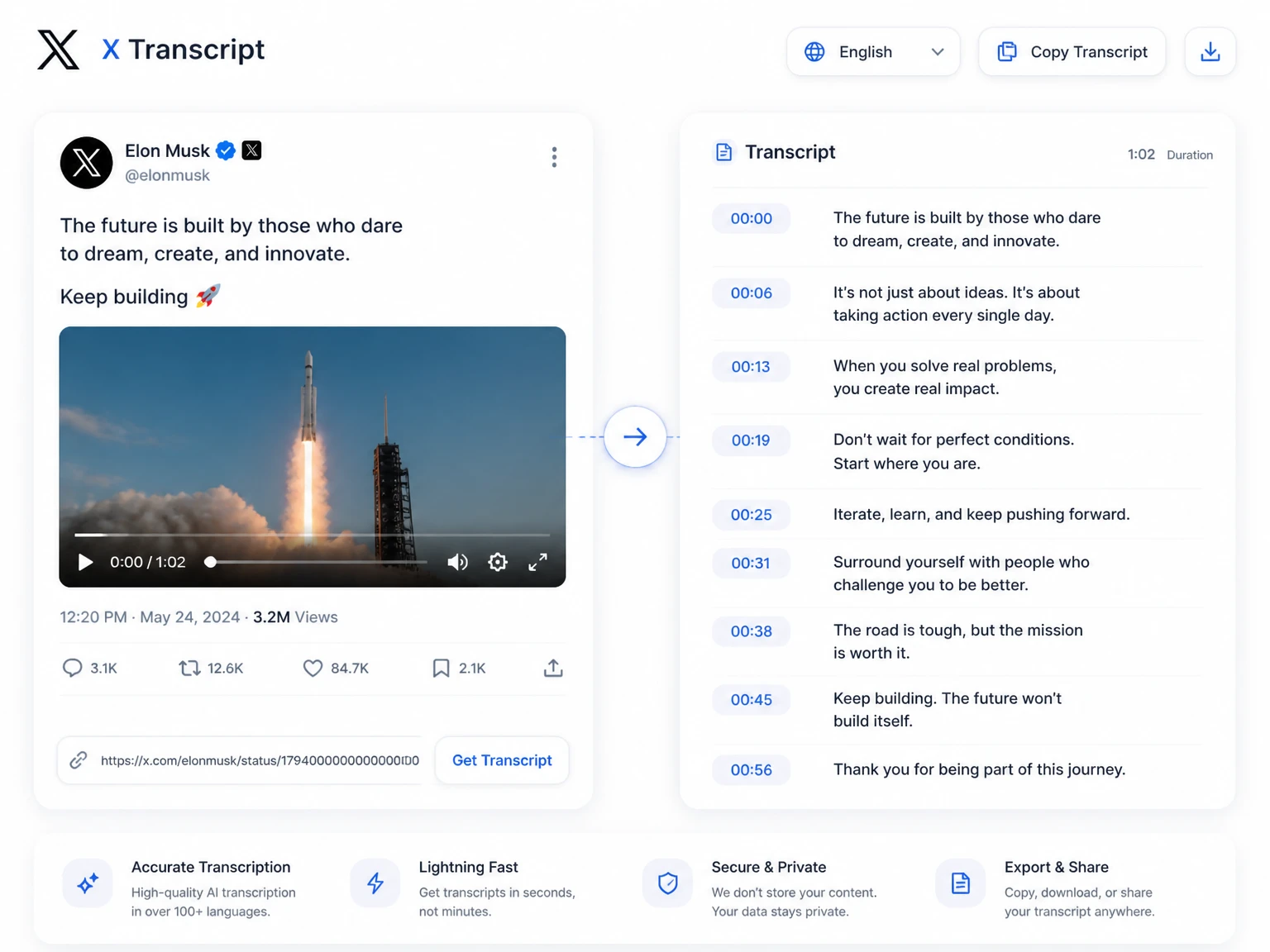
The post must be public and its video must still be accessible when you submit the link. Protected, deleted, login-gated, region-restricted, or unsupported posts may not be available to the tool.
Transcript quality depends on the recording. Background music, overlapping voices, strong noise, unusual names, and rapid speech can introduce errors, so verify important quotes against the source video before publishing or relying on them.
X Transcript Generator Features for Review and Reuse
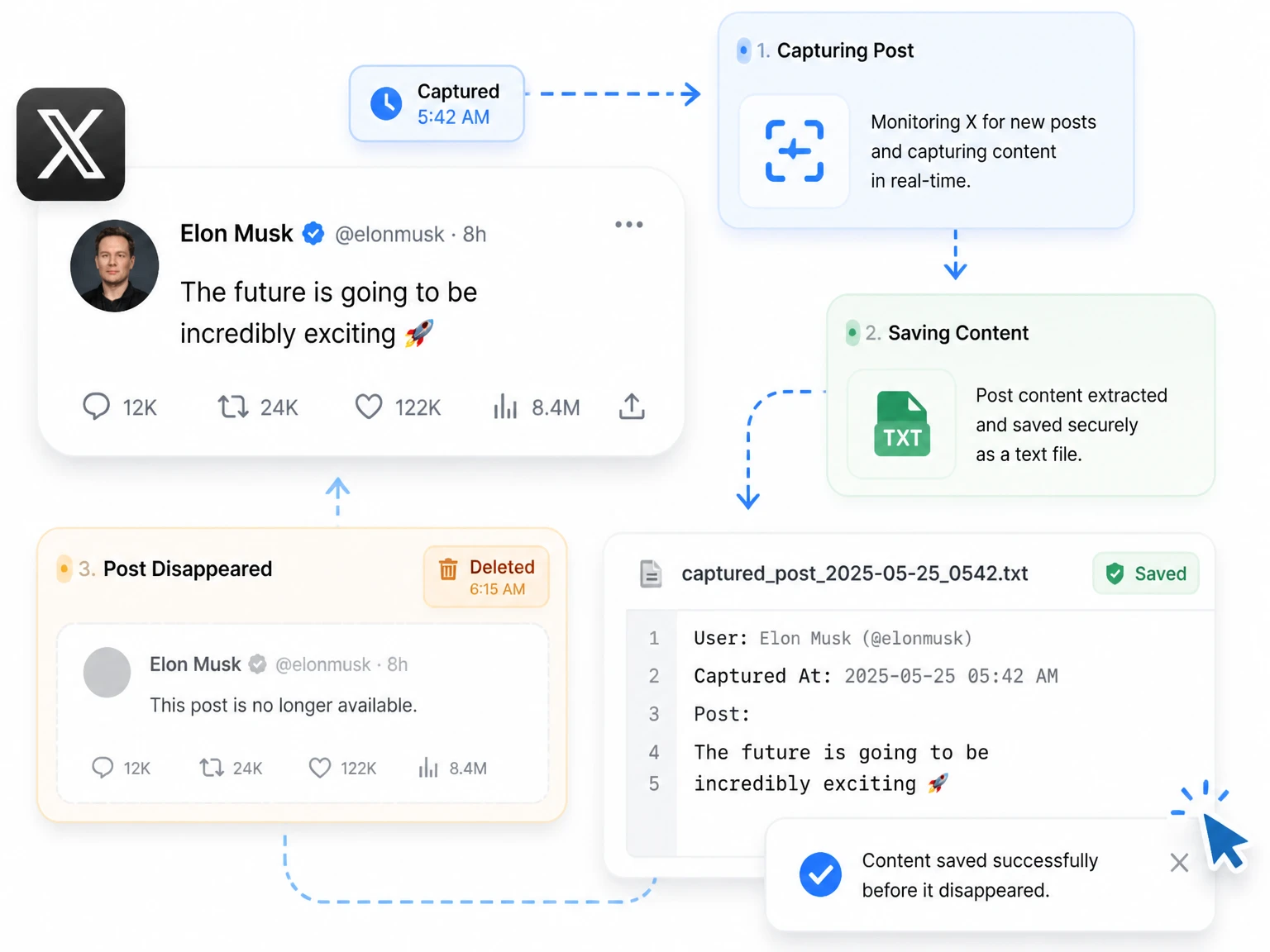
The X Transcript Generator keeps transcription, review, language tools, and reusable outputs together after a supported X link has been processed.

Start with a Public X Post Link
Copy a supported public X post URL and paste it into the X Transcript Generator. You do not need to download the video or extract its audio first.
Review Timestamped Transcript Lines
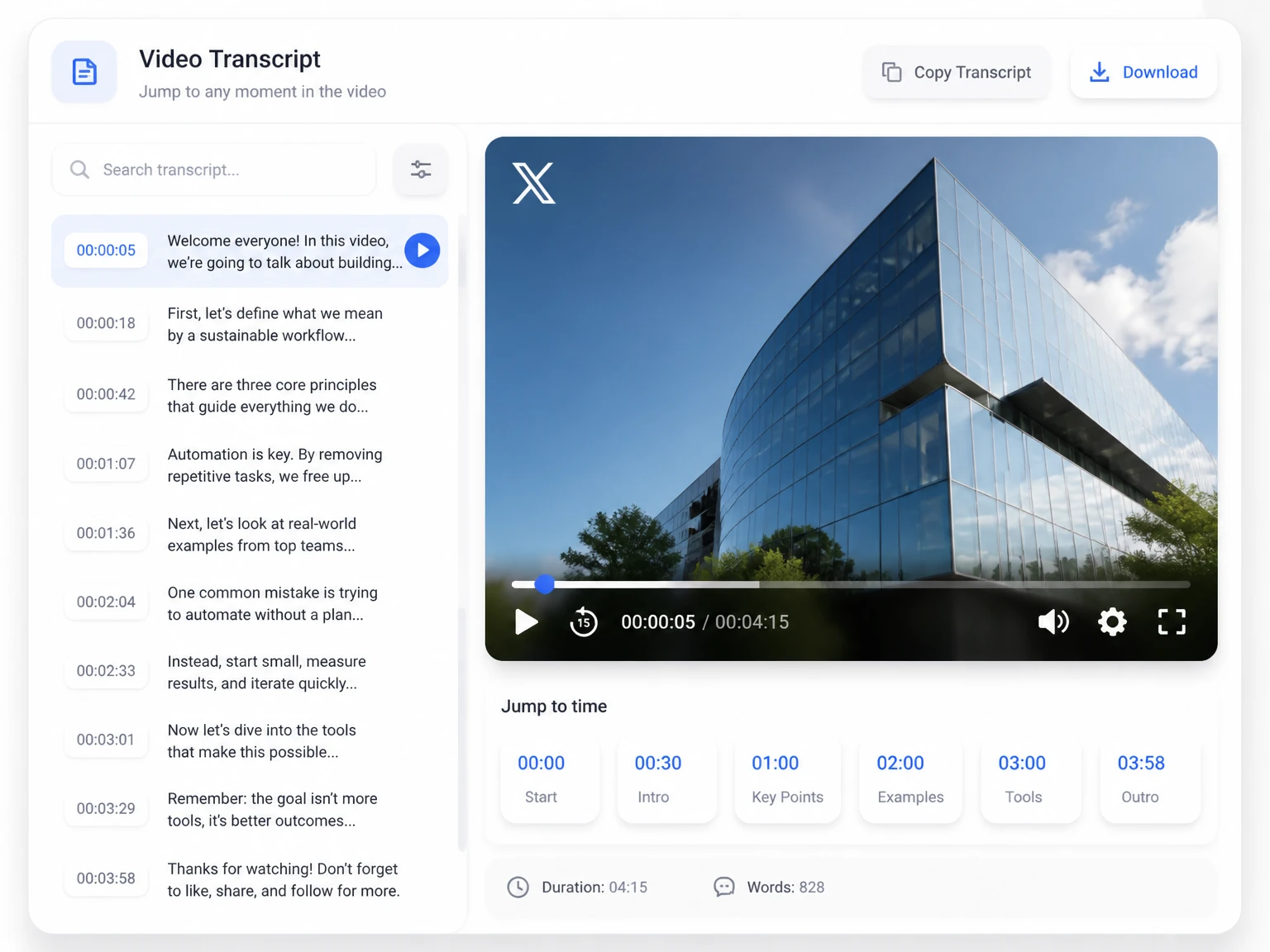
The X Transcript Generator adds timestamps that help you locate a spoken moment and check the generated wording against the source. This is especially useful for names, figures, and quotations that need careful review.
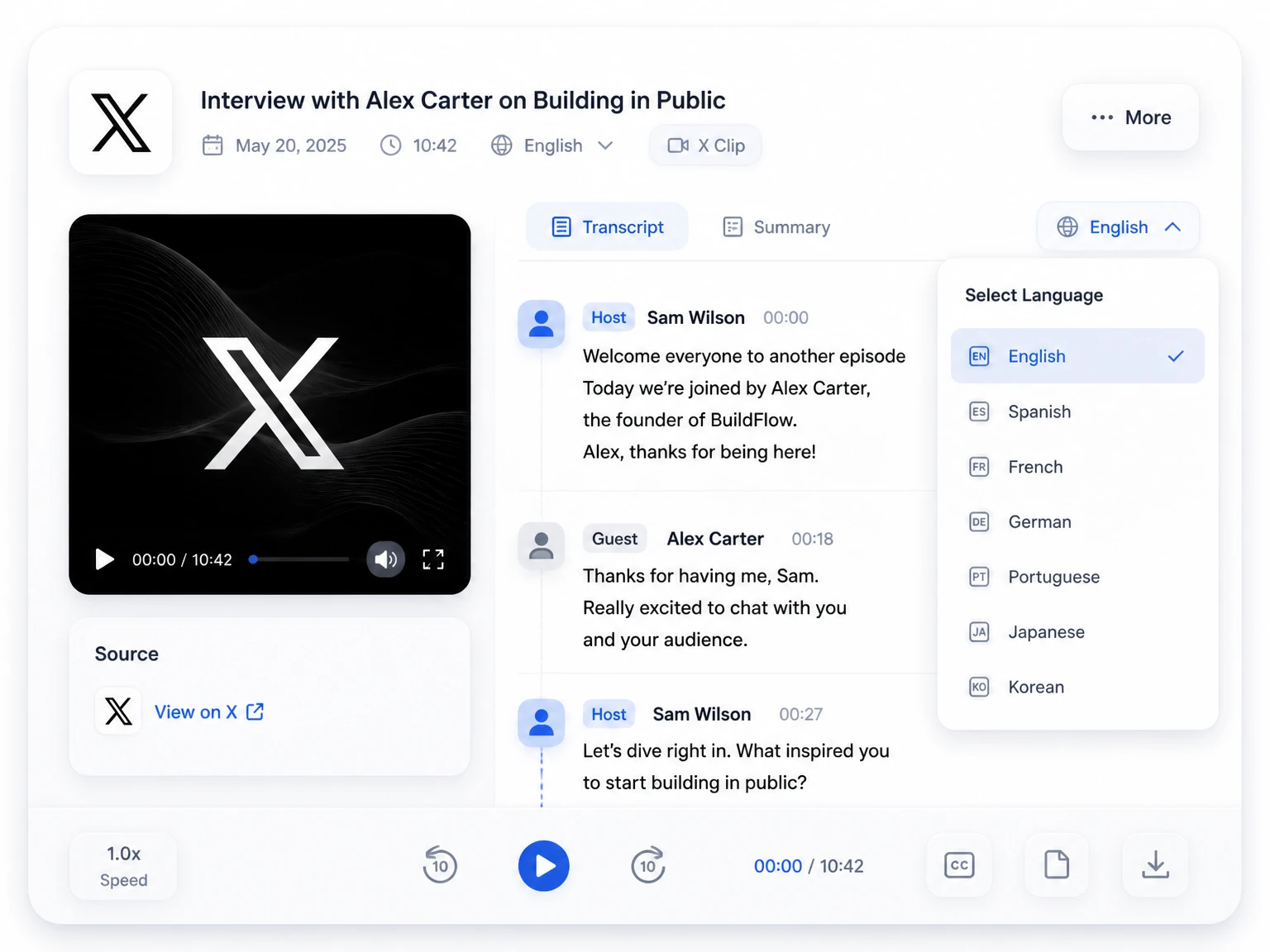
Separate Speakers in Conversations
Enable speaker detection for interviews, panels, and conversations with multiple voices. Review and edit the speaker labels before exporting material that requires accurate attribution.
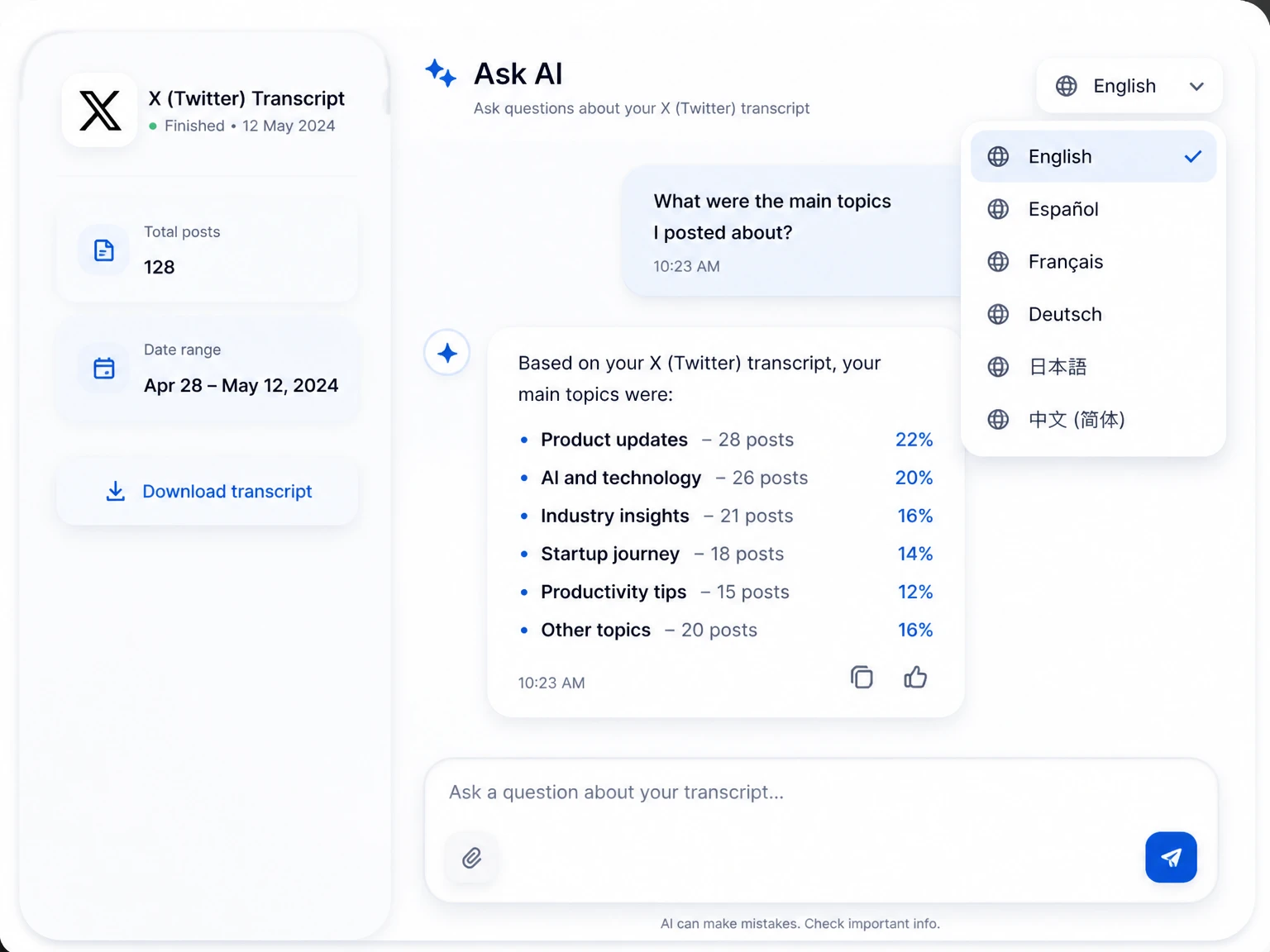
Ask Questions About the Transcript
Use Ask AI to find a point, explore a topic, or identify passages worth reviewing without manually scanning every transcript line. Check the source when the answer will be quoted or published.
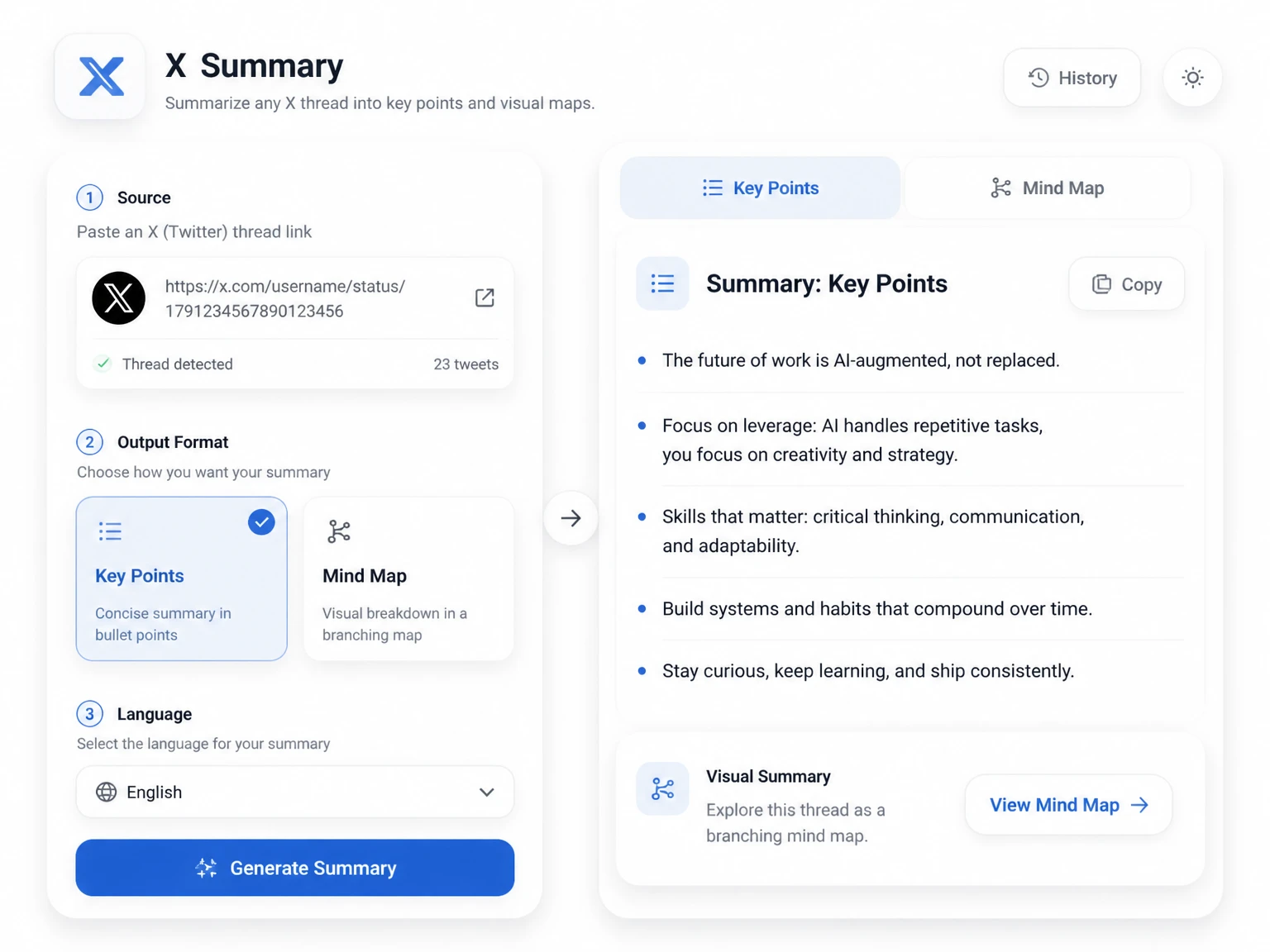
Translate, Summarize, or Map the Content
Use the X Transcript Generator to translate supported transcript languages, create a structured summary, or generate a mind map for a quick overview. For a dedicated summary workflow, try the AI Video Summarizer. Check important details against the transcript before using them.
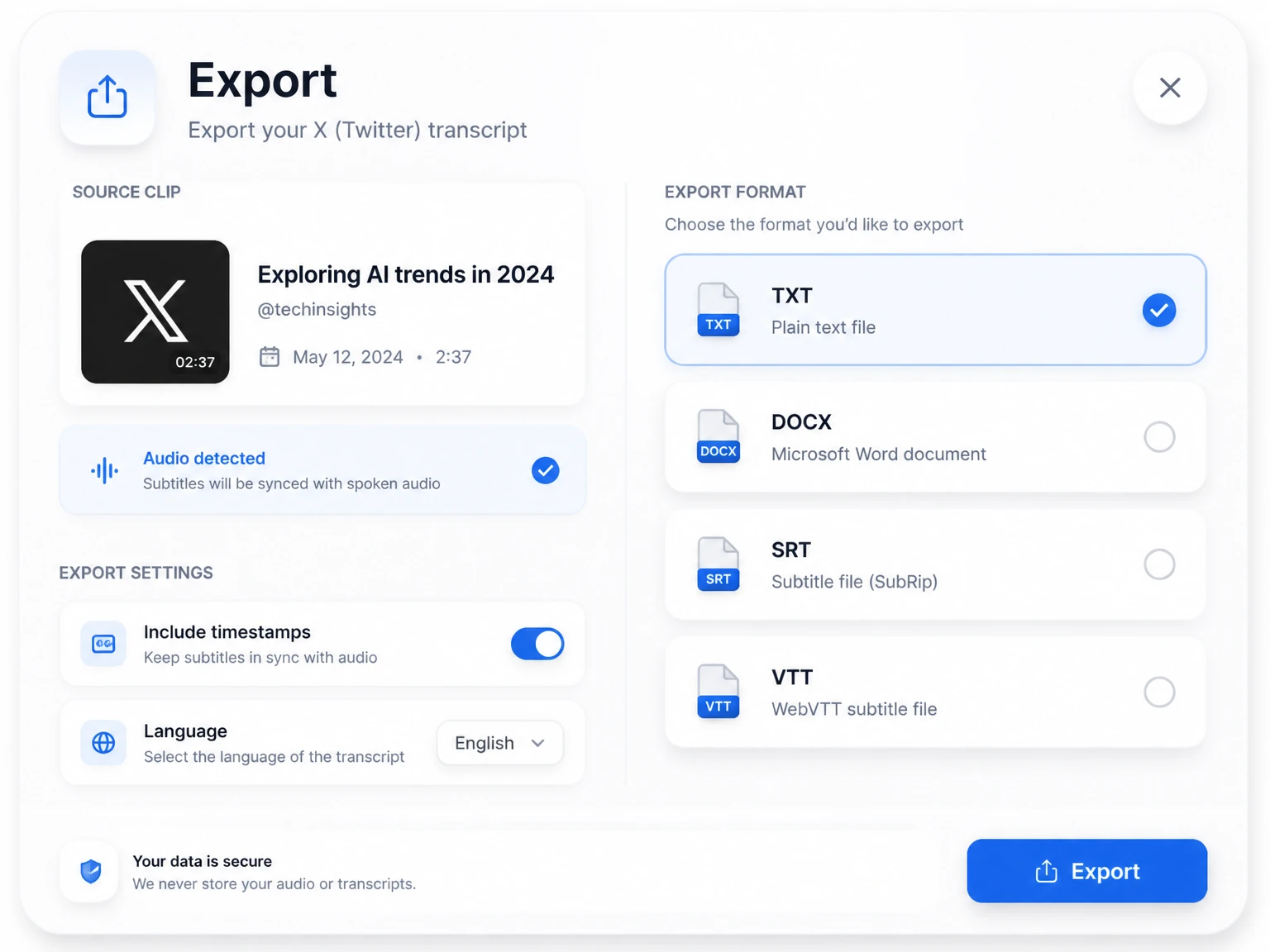
Edit and Export Useful Formats
Correct transcript text and speaker names, then copy the result or export an available text or subtitle format such as TXT, SRT, or VTT.
How to Use the X Transcript Generator
The X Transcript Generator turns an accessible X video into reviewable text in three steps.
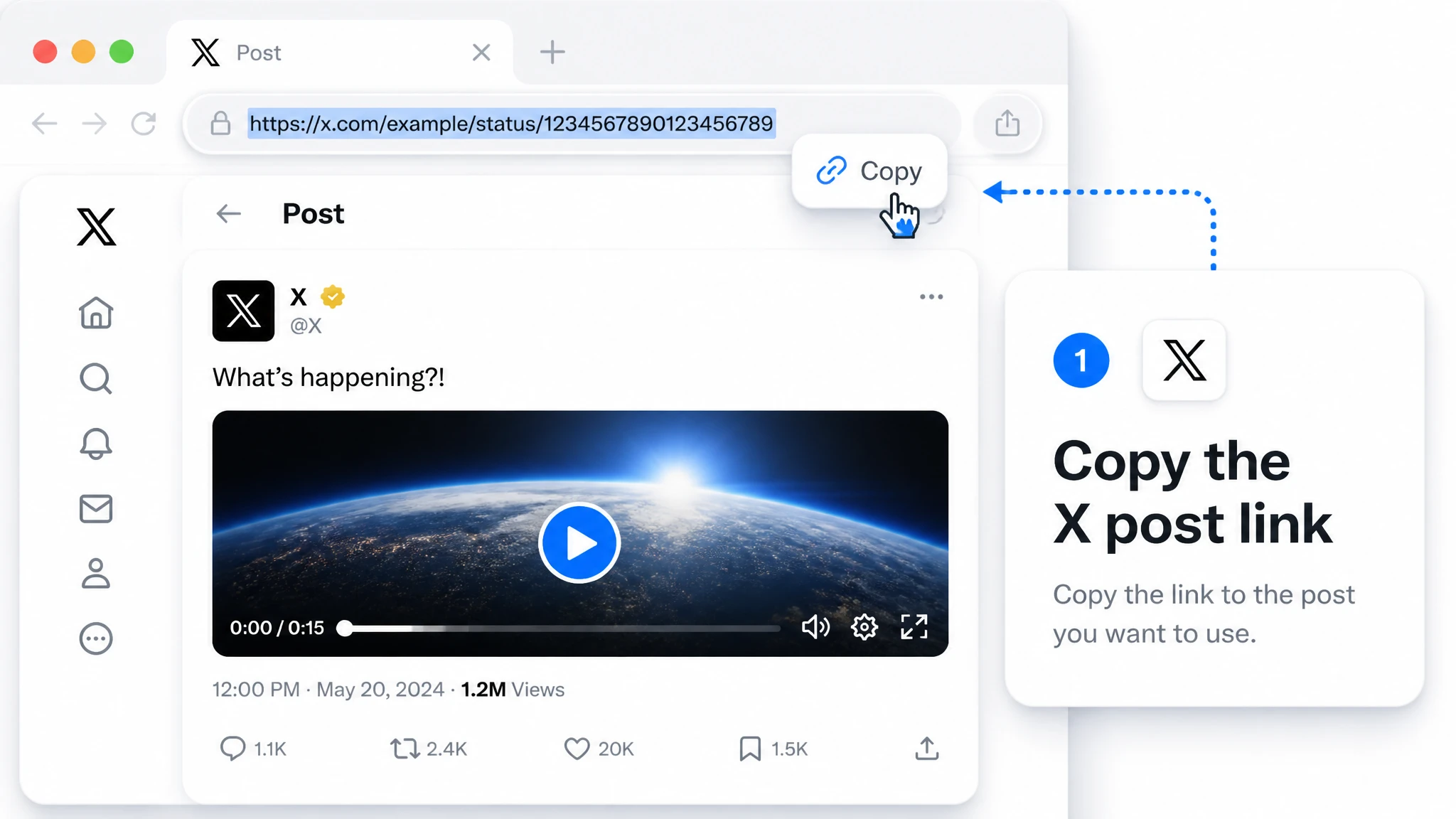
Copy the Public X Post URL
Open the post containing the video and copy its URL from the address bar or share menu. Confirm that the post is publicly accessible.
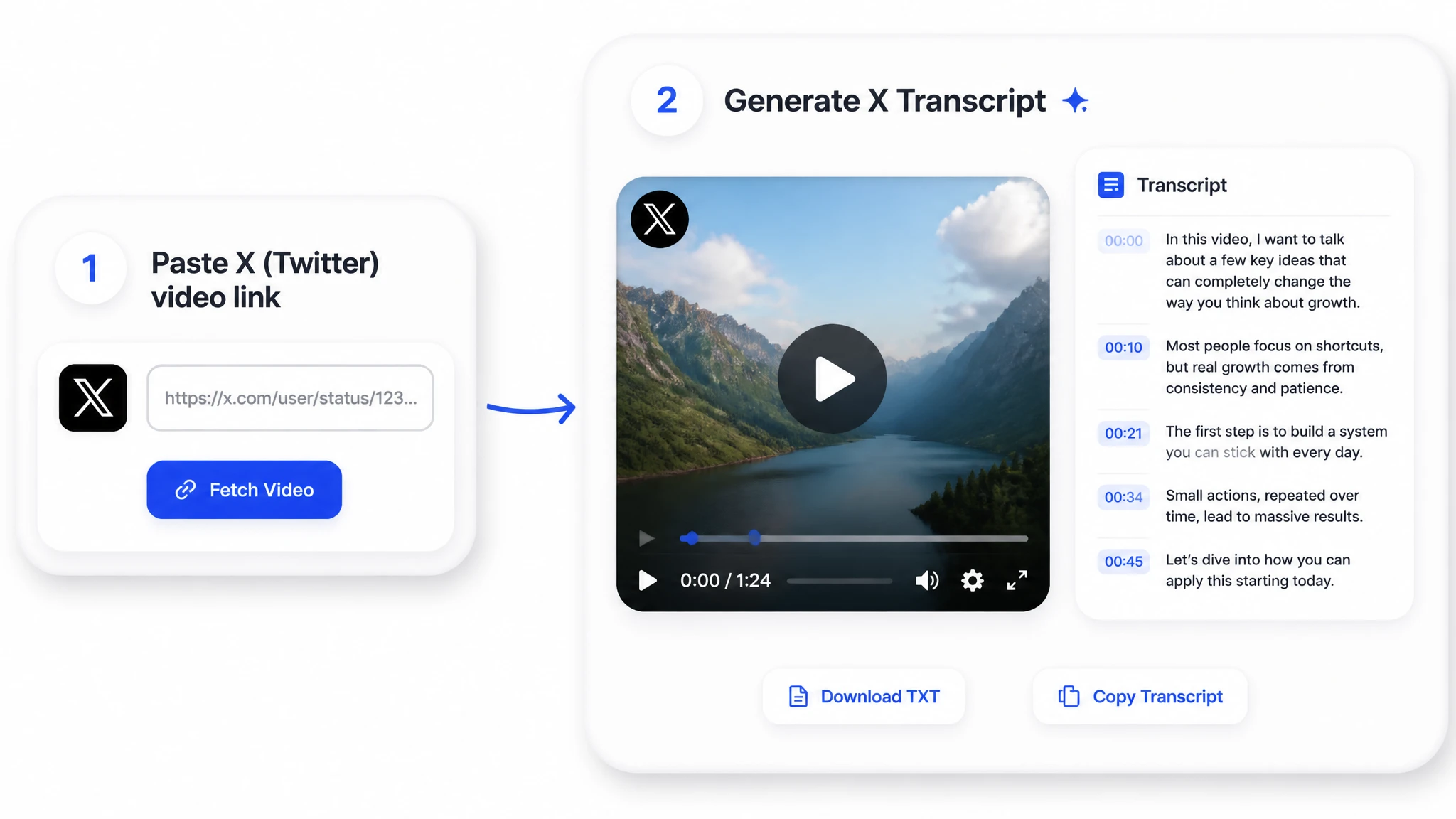
Generate the X Video Transcript
Paste the link into the URL field, choose speaker detection if the clip contains multiple voices, and start the transcription. Processing time varies with video length and service conditions.
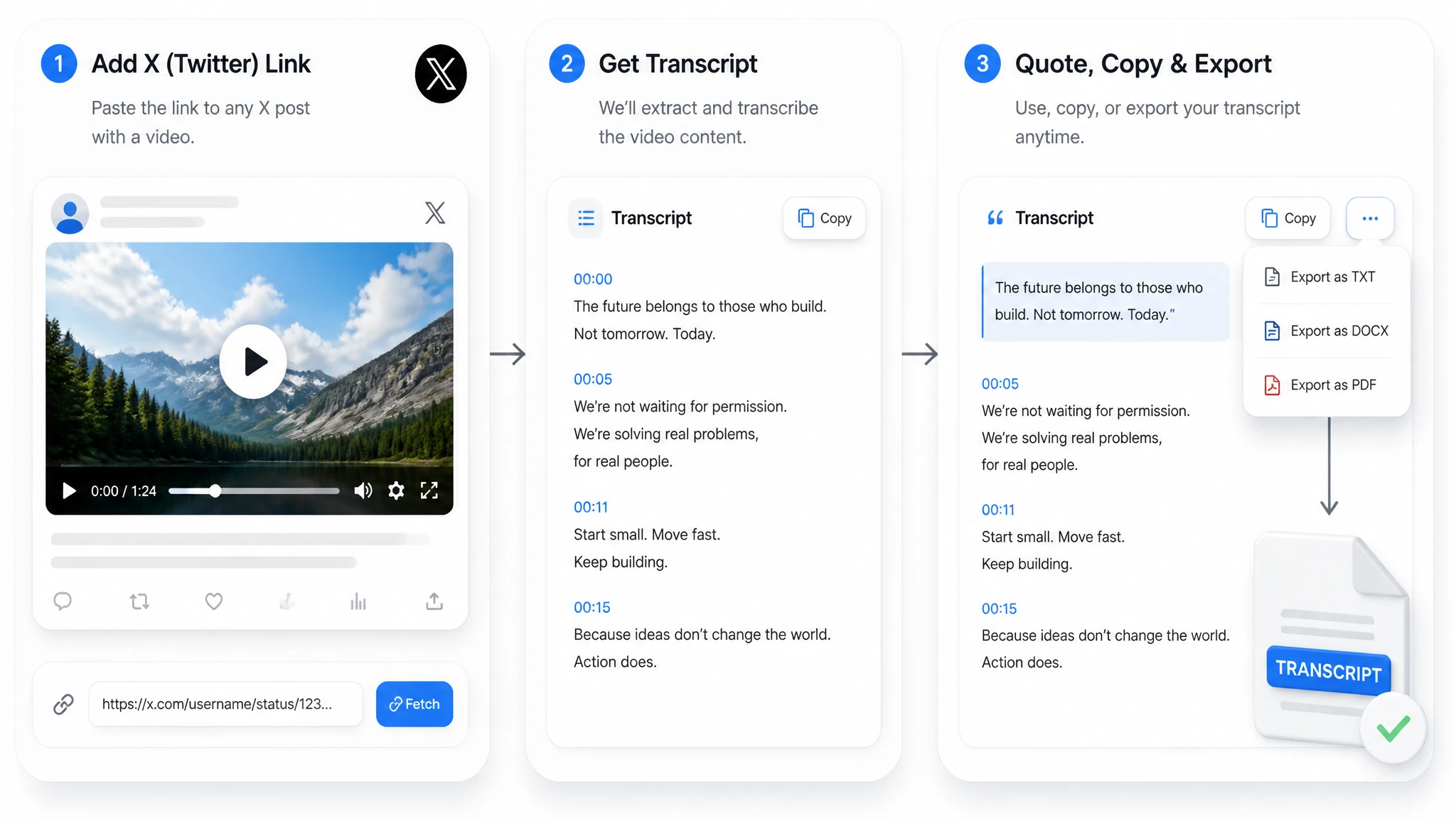
Review, Copy, and Export
Compare important passages with the video, correct any recognition or speaker-label errors, and then copy the text or export an available transcript or subtitle format.
Practical X Transcript Generator Use Cases
The X Transcript Generator makes speech in a public X video easier to review and reuse, while the source remains the authority for important claims and quotations.

Review Interviews and Public Statements
Find relevant passages, verify the wording against the video, and keep a working transcript for editorial research or fact-checking.

Research Trends and Discussions
Use the X Transcript Generator to search spoken content from accessible posts, compare recurring themes, and turn useful findings into organized research notes.

Create Captions for Authorized Reuse
Edit the transcript into captions and export subtitle files when you own the content or have permission to republish it on other channels.
What Users Say About the X Transcript Generator
These verified comments describe how customers use X transcripts, summaries, speaker detection, Ask AI, mind maps, translation, and exports in their daily work.
I use X a lot to follow interviews, product announcements, and industry discussions, but I don’t always have time to watch every video from start to finish. Being able to paste the link and get a transcript and summary in a few minutes is really useful. I also use Ask AI to find specific comments or arguments without searching through the whole video manually.
X Transcript Generator Questions and Limitations
How do I use the X transcript generator?
Copy the URL of a supported public X post containing a video, paste it into the X Transcript Generator, and start transcription. Review important wording and speaker labels before copying or exporting the result.
Can the X transcript generator open protected or deleted posts?
No. The tool needs an accessible public post and video at processing time. Protected, deleted, login-gated, region-restricted, or otherwise unavailable content may not be retrievable.
How accurate is an X video transcript?
Accuracy varies with recording quality, noise, overlapping speech, accents, names, and vocabulary. Use the editor to correct errors and compare important quotes, figures, and attributions with the source video.
Can the X transcript generator identify multiple speakers?
You can enable speaker detection for interviews and conversations. Because automated labels can be wrong, review and edit speaker names before publishing or attributing a quotation.
Can I translate or summarize an X video transcript?
Yes, supported transcripts can be translated, summarized, explored with Ask AI, or turned into a mind map. Treat these AI-generated outputs as working material and verify important details against the transcript and source.
Which X transcript export formats are available?
You can copy transcript text or choose an available text or subtitle export such as TXT, SRT, or VTT. Available options may vary by workflow; subtitle formats preserve timing information for compatible editors and players.
Can I transcribe English-language videos with this tool?
Yes. This tool can process supported public or uploaded videos with English speech. Review names and phrases before using the transcript.
Can I download the transcript as subtitles or text?
Yes. After reviewing the result, you can copy the text or export an available subtitle format such as SRT or VTT.