

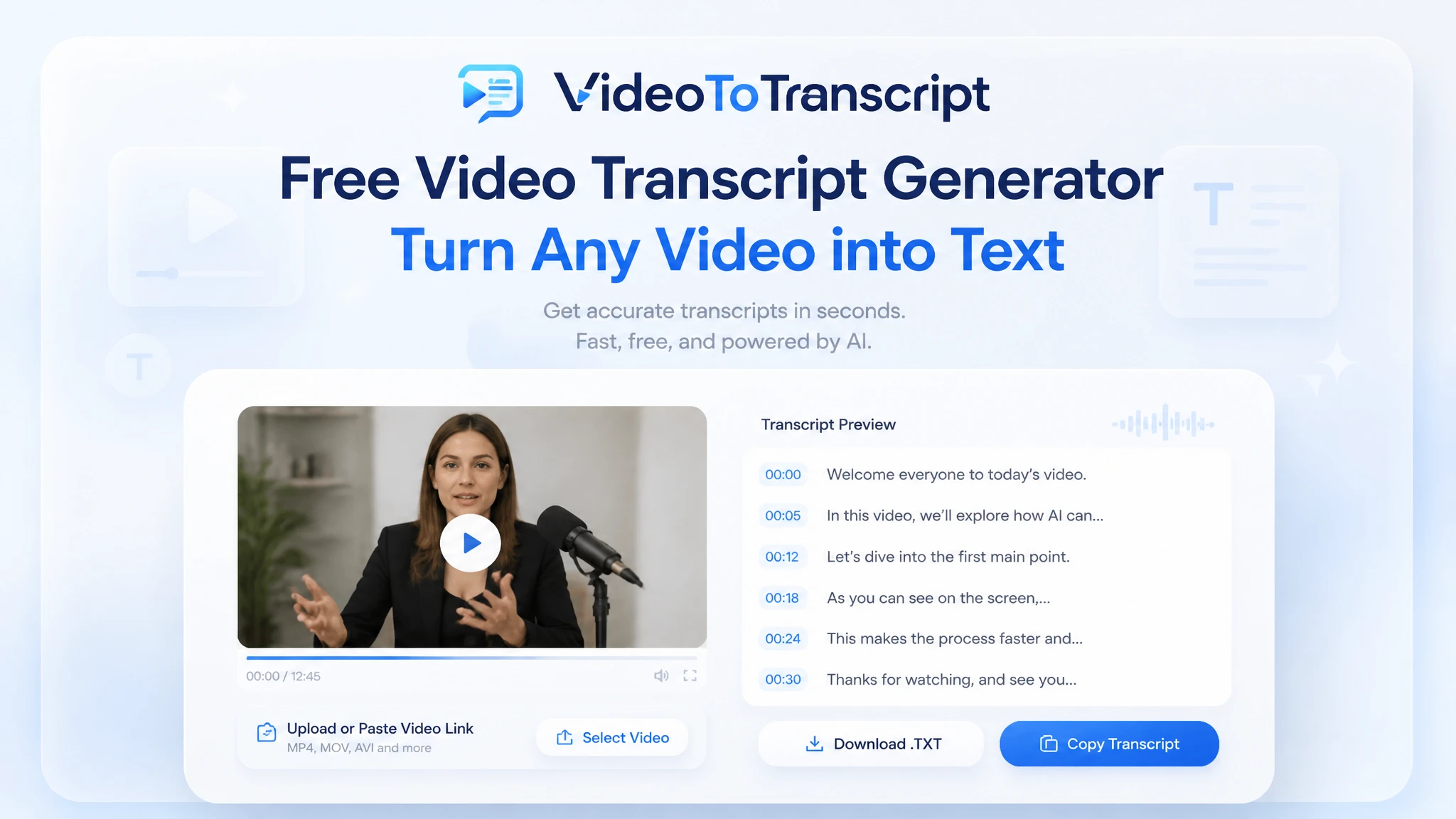
Free Video Transcript Generator
Turn any video into an accurate, searchable transcript in minutes — free to use, nothing to install, and no sign-up required.
MP4, MOV, AVI, MKV up to 5GB
Choose whether the transcript should separate different speakers in the conversation.
Use AI to refine and improve the transcript readability after extraction.
What Is a Video Transcript Generator?
Video transcript generator is a tool for converting the speech in any video into written text. A video transcript generator delivers timestamped, searchable text ready for quotes, notes, and captions. The result gives every recording a readable record without replaying the footage.
Why Use a Video Transcript Generator?
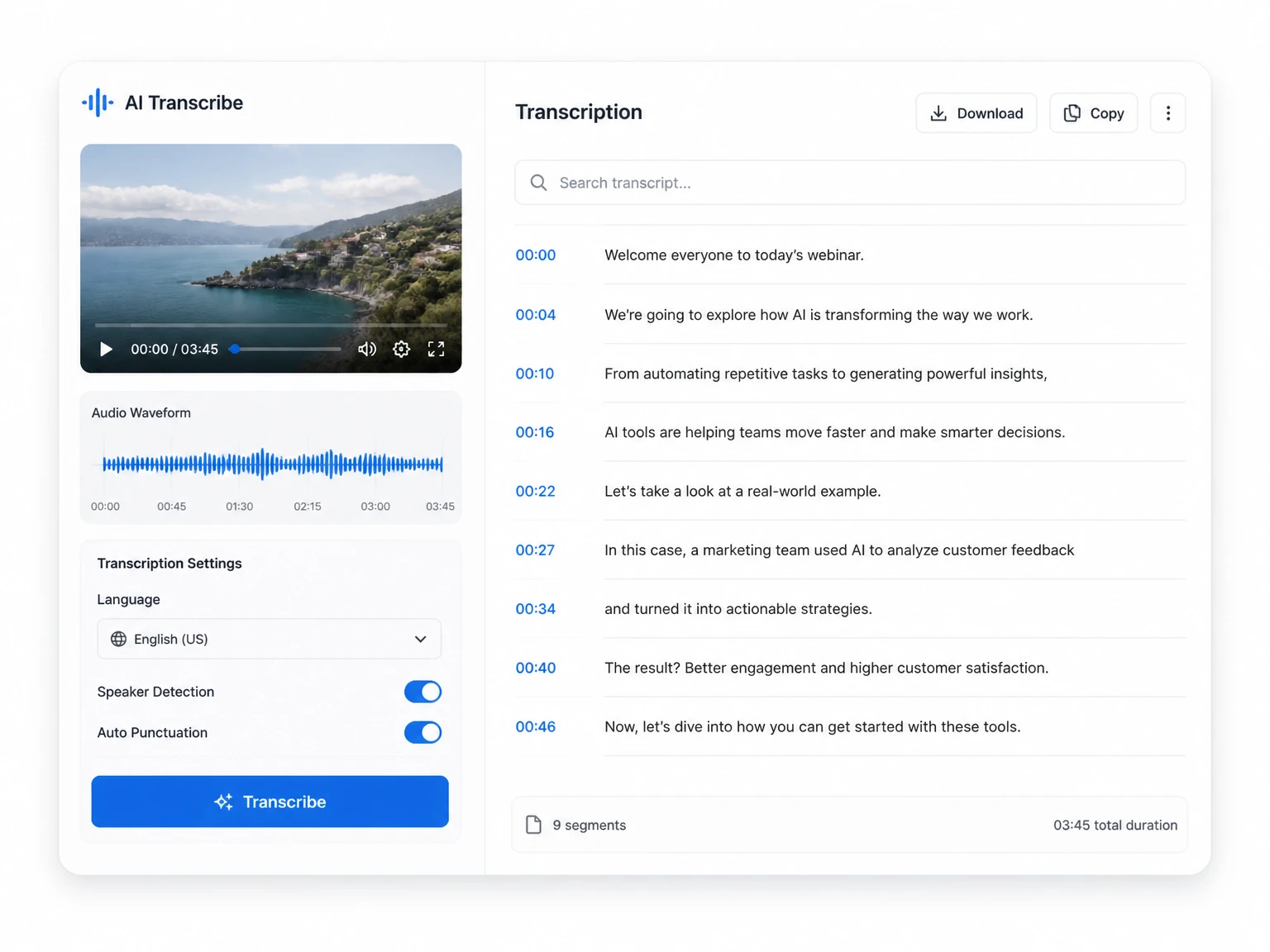
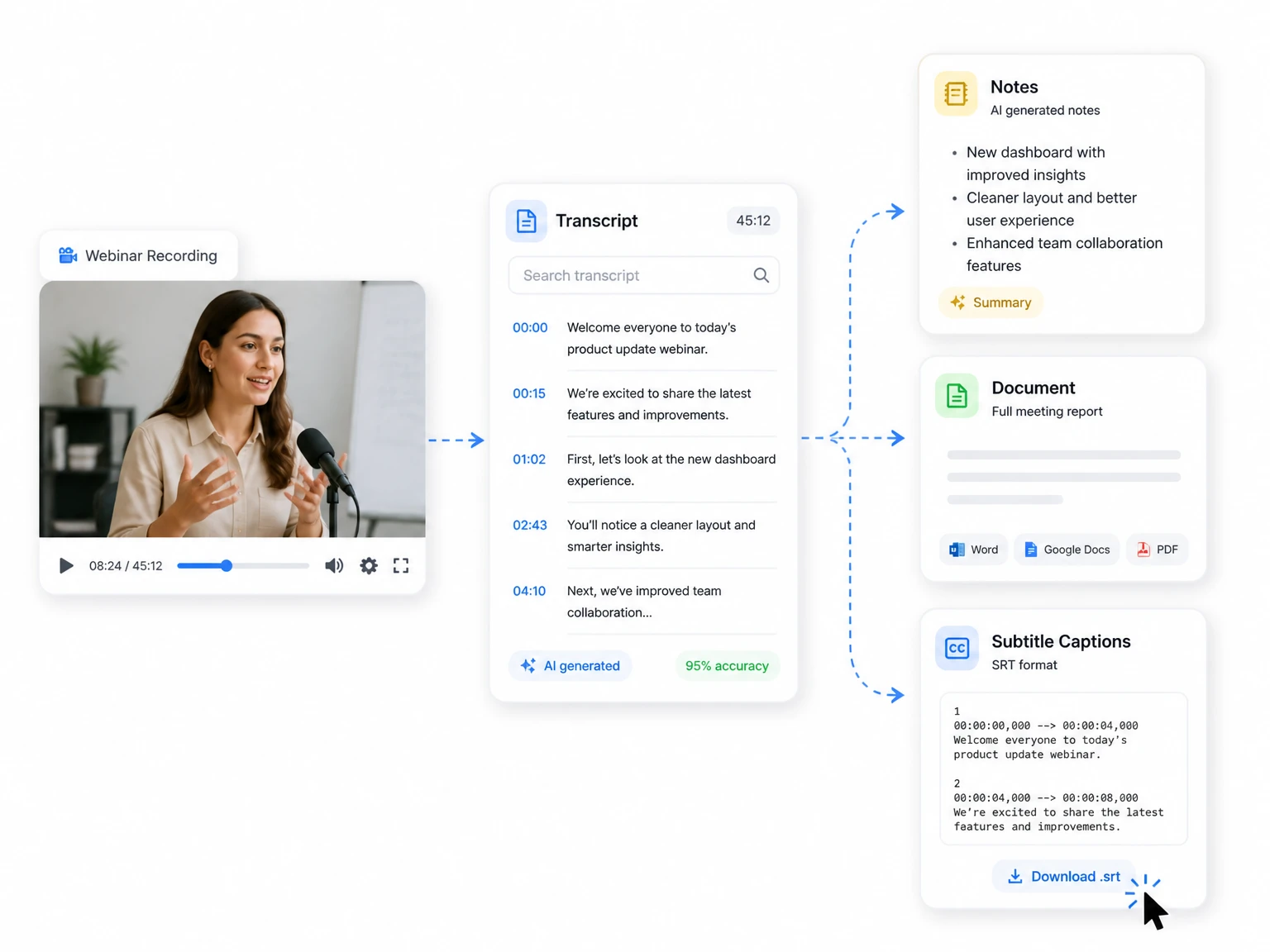
Video only moves forward, but text lets you land on the exact line you need. A video transcript generator converts a single recording into a searchable, reusable document you can skim in moments. Once the words are written down, quoting, editing, translating, and exporting subtitles all happen faster than working with raw footage. Teams share one transcript across notes, documents, and captions, so a single recording travels further with no extra effort. For the same speech turned into clean, publishable writing, you can Convert Video to Text from any recording and put it to work the same way.
Core Features of a Video Transcript Generator
A strong video transcript generator carries the whole job from upload to finished file. The six capabilities below are the ones transcribers lean on day after day, and each removes a step that used to slow the work down or force you into extra software.
Near-Human Transcription Accuracy
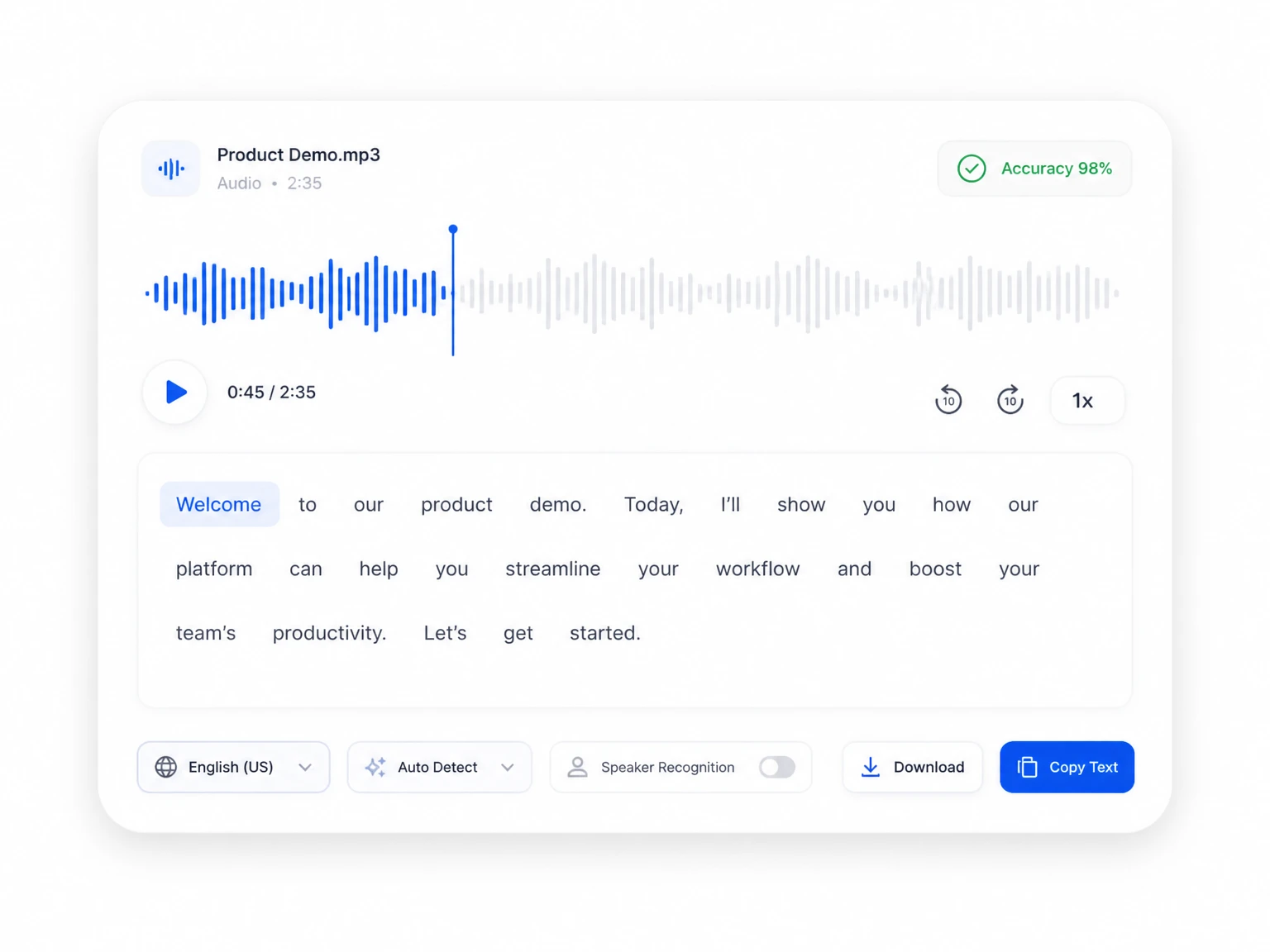
Modern neural engines turn clear speech into text with accuracy that rivals a human listener. Strong accents, background noise, and rapid speech are all handled without the output falling apart.
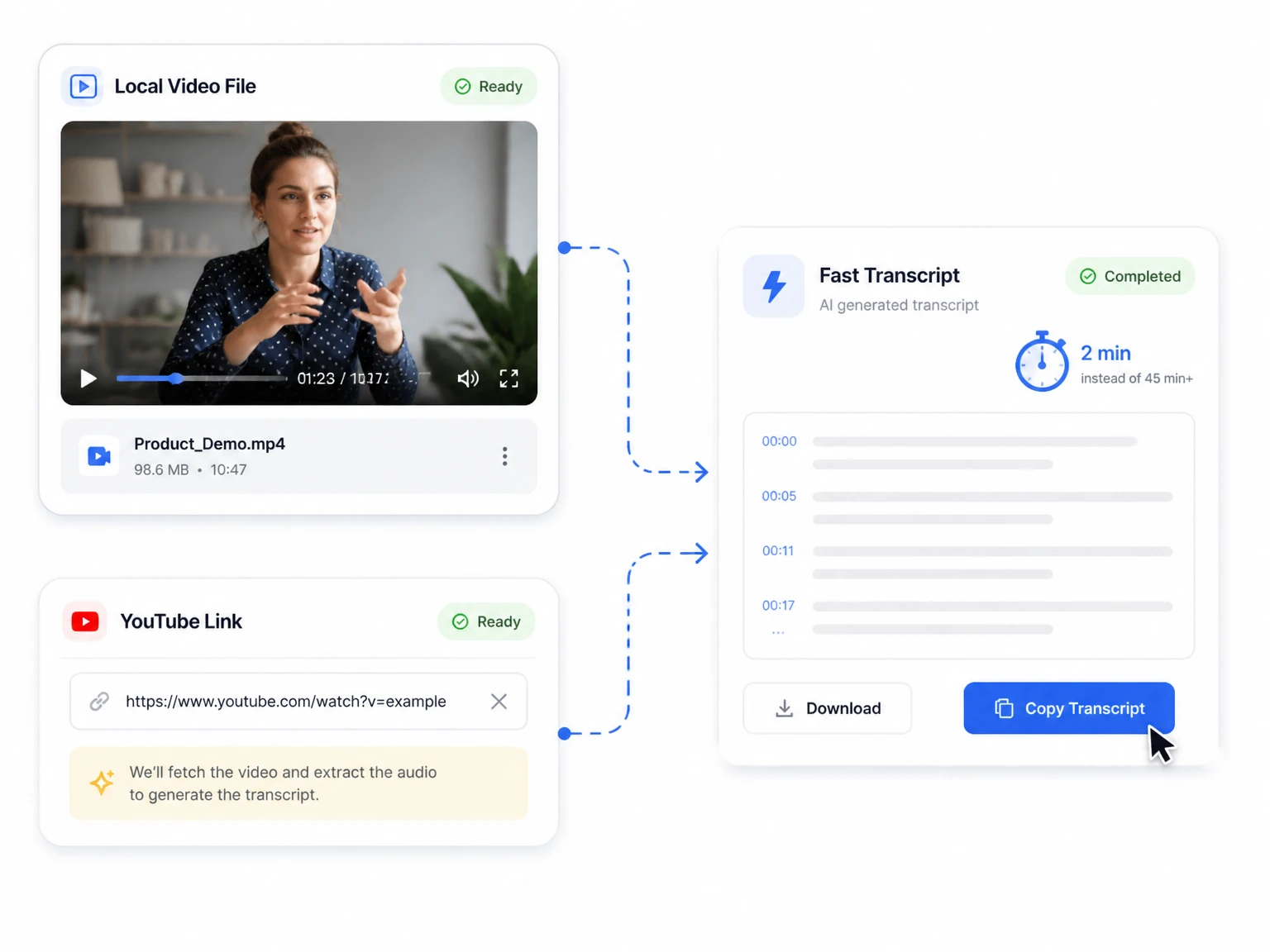
Fast Generation from Any File or Link
Drop in a video from your drive or a YouTube URL and the engine turns the audio into clean text in minutes rather than hours. For link-only jobs, Generate YouTube Transcript on our dedicated page for the same speed.
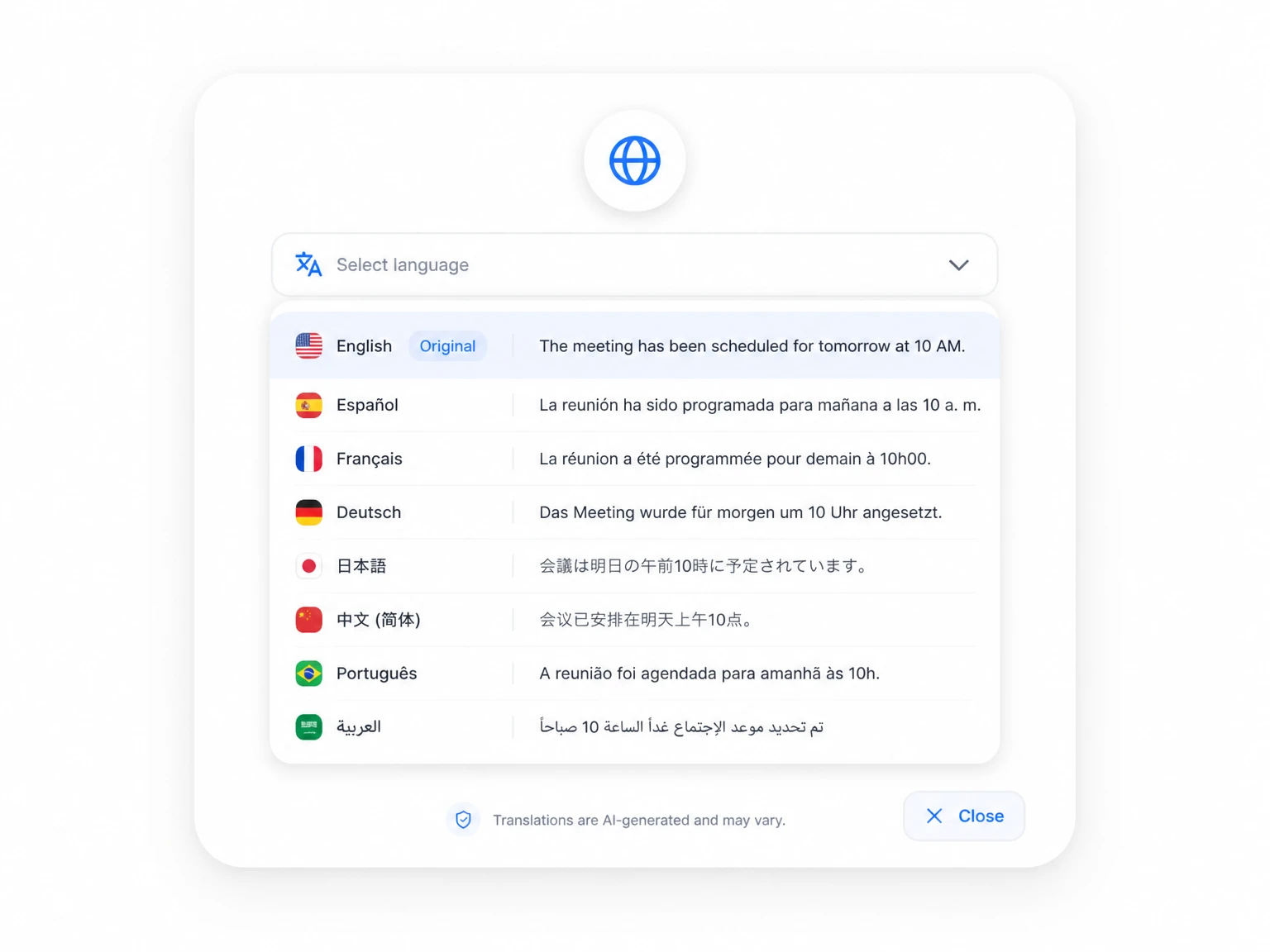
Transcribe in Over 100 Languages
Work in more than 100 languages, from widely spoken tongues to regional dialects. After the first pass, turn any transcript into another language with a single click.
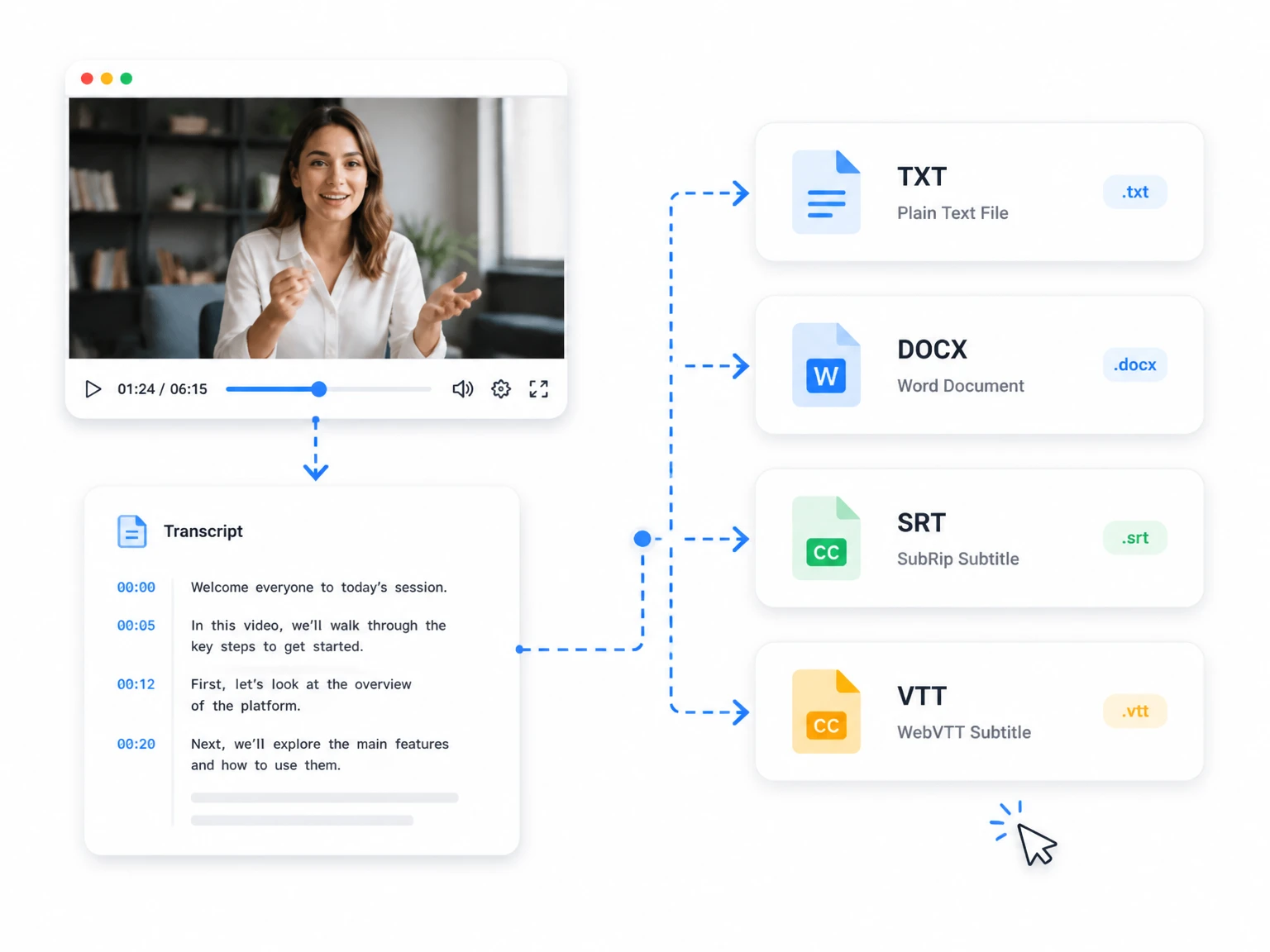
Export to the Format You Need
Save your transcript as TXT or DOCX for documents and notes, or download SRT and VTT subtitle files. If your videos live in a single container, our MP4 to Text page runs the same flow with no extra conversion step.
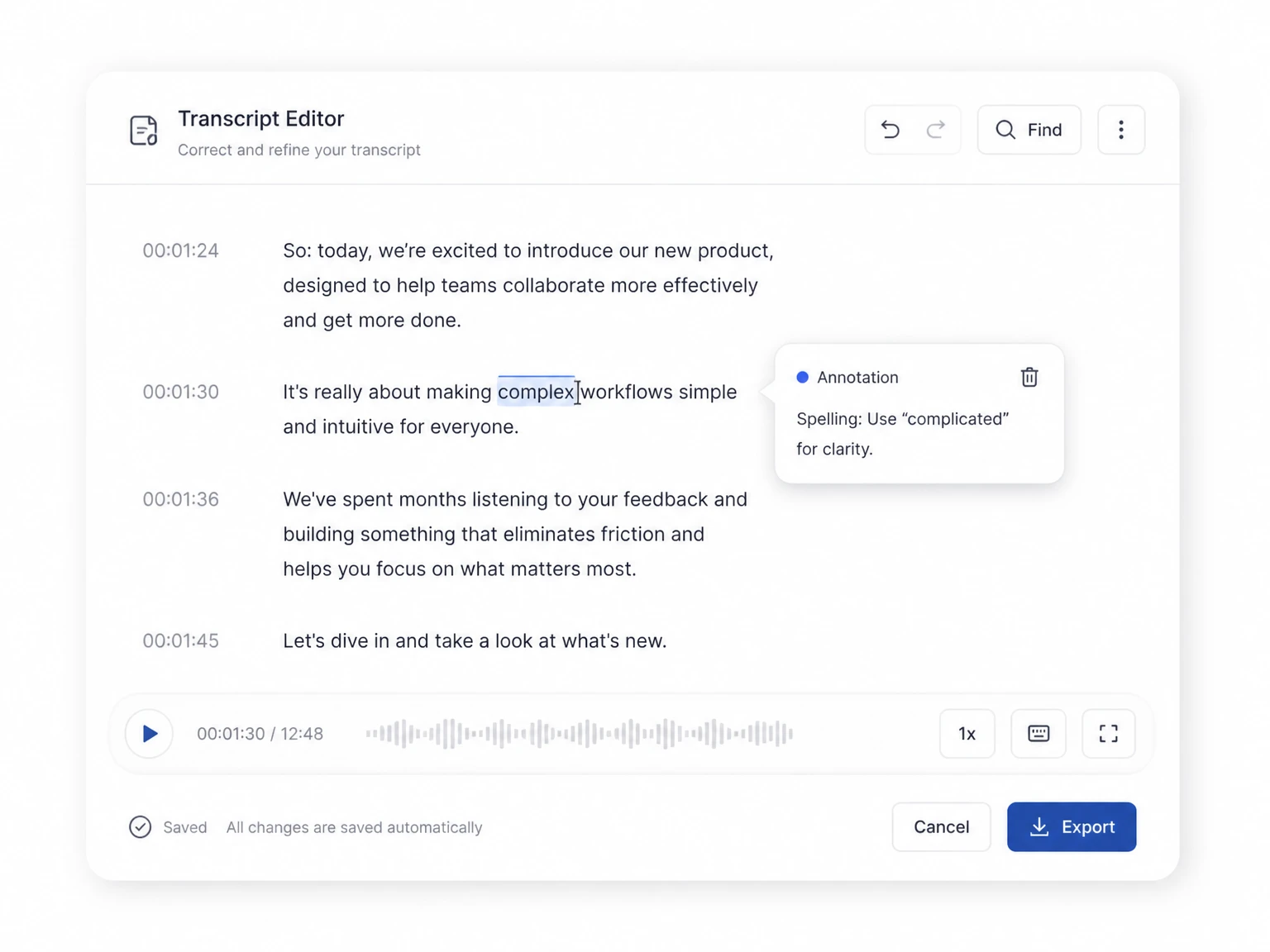
Refine the Text in the Browser
Polish the result directly in the browser with no extra apps. Correct misheard words, drop in quick notes, and tidy the transcript before you export.
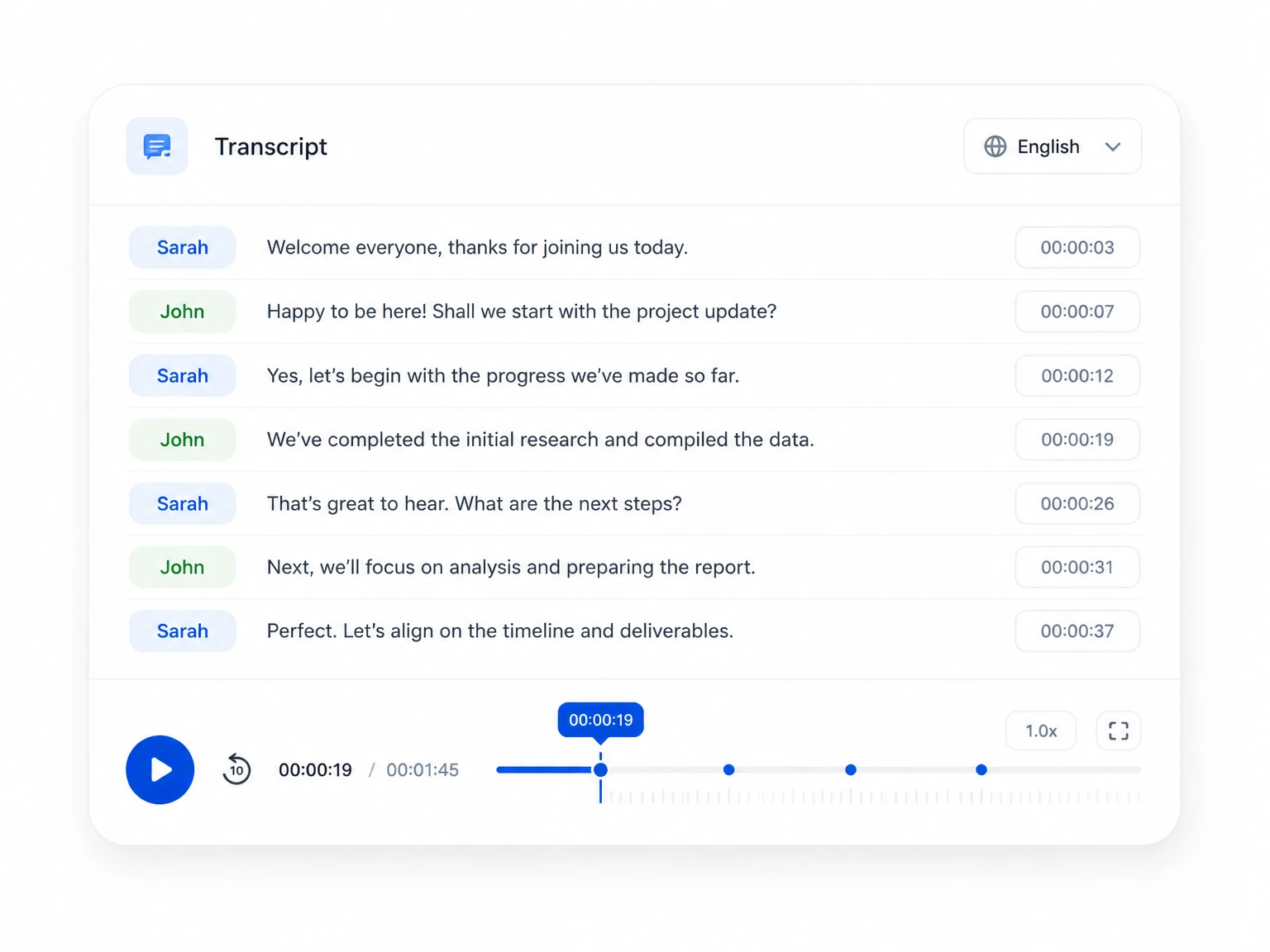
Speaker Labels & Linked Timestamps
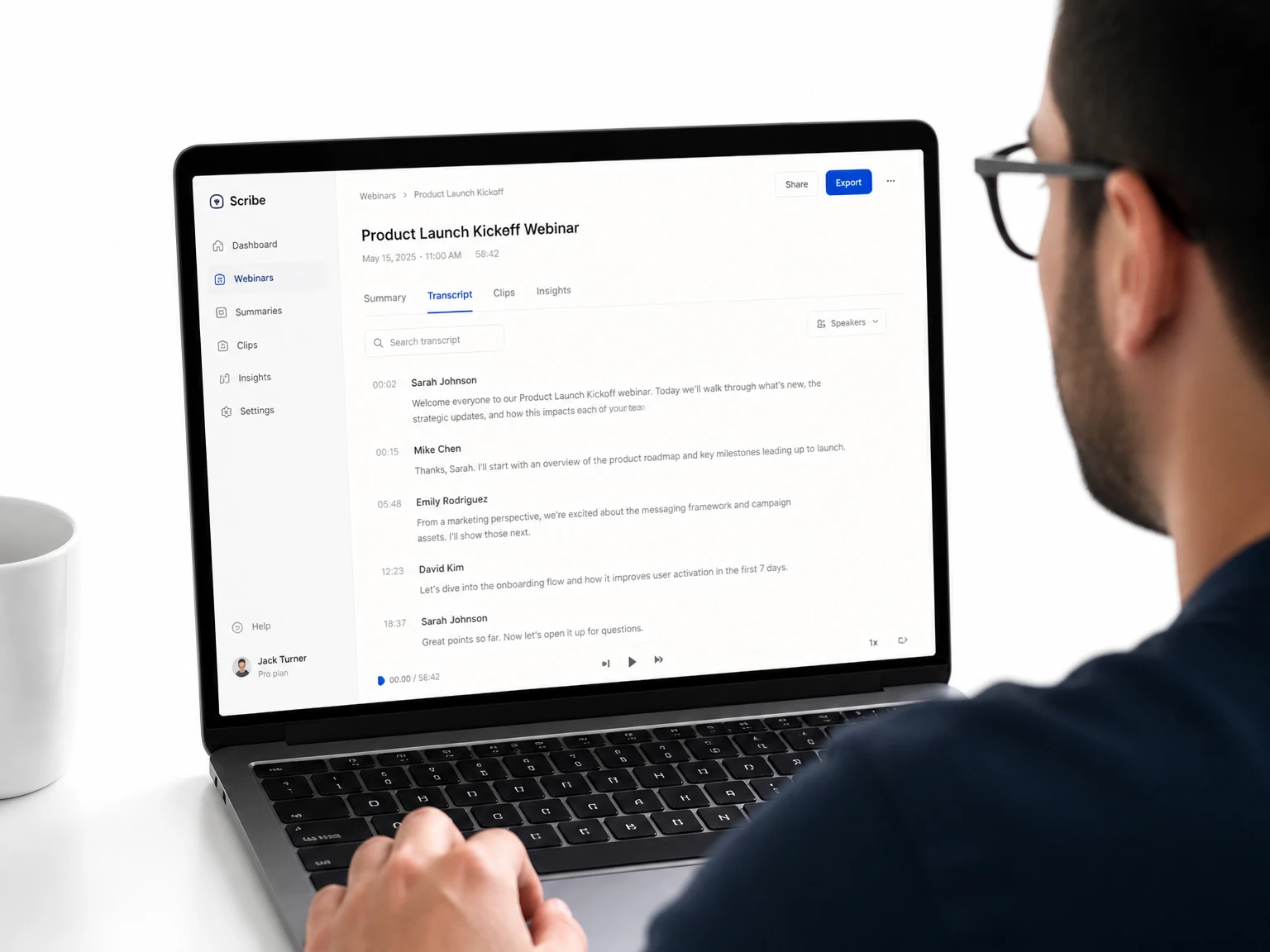
Speaker labels split each voice apart in multi-person recordings automatically. Each line stays tied to its precise spot in the source video, so checking a quote takes seconds.
How to Use a Video Transcript Generator in 3 Easy Steps
From a raw video to a clean, ready-to-use transcript, the whole flow comes down to three quick steps.
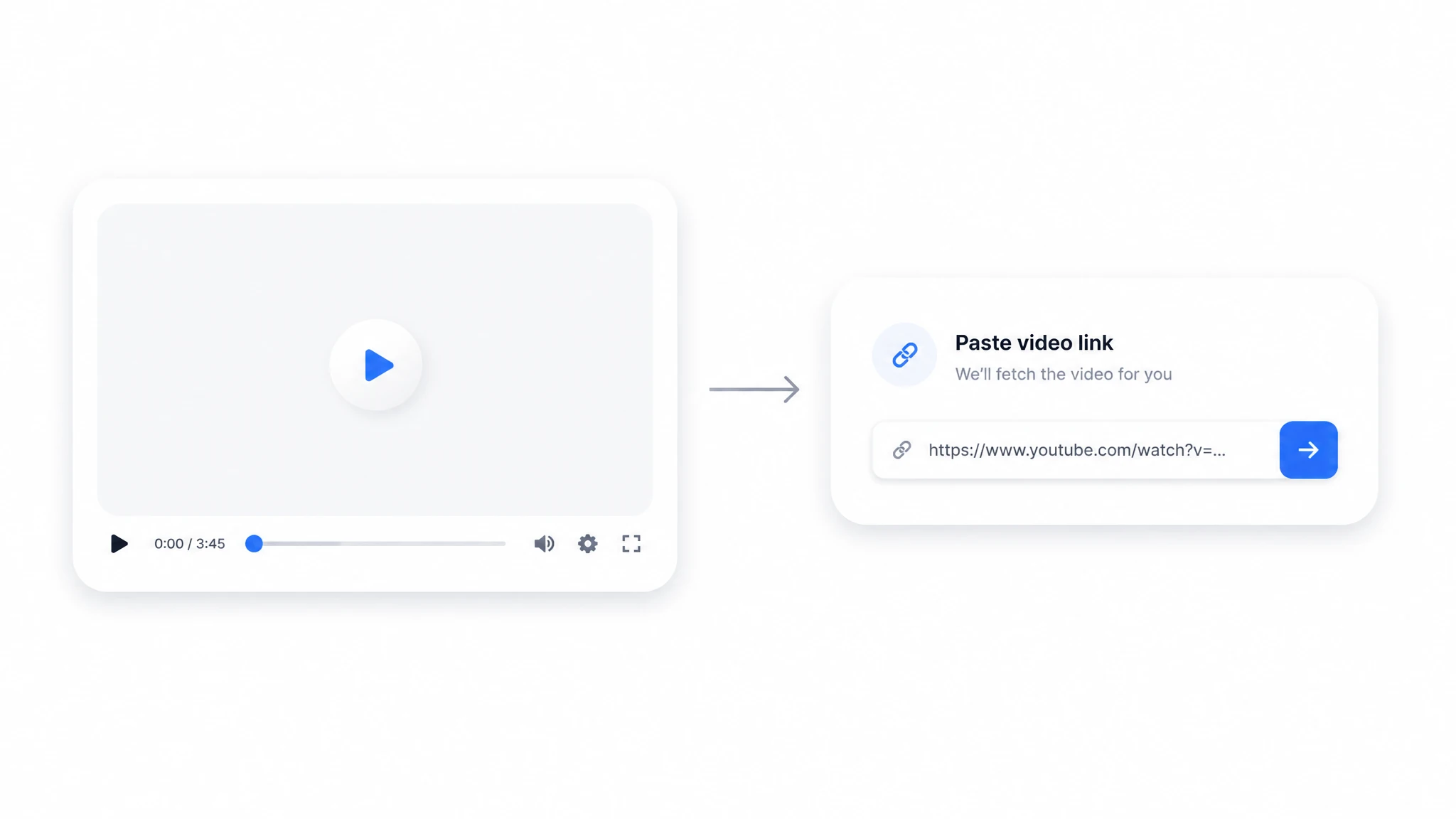
Add Your Video File or Link
Start with a local file (MP4, MOV, AVI, MKV) or drop in a YouTube link. The generator runs fully in your browser, so there's nothing to install before you begin.
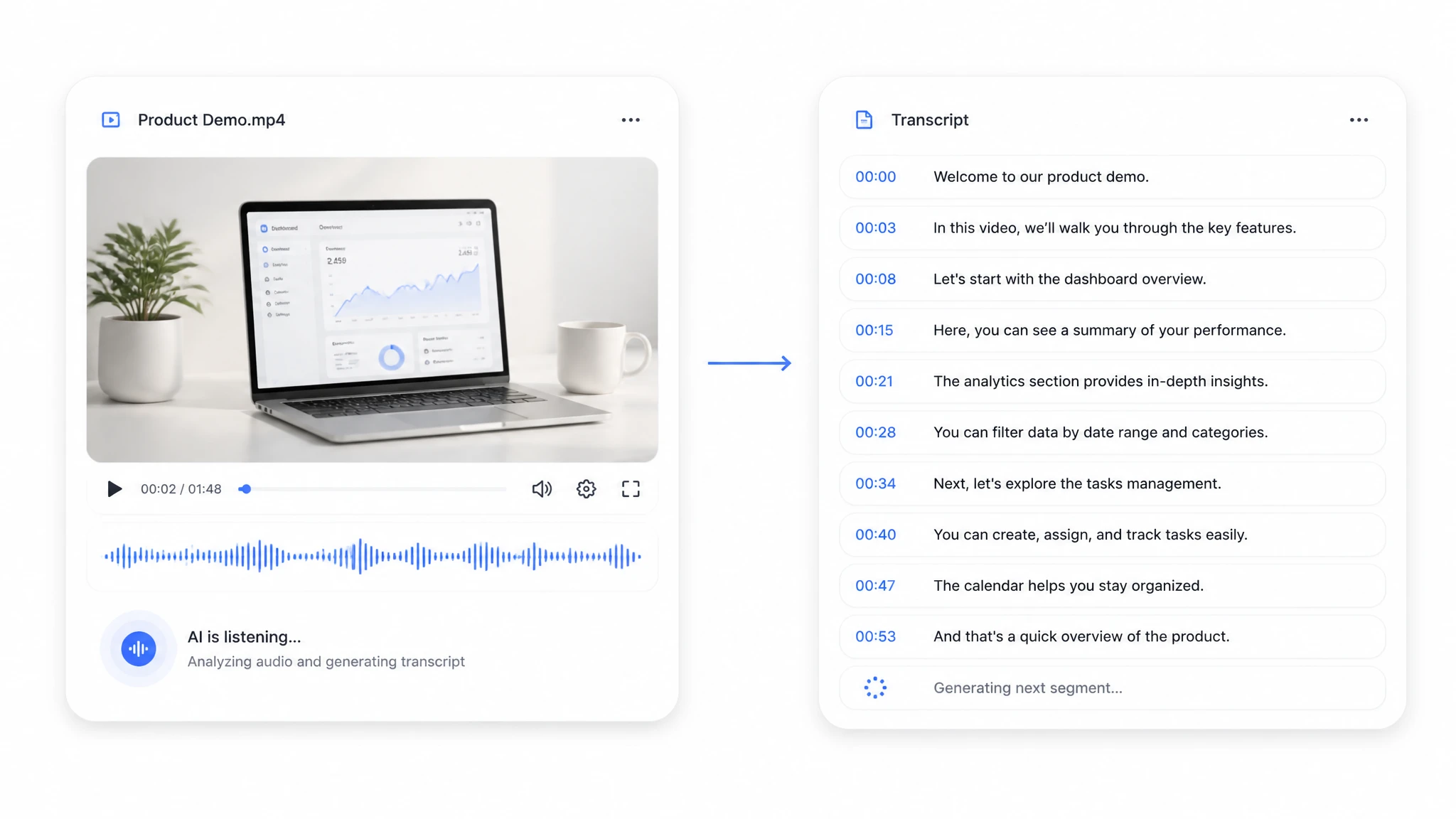
The AI Writes Out Every Word
The engine hears the audio, identifies each speaker, and writes every word into a timestamped transcript within minutes. Lines land on their matching moment in the video, so the text follows the audio from start to finish.
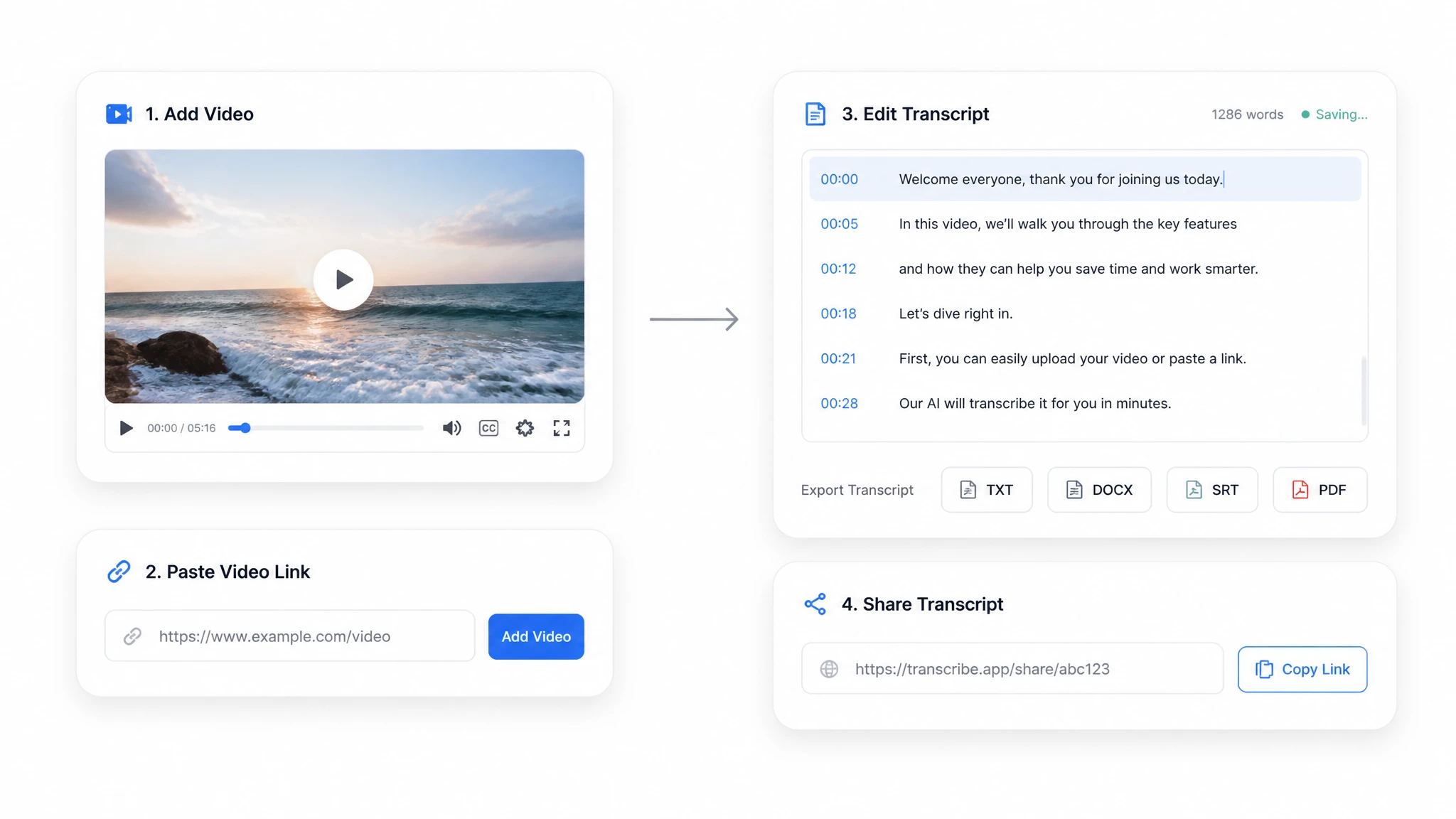
Polish, Export & Share the Result
Review the transcript in the built-in editor, then export it as TXT, DOCX, SRT, or VTT — or send it out with a share link. Minor fixes take only seconds, and your timestamps survive the export untouched.
Video Transcript Generator Use Cases
Any recording that carries speech can be converted into text and put to work. A video transcript generator slots into nearly every workflow where the spoken word matters, and the six scenarios below are the ones users reach for first.

Revision Guides & Searchable Notes
Transcribe a semester of lectures into a searchable note archive, then jump straight to the exact minute a concept was explained — no scrubbing the timeline.
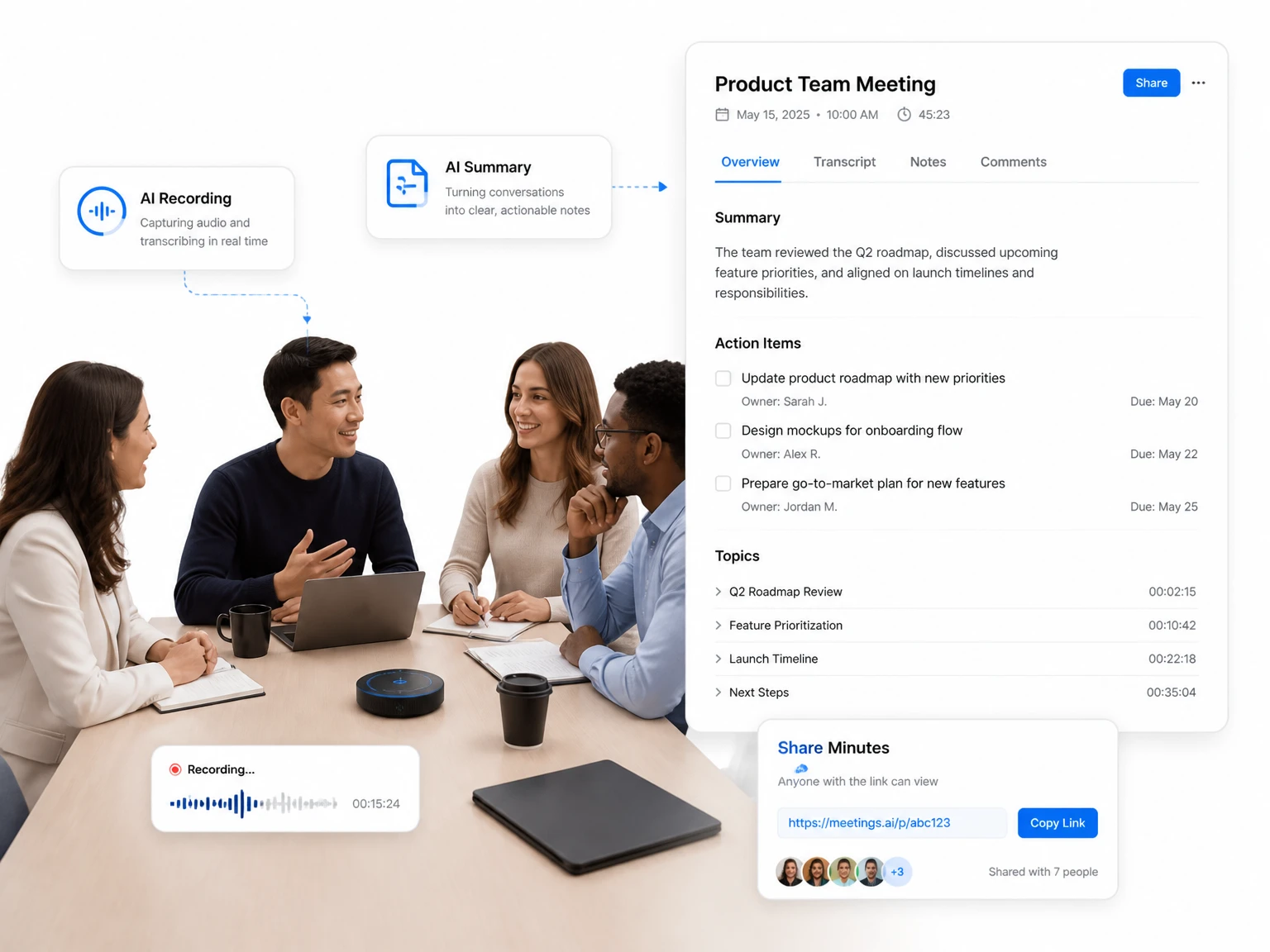
Decisions, Action Items & Quotes
Pull action items and word-for-word quotes out of every call, then share the minutes with a link so no one has to replay the recording to remember what was decided.
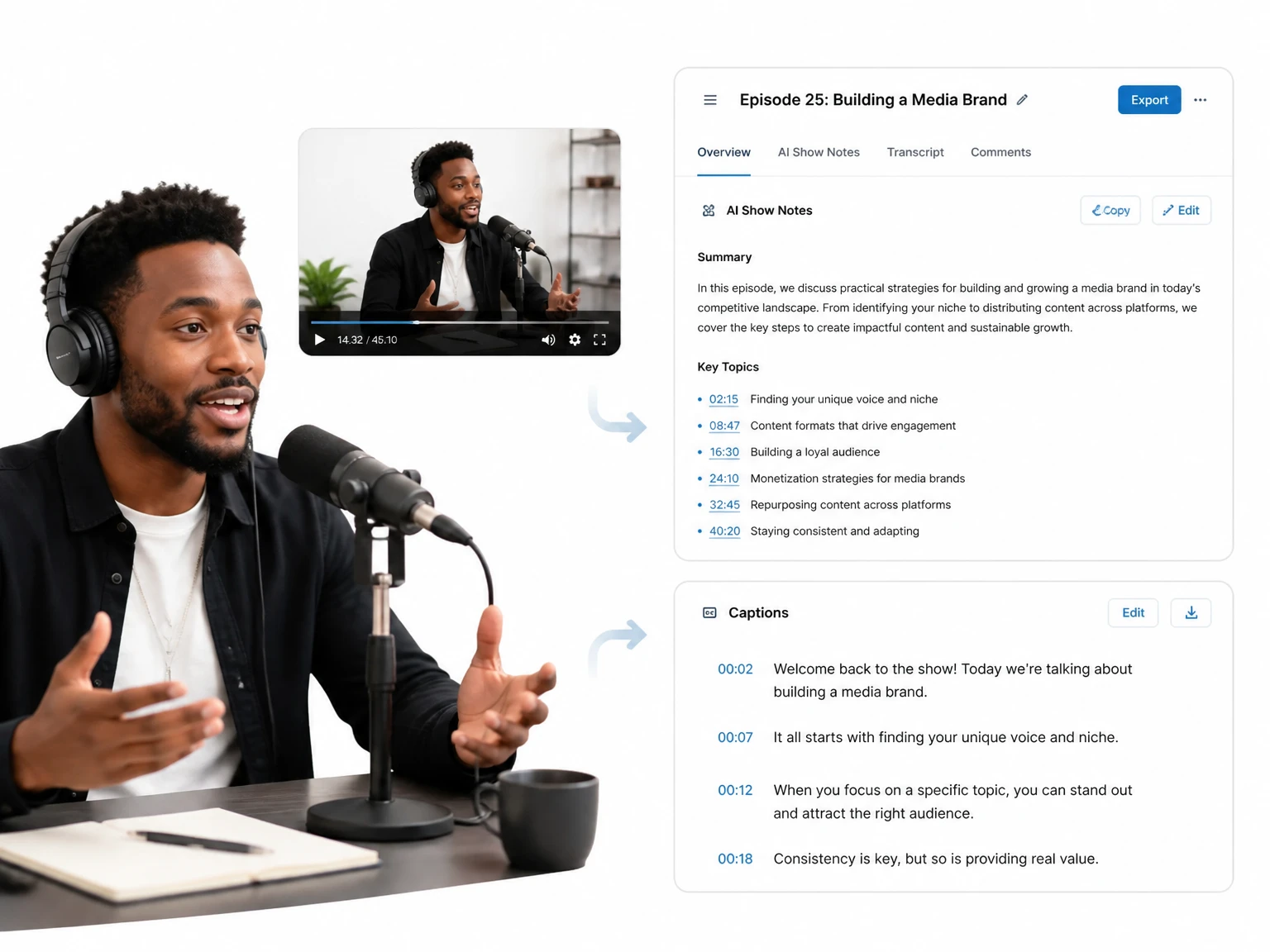
Show Notes & Episode Recaps
Turn a video podcast or webinar into ready-to-post show notes, recap emails, and caption clips — one transcript feeds every channel without a second listen.
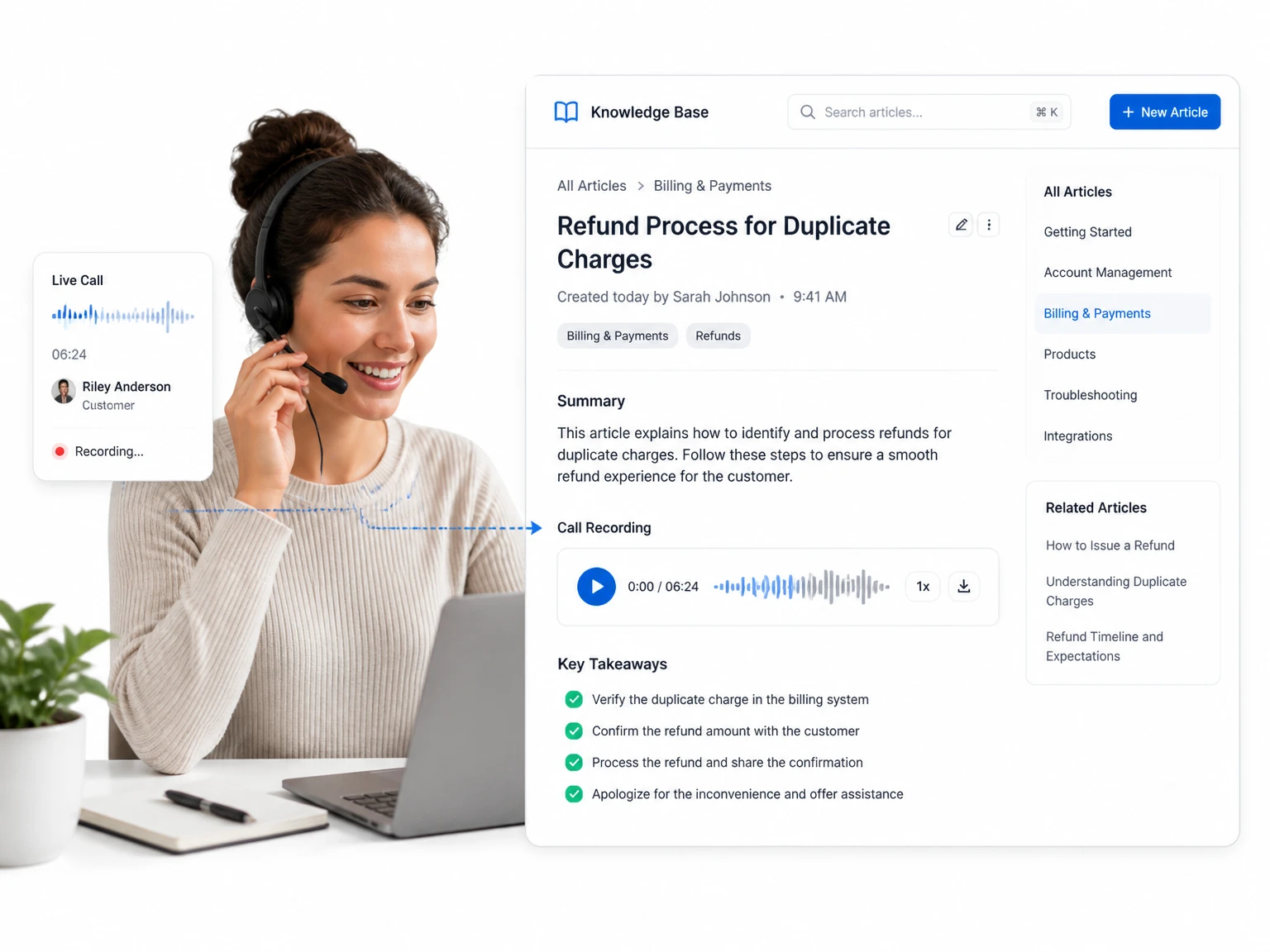
Onboarding & QA Libraries
Log support and sales calls as searchable text, then reuse the best calls to train new agents and spot recurring issues without replaying a single recording.
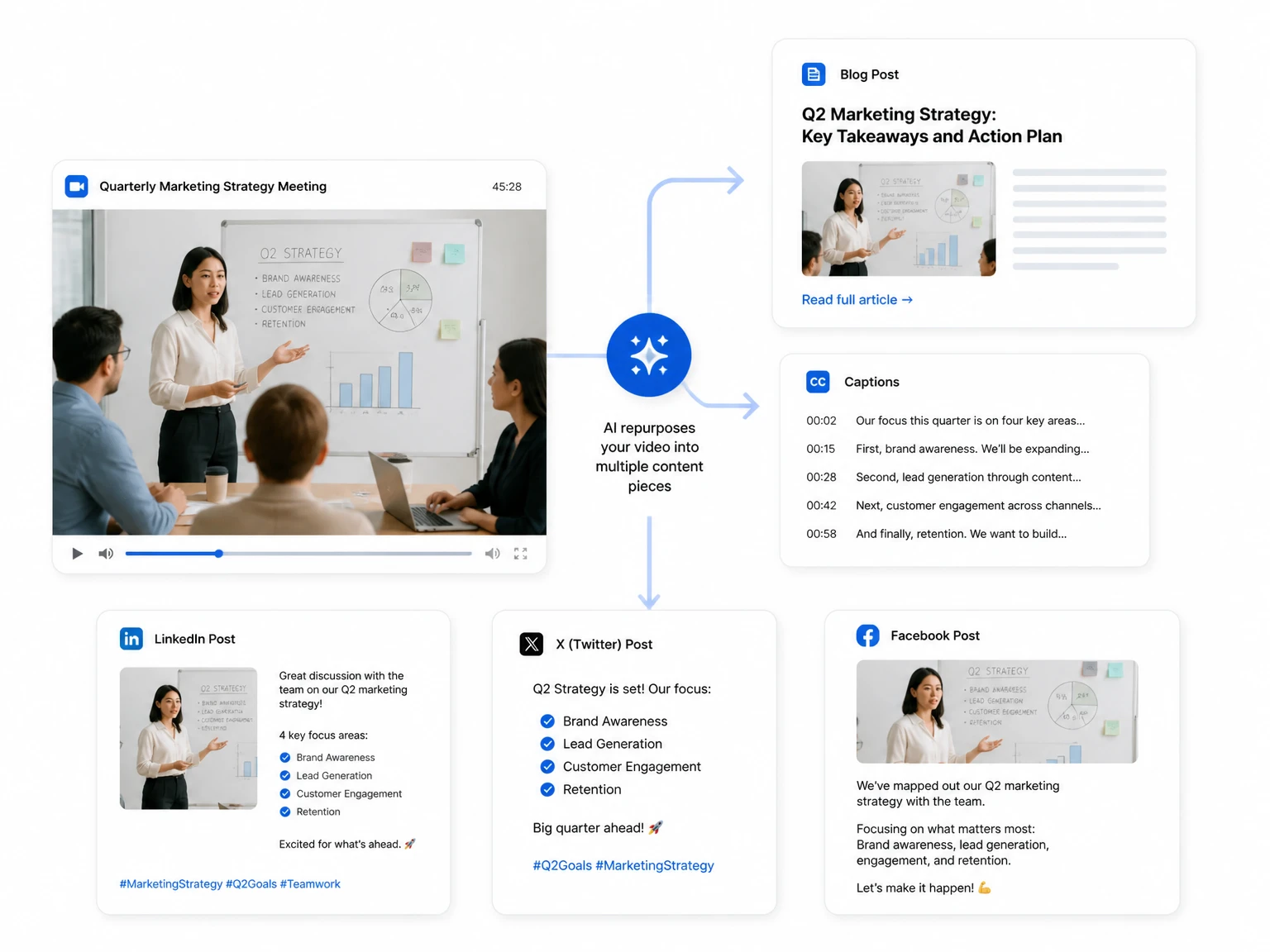
One Recording, Many Articles
Stretch a single recording into a blog draft, a newsletter, and a stack of social captions — and transcribe video to text right here whenever a new clip needs the same treatment.
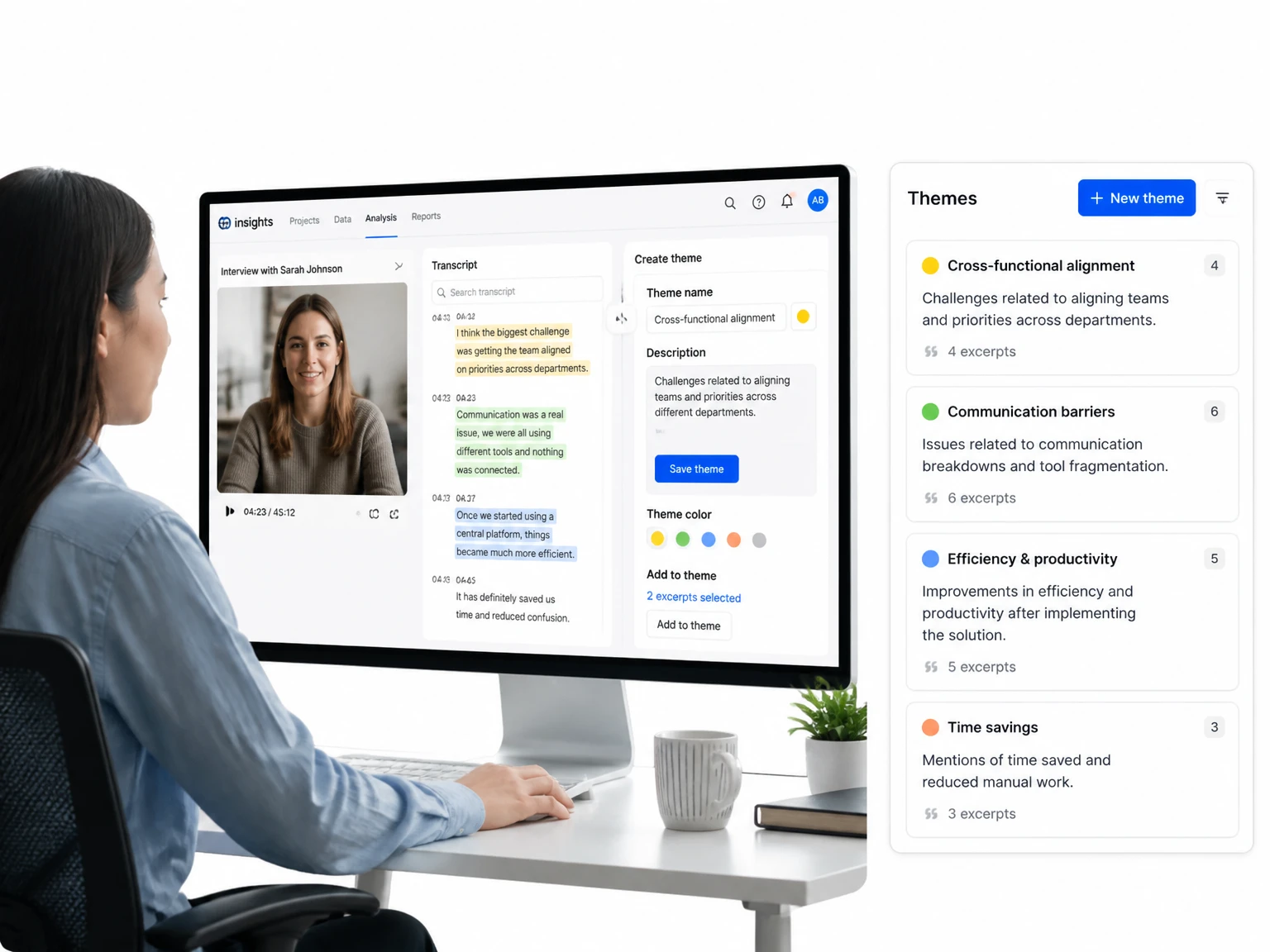
Verbatim Quotes for Coding
Lift exact quotes from interviews and focus groups so researchers code themes from real answers instead of rough paraphrases or memory.
Who Should Use a Video Transcript Generator?
A video transcript generator speeds up work across a growing list of roles. The six groups below turn to transcripts every week to cut out manual labor and share what they know.

Scholars & Grad Students
Students search a semester of lectures in seconds, while researchers collect verbatim quotes from interviews without replaying each recording.

Creators & Podcast Hosts
One video becomes captions, show notes, and social posts, so a single recording feeds a whole publishing schedule.
Marketing & SEO Specialists
Turn webinars and product demos into indexable articles and captions that search engines can actually read.

Reporters & Writers
Transcribe interviews for word-for-word quotes and confirm names without tapping pause and rewind.

Recruiting & People Teams
Turn screening calls into searchable notes so every candidate's answers sit side by side for a fair, fast comparison.

Teachers & Course Trainers
Convert lessons and onboarding sessions into handouts and captions students can revisit after class.
Why Choose Our Video Transcript Generator
Our video transcript generator strips away the usual barriers to transcription — pricing, forced sign-ups, and outdated desktop apps. These are the differences you'll feel against the slow, manual approach.
No Cost, No Account, No Barrier
Generate a full transcript before you ever hand over an email address — nothing to buy, no trial to expire, and no cap on how many videos you run.
Your Recordings Stay Yours
Every upload is encrypted in transit and discarded after processing. We never train on your files or republish a single word of your transcript.
Runs Right in the Browser
There is nothing to download or configure. Open the page on a desktop, tablet, or phone and start a transcript in a few clicks.
Built for Long Recordings
Two-hour lectures and full webinars convert in a single pass, with the engine streaming audio in chunks so big files never time out.
Summary & Mind Map in One Click
Condense any transcript into a short AI summary and a branching mind map that shows the structure before you read a single line.
Every Line Points Back to the Video
Click any sentence in your transcript and the player lands on that exact spoken moment, so verification is instant.
What Users Say About Our Video Transcript Generator
Real feedback matters more than marketing claims, so we asked people who generate transcripts every week to share how the tool fits their routine.
The mind map changed how I study. I upload a lecture, skim the summary to find the section I need, then jump straight to that timestamp instead of replaying the whole thing.
I batch-transcribe a month of episodes at once. The editor saves edits as I go, so I can clean up names and speaker labels between episodes without losing my place.
I pull SRT files straight from the transcript and drop them into my video editor. What used to take a whole afternoon of manual captioning now happens in a few minutes.
Long webinar recordings used to sit on my drive untouched. Now the transcript feeds our whole blog and newsletter pipeline.
I quote interviews in my articles with confidence now. The timestamps make it easy to double-check a phrase before I publish.
Our team turns meeting recordings into searchable notes. What used to be an afternoon of typing is now a couple of clicks.
Video Transcript Generator FAQs
Is the video transcript generator free to use?
Yes, it is completely free to use, with no sign-up and no credit card. You can run transcripts without an account, and every export format — TXT, SRT, VTT, DOCX — is included.
How accurate is the video transcript generator?
It reaches near-human accuracy on clear audio and holds up through accents, room noise, and rapid speech. If a tricky word slips through, the built-in editor lets you fix that one line before you export.
What video formats does the video transcript generator support?
It accepts the common formats — MP4, MOV, AVI, MKV, and others — and can also start from a YouTube URL. In practice, if the file plays in your media player, the generator can usually pull its audio and transcribe it.
Do I need to create an account to use the video transcript generator?
No account is needed. The generator runs in your browser, so you can add a video and start transcribing the moment the page loads — no registration form and no software to install first.
Is my video kept private when I use the video transcript generator?
Yes. Files are encrypted while they travel and are never added to any training set. Once the transcript is finished, the source video is deleted automatically, leaving only the text you decided to keep.
Can I edit the transcript after the generator finishes?
Yes. After generation you can correct any misheard word, drop in quick notes, and nudge a timestamp to the right spot. Changes are saved continuously, so fixing a single line never puts an earlier draft at risk.
Can I export subtitles (SRT or VTT) from my transcript?
Yes. Switch the export to SRT or VTT and you get a subtitle file you can hand to your editor, player, or website CMS. The timestamps follow along, so every caption stays in sync with the spoken audio.
Does the video transcript generator support languages other than English?
Yes. The engine transcribes in more than 100 languages, and you can translate a finished transcript into any of them with a single click — handy for bilingual subtitles or serving a global audience.
How long does it take to generate a transcript from a video?
Most recordings finish in a few minutes, and short clips often complete in under a minute. Longer files take proportionally more time, but the generator processes audio continuously so you are not left waiting on a queue.
Can I use the video transcript generator on my phone?
Yes. Because it runs in the browser rather than as a downloaded app, it works on a phone, tablet, or laptop the same way — just open the page and start.